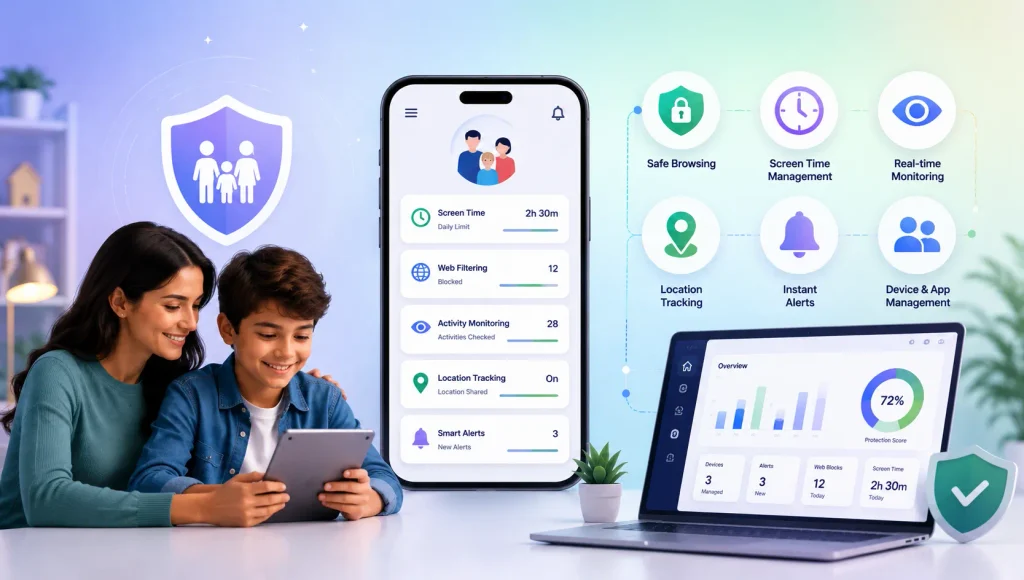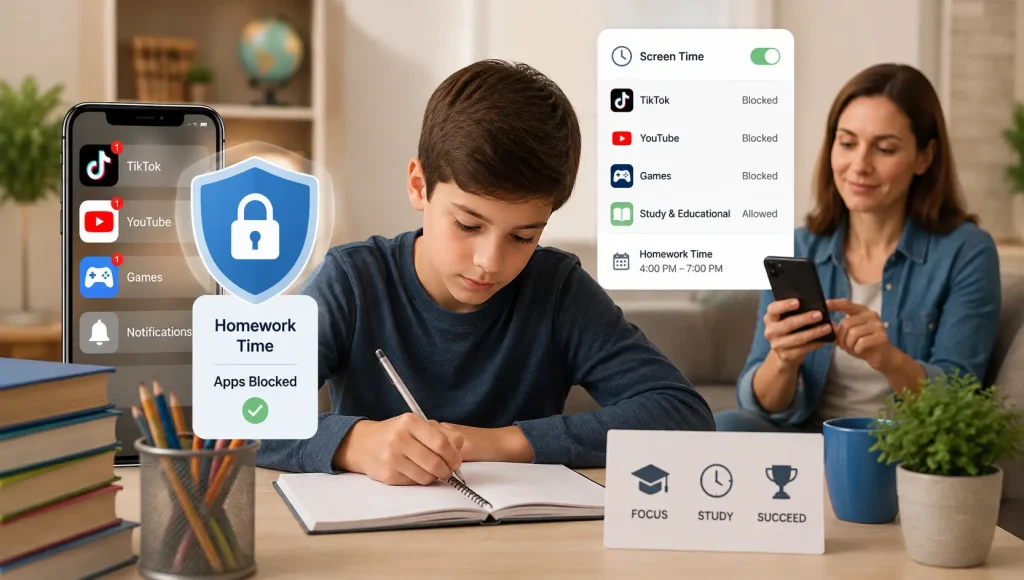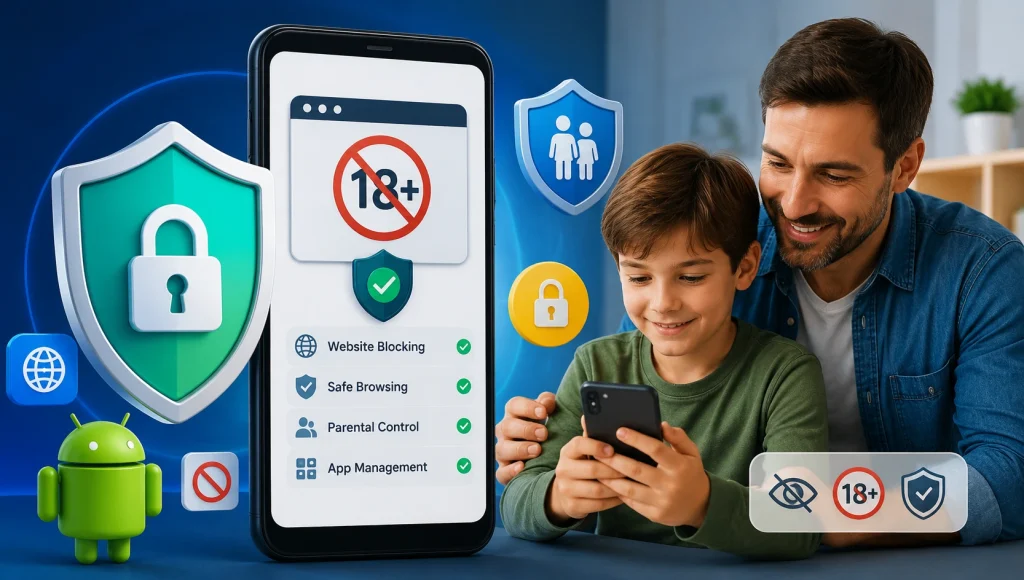




Short answer: WhatsApp has strong encryption and privacy features, but it lacks content moderation, parental controls, and age-appropriate safeguards that children need. If someone sends your child harmful or inappropriate content, WhatsApp won’t detect it, block it, or alert you. That’s why if your child uses WhatsApp, you need a strong parental control app with real-time content detection to keep them safe.
WhatsApp has over 3 billion monthly active users worldwide, making it the most popular messaging app on the planet. In many families, it’s the go-to app for group chats, sharing photos, and staying connected with relatives across the globe.
But here’s what most parents don’t realize: WhatsApp’s safety features were not built with children in mind. Per WhatsApp’s Terms of Service, its minimum age requirement is 13 years old (or higher depending on local laws — for example, 16+ in much of the EU under GDPR Article 8) — yet there is no age verification when signing up. All your child needs is a phone number, and they’re in. While WhatsApp introduced parent-managed accounts for pre-teens in March 2026, these are limited to basic messaging and calling, with no Channels, Status, Meta AI, or disappearing messages access.
This guide breaks down the real risks, walks you through every safety setting WhatsApp offers, and gives you age-specific recommendations so you can make an informed decision for your family.
What Is WhatsApp and Why Do Kids Use It?
WhatsApp is a free messaging app owned by Meta (the company behind Facebook and Instagram). It allows users to send text messages, voice messages, photos, videos, documents, and make voice and video calls — all encrypted end-to-end. For a deeper look at how WhatsApp works from a monitoring perspective, see our Next-Gen WhatsApp Tracker guide.
Why kids are drawn to WhatsApp:
- Family use: Many kids first encounter WhatsApp because their parents and extended family already use it. Family group chats are often where children get their first taste of the app.
- School groups: In many countries, teachers and classmates create WhatsApp groups for homework updates, project coordination, and social planning.
- Free international messaging: For families with relatives abroad, WhatsApp is the primary way to stay connected without SMS charges.
- Group chats: WhatsApp groups can hold up to 1,024 members, making them popular for class groups, sports teams, and friend circles. This makes WhatsApp one of the most concerning social apps for kids when not properly monitored.
- Status updates: Similar to Instagram Stories, WhatsApp Status lets users share disappearing photos and videos that vanish after 24 hours — a feature similar to concerns we covered in our Snapchat safety guide.
8 in 10 of UK children aged 12–17 use WhatsApp, according to recent Ofcom research, with growing usage among younger age groups as well. In countries like India, Brazil, and across Europe, these numbers are also high.
Source: Ofcom Children and Parents: Media Use and Attitudes Report, 2024
The Real Dangers of WhatsApp for Kids
WhatsApp’s encryption is a double-edged sword. It protects privacy, but it also means harmful content cannot be detected or moderated by the platform. Here are the specific risks parents need to understand:
1. Contact from Strangers and Unknown Numbers
Unlike Instagram or TikTok, WhatsApp doesn’t require a follow request. Anyone who has your child’s phone number can message them directly. There is no “private account” mode for incoming messages from unknown numbers.
Why this matters
- If your child’s number is shared in a large group chat, every member now has access to message them privately
- Data breaches and leaked phone number databases give strangers access to contact children
- Scammers and predators can send messages to random phone numbers to see who responds
The National Center for Missing & Exploited Children (NCMEC) reported that Meta platforms (including WhatsApp) accounted for nearly 30 million reports of child sexual abuse material (CSAM) in 2023 — though the vast majority came from Facebook and Instagram where content is not encrypted. WhatsApp’s encryption makes detection significantly harder.
2. Group Chat Risks
WhatsApp group chats are where many of the risks concentrate:
- Anyone in a group can add your child’s number to other groups without their permission (unless restricted in settings)
- Explicit images, videos, and links can be shared by any group member, and there is no AI moderation scanning the content
- Cyberbullying in group chats is common — the Cyberbullying Research Center’s 2025 data found that being excluded from a text or group chat was one of the most commonly reported forms of cyberbullying among teens in the prior 30 days
- Group chats can grow to 1,024 members, making it impossible for parents to know who has access to their child. This is similar to risks we documented in our guide to anonymous chat apps.
3. Disappearing Messages and View Once Media
WhatsApp offers two features that make parental oversight nearly impossible:
- Disappearing Messages: Messages automatically delete after 24 hours, 7 days, or 90 days. Once gone, even WhatsApp cannot recover them.
- View Once: Photos and videos can be sent so they can only be viewed once before disappearing. The recipient cannot screenshot, forward, or save them (though workarounds exist using screen recording).
Parent alert
These features were designed for adult privacy, but children use them to share content they know parents wouldn’t approve of — or worse, predators use them to send explicit material that leaves no evidence.
4. End-to-End Encryption Blocks Content Moderation
WhatsApp’s end-to-end encryption means:
- WhatsApp cannot scan messages for harmful content, CSAM, or grooming language
- Unlike Instagram or TikTok, there are no AI safety filters detecting inappropriate images or predatory behavior — learn more in our AI-generated abuse content guide
- Parents cannot use traditional monitoring tools that read message content, because the messages are encrypted on the device
- Law enforcement cannot access message content even with a warrant — they can only obtain metadata (who messaged whom and when)
What works instead
Tools that work at the device level — scanning what appears on the screen rather than intercepting encrypted data — are the only effective approach for monitoring WhatsApp content.
5. Location Sharing
WhatsApp allows users to share their real-time live location for up to 8 hours continuously. A child can share their live location with anyone in a chat — and if they do so in a group with strangers, their physical location becomes visible to everyone in that group for the duration of the share. For safer alternatives, read our dedicated location tracking guide for parents.
6. Scams and Phishing
Children are particularly vulnerable to WhatsApp scams because they lack the experience to identify them:
- “Hi Mom/Dad” scams: Messages claiming to be from a family member with a new number, asking for money
- Prize scams: Links claiming the child has won a prize, leading to phishing websites
- Malware links: Shortened URLs that install malicious software on the device
- Verification code scams: Requests to share the 6-digit WhatsApp verification code, which gives the attacker control of the child’s account
WhatsApp’s Built-In Safety Settings Every Parent Should Enable
WhatsApp does offer several privacy and safety settings. The problem is that most of them are turned off by default. Here’s every setting you should configure on your child’s phone:
Step 1: Lock Down Privacy Settings
Go to Settings → Privacy and change these:
| Setting | Default | Change To | Why |
|---|---|---|---|
| Last Seen & Online | Everyone | My Contacts | Prevents strangers from seeing when your child is online |
| Profile Photo | Everyone | My Contacts | Prevents strangers from seeing your child’s photo |
| About | Everyone | My Contacts | Hides personal bio from strangers |
| Groups | Everyone | My Contacts | Prevents strangers from adding your child to random groups |
| Live Location | Off | Keep Off | Prevents location sharing |
| Silence Unknown Callers | Off | Enable | Silences calls from unknown numbers (they still appear in call log but won’t ring) |
Step 2: Enable Two-Step Verification
- Open WhatsApp Settings: Go to Settings → Account → Two-step verification
- Enable and set a 6-digit PIN: This prevents account hijacking — even if someone steals your child’s verification code, they cannot take over the account without this PIN.
Step 3: Turn Off Auto-Download of Media
Go to Settings → Storage and Data → Media auto-download
Set all options (Photos, Audio, Videos, Documents) to “No media” for both Mobile data and Wi-Fi. This prevents explicit images or malicious files from automatically downloading to your child’s phone.
Step 4: Block and Report Suspicious Contacts
Teach your child how to block and report: Open the suspicious contact’s chat → Tap the contact name at the top → Scroll down → Block and Report. Show them it’s okay to block anyone who makes them uncomfortable, even if it’s someone from school.
What WhatsApp’s Settings Cannot Do
Critical Gaps — No Setting Can Fix These
- No content filtering: There is no way to block explicit images, videos, or links within WhatsApp
- No screen time limits: WhatsApp has no built-in usage timer or bedtime mode
- No keyword alerts: Parents cannot set alerts for bullying, threats, or sexual content
- No message monitoring: Encryption blocks all traditional parental control apps
- No age verification: Any child with a phone number can create an account
- No AI safety net: Unlike Instagram (which blurs detected nudity for teen accounts), WhatsApp has zero automated content protection
WhatsApp was built for adult privacy, not child safety. The encryption that protects your conversations also protects a predator’s access to your child.
Age-by-Age WhatsApp Guidelines for Parents
Every family is different, but here are evidence-based recommendations by age group:
Under 10 Years Old – No Independent WhatsApp Account
- Children this age should not have their own WhatsApp account
- If they need to message family members, use a parent’s phone under supervision
- Consider kid-friendly alternatives like Messenger Kids (by Meta, designed for ages 6–12 with full parental controls), Apple iMessage with Screen Time restrictions, or a dedicated kids’ phone with built-in monitoring
Ages 10–12 – Supervised Use Only
- If WhatsApp is necessary for school groups, set up the account together
- Configure ALL privacy settings listed above
- Review the contact list regularly — your child should only have contacts you both know
- Set a rule: no joining new groups without asking first
- Use a parental monitoring tool that works at the device level (like KidsNanny’s WhatsApp Shield)
- Keep the phone in a common area at home — not in the bedroom overnight
Ages 13–15 – Monitored Independence
- Have an open conversation about what’s appropriate to share and what to do if they receive something uncomfortable
- Enable all privacy settings and two-step verification together
- Use a screen monitoring tool that alerts you to concerning content without reading every message
- Set screen time boundaries — WhatsApp notifications at midnight are a red flag
- Teach them about grooming tactics and signs of sextortion attempts
- Establish a family rule: disappearing messages and View Once features stay turned off
Ages 16+ – Trust with Verification
- At this age, most teens can manage WhatsApp responsibly with guidance
- Continue to have regular conversations about online safety and healthy social media habits
- Maintain awareness of their digital wellbeing — excessive late-night messaging may indicate cyberbullying
- Keep a location sharing agreement for safety
How to Monitor Your Child’s WhatsApp Without Invading Privacy
This is the question every parent struggles with: how do you keep your child safe on an encrypted platform without reading every single message?
The answer is safety-focused monitoring — watching for danger signals rather than surveilling every conversation:
| Surveillance Approach (Not Recommended) | Safety-Focused Monitoring (Recommended) |
|---|---|
| Reading every message your child sends and receives | Getting alerts only when harmful content is detected |
| Logging all contacts and call history | Flagging suspicious new contacts or unusual patterns |
| Taking screenshots of private conversations | Auto-blocking explicit images before they’re viewed |
| Destroys trust between parent and child | Maintains trust while keeping safety boundaries |
| Child finds workarounds (second phone, app clones) | Child understands monitoring is about safety, not control |
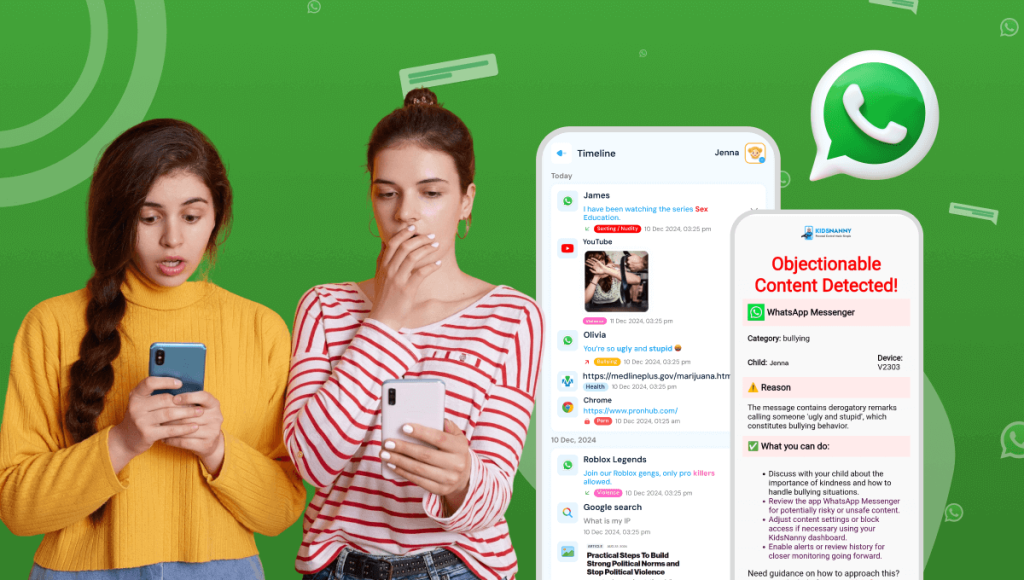
KidsNanny’s WhatsApp Shield is built on this safety-focused approach. Instead of reading every message, it uses AI to scan for specific danger signals:
- Inappropriate content detection: Scans images and text for explicit, sexual, or violent content in real time
- Auto-delete harmful messages: Removes explicit images and harmful messages before your child sees them
- Instant parent alerts: Sends you a notification with details — what was detected, when, and from which contact
- Group chat protection: Monitors both individual and group conversations
- Privacy-respecting design: Does not store or share private conversation content