



Social media is constantly changing, and one of the biggest updates of 2025 is coming from Snapchat. The platform has officially announced a new storage limit for Snapchat Memories, and soon, users will need to pay if they want to keep everything backed up.
While this news affects everyone, it impacts teenagers and young users the most — and as a parent, you deserve to know how it may influence your child’s online habits, safety, and digital choices.
This guide breaks down exactly what’s changing, why Snapchat is doing this, and how you can help your child stay safe, organized, and financially aware — while keeping family memories protected.
What Exactly Is Changing on Snapchat?
Snapchat is introducing a new storage cap:
- 5 GB free storage for Snapchat Memories
- Anything above that requires a paid subscription
This means that years of snaps, videos, screenshots, and saved stories could soon hit the limit. Snapchat will begin asking users — including teenagers — to upgrade to a paid storage plan.
Why This Matters for Parents
Most teens use Snapchat daily. They save everything — school moments, outings, emotional snaps, and even private memories they don’t share with anyone.
With the new limit, these things can happen:
- Pressure to pay for a subscription: A child may feel forced to pay or ask you to pay to keep their memories safe.
- Risk of losing important memories: If your teen has years of snaps saved, older memories might get hidden or removed unless backed up.
- Increased cloud usage and privacy concerns: Downloading backups or saving everything to their phone increases privacy risks if the device is lost or shared.
- Teenagers may not manage storage responsibly: Kids often don’t delete unneeded snaps, duplicates, or sensitive content.
Why Snapchat Is Charging for Storage Now
While this update feels sudden, the reasons are straightforward:
- Cloud storage costs money
- Most platforms already charge for backups
- Snapchat wants to grow its paid Snapchat+ subscriber base
- Growing digital storage needs require more servers
For a teen who uses Snapchat as a digital diary, this update might feel unfair — but it’s part of a larger industry trend.
Snapchat Subscription Prices (Expected Tiers)
Snapchat may offer multiple plans:
- Free: 5 GB
- Basic: ~100 GB for $1.99/month
- Snapchat+: 250 GB for $3.99/month
- Premium: Up to 5 TB for $15.99/month
Prices vary by region, but the concept stays the same: pay to save more memories.

A Parent-Focused Guide: How to Help Your Child Adjust to Snapchat’s Storage Update
1. Start a calm conversation about the update
Explain why Snapchat is charging for extra storage. Kids often think everything online is “free.”
Use simple comparisons:
“Just like we pay for extra iCloud or Google Photos storage, Snapchat now needs to charge to save so many photos and videos.”
2. Review their saved Memories together
Sit down with your child and look at their Snapchat Memories:
- Remove blurry/duplicate snaps
- Delete old content they don’t need
- Talk about what’s okay to save online
This builds healthy digital habits.
3. Agree on a storage plan (free or paid)
Before they subscribe on their own:
- Discuss whether the free 5GB is enough
- Decide as a family if paying is necessary
- Teach budgeting for digital services
Teenagers learn responsibility and financial awareness this way.
4. Teach them how to back up memories safely
Show them how to export all their snaps to:
- Phone gallery
- Google Drive
- Computer
- External drive
Also remind them about privacy: personal photos shouldn’t be left in unprotected folders.
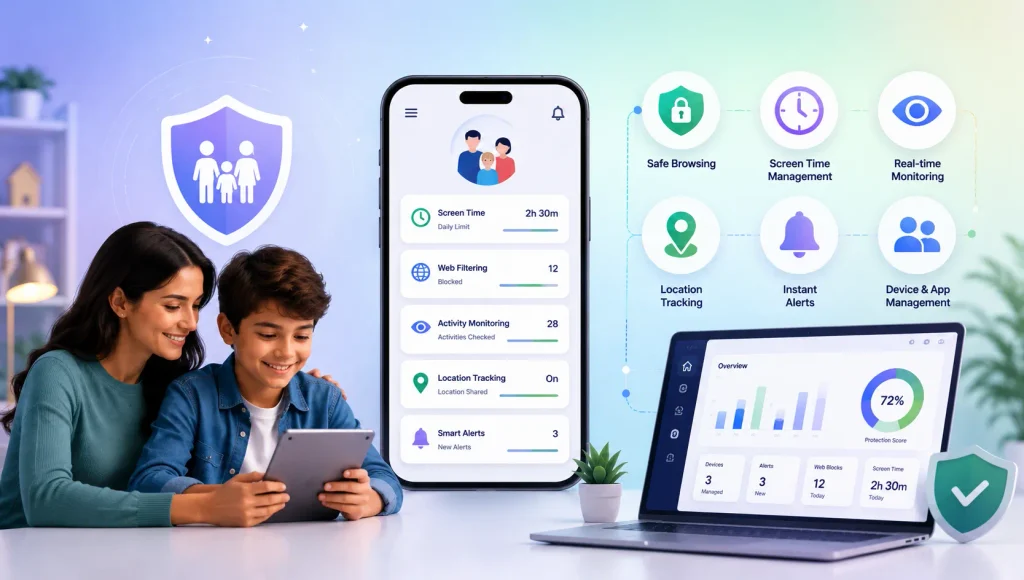
5. Use parental control tools to stay involved
As social apps evolve, teen usage patterns change rapidly — making a reliable Snapchat monitoring app essential for every parent who wants to stay informed.
With the right parental control tools, you can easily track:
- Screen time limits
- Late-night device usage
- Whether they are using the camera responsibly
- What do they watch online?
These features help you guide healthy digital habits and keep your child safer in the long run.
How KidsNanny Helps Parents Stay Informed & Balanced
While Snapchat’s storage changes focus on data, your priorities as a parent are about your child’s safety and well-being.
With KidsNanny social media monitoring app, you can:
- Track app usage and See how long they spend on social apps like Snapchat
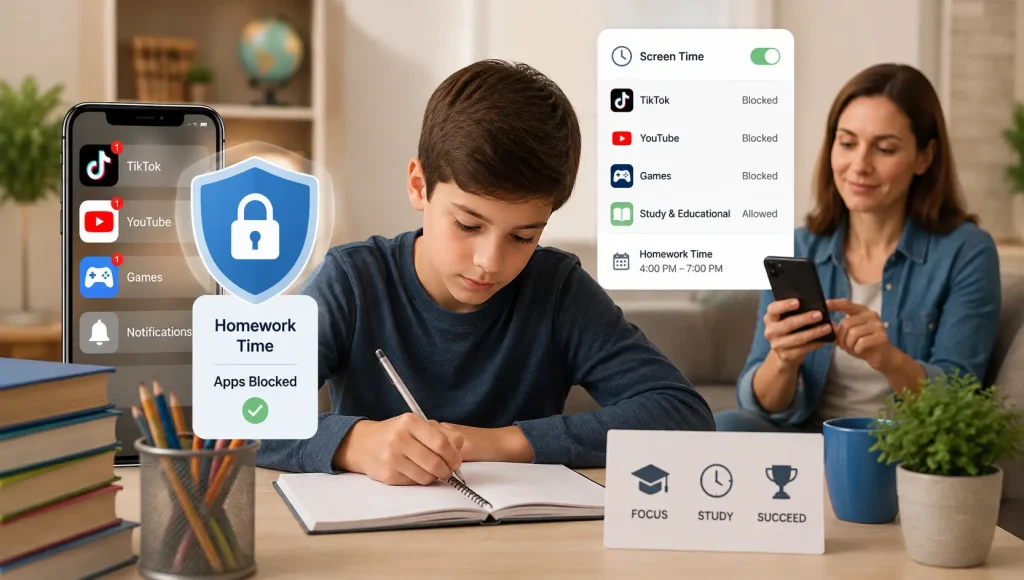
- Set screen time limits
- Block apps during study/sleep hours
- Receive instant alerts if activity is unusual
These tools help you guide your child without invading their privacy.
How to Back Up Snapchat Memories: A Clear Step-by-Step Guide for Teens & Parents
Option 1: Quick Export (Good for small memories)
- Open Snapchat → Memories (the small photos icon beside the camera).
- Tap “Select”
- Choose up to 100 snaps
- Tap “Export” ==> “Download”
Option 2: Full Data Download
- Tap Bitmoji ==> Settings
- Tap “My Data”
- Select “Memories” (and any other data you want)
- Choose “All Time”
- Submit request
- Download ZIP from email
Save it on your computer and in one secure cloud account.
Final Thoughts
Snapchat’s new storage limit may feel like another digital complication, but it also opens important conversations:
- How much time your child spends online
- What kind of content they save
- Financial responsibility and digital choices
- Understanding that online services always have costs
For families, this moment can be a great chance to teach healthy digital habits and prepare kids for a world filled with subscription-based platforms.
With a little planning — and the right tools — you can protect both your child’s memories and their digital safety.