


Key Takeaways
- OnlyFans is an adult-only platform intended for users aged 18+.
- Teenagers may still discover OnlyFans through social media or shared links.
- Parents can monitor browsing activity without invading privacy.
- Website filtering and screen time tools help reduce exposure.
- Open communication is just as important as parental controls.
OnlyFans has become one of the world’s most talked-about subscription platforms. While it is widely known for creator subscriptions and adult content, many parents have an important question:
Can children access OnlyFans?
The short answer is yes—although OnlyFans is intended only for adults aged 18 and older, determined teenagers may still try to access it by using false information, shared accounts, or links shared through social media.
That possibility is concerning because OnlyFans contains explicit material that is not suitable for minors. Even if a child never creates an account, they may still encounter promotional links on platforms like Instagram, Reddit, X (formerly Twitter), Discord, Telegram, or other social media communities.
For parents, the goal shouldn’t be to spy on every click—it should be to understand online risks, create healthy digital habits, and use appropriate parental controls to reduce exposure to adult content.
In this guide, you’ll learn:
- What OnlyFans is
- Whether kids can access it
- Signs your child may be visiting adult websites
- Safe ways to check browsing activity
- How to block OnlyFans
- How KidsNanny helps parents monitor online activity responsibly
Quick Answer: Yes. Although OnlyFans is intended for adults aged 18 and older, determined minors may still attempt to access it using false information, shared devices, or links from social media. Parents can reduce this risk by using parental controls, blocking adult websites, monitoring browsing activity, and talking openly about online safety.
What Is OnlyFans?
OnlyFans is a subscription-based content platform where creators can share exclusive photos, videos, livestreams, and messages with paying subscribers.
Although the platform also hosts fitness coaches, musicians, chefs, and other creators, it is primarily recognized for adult content.
Users generally subscribe monthly to individual creators, and some creators also charge additional fees for exclusive content or private messages.
Because of its popularity, OnlyFans links are frequently promoted on other social media platforms, making it easier for curious teenagers to discover the service.
Is OnlyFans Safe for Children?
No. OnlyFans is designed exclusively for adults.
According to the platform’s policies, users must be at least 18 years old to create an account or purchase subscriptions.
However, age restrictions alone cannot completely prevent minors from attempting access.
Teenagers may try to:
- Use a false birth date
- Borrow someone else’s device
- Use another person’s payment method
- Access shared accounts
- Visit promotional pages without logging in
- Click OnlyFans links shared on social media
While payment is generally required to view premium content, children can still be exposed to explicit marketing or creator profiles through other websites and apps.
OnlyFans & kids: at a glance
| Question | Answer |
|---|---|
| Age requirement | 18+ |
| Is OnlyFans safe for kids? | No |
| Can minors access it? | They may attempt to bypass age restrictions |
| Does OnlyFans offer parental controls? | No |
| Can parents block it? | Yes |
Why Parents Should Be Concerned
Many parents assume adult platforms aren’t relevant until their children become older.
Unfortunately, exposure to explicit content can happen much earlier than expected.
In fact, research by Common Sense Media found that the average age of first exposure to online pornography is 12 — and some children encounter it even younger.
Children today discover websites through:
- TikTok trends
- Instagram profiles
- Reddit communities
- Discord servers
- Telegram groups
- Search engines
- Friends at school
- Shared links
Even accidental exposure may lead to repeated visits out of curiosity.
Parents should focus on early conversations about digital safety rather than waiting until a problem develops.
Can You Tell If Your Child Has Visited OnlyFans?
Yes—in many cases, you can identify signs that a child has accessed OnlyFans or similar adult websites by reviewing activity on the device or through parental control tools.
Some common indicators include:
1. Browser History
Checking browser history can reveal visits to OnlyFans or related websites if the history has not been deleted.
A dedicated website history tracker can keep this record even when your child clears their browser.
2. Screen Activity
Some parental control apps periodically capture on-device activity (with appropriate parental consent), helping parents understand which apps or websites are being used.
This can provide context if browsing history has been cleared. KidsNanny’s AI-powered Screen Scanner is one example of this kind of tool.
3. App Installations
Although OnlyFans is primarily accessed through a web browser, parents should regularly review newly installed browsers, VPNs, and privacy-focused applications that could bypass restrictions.
4. Search History
Parents may notice searches such as:
- OnlyFans
- OnlyFans login
- creator profiles
- free OnlyFans
- OnlyFans leaks
A single search doesn’t necessarily indicate misuse, but repeated searches can signal growing curiosity.
Warning Signs of Adult Website Use
No single behavior confirms a child is accessing adult content.
However, parents may notice patterns such as:
| Possible Sign | What It Could Mean |
|---|---|
| Frequently deleting browser history | Attempting to hide browsing activity |
| Using private browsing | Avoiding saved history |
| Locking the phone immediately | Increased privacy |
| Sudden interest in VPN apps | Trying to bypass filters |
| Staying online late at night | Unsupervised browsing |
| Visiting unfamiliar websites | Exploring new content |
These behaviors should start a conversation—not accusations.
How Parents Can Check Online Activity Safely
Rather than secretly investigating every action, experts recommend combining communication with parental monitoring tools.
Practical approaches include:
- Reviewing browser history together.
- Discussing internet safety regularly.
- Setting screen time limits.
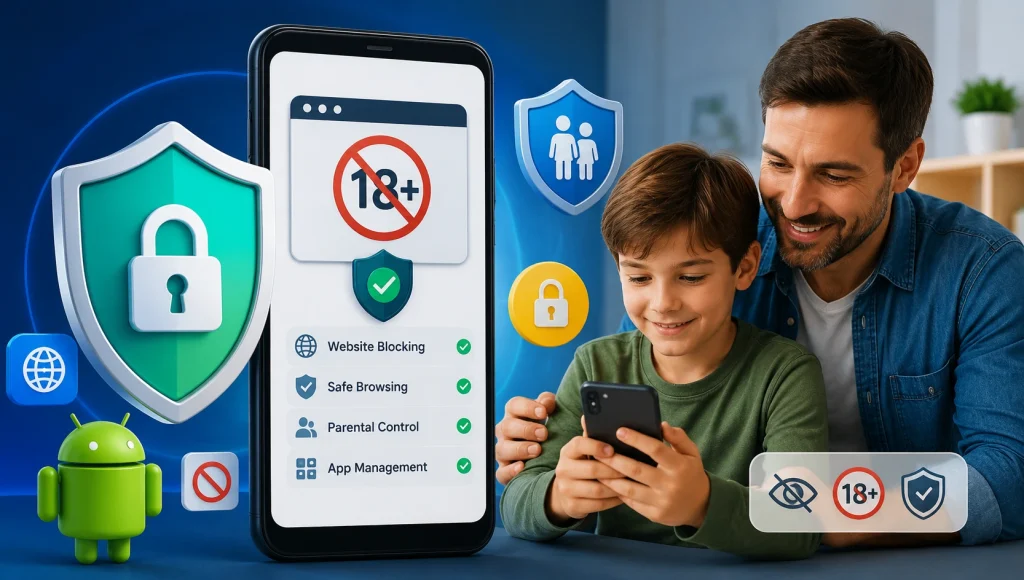
- Blocking adult websites.
- Monitoring web activity using a trusted parental control app.
- Encouraging children to ask questions about online content.
This approach helps build trust while keeping children safer online.
How to Block OnlyFans
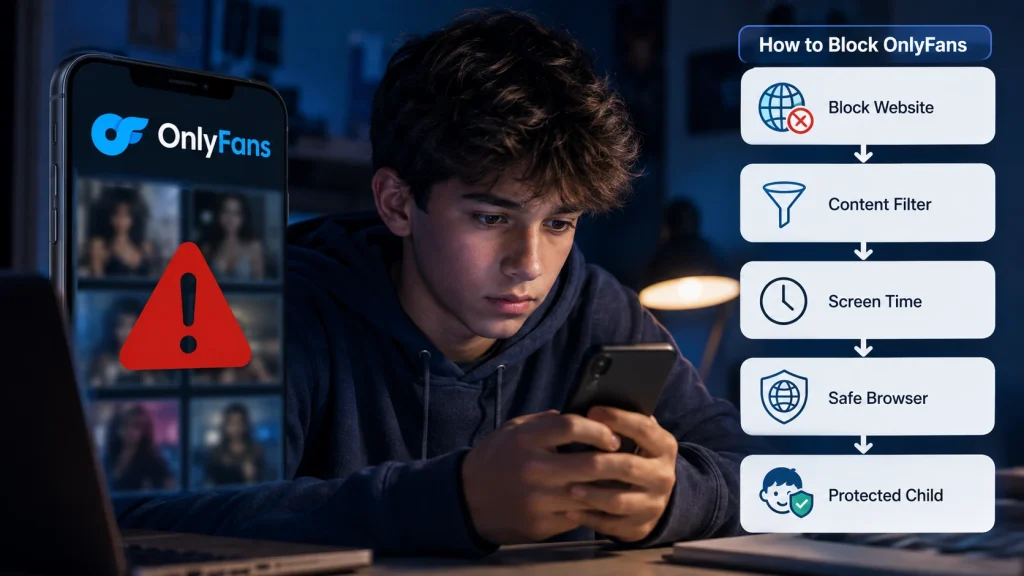
Parents can reduce exposure using several methods.
- Enable SafeSearch – Google SafeSearch filters explicit search results.
- Use Family DNS Filters – DNS filtering services can block known adult websites before they load.
- Block the Website – Many parental control apps allow parents to manually block domains such as OnlyFans. With content filtering, you can block inappropriate websites at the device or network level.
- Set Screen Time Rules – Limiting late-night internet access reduces unsupervised browsing opportunities. Learn how to set screen time limits on Android and iPhone.
How KidsNanny Helps Parents Stay Informed
KidsNanny is designed to help parents understand how children use their devices while encouraging healthy digital habits.
Depending on your settings, parents can:
- Review browsing history
- Block inappropriate websites
- Monitor app usage
- Set daily screen time limits
- Receive alerts for concerning activity
- Review AI-assisted Screen Scanner insights
- Manage internet access remotely
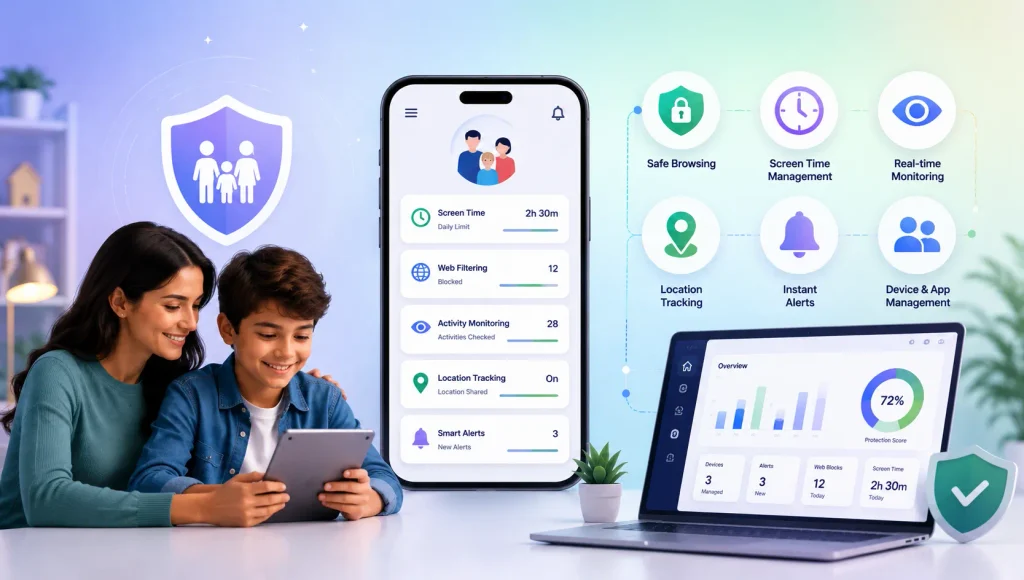
KidsNanny gives parents greater visibility into their child’s online activity through website history tracking, AI-powered Screen Scanner insights, app usage reports, content filtering, and screen time management. These tools help families identify potential risks early while encouraging healthy digital habits and age-appropriate internet use.
Instead of waiting until harmful content becomes a problem, parents can proactively create a safer online environment.
How Parents Can Protect Children from OnlyFans and Other Adult Content
Children are naturally curious, and the internet makes it easy for them to discover websites that are intended only for adults. While parents cannot control every link a child may encounter, they can create a safer digital environment by combining open communication, parental controls, and healthy online habits.
Below are practical strategies that can help reduce the risk of exposure to OnlyFans and similar adult platforms.
1. Talk About Online Safety Before Problems Happen
Technology alone cannot replace honest conversations.
Children are more likely to come to a trusted adult if they accidentally encounter explicit content when they know they won’t immediately be punished.
Some conversation starters include:
- Do you know what adult websites are?
- What would you do if someone shared an inappropriate link?
- Have you ever seen something online that made you uncomfortable?
- Do you know why some websites have age restrictions?
Keeping the discussion calm and age-appropriate helps children build better judgment instead of simply learning to hide their online activity.
2. Review Browsing Activity Together
Rather than secretly checking every website, consider reviewing internet activity together—especially for younger children.
Looking at browsing history can become a regular digital safety habit instead of a punishment.
If history has been deleted or private browsing was used, parents may have fewer insights. That’s why many families choose parental control tools that maintain a record of visited websites.
3. Watch for Changes in Digital Behavior
There is no single sign that proves a child has visited OnlyFans or another adult website.
However, several changes may indicate it’s time for a conversation:
- Frequently deleting browser history
- Using Incognito or Private Mode more often
- Downloading unfamiliar browsers
- Installing VPN applications
- Becoming unusually secretive about their phone
- Spending significantly more time online late at night
- Following adult creators on social media
These behaviors don’t automatically mean something is wrong, but they may signal that your child needs additional guidance.
4. Block Adult Websites Before They’re Opened
One of the easiest ways to reduce exposure is by preventing access in the first place.
Parents can:
- Block specific websites
- Enable adult content filters
- Restrict web browsers, or switch to a safe browser for kids
- Use family-safe DNS filtering
- Limit unrestricted internet access
Using multiple layers of protection is generally more effective than relying on a single setting. For step-by-step help, see our guides on how to block adult content on your child’s phone and how to block adult websites on Android.
5. Set Healthy Screen Time Limits
Late-night browsing often happens when children are unsupervised.
Creating consistent screen time routines helps reduce opportunities for risky online behavior.
Consider:
- No phones during bedtime
- Homework-first device rules
- Device-free family meals
- Scheduled downtime
- Weekend screen limits
These habits support healthier digital lifestyles beyond simply blocking one website. See how to set screen time limits across your child’s devices.
6. Monitor App Usage
OnlyFans itself is commonly accessed through a web browser, but children may also use social media apps to discover creator profiles and external links.
Reviewing app activity can help parents understand which platforms receive the most attention. You can monitor app usage to see this at a glance, or monitor YouTube activity if video apps are a concern.
Examples include:
- X (Twitter)
- Telegram
- Discord
Monitoring overall app usage—not reading every conversation—can help identify emerging risks while respecting a child’s growing independence.
7. Use AI-Powered Monitoring for Additional Context
Modern parental control solutions are becoming more intelligent.
Instead of only blocking websites, some tools can identify potentially inappropriate activity using AI-assisted analysis.
For example, KidsNanny’s Screen Scanner helps parents understand what appears on a child’s screen by analyzing screenshots captured at regular intervals. This provides additional context if browsing history has been deleted or websites were accessed through private browsing.
Used responsibly, this feature can help parents start meaningful conversations rather than relying on assumptions.
Can Someone See Your OnlyFans Account?
Parents sometimes wonder whether it’s possible to discover if another person has an OnlyFans account.
The answer depends on the situation.
OnlyFans does not provide a public directory that allows people to search every account or subscriber. Many creators also use stage names rather than their real identities, and subscriber information is private.
It’s important to respect other people’s privacy and avoid attempting to access accounts without permission.
If your concern is about your own child, focus on monitoring activity on devices you manage and using parental controls rather than trying to investigate someone else’s personal account.
Other Online Risks Parents Should Know About
OnlyFans isn’t the only adult-content risk children face online. A few related dangers worth understanding — and talking about — include:
- Online predators and grooming
- Financial sextortion
- Cyberbullying
- Explicit Discord communities
- Reddit NSFW communities
- Anonymous chat apps

Final Thoughts
OnlyFans is designed for adults, but that doesn’t completely eliminate the possibility of children encountering it through social media, shared links, or web searches. Rather than relying solely on age restrictions, parents should combine open communication with practical safeguards like content filtering, screen time management, and website monitoring.
KidsNanny helps parents create a safer digital environment by making it easier to monitor browsing activity, block inappropriate websites, manage screen time, and gain AI-powered insights into device usage. Together with regular conversations about online safety, these tools can help children build healthier digital habits while reducing exposure to explicit content.
The goal isn’t to monitor every click—it’s to give children the guidance and protection they need to explore the internet safely and responsibly.