



Discord started as a chat app for gamers and has grown into a sprawling network of communities covering everything from homework help to music, art and fandoms. For millions of teens it’s where their friends hang out — which is exactly why so many parents are asking, in 2026, whether it’s actually safe for their child. The honest answer is: it’s safer than it used to be, but it was never designed for kids, and it still carries real risks that good settings and a watchful parent can manage but not erase.
This guide gives you a straight verdict, explains the big safety changes Discord made in 2026, lays out the risks that remain, and gives you a practical checklist to set it up as safely as possible.
The short answer: Discord requires users to be at least 13 and is not appropriate for younger children. For teens 13+, it can be reasonably safe if you turn on its teen-by-default protections, keep it to known friends and supervised servers, and stay involved. The biggest dangers — strangers in public servers, private messages and voice chat — are exactly the things its 2026 updates target but don’t fully remove.
What Is Discord, and Why Do Kids Love It?
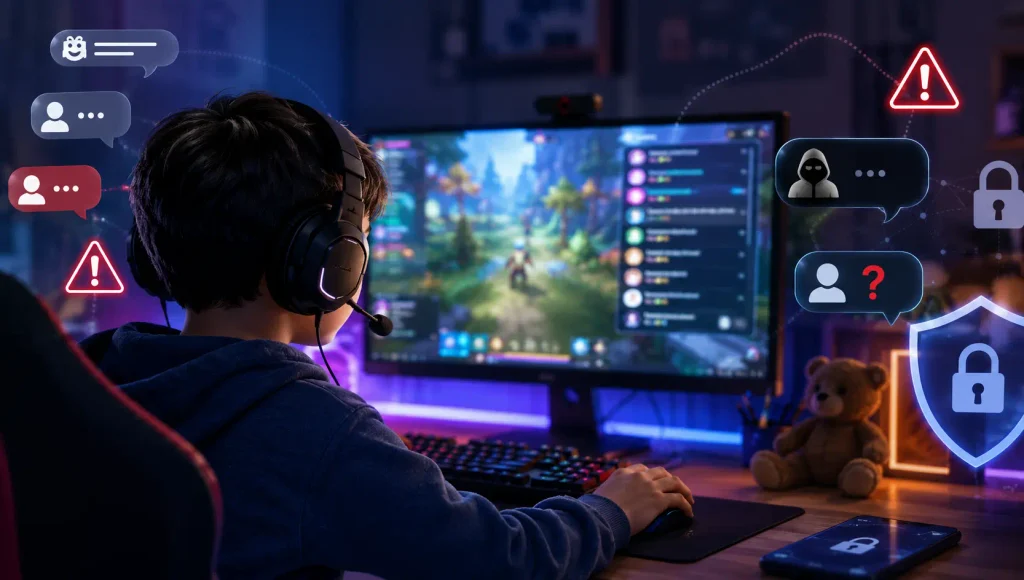
Discord is organised around “servers” — group spaces made up of text, voice and video channels. Some servers are tiny and private (a handful of friends); others are huge public communities with thousands of strangers. Kids are drawn to it because it’s where their gaming groups, school friend circles and hobby communities live, and because it feels more relaxed and less performative than public social media.
That same flexibility is what makes it hard to supervise. Conversations happen in real time, often by voice, and much of it isn’t saved in a way a parent can easily scroll back through. In that sense it has more in common with the anonymous chat apps we’ve covered before and with the risks of online gaming chat than with a feed-based app like Instagram.
What Changed in 2026: Teen-by-Default and Age Checks
Under regulatory pressure around the world, Discord made its most significant child-safety changes yet in 2026. In early March, it rolled out “teen-by-default” settings globally. For accounts identified as belonging to under-18s, this means:
- mature and age-restricted content is blurred or blocked by default;
- they can’t access age-restricted servers and channels;
- direct messages from people they don’t know are off by default;
- friend requests from unknown accounts come with warnings; and
- they can’t speak on public “Stage” broadcast channels.
Discord also began rolling out age assurance. Most users’ ages are determined automatically through existing signals, so Discord says over 90% won’t need to do anything. When manual verification is required, users can choose facial age estimation or an ID check through a third-party vendor, and through mid-2026 Discord has been testing additional options such as Google Wallet and credit-card checks. Discord has emphasised it does not require universal ID uploads or face scans, and it delayed the full global rollout to the second half of 2026 to expand options and transparency.
Why this matters: These defaults genuinely raise the floor on safety — but they depend on Discord correctly identifying your child as a minor. If a child signs up with a false birthdate (a few taps), they may not get teen protections at all. That’s why your own setup and oversight still matter.
The Risks That Still Remain
Even with the 2026 changes, several risks are baked into how Discord works:
- Strangers in public servers. Large communities mix kids and adults. Moderation varies enormously, and some servers are barely moderated at all.
- Direct messages and grooming. Once a teen joins a shared server, members may try to move them into private DMs. This is a classic grooming pathway — the same pattern described in our guide to spotting online grooming and sextortion.
- Mature or harmful content. Blurring helps, but determined kids find workarounds, and not every harmful community is correctly age-gated.
- Voice and video chat. Real-time audio and video are hard to monitor and can expose kids to inappropriate conversations.
- Scams and malware. Fake giveaways, crypto scams and malicious links circulate widely on Discord.
None of this means Discord is uniquely dangerous — many of these risks exist anywhere kids talk to strangers online, which is also why parents look for genuinely safer chat options for teens. But it does mean “they turned on the teen settings” isn’t the end of the conversation.
What Age Should a Child Be on Discord?
Discord’s own minimum age is 13 (and higher in some countries). Below that, it shouldn’t be used at all. For 13–15-year-olds, treat it as a supervised privilege: small, known servers, teen settings on, and regular check-ins. By 16–17, many teens can handle more independence — but the open conversation should continue. As always, your knowledge of your own child matters more than any blanket number.
How to Set Up Discord Safely: A Parent’s Checklist
If you decide to allow Discord, take ten minutes to set it up properly:
- Use an accurate birthdate. The teen-by-default protections only apply if Discord knows your child is a minor.
- Turn on the strictest content filter in Privacy & Safety, and confirm DMs from non-friends are blocked.
- Lock down who can contact them. Limit friend requests and direct messages to friends only, and turn off DMs from server members where possible.
- Review their servers together. Favour small, private servers with people they know in real life; be cautious of large public ones.
- Set up Discord’s Family Centre, which lets you link to your teen’s account and see who they’ve added and which servers they’ve joined, without reading message content.
- Agree on ground rules: no sharing personal info, no moving to private apps with strangers, and tell a parent if anything feels off — with no fear of losing the app for being honest.
Where Parental Controls Fit In
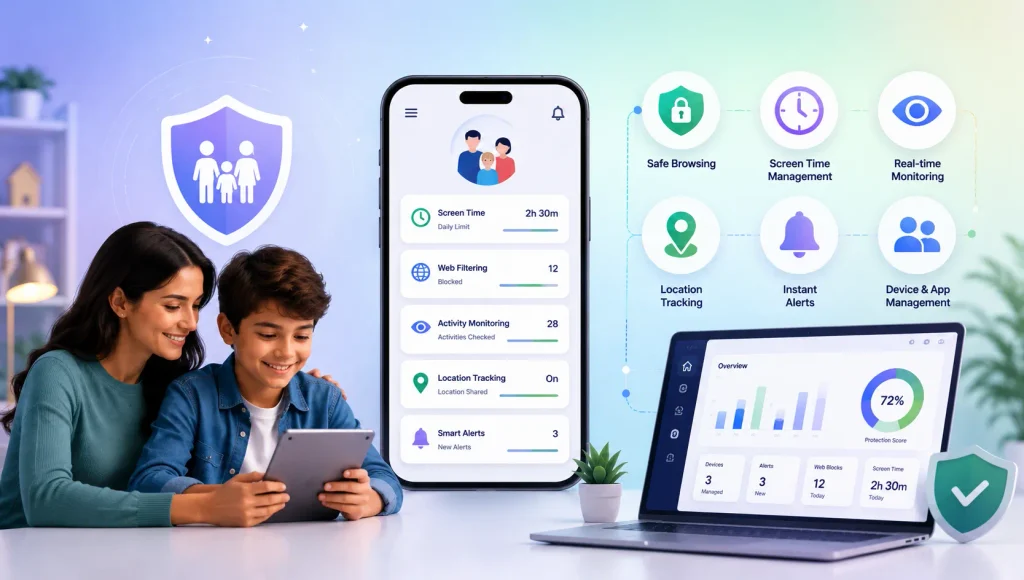
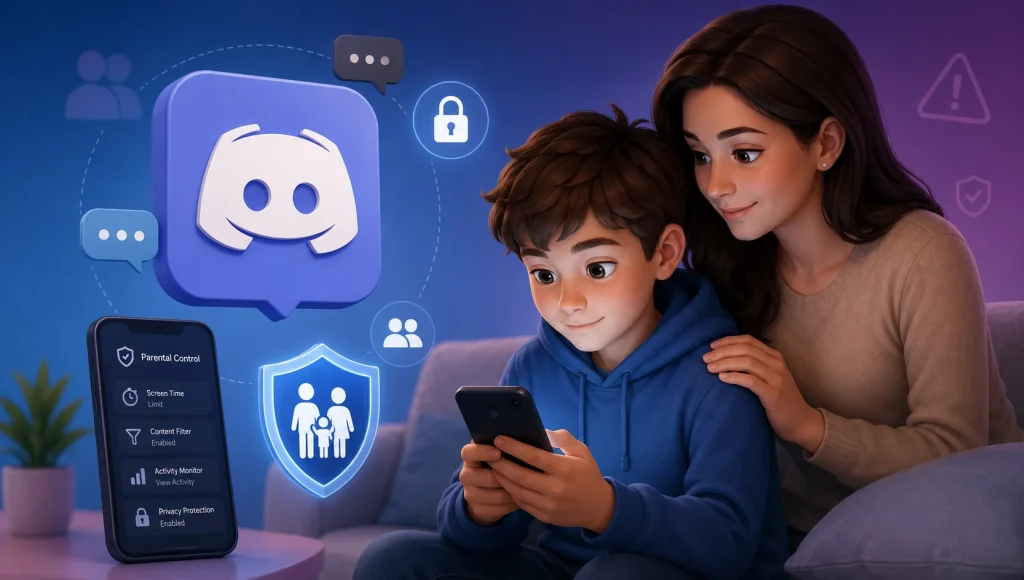
Discord’s Family Centre is useful, but it’s deliberately limited — it won’t show message content, and it only covers Discord. For a fuller picture across every app on the device, parents often pair it with a dedicated tool. KidsNanny’s AI Screen Scanner can flag harmful content as it appears on screen in any app, app blocking and install alerts let you decide whether Discord is allowed at all and notify you if it’s reinstalled, screen-time limits keep late-night chatting in check, and content filtering plus web-history visibility close some of the gaps Discord’s own tools leave open.
The goal isn’t to spy — it’s to keep enough visibility that you can step in early, the same balanced approach we recommend for every app. Used together with honest conversations and Discord’s teen settings, it’s a realistic way to let a teen enjoy their communities while staying genuinely protected.