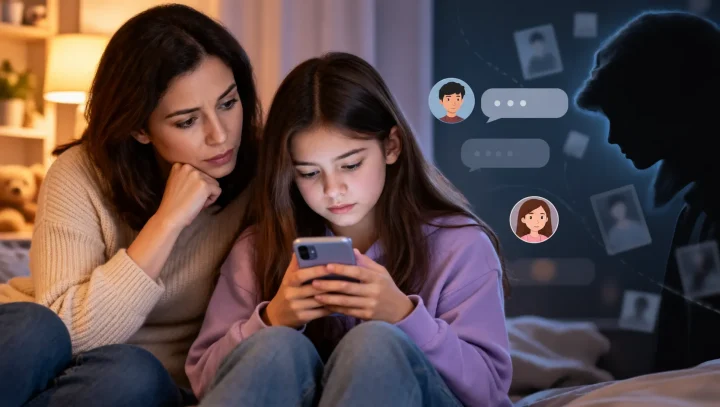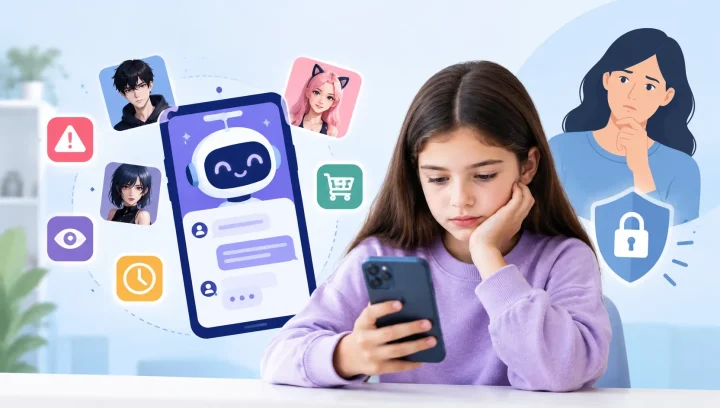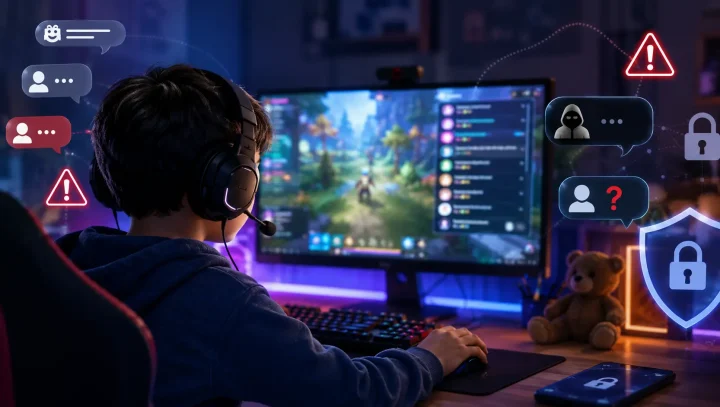

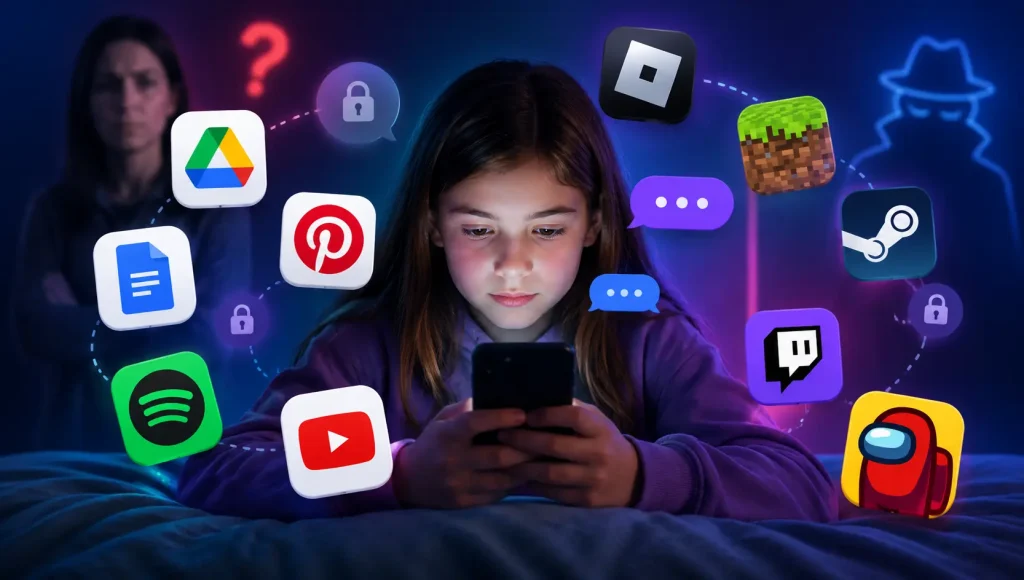
Most parents know to look closely at the obvious apps — Snapchat, Discord, the ones built for talking. What catches families off guard is the chat feature hiding inside an app they already approved: a homework document, a music player, a drawing tool. If two people can share something inside an app, there’s a good chance they can also send each other private messages — and children (and the adults looking for them) have worked this out.
This is different from the vault and disguised apps kids install on purpose to hide things. These are apps you handed over willingly, believing they were safe. Below is where the hidden messaging actually lives, what makes it risky, and how to lock it down.
Why do apps you already trust have a chat feature?
Because almost any feature that lets two people share something can quietly become a way for them to talk. A comment thread, a collaborative document, a live-stream chat box, an in-game message — developers add these to make apps more social and sticky, and the side effect is a private channel living inside a product no one thinks of as “a messaging app.”
Child-safety organisations such as the Canadian Centre for Child Protection warn that these overlooked features are increasingly where first contact happens. A predator doesn’t need your child to download something suspicious — they only need a comment box on a school project or a friend request in a game.
Rule of thumb: if an app lets your child share, collaborate, comment, or play with other people, assume it can message them too — and go find the setting that controls it.
Which apps have hidden messaging? The top 10
Here are the ten that catch parents off guard most often — what the hidden chat actually is, and one quick fix for each.
1. Google Docs & Google Drive
This is the one that surprises parents most. A shared Google Doc has three ways to chat: the comment sidebar, a built-in chat box that appears when two people edit at once, and simply typing back and forth in the document itself. Students use it constantly — often to get around school phone bans — because with a laptop open it looks exactly like homework. When an adult walks past, one tap on “Resolve” or a quick delete wipes the whole conversation.
Parent tip — check your child’s Google account for documents shared with people you don’t recognise, and keep sharing set to specific classmates rather than “anyone with the link.”
2. Canva
Canva is a design tool used in millions of classrooms, which is exactly why it slips past parents. When two people share a project, they can leave comments back and forth — a private thread that lives inside what looks like a school assignment. Because it’s a “creative” app, it rarely gets the scrutiny a social network would, and comment threads on shared designs have been flagged as a route adults use to contact students.
Parent tip — review who your child’s Canva designs are shared with, and treat an unfamiliar collaborator the same way you’d treat an unknown follower on social media.
3. Spotify
Does Spotify have direct messaging? Yes. In August 2025 Spotify launched Messages, a direct-messaging feature inside the app, and added group chats in early 2026. To be accurate: one-to-one DMs are limited to users aged 16 and over and only to people your child has already interacted with through Jams, Blends, Collaborative Playlists, or a shared family plan. So it isn’t wide-open stranger chat — but it’s a messaging surface most parents have no idea exists, and shared playlists can still connect a teen’s account to others.
Parent tip — for younger children use Spotify Kids, and on a teen’s account review Blends and collaborative playlists to see which accounts are linked to theirs.
4. Pinterest
Pinterest is known for recipes, outfits, and craft ideas, which makes its direct-messaging feature easy to miss. But Pinterest has DMs, and because the platform feels so wholesome it gets very little parental attention. If a stranger finds your child’s board, all it takes is a single message to start a conversation.
Parent tip — set your child’s profile to private where possible and limit who can message them in the app’s privacy settings.
5. YouTube
Beyond the videos, YouTube carries two conversation channels: public comments and live-stream chat. During a live stream, viewers — including adults — can post in real time, and creators sometimes encourage fans to reach them elsewhere. It’s a busy, largely anonymous space that sits on a device in almost every home.
Parent tip — use YouTube Kids or a supervised account for younger children, and disable comments and live-chat interaction where the settings allow it. Our guide to YouTube controls for kids walks through the options.
6. Roblox
Roblox is a game to your child and a social network in practice. It includes in-experience chat, friend requests, and group spaces where players talk while they play. Roblox has tightened this recently with age-based accounts, but chat is still a core part of the platform for older kids.
Parent tip — our full guide, is Roblox safe for kids, covers exactly which chat and friend settings to change.
7. Minecraft
Single-player Minecraft is genuinely low-risk. The messaging appears the moment your child joins multiplayer servers — especially large public ones — where in-game chat connects them to strangers of any age. Many families never realise their child has moved from building alone to playing on a server full of people they don’t know.
Parent tip — keep play to private Realms or whitelisted servers with people you know, and set multiplayer chat to “commands only” or off for younger kids.
8. Steam
Steam is a games store, but it’s also a social platform with friend chat, group chats, and messages that can arrive from strangers. Because parents think of it as “where you buy PC games,” the chat side rarely gets checked — and profiles and comments are public by default.
Parent tip — in Steam’s privacy settings, set the profile and comments to friends-only and turn on Family View to restrict who can make contact.
9. Twitch
Twitch is live-streaming, and every stream comes with a fast-moving public chat where anonymous adults and children mix freely. It also has “whispers” — private direct messages — which is where a friendly chat-room regular can move a conversation one-to-one.
Parent tip — turn off whispers from strangers, and steer younger kids toward watching rather than chatting. Our overview of monitoring kids’ online gaming safely has more.
10. Among Us
The cartoon art style makes Among Us look harmless, but public lobbies include in-game text chat with random players from anywhere in the world. For a game marketed to young children, that open chat with strangers is easy to overlook.
Parent tip — play in local or private lobbies with friends, and use the “quick chat” setting, which limits messages to preset phrases instead of free typing.
What makes hidden messaging so dangerous?
The danger isn’t the first message — it’s the second move. That opening contact rarely looks alarming: a compliment, a question about a game, help with a design, a shared playlist. The risk comes when someone pushes to move the conversation somewhere more private.
Anyone trying to shift a chat off the original app and onto Discord, Snapchat, or plain text is showing you a warning sign, however friendly they seem. That “off-platform pivot” is the standard opening move in grooming, and it’s often how a normal-looking chat escalates into requests for photos or money — our guide to financial sextortion explains how, and what to do. The same comment-and-chat channels are also used for cyberbullying between classmates, which is worth watching for too.
How do I find and turn off hidden chat on my child’s phone?
You can’t memorise the settings for every app, and new features appear all the time — so use two layers instead of chasing each app one by one.
- Do a quick app-by-app audit. Open each app your child uses and look in settings for anything labelled messages, comments, chat, friends, sharing, or community. Set contact to friends-only or off, make profiles private, and review recent shared documents and friend lists together.
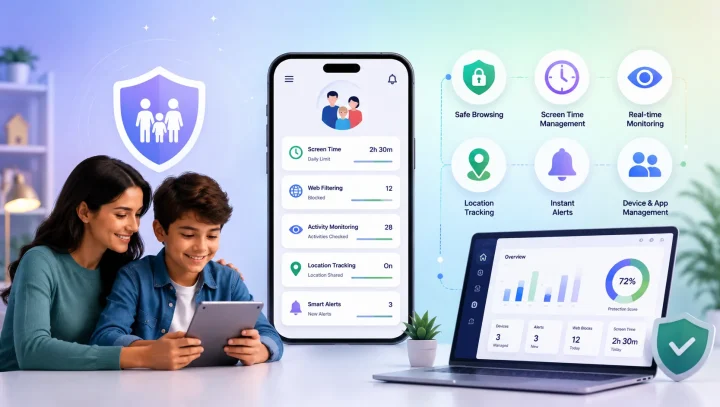
- Add a device-level backstop. Per-app settings are a game of whack-a-mole. A tool that works across the whole device catches what individual toggles miss — which is where KidsNanny fits in.
Rather than trying to police one app at a time, KidsNanny’s Screen Scanner lets you see what your child is actually viewing across every app, so an unexpected chat shows up early instead of after the fact. Screen-time management keeps overall use in check, and activity monitoring gives you the whole picture — not just the apps you already knew to worry about. It works the same way on Android and iPhone.
None of this replaces talking with your child about who is contacting them and why. But together — a settings audit, a device-level view, and an open conversation — you close the back doors that these everyday apps quietly leave open. For the other side of this topic, see the apps kids install specifically to hide messages and photos.

Quick answers for parents
Can my child talk to strangers on Google Docs or Canva?
Yes, if a document or design is shared with someone outside the family. The comment threads in Google Docs and Canva work as a private back-and-forth conversation, and kids use them to chat while appearing to do schoolwork. Keep sharing limited to known classmates and review who has access.
Does Spotify have direct messaging?
Yes. Spotify launched Messages in August 2025. One-to-one DMs are limited to users aged 16 and over and to people your child has already interacted with through Jams, Blends, Collaborative Playlists, or a shared plan — not open stranger chat, but a messaging surface many parents don’t expect.
Are these apps safe if I just turn off chat?
Turning off or restricting chat removes most of the risk, and it’s the single most effective step. But settings can be switched back and new features appear, so pair it with occasional check-ins and a device-level view rather than treating it as one-and-done.
Can parental control apps detect hidden messaging?
They help, but no app reads every private or encrypted message. The realistic goal is visibility and early warning — seeing which apps are used, how much, and what’s on screen — combined with restricting contact settings and talking with your child.
Which of these apps is the biggest risk for younger children?
For under-10s, the multiplayer game chats (Roblox, Minecraft, Among Us) and open live chat (YouTube, Twitch) tend to carry the most stranger contact. For that age, keep chat off, stick to private lobbies or kids’ versions, and play in shared family spaces.