Monthly
Every premium tool, month to month
$9.00$5/month
Billed monthly
Works on
Start Free Trial
Auto-renews monthly. Cancel anytime.





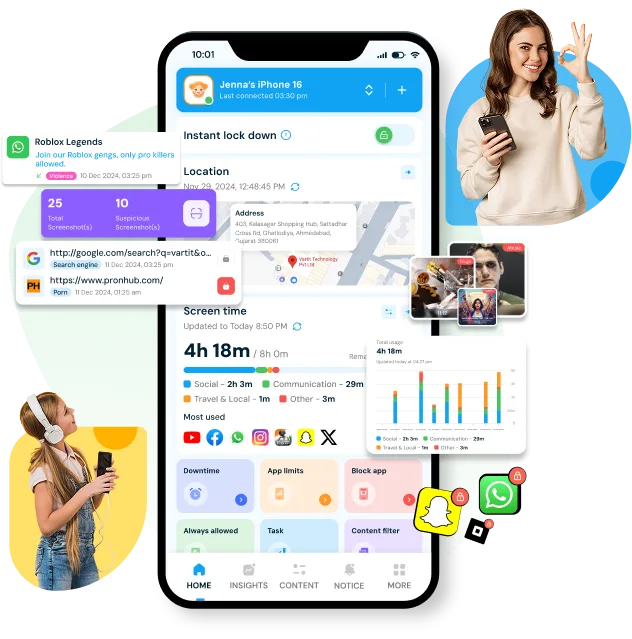



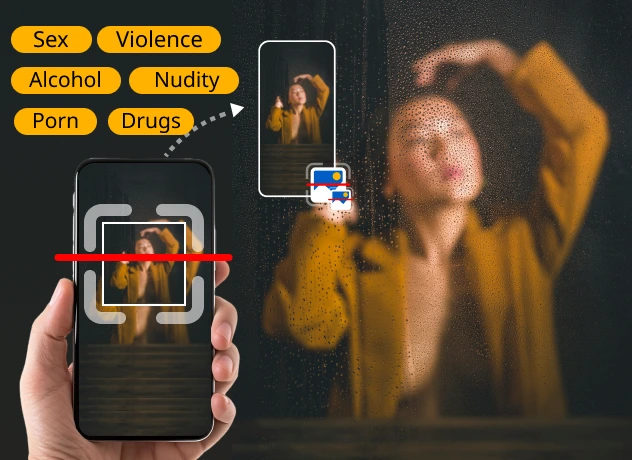
The Screen Scanner feature allows you to monitor and analyze your child's screen activity at specific intervals. It periodically scans the screen for potentially harmful or inappropriate content and can alert you when a configured safety risk is detected.
Scan Screens Safely Try NowDownload the App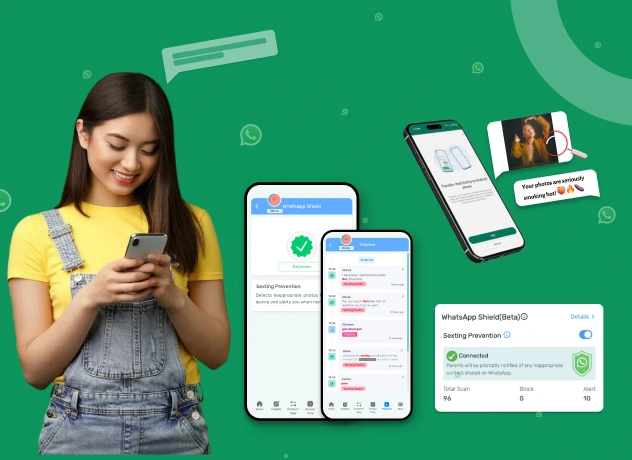
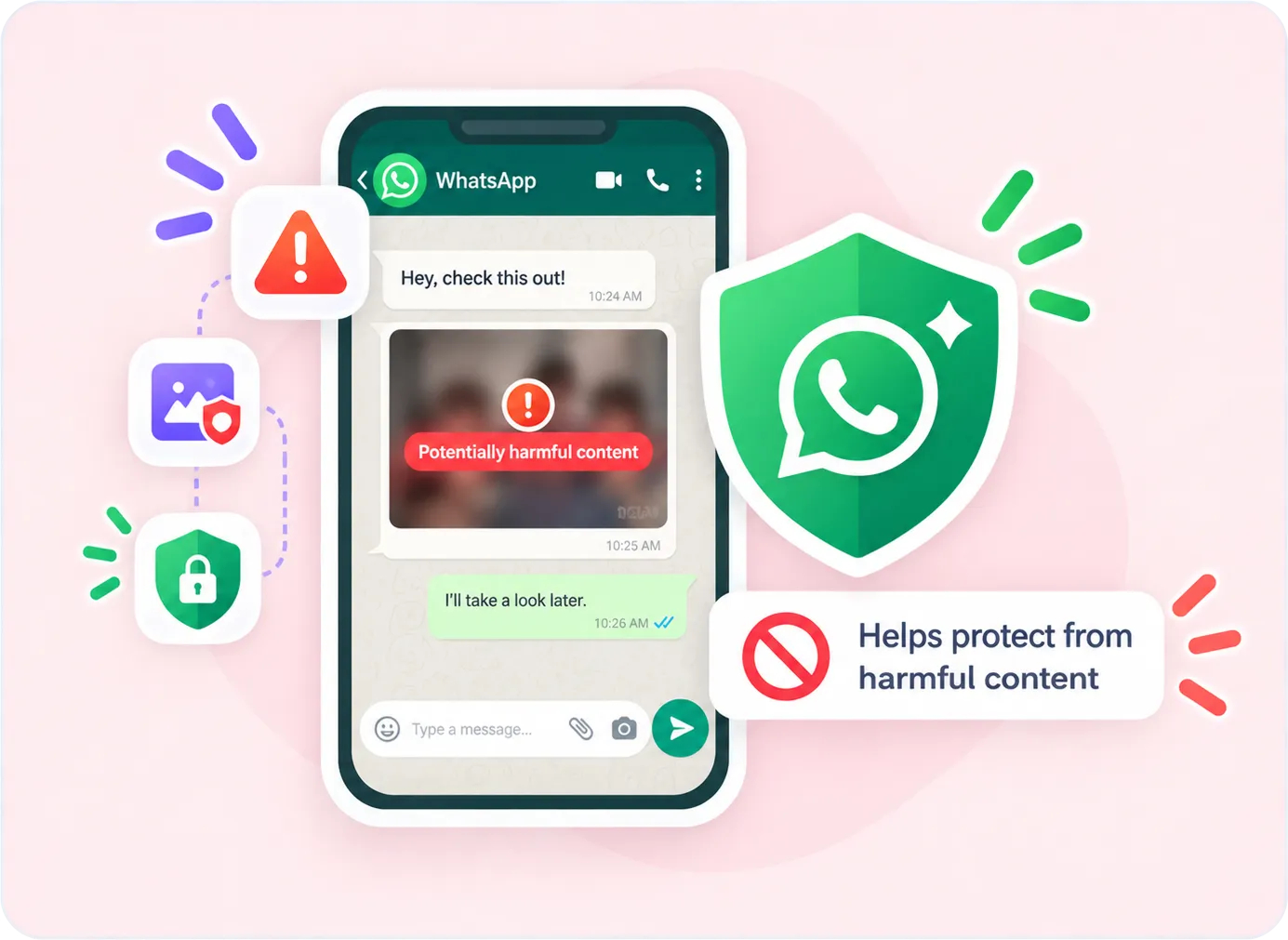
Monitor your child's WhatsApp activity and help protect them from inappropriate content and online threats. WhatsApp Shield can provide alerts for risky messages or media and automatically delete or remove configured harmful content.
Monitor Chats Securely Try NowDownload the App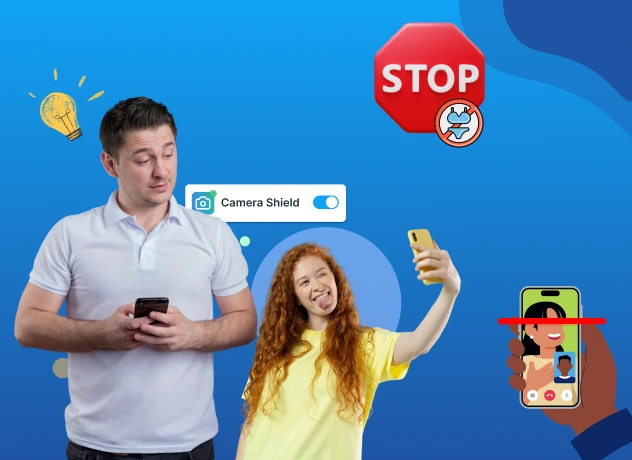
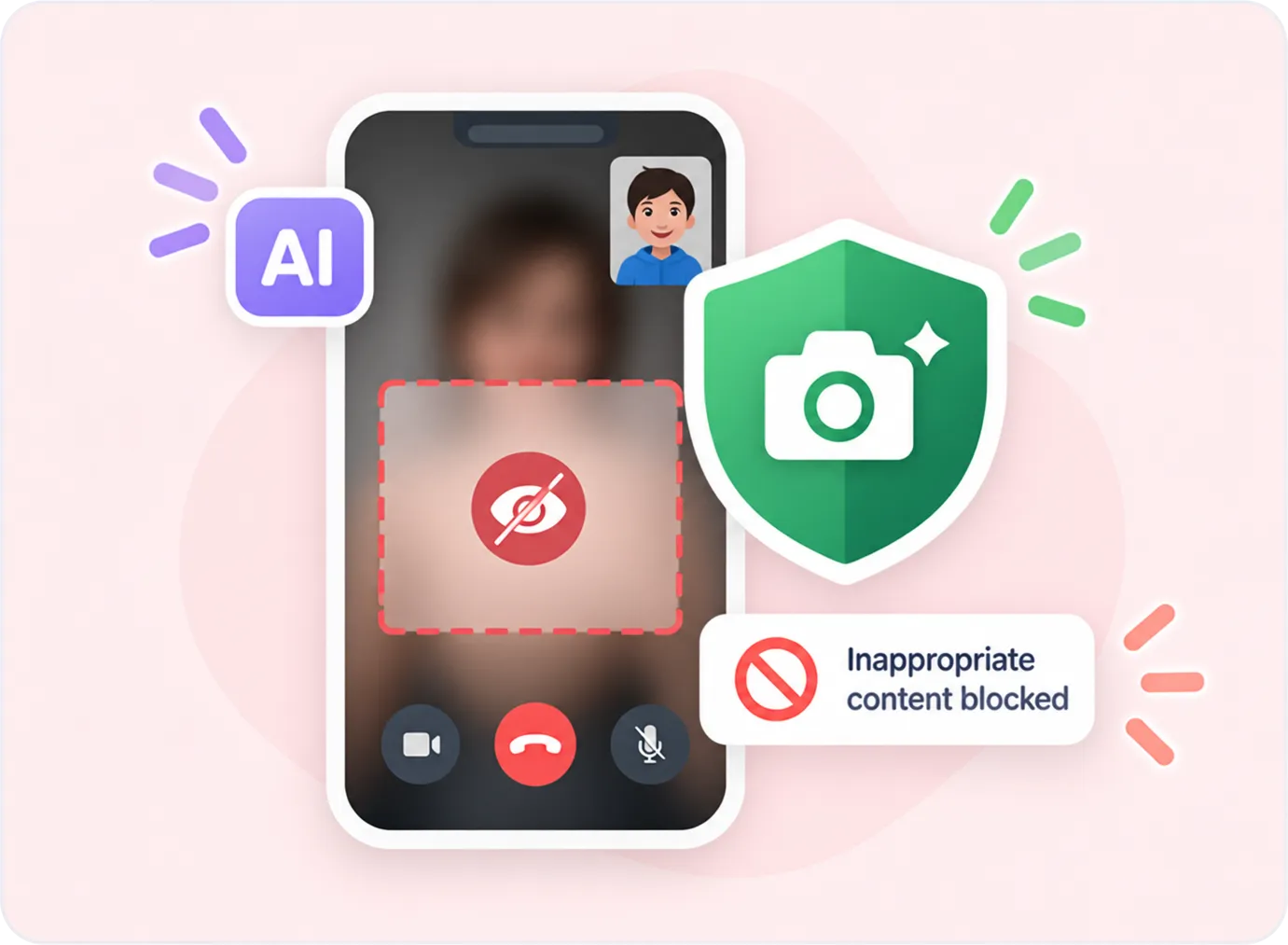
AI Camera Shield helps protect children during supported camera and video-call activity by detecting potentially inappropriate visual content and taking protective action when a risk is detected. Available on Android.
Stop Nudes Sharing Try NowDownload the App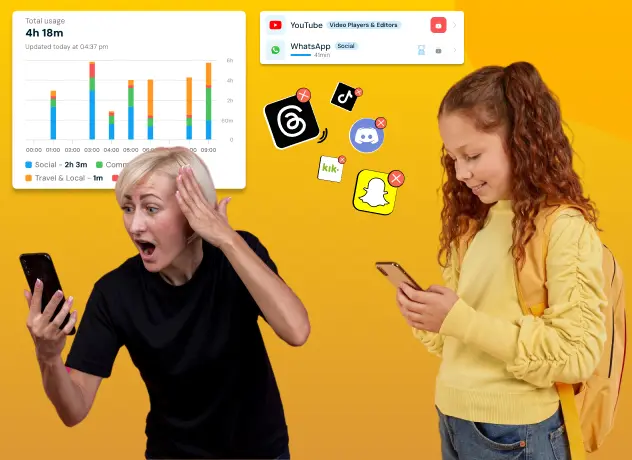
Gain insights into your child’s app usage patterns with comprehensive reports available on a daily and weekly basis. Monitor their digital habits and make informed decisions for their well-being.
View App Activity Try NowDownload the App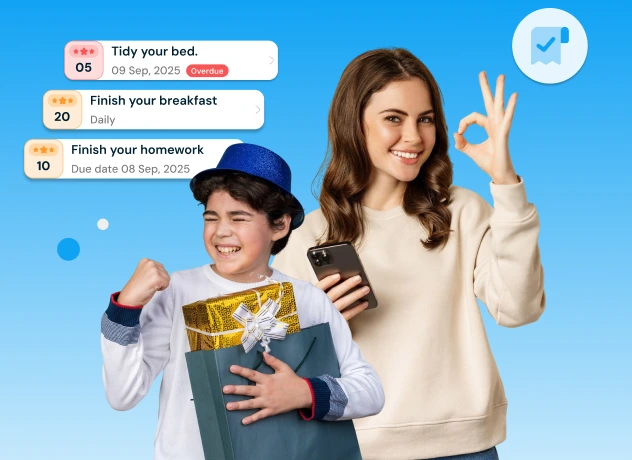
With KidsNanny Task feature, parents can set meaningful goals for their children, monitor progress, and approve completed tasks. Kids earn points for every task completed, which can be redeemed for extra screen time.
Set Tasks & Earn Rewards Try NowDownload the App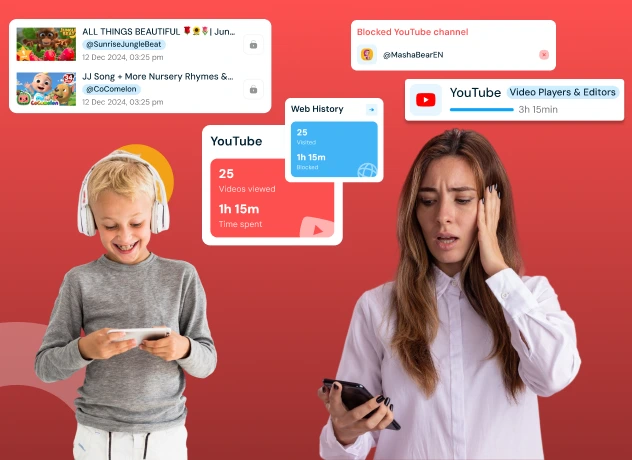
Manage your child's YouTube activity across YouTube, YouTube Kids, and supported browsers. Review watched videos and control access by blocking or allowing specific channels.
Control Video Access Try NowDownload the App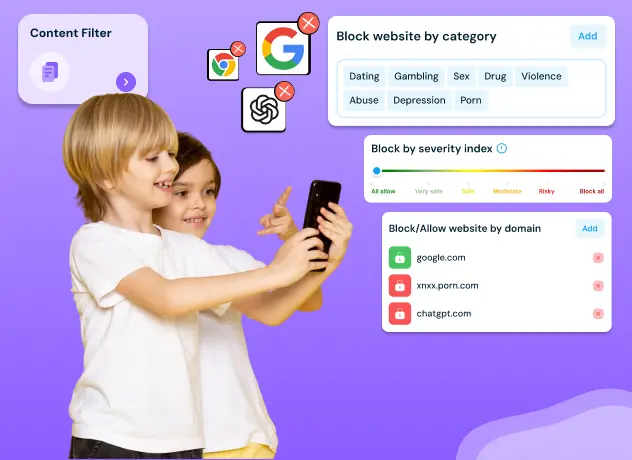
Block websites by domain or content category and enable Safe Browsing to help protect your child from inappropriate or harmful websites.
Block Harmful Sites Try NowDownload the App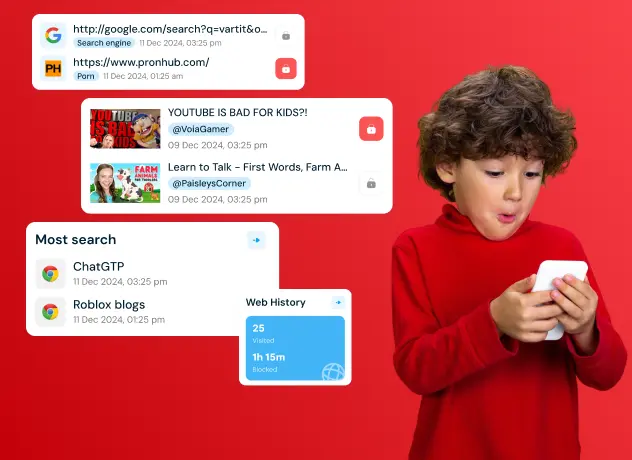
KidsNanny allows you to view the list of visited websites, ensuring they engage in safe and responsible online behavior.
View Browsing History Try NowDownload the App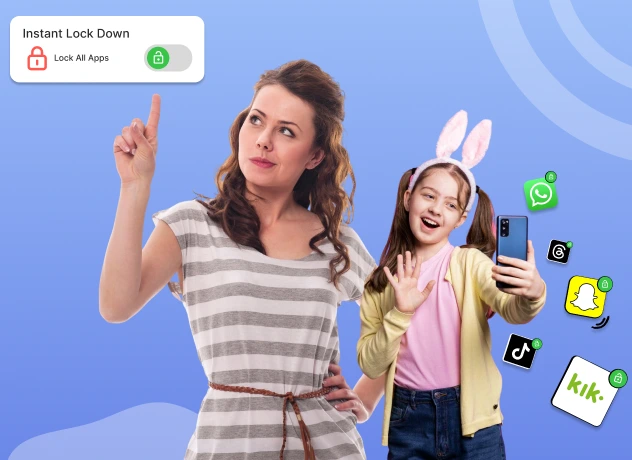
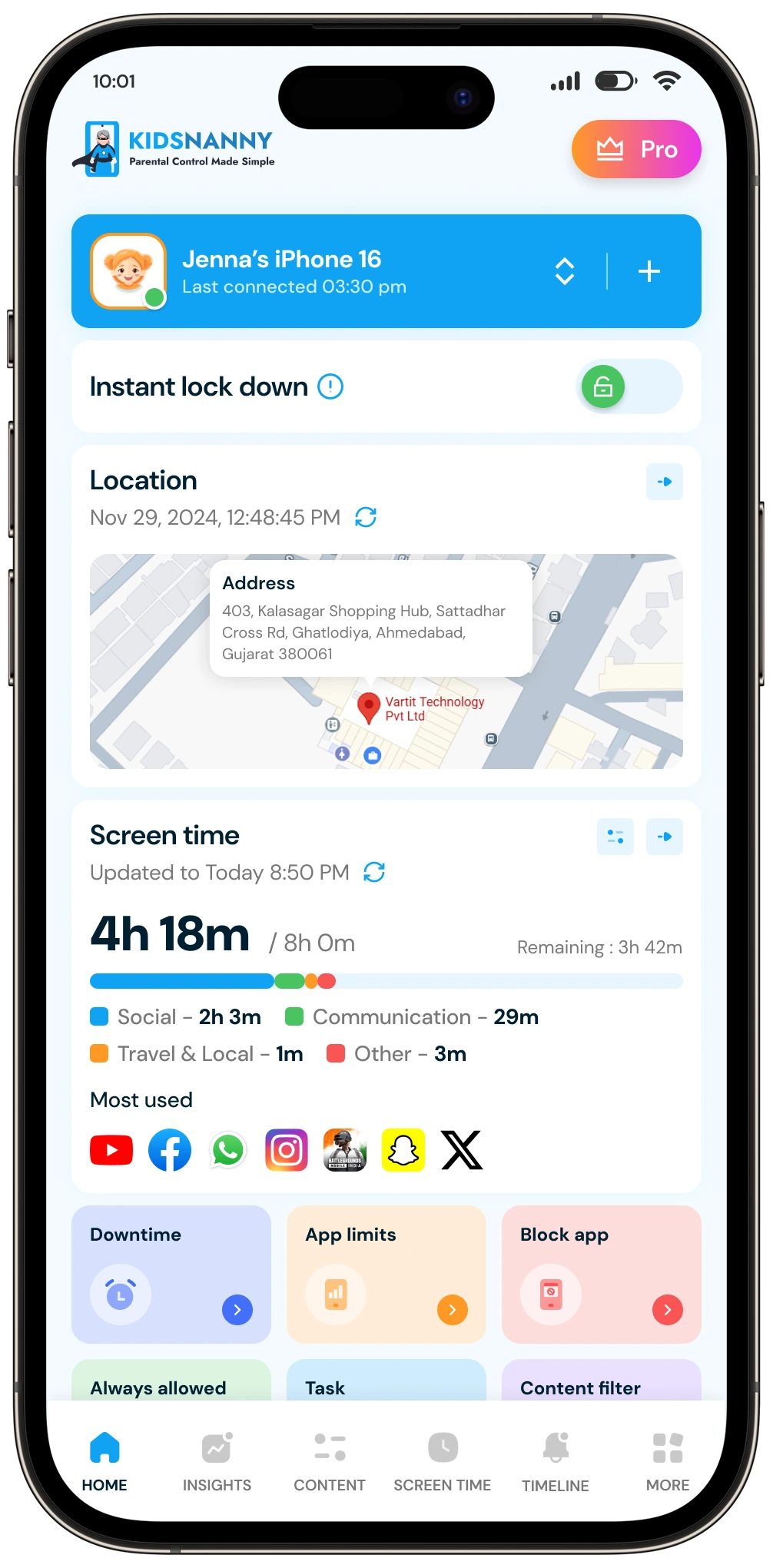
Take control instantly with KidsNanny’s Instant Lock Down feature. With a single tap, block access to all apps on your child’s device, perfect for moments when immediate attention is needed or to enforce a screen time break. Easily manage this feature right from the Home screen.
Lock Device Instantly Try NowDownload the App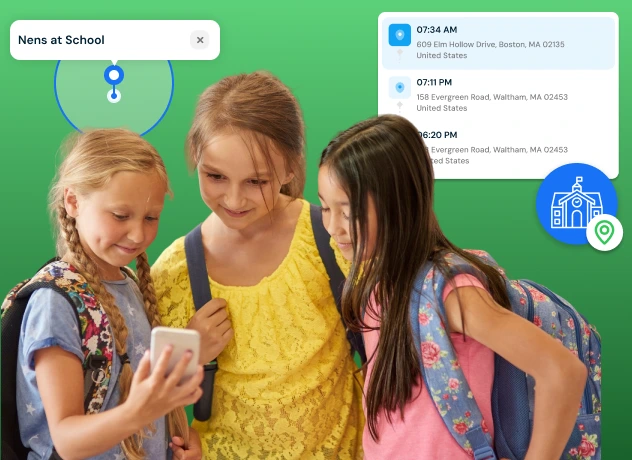
Stay informed and protect your child with KidsNanny’s location tracking, updated every 30 minutes. View location history, set geofences, and receive alerts when your child enters or leaves designated areas. Keep your kids safe, no matter where they go.
Track Location Try NowDownload the App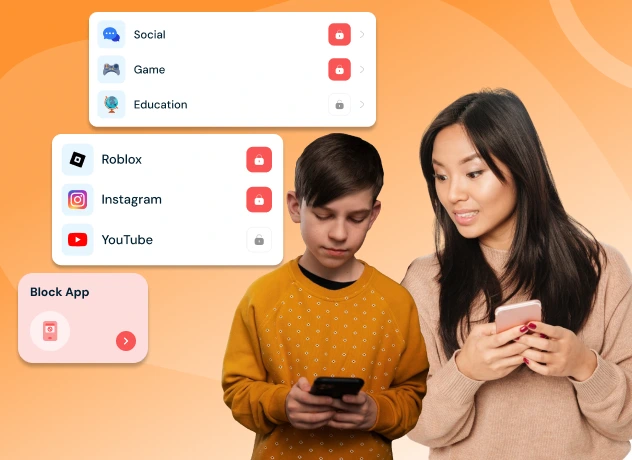
Take control of your child’s phone by blocking or unblocking social media, games, or any installed app—helping them stay focused on learning, safety, and building healthy digital habits every day.
Block Unwanted Apps Try NowDownload the App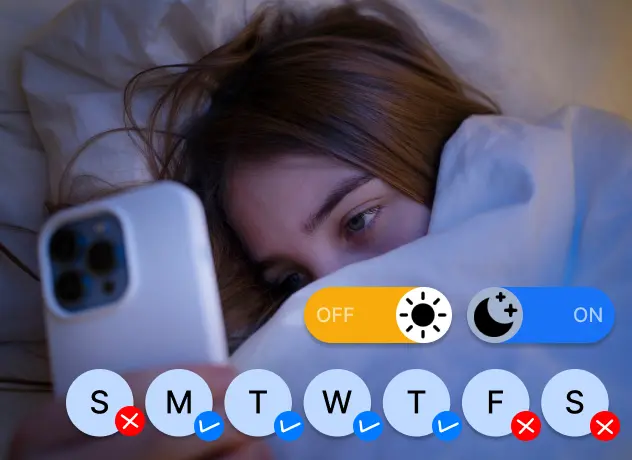
Set daily screen time limits, app schedules, and downtime controls to reduce overuse, help limit blue light exposure that disrupts sleep, and promote healthy digital habits tailored to your child’s daily routine and screen usage.
Set Daily Time Limits Try NowDownload the App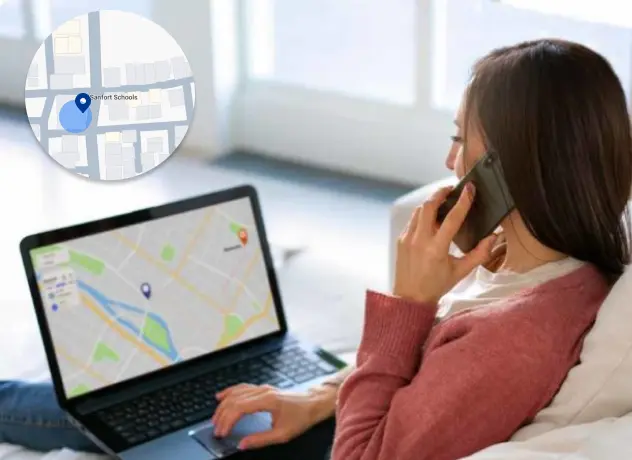
Stay connected with your child through Check-In. Allow them to send their current location, providing you with peace of mind and enhancing their safety.
See Location Check-Ins Try NowDownload the App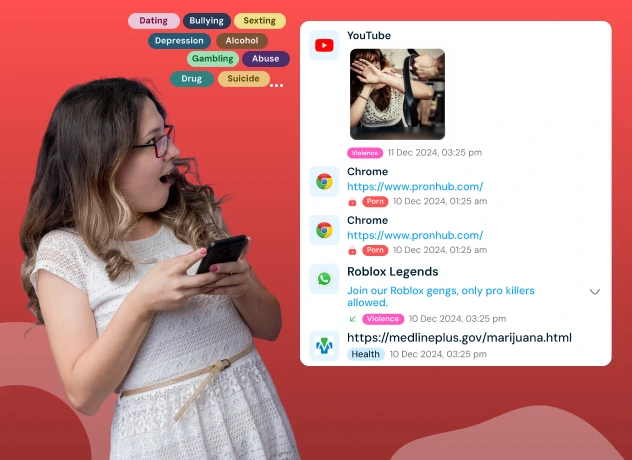
Receive instant alerts for risky content, new app installs, YouTube videos, and browser history—complete with screenshots of flagged activity for quick and effective review on your child’s device.
Get Instant Alerts Try NowDownload the App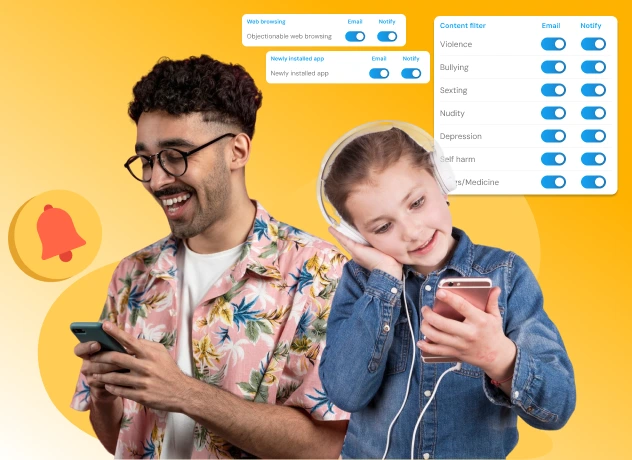
Your child’s online safety matters more than ever. With KidsNanny’s AI-powered monitoring, get real-time notifications and email alerts for nudity, sexting, violence, bullying, depression, self-harm, and unsafe apps or websites — all with just a few quick settings.
Get Instant Alerts Try NowDownload the App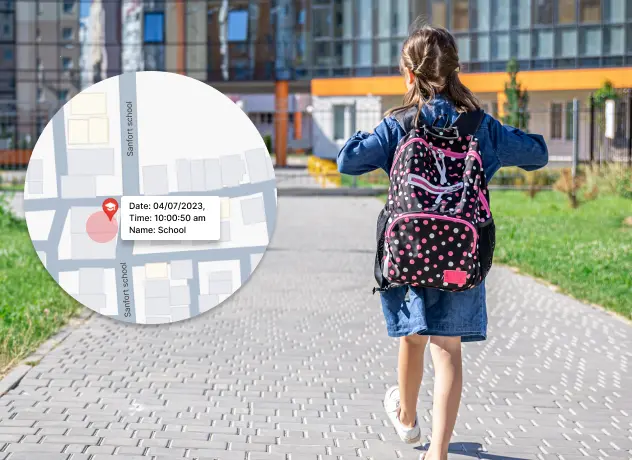
Set virtual boundaries like home or school and get alerts when your child enters or leaves those areas—such as arriving at school or leaving early.
Set Safe Zones Try NowDownload the App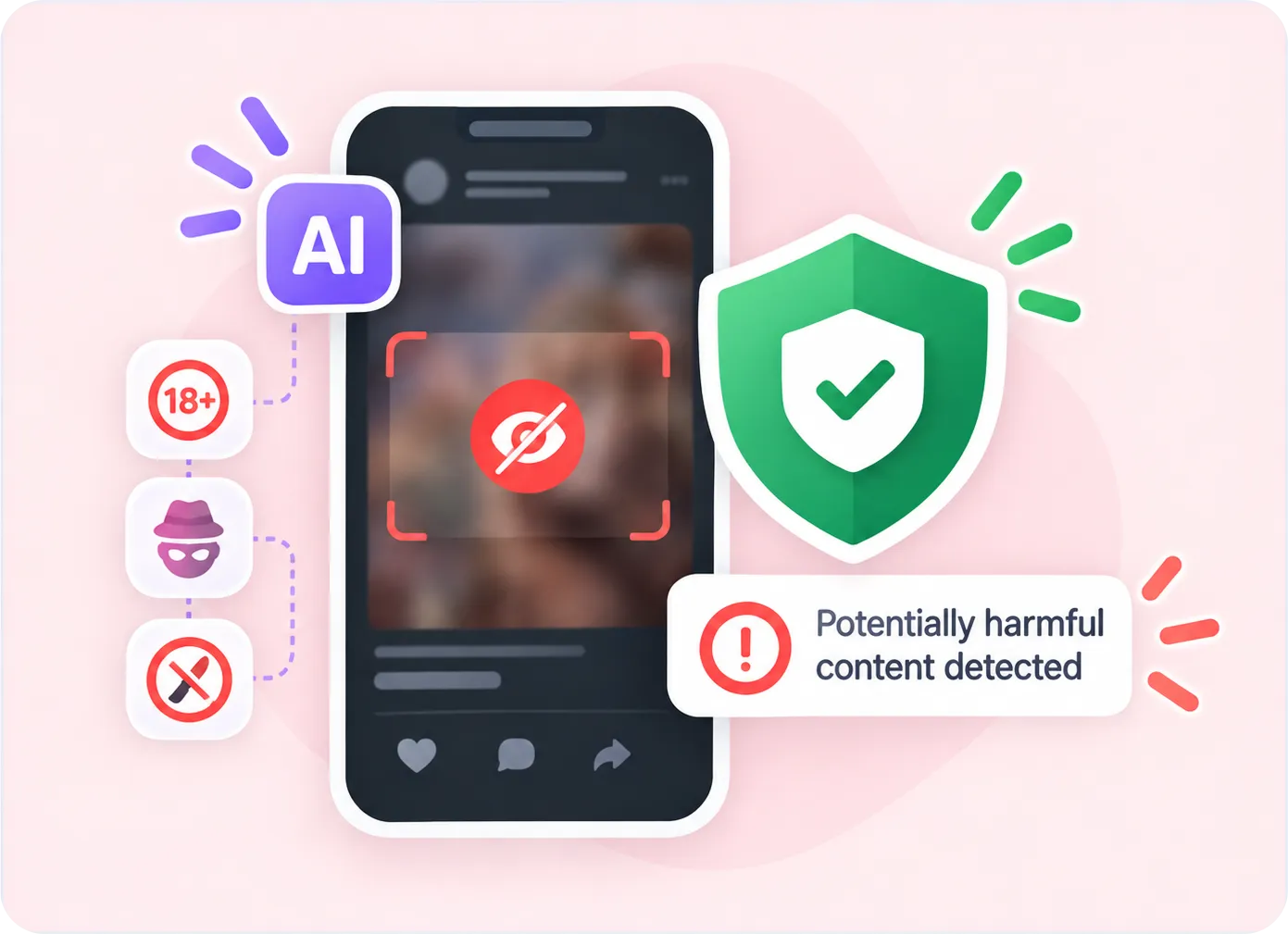
Gain insights into your child’s app usage patterns with comprehensive reports available on a daily and weekly basis. Monitor their digital habits and make informed decisions for their well-being.

KidsNanny allows you to view the list of visited websites, ensuring they engage in safe and responsible online behavior.
Take control of your kid’s phone by blocking or unblocking any installed application. Maintain a healthy balance of entertainment and productivity on their device.
Set limits using downtime and control phone utilization by defining daily app or category usage duration. Customize these settings based on specific weekdays to foster healthy device habits.
This feature allows you to monitor and analyze your child's screen activity at specific intervals. This tool periodically scans the screen for inappropriate or potentially harmful content, ensuring a safer online environment for your kids

Create virtual boundaries and receive real-time notifications when your child enters or exits specific geo locations.

Stay connected with your kids whereabouts through our Check-In feature. Allow them to send their current location, providing you with peace of mind and enhancing their safety.

Safeguard your child’s browsing experience by blocking websites based on domain name. Enable safe browsing for their device, ensuring they are protected from inappropriate content.