



Clash Royale is a popular mobile strategy game where players collect cards, build battle decks, and compete against other players in quick matches. Its colourful characters and easy-to-learn gameplay can make it appealing to children, but there are a few things parents should understand before letting their kids play.
Although the game focuses on fantasy battles rather than realistic violence, it includes online interactions, optional in-app purchases, and competitive features that may affect a child’s spending habits, emotions, and screen time.
So, is Clash Royale safe for kids? The answer depends on your child’s age, maturity, and how they use the game. With appropriate settings, reasonable boundaries, and regular conversations, parents can help children enjoy gaming more responsibly.
What Is Clash Royale?
Clash Royale is a free-to-download mobile strategy game developed by Supercell. Players collect cards representing characters, spells, and defensive structures, then use them to attack opponents’ towers and defend their own.
Most battles are short, which makes the game convenient to play during breaks. Players can also join Clans, interact with other members, participate in events, and compete for rewards.
The game encourages strategic thinking, quick decisions, and adapting to opponents. However, its competitive nature and progression system can also make it difficult for some children to stop playing after a loss or when they are close to earning a reward.
Clash Royale is rated 9+ on the App Store and Everyone 10+ on Google Play. Supercell sets no general age limit, but players under the age of majority need a parent’s or guardian’s approval of its Terms of Service.
Is Clash Royale Appropriate for Children?
Clash Royale does not rely on realistic depictions of injury or graphic violence. Its battles use stylised fantasy characters and animated combat.
However, the game’s overall suitability involves more than its visual content. Parents should consider these four areas.
1. In-App Purchases and Spending Pressure
Clash Royale is free to play, but players can purchase in-game items and resources. Children may become interested in spending money to progress faster, obtain items, or improve their gameplay experience.
Repeated purchase prompts and the desire to keep up with friends can make spending tempting, especially for younger players who do not fully understand the value of money.
What parents can do:
- Require parental approval for purchases wherever the device or app store supports it.
- Disable in-app purchases if your child does not need them.
- Avoid saving payment details on a child’s device when possible.
- Explain that spending money does not guarantee winning and that virtual items are not essential.
To require approval for purchases, use Ask to Buy on iPhone and iPad or purchase verification on Google Play.
2. Online Chat and Interactions With Other Players
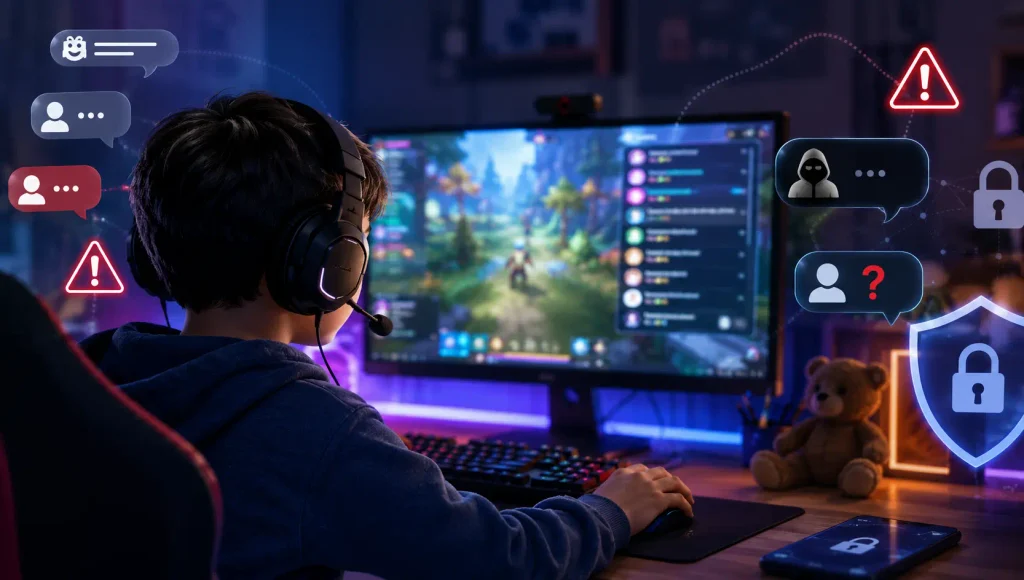
Clash Royale includes Clans, where players can communicate and cooperate with other members. Depending on the account and available features, children may interact with people they know as well as players they have never met.
Automated chat filters can help reduce inappropriate language, and younger players may receive stricter protections. However, filters cannot guarantee that every unpleasant interaction will be prevented.
Children may encounter rude comments, arguments, pressure from other players, or attempts to move a conversation elsewhere.
What parents can do:
- Check the game’s current chat and social settings together.
- Encourage your child not to share their real name, location, school, contact details, or account information.
- Explain how to leave an uncomfortable group and report inappropriate behaviour.
- Make sure your child knows they can tell you about a troubling interaction without automatically losing their device privileges.
Supercell explains its safeguards and reporting options in its official parent safety guidance.
3. Excessive Gaming and Screen Time
Short matches can make Clash Royale easy to fit into a busy day. The challenge is knowing when to stop.
A child might plan to play for five minutes but continue for much longer after winning, losing, or trying to complete another challenge. Events and rewards may also encourage frequent returns to the game.
Gaming becomes a concern when it regularly interrupts homework, sleep, family activities, exercise, or other responsibilities.
What parents can do:
- Agree on a daily gaming allowance that fits your child’s routine.
- Set clear rules for homework, meals, and bedtime.
- Establish screen-free periods and keep devices away from the bedroom at night if necessary.
- Watch for changes in sleep, concentration, mood, or interest in other activities.
For additional guidance, read our guide to managing children’s screen time.
4. Frustration, Anger, and Competitive Pressure
Winning and losing are part of gaming, but competitive matches can sometimes leave children upset. Losing several battles in a row, struggling to progress, or feeling that an opponent has an advantage may trigger frustration.
Some children respond by immediately starting another match, arguing, shouting, or refusing to stop playing. These reactions do not automatically indicate a serious problem, but repeated patterns deserve attention.
What parents can do:
- Encourage short breaks after frustrating matches.
- Help children recognise when they are too upset to enjoy the game.
- Praise patience, effort, and good sportsmanship rather than focusing only on winning.
- Talk about how online behaviour affects other players.
If gaming regularly leads to intense arguments or disrupts daily life, consider reviewing the time limits and whether the game is currently a good fit for your child.
5 Ways to Make Clash Royale Safer for Kids
You do not necessarily need to ban the game to reduce its risks. Start with these practical steps.
1. Review the Game Together
Watch a few matches and explore the settings with your child. This gives you a better understanding of how battles, rewards, purchases, and Clans work.
Ask what they enjoy about the game and whether anything has made them uncomfortable. Keeping the conversation open makes it easier for them to approach you if a problem arises.
2. Set Purchase Restrictions
Use your device’s parental settings to require approval for purchases or disable them altogether. Check these settings after changing devices or account configurations, as available options can differ between platforms.
3. Check Social and Privacy Settings
Review available account, friend, and chat protections. Make sure your child understands the importance of protecting personal information and reporting inappropriate interactions.
4. Establish Gaming Boundaries
Set a realistic daily limit and agree on when gaming is allowed. Built-in device controls can help enforce screen-time schedules, while consistent family rules teach children to manage their own habits.
5. Use Parental Controls When You Need More Oversight
Built-in settings are a useful starting point, but parents may also want to understand how much time their child spends gaming and manage access when it interferes with other responsibilities.
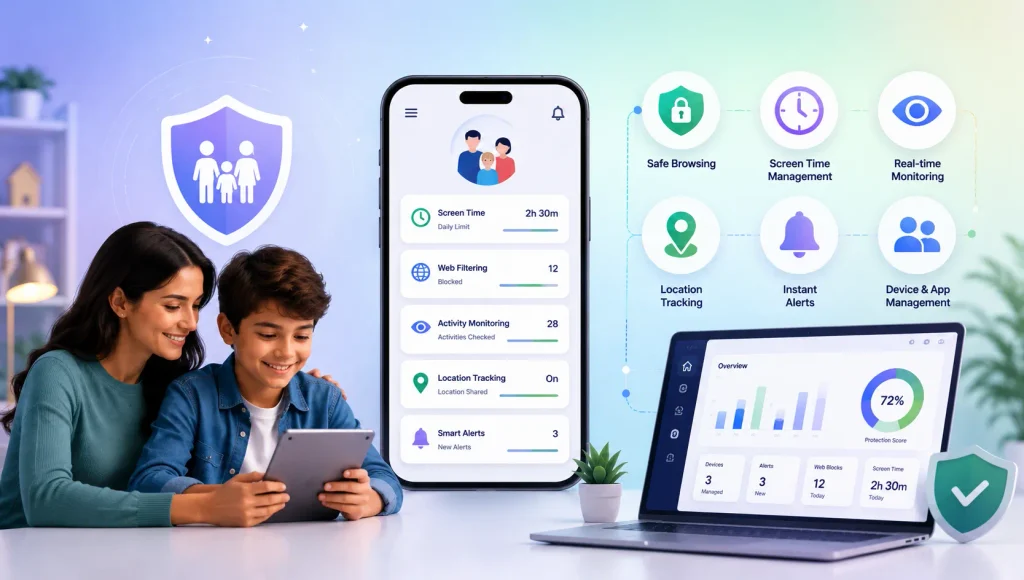
A parental control app can help families apply consistent rules across supported devices. For example, KidsNanny’s screen-time management and app-blocking tools let parents set usage limits, schedule downtime, and restrict access to selected apps on supported devices.
Activity reports can also help parents understand broader device-use patterns. These tools work best alongside conversations and clear expectations, rather than as a substitute for trust.
Final Thoughts: Is Clash Royale Safe for Kids?
Clash Royale can be an enjoyable strategy game for children who are ready for its competitive gameplay and social features. The main concerns for parents are not just what appears on the screen, but also how children spend money, interact with other players, handle frustration, and manage their time.
Start by exploring the game together, reviewing purchase and privacy settings, and establishing clear boundaries. If those measures are not enough, consider using parental controls to help manage gaming time and app access.
The goal is not to eliminate every risk or every moment of gaming. It is to help children enjoy digital entertainment while developing healthy habits, good judgement, and the confidence to ask for help when something goes wrong.