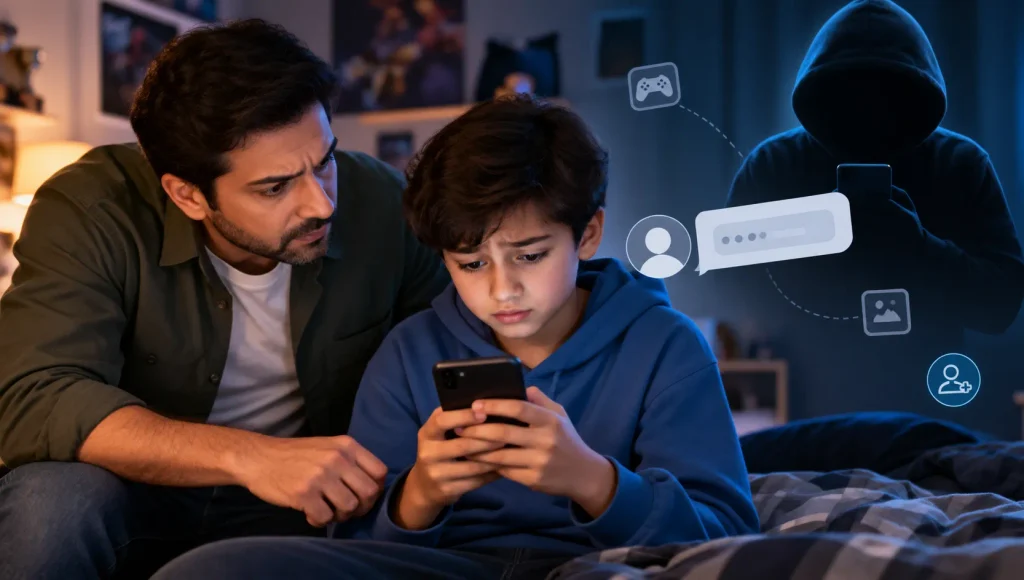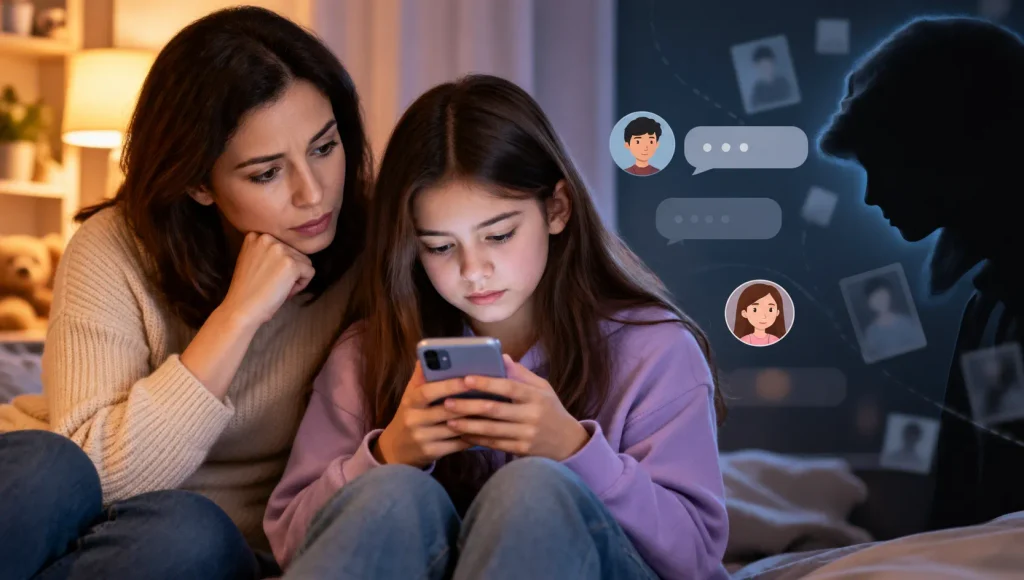




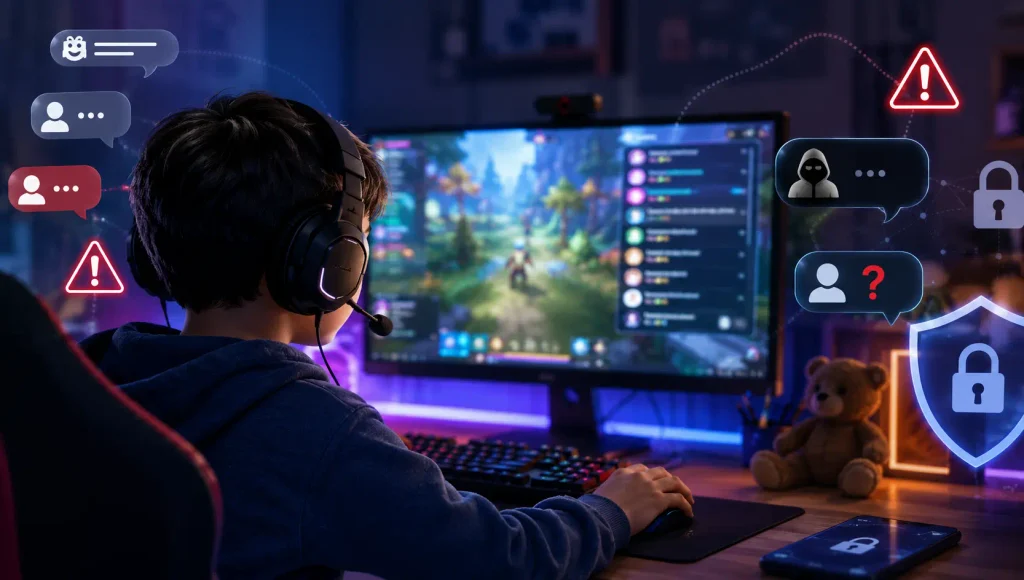
Online games can be a great way for children to have fun, build skills, and stay connected with friends. But multiplayer games also create opportunities for children to interact with people they have never met in real life.
A child might start playing with the same group every evening. One player may seem especially friendly, offer helpful advice, send game items, or regularly invite your child into private chats. At first, it may look like an ordinary gaming friendship.
The concern is that someone with harmful intentions may use that familiarity to gradually build trust.
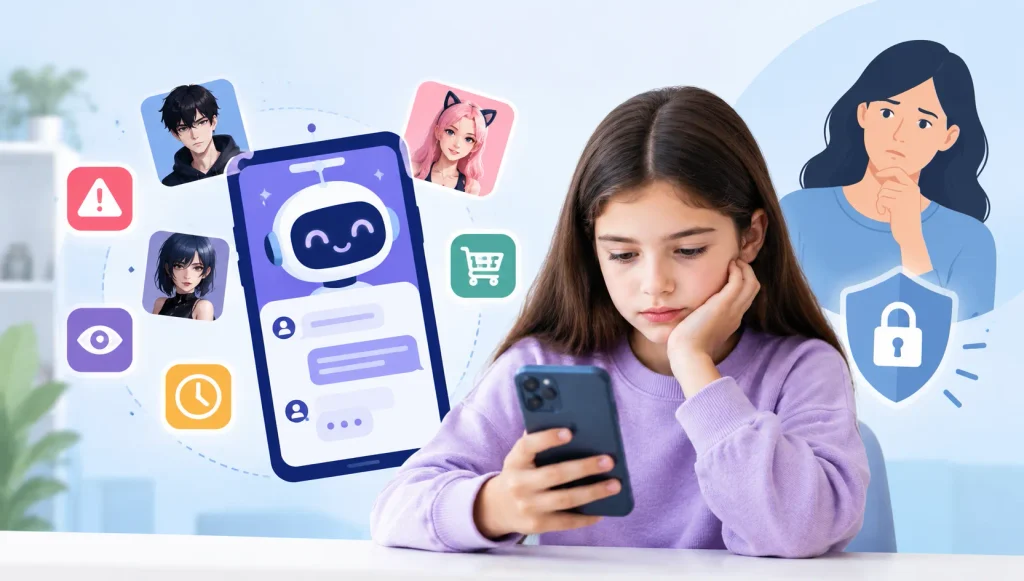
Artificial intelligence adds another layer to this problem. AI can help people create convincing messages, translate conversations, generate realistic images or voices, and maintain frequent communication. It does not mean that every online friendship is dangerous, or that AI itself is grooming children. Instead, it can make some deceptive interactions more difficult for children to recognize.
For parents, the goal is not to make children afraid of online games. It is to help them recognize unhealthy behavior, protect personal information, and know when to ask for help.
Key Takeaways
- AI can make deceptive online conversations sound more natural and convincing, but the underlying grooming tactics remain similar.
- Gaming features such as voice chat, private messages, friend requests, communities, and gifting can create opportunities for unsafe contact.
- Warning signs include excessive attention, personal questions, gifts, secrecy, pressure to move conversations elsewhere, and attempts to isolate a child.
- Children should understand that an online profile, photo, voice, or claimed age does not necessarily prove someone’s identity.
- Parental controls can reduce exposure and provide useful visibility, but technology should support—not replace—communication with your child.
- A calm, supportive response makes it more likely that a child will tell you when something online feels wrong.
Quick Answer: How Does AI Change Online Grooming Risks in Games?
AI does not fundamentally change what grooming is. Online grooming still involves building trust or emotional dependence and gradually manipulating a child toward harmful or exploitative behavior.
What AI can change is how easily someone can carry out parts of that process.
For example, AI tools can help someone produce fluent messages, respond quickly, translate conversations, or create convincing digital identities. This can make it harder for a child to judge whether an online contact is genuine.
The scale of AI-related child exploitation reports also shows why parents should understand the technology. The National Center for Missing & Exploited Children (NCMEC) reported a 1,325% increase in CyberTipline reports involving generative AI between 2023 and 2024.
However, parents do not need a completely new set of safety rules.
The fundamentals still matter:
- Teach children not to assume an online stranger is who they claim to be.
- Encourage them to keep personal information private.
- Talk regularly about who they play and chat with.
- Teach them how to block, mute, and report suspicious users.
- Explain why moving a conversation to a private platform can be a warning sign.
- Make sure children know they can tell you about uncomfortable conversations without automatically losing access to their favorite games.
- Use age-appropriate parental controls to reduce unnecessary exposure.
AI may make some interactions harder to evaluate, but digital literacy, communication, and appropriate supervision remain the foundation of online safety.
In What Should Parents Do If Something Feels Wrong?What Is Online Grooming in Gaming?
Online grooming is a process in which someone builds trust with a child and gradually uses that relationship to manipulate, control, or exploit them.
It usually does not begin with an obviously threatening message.
Instead, a person may first act like a friend, teammate, mentor, or fellow fan of the same game. They may remember details about the child’s interests, offer advice, give compliments, or simply spend a lot of time talking.
Over time, the relationship can become increasingly personal.
The person may begin asking questions about the child’s home life, school, relationships, or daily routine. They might encourage private conversations or ask the child not to tell parents or friends about the relationship.
This gradual progression is one reason grooming can be difficult for children to recognize. A child may believe they have made a trusted gaming friend while an adult can see patterns that the child does not yet understand.
Groomers can use games, messaging services, social platforms, and other online communities to establish contact with young people.
Why Online Games Can Create Grooming Opportunities
Multiplayer games are designed to make interaction part of the experience. Depending on the game, children may communicate with strangers through:
- Text chat
- Voice chat
- Private messages
- Friend requests
- Team or clan systems
- Community servers
- Gaming groups
- In-game gifts and items
- Linked messaging or social apps
- Live-streaming communities
These features are not inherently dangerous. In fact, social interaction is one of the reasons many children enjoy multiplayer gaming.
The risk comes from the combination of access, repeated contact, and familiarity.
A person who plays with a child once may be forgotten quickly. Someone who joins the same team every evening can gradually become familiar.
That familiarity can make children less likely to question unusual behavior.
eSafety specifically recommends that parents understand how multiplayer games allow children to communicate and pay attention to warning signs such as rapid friendship-building, requests for private information, gifts, secrecy, and invitations to move to another platform.

How AI Can Change Online Grooming Risks
AI does not create grooming tactics from scratch. Many of the behaviors parents should watch for existed long before generative AI.
What has changed is that AI can potentially make certain parts of online deception easier, faster, and more convincing.
1. Conversations Can Sound More Natural
Children may sometimes recognize suspicious messages because they seem unusual, repetitive, or poorly written.
AI-generated text can make communication sound more fluent and conversational.
A harmful contact could use AI assistance to produce friendly replies, maintain a conversation, or respond to different topics without obvious signs that the messages are generated or assisted by technology.
That does not mean natural-sounding communication is suspicious by itself.
The important question is what the person is trying to achieve through the relationship.
If someone is gradually asking for private information, encouraging secrecy, or attempting to move the child away from normal game communication, those behaviors deserve attention regardless of whether AI was involved.
2. Translation Can Remove Language Barriers
Online games bring together players from different countries and cultures.
Translation tools can make it easier for people who do not share a common language to communicate.
That can be useful and completely harmless. But it can also make it easier for someone with harmful intentions to communicate with children outside their normal language community.
Parents therefore should not assume that a language barrier provides protection.
The same basic rules apply: children should be careful about sharing personal information and should know when to end an uncomfortable conversation.
3. AI Can Help Maintain Frequent Communication
Grooming can involve repeated attention over time.
AI can make it easier to produce responses quickly and maintain conversations across different times of day.
For a child, constant replies can create the impression that an online contact is unusually interested in them or always available.
That feeling of attention can become important if the person later starts asking for secrecy or favors.
A healthy online friend should not make a child feel that they must always respond.
4. Fake Identities May Become More Convincing
One of the simplest online safety lessons is that people may not be who they claim to be.
AI-generated images, voices, text, and other synthetic media can make that problem more complicated.
A profile may appear to belong to a teenager. A voice may sound convincing. A backstory may seem detailed and consistent.
None of these things prove someone’s identity.
Parents should therefore teach children an important principle:
A convincing online identity is still an online identity—not proof of who someone really is.
NCMEC has documented the misuse of generative AI in child exploitation, including manipulated imagery and other forms of AI-assisted abuse.
5. Personalization Can Make Manipulation Harder to Recognize
AI can help produce responses based on information already shared during a conversation.
For example, if a child mentions being nervous about school, enjoying a particular game, or having trouble making friends, a manipulative person may use those details to appear unusually understanding or supportive.
The issue is not that an online friend remembers something.
The concern is when personal information becomes a tool for building dependence, encouraging secrecy, or gradually crossing boundaries.
Warning Signs of Possible Grooming in Games
Grooming usually appears as a pattern, rather than one unmistakable message.
One friendly conversation does not mean your child is being groomed. One gift does not automatically mean someone has bad intentions.
Parents should look at the overall behavior and how the relationship develops.
Signs in Another Player’s Behavior
Pay attention if another player:
- Tries to become unusually close with your child very quickly.
- Gives frequent compliments or excessive attention.
- Offers expensive or unusual game items and gifts.
- Asks questions about your child’s home, school, location, or routine.
- Wants to know when your child is alone.
- Encourages your child to keep conversations secret.
- Says things such as “your parents wouldn’t understand.”
- Pushes your child toward private messages.
- Encourages them to move from the game to another app.
- Becomes upset when your child does not respond.
- Tries to separate your child from friends or family.
- Requests photographs, videos, or other private content.
- Pressures the child to meet in person.
These behaviors are consistent with warning signs identified by child-safety organizations. eSafety notes that unsafe contacts may ask for personal information, give gifts or favors, demand secrecy, communicate across different services, or pressure children to meet.
Changes Parents May Notice in Their Child
Sometimes the first warning sign is not what the other player says, but a change in your child’s behavior.
You might notice that your child:
- Suddenly becomes very protective of their phone.
- Turns the screen away when you approach.
- Deletes or hides gaming conversations.
- Spends unusually long periods communicating with one particular person.
- Becomes anxious or upset after gaming.
- Avoids answering simple questions about an online friend.
- Starts staying awake late to chat or play.
- Seems unusually worried about losing access to an online relationship.
- Becomes withdrawn from family or offline friends.
- Appears frightened after receiving messages.
These changes do not prove grooming.
They are signals to pay attention and start a conversation.
What Should Parents Do If Something Feels Wrong?
The way a parent responds can make a major difference.
If a child thinks they will immediately be punished, have their phone taken away, or permanently lose access to a favorite game, they may hide the problem.
Instead, start with calm questions.
You could ask:
- “Who have you been playing with lately?”
- “What do you like about playing with that group?”
- “Has anyone online ever asked you to keep something secret?”
- “Has anyone asked you to move the conversation to another app?”
- “Did anyone say anything that made you uncomfortable?”
Listen before deciding what action to take.
If there appears to be a genuine safety concern, help your child stop communicating with the person, block the account, use the game’s reporting tools, and preserve relevant evidence where appropriate.
If there are threats, sexual exploitation, extortion, or immediate danger, seek help from the appropriate child-safety or law-enforcement service in your country.
Most importantly, reassure your child that they are not in trouble for telling you.
eSafety similarly recommends staying calm and reassuring a child that what happened is not their fault when grooming or abuse is suspected.
Teach Children Safer Gaming Habits
The goal is not to tell children that everyone online is dangerous.
The goal is to give them enough knowledge to recognize when a normal gaming interaction starts becoming unhealthy.
Don’t Assume an Online Friend Is Who They Claim to Be
Explain that someone can say they are 12, 14, or 16 without actually being that age.
An attractive profile photo does not prove identity.
A convincing voice does not prove identity.
A detailed gaming history does not prove identity.
Children do not need to investigate strangers themselves. They simply need to understand that they should not share sensitive information or agree to private interactions just because someone seems trustworthy.
Keep Personal Information Private
Help your child understand what should stay out of gaming chats.
This includes:
- Full name
- Home address
- School name
- Phone number
- Exact location
- Daily schedule
- Places they regularly visit
- Passwords
- Private family information
- Photos that reveal personal details
Also remind children that seemingly harmless details can be combined.
For example, telling someone their school, sports practice time, and neighborhood may reveal much more than the child realizes.
Be Careful With Gifts
In-game gifts can be part of normal gaming.
But children should understand that they never owe someone friendship, attention, personal information, or private content because that person gave them something.
A gift should never create an obligation.
If someone says, “I gave you this, so now you need to do something for me,” that is a strong reason to stop and tell a trusted adult.
Don’t Move Conversations Without Thinking
One common warning sign is pressure to move from a public game chat to a private messaging service.
That does not mean every request to use another app is dangerous.
Friends commonly communicate across multiple platforms. The concern is pressure, secrecy, or increasingly private communication with someone the child has never met in person.
Children should know they can simply say no.
Practice Saying No
Children sometimes freeze when an online conversation becomes uncomfortable.
Practice simple responses at home:
- “I don’t share that.”
- “I’m not comfortable with that.”
- “I’m going to leave.”
- “I need to ask my parent.”
- “Don’t message me again.”
Role-playing these situations can make it easier for children to respond when they actually encounter them.
How Parental Controls Can Support Safer Gaming
Parental controls cannot identify every unsafe relationship, and no monitoring tool should be treated as a replacement for parenting.
But technology can give parents additional visibility and help create boundaries around a child’s digital environment.
The most useful approach is to combine conversation + age-appropriate rules + visibility + safety tools.
Manage Gaming and Screen Time
If gaming takes up most of your child’s evening, it can become harder for parents to understand what else is happening online.
Screen time limits and app schedules can help create predictable gaming routines.
Instead of treating screen-time controls purely as punishment, parents can use them to establish healthy expectations around:
- Homework
- Sleep
- Family time
- Gaming
- Social activities
- Device-free periods
Know Which Apps Your Child Uses
Gaming conversations do not always stay inside the game.
A child may move from a game’s chat system to a messaging app, social platform, browser, or video service.
Reviewing app usage can help parents understand where their child’s digital interactions are taking place.
Block Apps When Necessary
If a particular app is inappropriate for your child’s age or is creating a serious safety concern, parents may need to restrict access.
KidsNanny’s App Blocking feature allows parents to block individual applications or categories and set limits around how long certain apps can be used.
The purpose should be to create an appropriate boundary—not simply to remove every online social experience.
Use Screen Monitoring for Context
Some risks happen inside apps that basic parental controls cannot easily explain.
KidsNanny’s AI-powered Screen Scanner is designed to periodically analyze screen activity for potentially harmful content and can provide parents with alerts when concerning activity is detected. Its feature set also includes web filtering, app controls, usage reports, and custom notifications.
This can be particularly useful when a parent needs more context about what is happening across the child’s device rather than only knowing how long a particular game was open.
Review Web and App Activity
Children may search for information about people they meet through games or move conversations into a browser or another service.
KidsNanny provides web history and app-usage visibility, helping parents understand broader patterns in a child’s digital activity.
That information is most useful when it leads to a conversation.
For example:
“I noticed you’ve been spending more time on this app lately. What’s happening there?”
is generally more productive than: “Why are you hiding things from me?”
Create a Family Safety Plan
Before your child encounters a suspicious account, agree on what they should do.
For example:
- Stop replying.
- Do not send personal information or private content.
- Block the account.
- Report the account through the game or platform.
- Tell a parent or another trusted adult.
- Keep relevant messages or screenshots if they may be needed for reporting.
eSafety also recommends teaching children how to use safety tools such as blocking, muting, reporting, and leaving chats before they encounter a problem.
What Parents Should Remember About AI and Gaming
AI may change how people communicate online, but parents do not need to become AI experts to protect their children.
The most important lessons are still straightforward:
- A stranger is still a stranger, even when they sound friendly.
- A profile is not proof of identity.
- A gift does not create an obligation.
- A secret online relationship is a warning sign.
- A child should never feel they have to handle an uncomfortable situation alone.
And AI does not make every online interaction suspicious.
Millions of children use multiplayer games to have fun and socialize. The objective is not to eliminate those experiences. It is to help children recognize when normal gaming friendship crosses a boundary.
How KidsNanny Can Fit Into a Family’s Online Safety Routine
Parents can combine conversations about gaming with practical digital-safety controls.
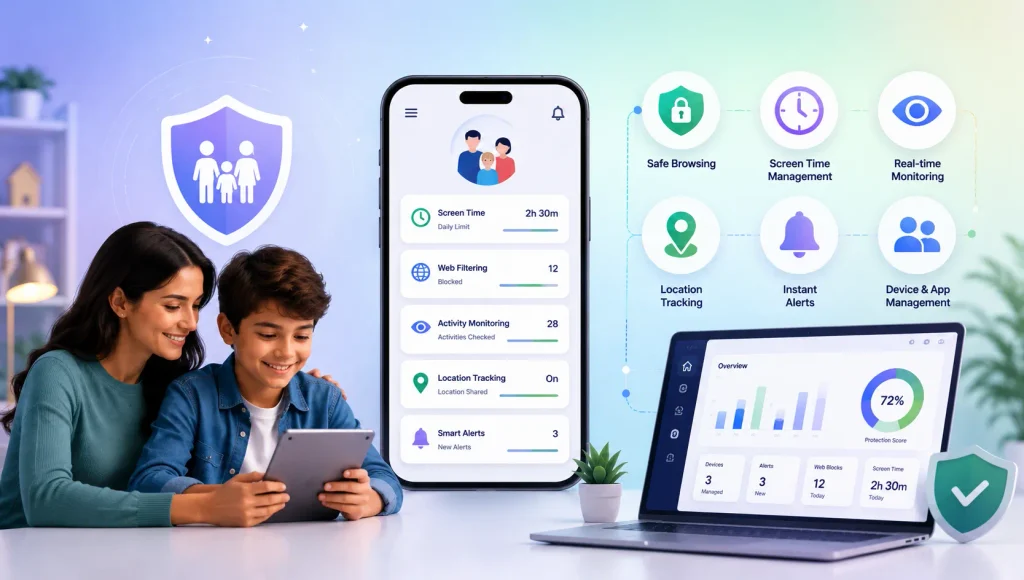
KidsNanny provides tools including app blocking, screen-time management, web blocking, activity history, AI-powered screen scanning, custom notifications, and other parental-control features that can help parents maintain visibility across a child’s device.
For example, a parent might:
- Set reasonable gaming hours.
- Review which games and apps are being used.
- Block apps that are inappropriate for the child’s age.
- Monitor broader web activity.
- Use safety alerts to identify potentially concerning activity.
- Discuss suspicious contacts with the child instead of immediately assuming the worst.
- Adjust supervision as the child becomes more independent.
The level of supervision should also change with age.
A younger child may need stricter communication limits and closer supervision. An older teenager may need more privacy combined with clear safety expectations and an agreement about when a parent should become involved.
That balance helps children develop the skills they will eventually need to protect themselves.
Conclusion
AI is changing the way people communicate online, and that includes the tools that can be misused against children.
In gaming environments, AI may make deceptive conversations more natural, help overcome language barriers, support fake identities, and make repeated communication easier. But the core warning signs of grooming have not disappeared.
Parents should continue watching for patterns such as excessive attention, personal questions, gifts, secrecy, pressure to move conversations elsewhere, isolation, and requests for private content.
Just as importantly, children need to know that they can tell a trusted adult when something feels strange—even if they are worried they will get in trouble.
A safer gaming environment does not require parents to ban every multiplayer game or assume every stranger is dangerous. It requires digital awareness, healthy boundaries, open communication, and age-appropriate supervision.
Tools such as KidsNanny can provide an additional layer of visibility and control, but the strongest protection remains a child who knows what unsafe behavior looks like and feels confident coming to a trusted adult for help.