



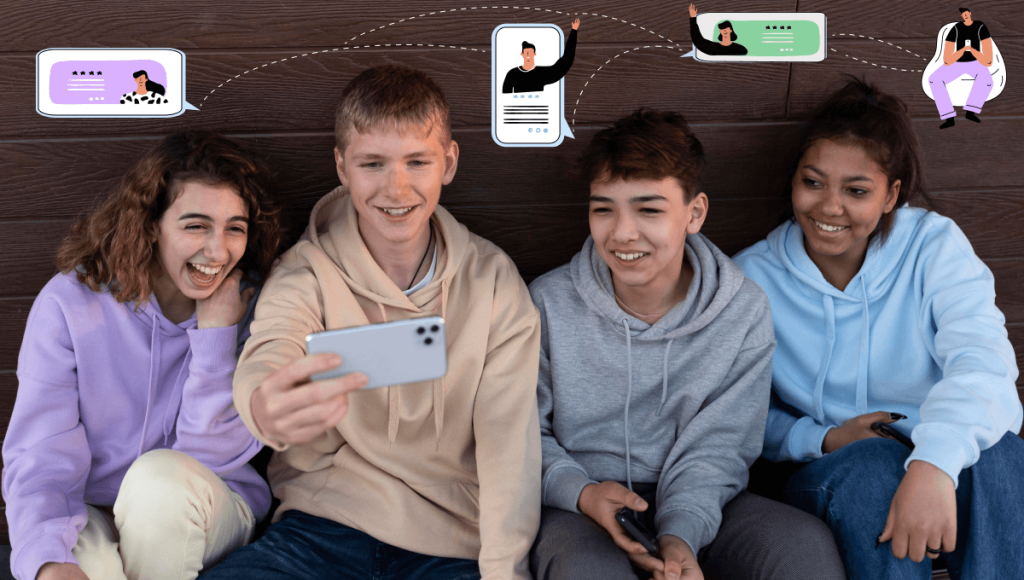
As teens spend more time online to learn, socialize, and explore their interests, online chat rooms have become one of the most popular digital spaces for connecting with others. While these platforms can help kids build confidence and meet like-minded peers, they can also expose them to risks such as cyberbullying, online predators and grooming, or inappropriate content.
The good news? Not every chat community is unsafe. Many platforms now offer strong moderation, privacy controls, and kid-friendly features. By understanding which chat rooms are genuinely safe, setting clear online safety for kids rules, and choosing age-appropriate platforms, parents can help teens enjoy the benefits of online communication while reducing potential risks.
This guide explains:
- What makes an online chat room safe
- The types of chat rooms teens often join
- The safest platform options for teens
- Pros and cons of online chatting
- A practical parent’s safety guide
What Do Teens Look for in Online Chat Rooms?
Young users join online chat communities for different reasons. Understanding what they seek helps parents guide them wisely.
Most teens look for:
- Shared interests (gaming, hobbies, art, coding)
- A sense of belonging and community
- Easy communication through text, voice, or video
- Low-cost or free access
- Anonymity without judgment
- A place to explore creativity and learning
Because these platforms are open and fast-moving, safety features become essential.
What Makes an Online Chat Room Safe?
Before allowing teens to join any chat community, parents should look for:
Strong Moderation
Platforms should use:
- AI content filtering
- Human moderators
- Clear rules against bullying, harassment, hate and harmful content
Age-Appropriate Features
Safe platforms include:
- Teen modes
- Restricted chat access
- Limited friend invites
Privacy & Security Controls
A safe app should allow:
- Private accounts & Hide personal details
- Control over who can chat
- Limited profile visibility
Multiple Communication Options (Optional)
Teens prefer flexible chat options like text and voice, but with parent-approved privacy settings.
General Social or Anonymous Chats
Unlike moderated communities, many anonymous chat apps allow users to communicate without revealing their identity. While anonymity can provide privacy, it can also increase the risk of inappropriate conversations, scams, cyberbullying, and unwanted contact from strangers.
Parents should encourage teens to use platforms with stronger moderation, privacy controls, and verified communities whenever possible. Understanding the risks of anonymous communication can help families make safer choices about which online spaces are appropriate for their children.
Types of Online Chat Rooms Teens Use
1. Interest-Based or Hobby Communities
These are ideal for meeting people with similar passions. Examples include:
- Gaming groups
- Art communities
- Coding forums
- Fan clubs
These usually offer structured discussions and clearer community guidelines.
2. Educational Chat Rooms
These focus on:
- Homework help
- Language practice
- Skill development
They offer a positive environment where teens learn and exchange knowledge.
3. Supportive or Peer-Help Communities
Some chat rooms help teens:
- Share experiences
- Manage stress
- Seek advice
- Build confidence
Such spaces often promote kindness and emotional support.
4. General Social or Anonymous Chats
Anonymous platforms offer casual conversations with strangers. But they come with the highest risks due to:
- Unverified users
- Less moderation
- Possibility of inappropriate behavior
Parents should be cautious with these.
5. Adult or Dating Chat Rooms (Avoid Completely)
These platforms are not for teens like adult social media apps —they expose minors to:
- Adult content
- Predators
- Unsafe private chats
Parents should block such sites immediately.

Top Safe Chat Rooms and Online Communities for Teens
Here are some of the safest options available when used with proper settings and guidance:
1. Duolingo (Social Language Practice)
Best for: Teen learners exploring languages
Age: 13+
Duolingo offers built-in discussion forums and language clubs where teens can practice safely. Comments are moderated, and younger accounts have restricted social features.
Parent Tip: Turn on privacy controls and remind teens not to share personal details.
2. Discord (With Safety Settings Enabled)
Best for: Gaming, hobbies, communities
Age: 13+
Discord offers communities for gaming, hobbies, and education, but it also allows teens to interact with people they may not know. Parents should enable privacy settings, review the servers their teen joins, and discuss safe communication practices. For a complete breakdown of Discord’s safety features, parental controls, and common risks, read our guide: Is Discord Safe for Kids?
Parent Tip: Review the server before your teen joins. Enable content filtering.
3. Roblox Chat (With Parental Controls)
Best for: Kids can play and chat in game worlds.
Age: 7–17
Roblox includes chat filters and parental controls, but children can still encounter strangers in public games and experiences. Families should review privacy settings, limit communication to trusted friends, and regularly discuss safe online behavior. Learn more in our complete guide: Is Roblox Safe for Kids?
Parent Tip: Use the parental dashboard to manage chat permissions.
4. Minecraft Realms
Best for: Safe group gaming
Age: 8+
Realms allow only invited players, reducing exposure to strangers. Great for private friend groups.
Parent Tip: Only invite people your child knows.
5. Scratch Community
Best for: Creative coding & project sharing
Age: 8–16
Scratch encourages creativity while maintaining a strictly moderated environment. Community rules are clear and enforced.
Parent Tip: If you want to block social features, use the offline version.
6. Kahoot Learning Communities
Best for: Gamified quizzes for classroom-style learning. Safe for academic collaboration.
Age: 10+
Kahoot’s chat environment is school-centric and heavily moderated, making it low-risk.
Parent Tip: Teach kids not to share personal data while playing with classmates.
7. Messenger Kids
Best for: A family-safe messaging app where parents fully manage contacts.
Age: 6–13
This app gives parents complete control of contact lists and content visibility. Kids cannot chat with anyone unless a parent approves.
Parent Tip: Review chat logs regularly to monitor interactions.
8. School-Based LMS Chat Systems
Best for: Academic communication
Age: 10+
Platforms like Schoology or Google Classroom allow:
- Teacher-supervised chats
- Safe collaboration
- Controlled environments
Parent Tip: These accounts are school-managed, which adds an extra layer of safety.
9. Duolingo ABC & Kids Modes
Best for: Younger children exploring beginner-level communication
Age: 3–12
These versions remove social chat completely, keeping learning environment safe for children.
10. Private Family Group Chats (WhatsApp Kids Mode via KidsNanny)
Best for: Secure communication with known people only
Age: All ages (with parental supervision)
Using parental controls like KidsNanny’s WhatsApp Tracker, families can monitor messages, images, and videos. If bullying, adult content, or sextortion is detected, parents receive instant alerts and can remotely delete messages on the child’s device for fast protection.
Advance Tips for Camera Monitoring
Unified Camera Shield Protection (Snapchat + Social Apps + Camera Safety)
KidsNanny Camera Shield monitors Snapchat, social apps, and all camera usage — including video calls or image capture. If nudity, NSFW content, or harmful visuals are detected, parents receive instant alerts. KidsNanny can also cut internet access and close the active app immediately to keep children safe in real time.
Benefits of Online Chat Rooms for Teens
- Improved Communication Skills – Teens gain confidence and express themselves freely.
- Exposure to New Cultures – They learn languages, traditions, and perspectives.
- Academic & Skill Support – Educational chats help with homework and learning.
- Meeting like-minded peers – These interactions build healthy friendships and teamwork.
Risks Parents Should Know
Exposure to Harmful or Adult Content
Some online chat rooms and communities may expose teens to inappropriate images, videos, or conversations. Even platforms with moderation cannot always prevent harmful content from reaching young users. Parents can take additional steps by learning how to block adult websites and reduce accidental exposure to inappropriate material.
Stranger Interaction Risks
Chat rooms can allow teens to interact with people they do not know in real life. Some individuals may attempt to build trust, manipulate conversations, or take advantage of young users. Parents should teach teens how to recognize online predators and grooming behaviors and encourage them to report suspicious interactions.
Oversharing Personal Information
Teenagers may accidentally share personal details such as their location, school information, photos, or private conversations while chatting online. Teaching kids about privacy settings and responsible sharing habits can help protect their digital identity.
Cyberbullying and Online Harassment
Online communication can sometimes lead to bullying, harassment, or harmful messages from other users. Understanding the warning signs of cyberbullying and encouraging teens to speak openly with parents can help address issues before they become more serious.
Financial Manipulation and Scams
Some online interactions may involve scams where criminals pressure teens into sharing money, personal information, or private images. Learning about financial sextortion risks can help parents recognize warning signs and support teens if they encounter suspicious behavior.
Screen Addiction and Excessive Usage
Spending too much time in online communities or chat platforms can affect sleep, school performance, and real-life relationships. Setting healthy boundaries around screen time and encouraging balanced digital habits can help teens maintain a healthier relationship with technology.
Parent’s Guide: How to Keep Teens Safe in Online Chat Rooms
- Choose Platforms Together – Discuss your child’s interests and pick safe platforms jointly.
- Teach Privacy Protection – No full name, photo, school name, or location sharing.
- Set Clear Rules – Create age-based guidelines for:
- Daily screen time
- Platforms allowed
- Chat behavior
- Keep Communication Open – Make sure your child feels comfortable sharing if anything feels wrong.
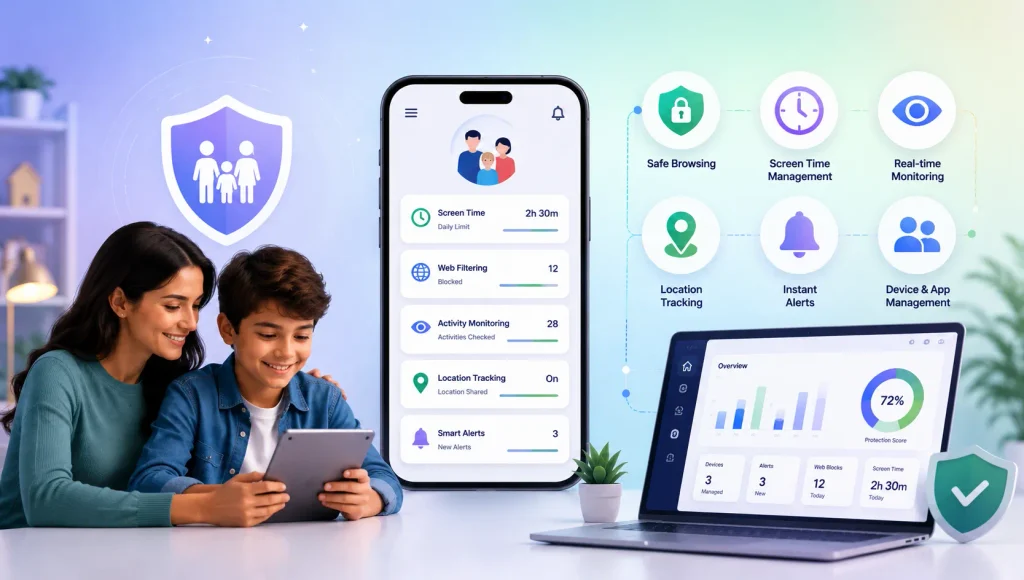
- Use a Parental Control App – Tools like KidsNanny help parents:
This ensures safer digital spaces without invading the child’s trust.
Conclusion
Online chat rooms can be fun, educational, and confidence-boosting — if parents guide teens toward the right platforms. With smart choices, clear rules, open family conversations, and tools like KidsNanny, you can ensure your teen explores online communities safely.
Digital safety doesn’t mean stopping teens from socializing — it means helping them socialize smartly.