
The Growing Danger No Parent Can Ignore
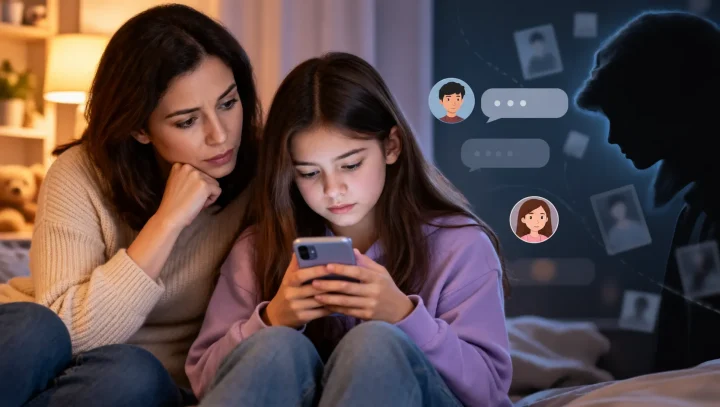
Sarah, a mother of two from Texas, never imagined she’d find herself in tears at 2 AM, staring at her 11-year-old son’s browser history. “I thought I was doing everything right,” she told us. “I had conversations about internet safety. But I didn’t realize how easy it was for him to stumble onto these sites.”
Sarah’s story isn’t unique. It’s happening in homes across America—and the statistics are more alarming than most parents realize.
The Shocking Reality: Why This Matters Right Now
The Numbers That Should Wake Every Parent Up
According to research from Common Sense Media, the average age of first exposure to pornography is now 12 years old, with 15% reporting exposure by age 10 or younger. In many cases, this exposure happens accidentally. A child searching for homework help or celebrity news can be one mistyped word away from explicit content.
Here’s what the research reveals:
- 73% of teens ages 13-17 have watched pornography online, with 54% first seeing it by age 13.
- 58% of teens encountered pornography accidentally, often through pop-ups or misleading links.
- Pornhub receives over 3.5 billion visits per month globally, with approximately 245 million visits in December 2025 alone.
But the real danger isn’t just exposure—it’s the impact.
What Pornography Actually Does to Developing Minds
Research from the American College of Pediatricians has documented how pornography affects adolescent brain development, showing that early exposure can lead to:
Neurological Changes:
- Disruption of prefrontal cortex development (the brain’s decision-making center).
- Creation of dopamine pathways that can lead to compulsive behavior.
- Difficulty forming healthy romantic relationships later in life.
Psychological Impact:
- Increased anxiety and depression.
- Distorted views of sexuality and consent.
- Body image issues and self-esteem problems.
- Desensitization to violence.
Why ‘Just Talking to Them’ Isn’t Enough
While communication is essential, today’s internet moves faster than any conversation can keep up with:
- New pornographic sites launch daily (over 4 million exist worldwide).
- Kids share bypass methods on social media.
- Private browsing modes hide activity
- VPN apps circumvent router-level blocking.
The Solution: KidsNanny’s Multi-Layer Protection
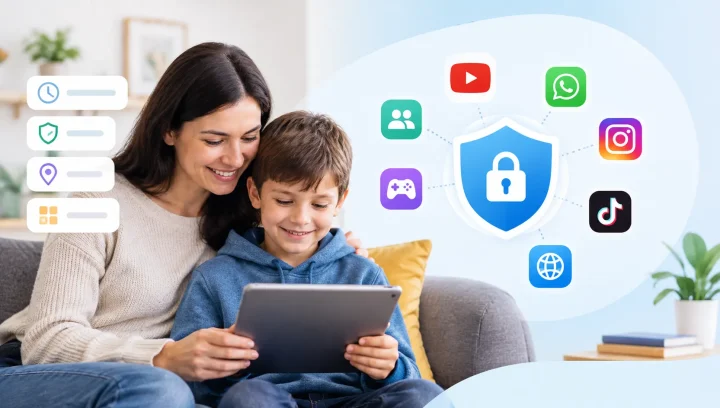
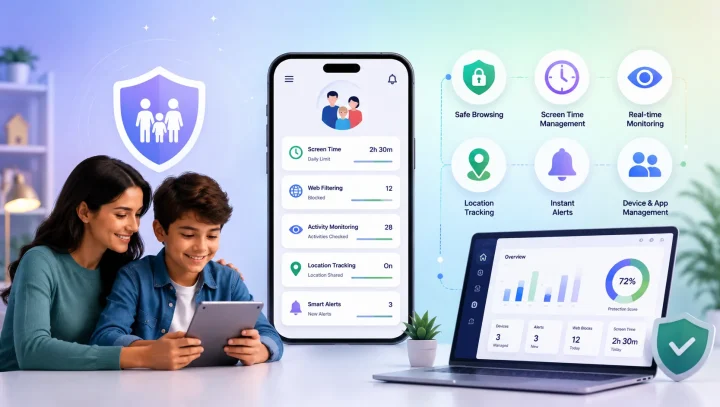
Protecting your children requires a comprehensive approach. KidsNanny provides six critical layers of protection:
1. Strategic App Blocking
The first line of defense prevents access before it happens. KidsNanny blocks:
- VPN applications (all of them—no exceptions).
- Automatically block all browser apps by category. (If your child installs a new browser, it will be instantly restricted under the same category rules)
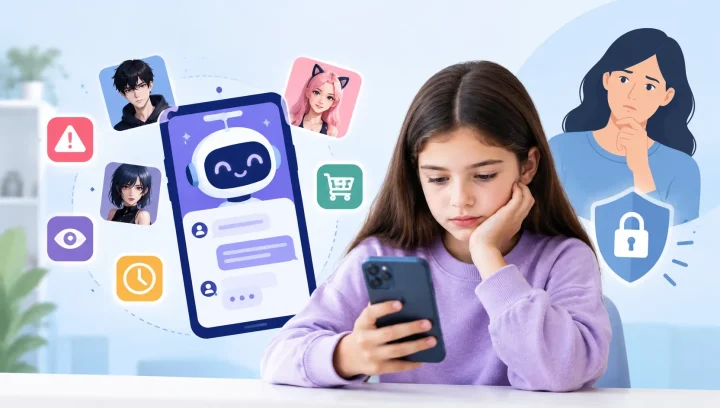
- Private messaging apps where explicit content spreads.
- Social platforms with weak content moderation
Example Scenario: The Patterson family implemented app blocking after their 14-year-old accessed inappropriate content through a third-party browser. When he tried installing a VPN app his friend recommended, it was blocked instantly with an immediate parent notification. This led to a productive conversation about boundaries rather than discovering the problem weeks later.
2. Advanced Web Filtering
KidsNanny’s intelligent web filter goes beyond simple blocklists:
- Category-Based Website Blocking: Automatically blocks entire content categories such as adult content, gambling, violence, and drugs to ensure safe browsing for kids and teens.
- Block by Domain: Instantly block specific websites by direct domain name for precise parental control and customized internet filtering.
- Real-time analysis: Identifies new pornographic sites automatically.
- Context awareness: Distinguishes between educational and explicit content.
Example Scenario: When the Johnson’s 12-year-old daughter searched “teen models” for a school fashion project, KidsNanny blocked inappropriate modeling sites while allowing legitimate fashion industry resources. The filter understood context—something basic blockers miss entirely.
3. Enforced Safe Search
KidsNanny enforces safe search across all platforms and prevents your child from disabling it. This includes Google, YouTube, Bing, Incognito Mode (private browsing) and all other search engines.
Example Scenario: The Martinez family’s son was accidentally exposed to explicit images while researching anatomy for biology. After enabling enforced safe search, inappropriate images were automatically filtered, allowing him to complete homework safely.
4. Comprehensive Web History Monitoring
Visibility into both successful and blocked access attempts helps you understand your child’s online challenges:
- Every website visited.
- Blocked sites they attempted to access.
- Search terms across all platforms.
- Patterns indicating peer pressure or struggles.
Example Scenario: The Chen family noticed their 13-year-old was repeatedly trying to access the same blocked pornographic site. Instead of punishment, they approached him with concern. He admitted boys at school were constantly discussing it, and he felt left out. This opened crucial conversations about peer pressure and healthy sexuality.
5. AI-Powered Screen Scanner
The newest threat isn’t websites—it’s content shared directly through apps. KidsNanny’s AI scanner analyzes images appearing on your child’s device:
- Scans child device screen automatically.
- Detects nudity and explicit content.
- Identifies concerning text conversations.
- Alerts parents immediately to dangerous content.
Example Scenario of Exploitation Prevention: A family’s screen scanner detected nudity in images being shared with their 15-year-old daughter. Further review suggested she was being pressured to share explicit photos—an early warning sign of potential “sextortion.” They intervened quickly, reported the issue to authorities, and ensured their daughter received proper support. Without AI-powered screen scanning and real-time monitoring, situations like this could go unnoticed until it’s too late.
6. Screen Time Management
Research shows late-night hours (10 PM – 2 AM) are when most unsupervised exposure occurs. KidsNanny provides:
- Device bedtime (automatic shutdown).
- Daily usage limits.
- Custom schedules (homework time vs. recreation).
- Instant pause button for family time.

The Bottom Line: Why This Can’t Wait
Every day you wait is another day your child navigates the internet’s dangers without protection.
The facts:
- 12 years old is the average age of first exposure.
- 3.5 billion monthly visits to Pornhub globally.
- 73% of teens ages 13-17 have seen online pornography.
But remember: You have the power to protect your children.
KidsNanny’s comprehensive protection system creates the multi-layered defense your family needs. This isn’t about being overprotective—it’s about being appropriately protective in a digital age with unprecedented dangers.
Download KidsNanny today and take the first step toward protecting your family’s digital wellbeing.