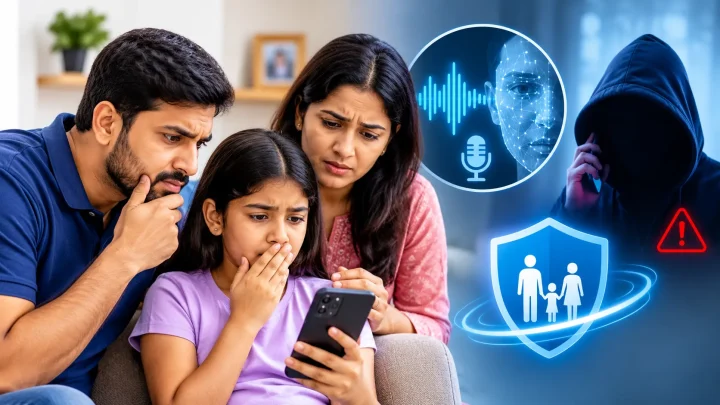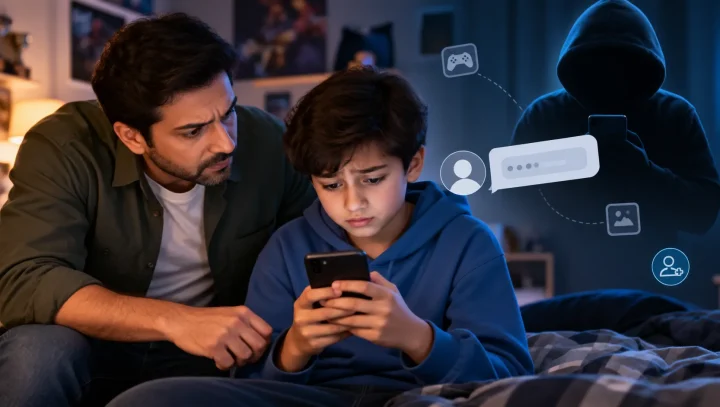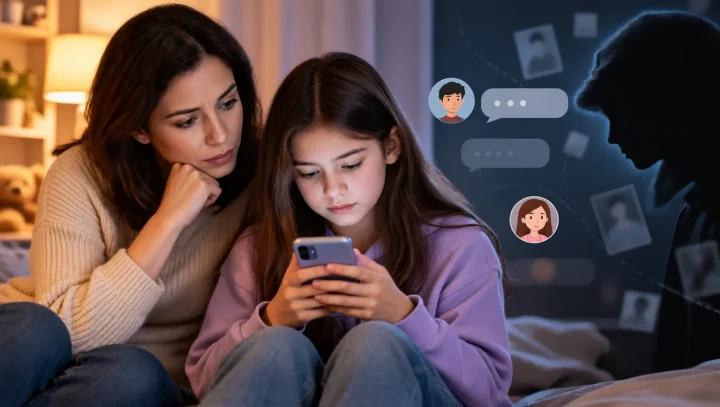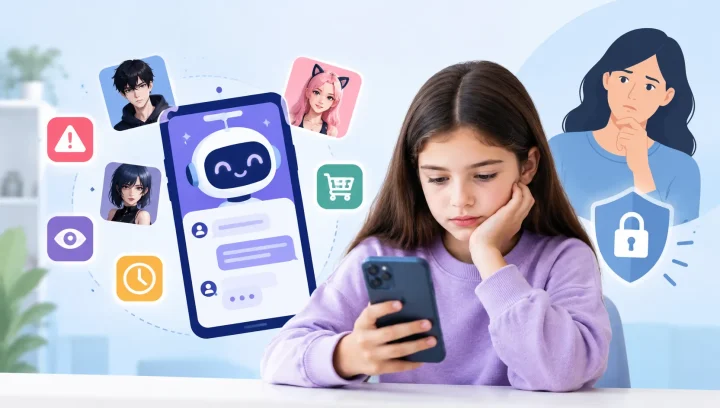

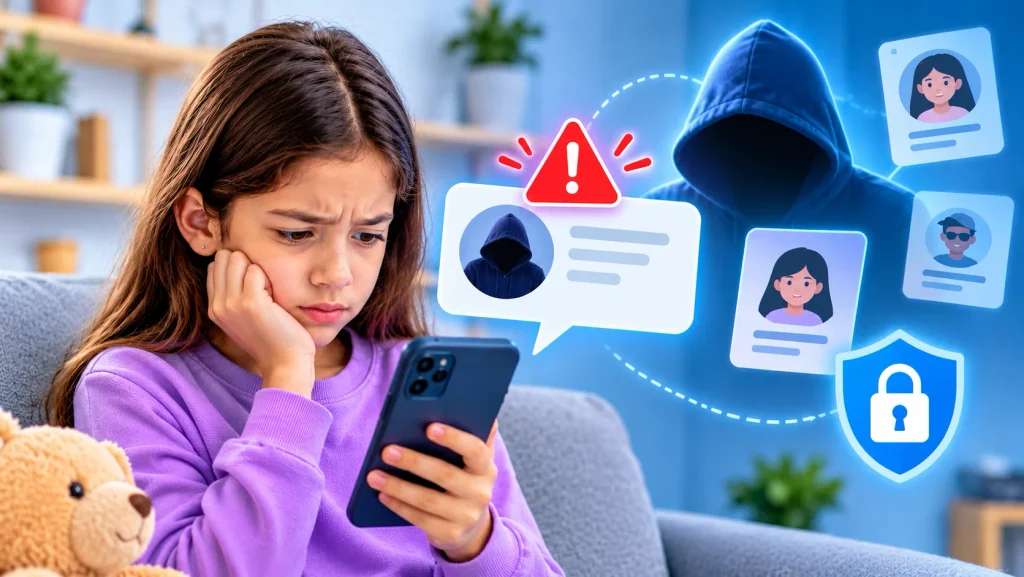
Imagine your child receives a friend request from someone using a classmate’s photo and name. The account looks familiar, the messages sound friendly, and they seem to share the same interests.
But what if the person behind the account is not who they claim to be?
Fake online profiles are not new, but artificial intelligence (AI) is making it easier for scammers and online predators to create convincing identities. They can use AI-generated profile pictures, realistic messages, and fabricated personal details to gain a child’s trust.
For parents, understanding how these fake identities work can help prevent online manipulation and protect children from unwanted contact.
What Is AI Impersonation?
AI impersonation happens when someone uses artificial intelligence to imitate another person or create a misleading online identity.
For example, someone might use an AI-generated photograph, copy another person’s profile information, or generate convincing messages to pretend to be a classmate, friend, influencer, or another trusted person.
Not every fake profile uses AI. However, generative AI tools can make these accounts easier to create and more convincing.
The FBI’s Internet Crime Complaint Center (IC3) has warned that criminals use AI-generated profile pictures and text to create fictitious social media identities and deceive people.
How Do Fake Profiles Target Children?
Children may be more likely to trust an account that appears familiar or shares their interests. Someone pretending to be another person can use that trust to start conversations and gradually manipulate them.
Here are some common tactics parents should understand:
1. Impersonating Friends or Classmates
Someone creates an account using another child’s name, photograph, or personal information. They may contact your child pretending to be a school friend to gain their trust.
2. Creating Fake Influencer or Celebrity Accounts
Fake accounts may pretend to represent popular influencers, gaming creators, or celebrities. They might offer prizes, exclusive access, giveaways, or gaming rewards to encourage children to respond.
3. Building Trust Through Friendly Conversations
An unknown person may use flattering messages, shared interests, or friendly conversations to develop a relationship with a child. Over time, they may ask increasingly personal questions or encourage private conversations.
4. Requesting Personal Information or Photos
After gaining trust, someone may ask for a child’s phone number, school details, location, passwords, or private images. In more serious cases, these interactions can develop into grooming or sextortion.
5. Using Fake Profiles for Scams and Cyberbullying
Impersonation can also be used to spread false information, send harmful messages, damage someone’s reputation, or trick children into clicking suspicious links.
7 Warning Signs of a Fake Online Profile
Teach your child to be cautious if an online account:
- Uses a familiar person’s photograph but has a different or unusual username.
- Has very little posting history or recently created an account.
- Sends unexpected friend requests or messages.
- Quickly asks personal questions about school, family, or location.
- Requests private photos, passwords, or verification codes.
- Offers gifts, free game credits, or prizes in exchange for information.
- Pressures your child to move the conversation to another private messaging app or keep it secret.
Important: These signs do not automatically prove that an account is fake. A genuine account can also have limited activity. Look at the overall behaviour and verify the person’s identity independently.
How Can Parents Protect Children From Fake Online Profiles?
You cannot prevent every fake account from contacting your child, but you can help them recognize suspicious behaviour and respond safely.
1. Teach Children to Verify Online Identities
Explain that a profile picture, name, or friendly conversation does not prove someone’s identity.
If an account claims to belong to a classmate or friend, encourage your child to confirm it through a communication method they already trust, such as speaking to the person at school or contacting them through a known account.
2. Keep Social Media Accounts Private
Review your child’s privacy settings together.
Limit who can see their posts, send friend requests, view personal information, and contact them. Avoid publicly sharing details such as school names, daily routines, and live location.
3. Talk About Sharing Personal Information
Children should never share passwords, verification codes, home addresses, school details, or private photographs with people they have not independently verified.
Make sure they understand that someone can misuse even ordinary photographs or personal information.
4. Encourage Open Conversations
Ask your child about the people they interact with online, the games they play, and any unusual messages they receive.
Most importantly, make sure they know they can tell you about uncomfortable online interactions without fear of punishment or embarrassment.
5. Review Online Activity Together
Help your child understand which apps they use, who can contact them, and what kind of content they encounter.
Age-appropriate parental controls can provide additional visibility into app usage, web activity, and potential safety concerns. These tools should support open communication, not replace it.
6. Block and Report Suspicious Accounts
If an account appears to be impersonating someone, report it through the relevant platform and block it where appropriate.
Save relevant usernames, profile links, messages, and screenshots as evidence. If there are threats, grooming, or attempts to exploit your child, seek help from the appropriate authorities.
What Should You Do If Your Child Is Contacted by a Fake Profile?
If you discover that someone has been impersonating another person or contacting your child with suspicious intentions:
- Stay calm: Reassure your child that they can talk to you without being blamed.
- Understand what happened: Ask who contacted them, what was discussed, and whether anyone requested personal information or images.
- Preserve evidence: Keep relevant messages, usernames, profile links, and screenshots.
- Report the account: Use the platform’s reporting tools for impersonation, harassment, or exploitation.
- Secure accounts: Change compromised passwords, enable two-factor authentication, and review account privacy settings.
- Seek help when necessary: Contact local law enforcement or a child protection organization if the situation involves grooming, threats, blackmail, or sexual exploitation.
If someone threatens your child with fake or manipulated images, take it seriously. Do not pay or comply with demands. Seek appropriate help and report the incident.
How Can Parental Controls Help With Online Impersonation Risks?
Children interact with people across social media, messaging apps, websites, and online games. Keeping track of every digital interaction can be challenging for parents.
Parental control tools can add an extra layer of awareness, especially when your child uses many apps and platforms.
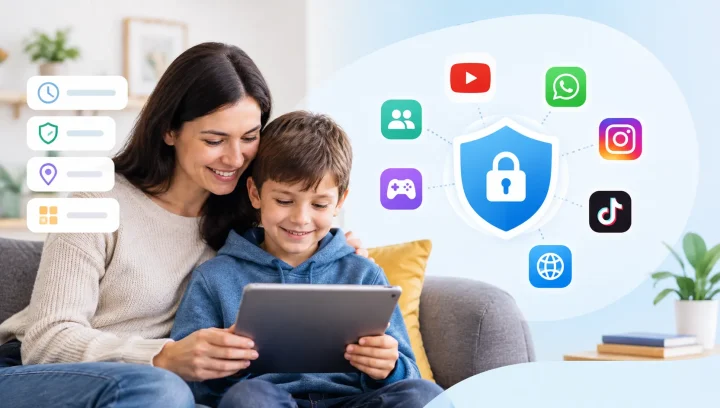
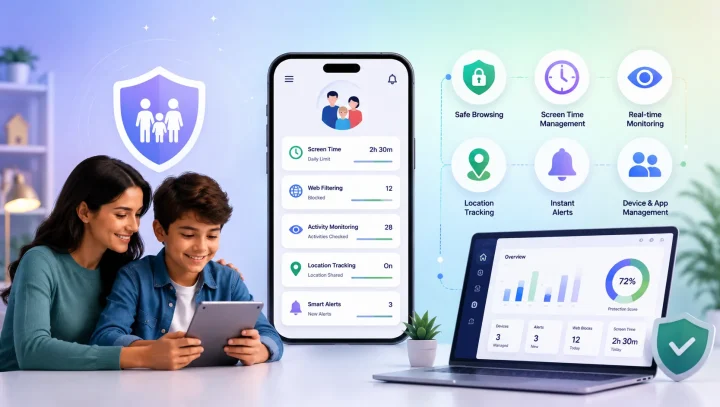
For example, KidsNanny provides features such as app activity monitoring, web history, content filtering, and AI Screen Scanner, which can flag potentially harmful content on your child’s screen and alert you, to help parents stay informed about their child’s digital activities.
However, parental controls cannot independently confirm whether a social media profile belongs to a real person or detect every impersonation attempt. Combining appropriate digital safety tools with regular conversations and identity verification is important.
Final Thoughts: Help Your Child Think Before Trusting Online
AI is changing how people create and share digital content, but one important online safety lesson remains the same: not everyone online is who they claim to be.
A convincing photograph, familiar name, or friendly message should never be treated as proof of someone’s identity.
Parents can make a meaningful difference by teaching children to question unexpected contact, protect personal information, verify online identities, and ask for help when something feels wrong.
Building these habits early can help children become more confident and responsible digital citizens.