
ZEPETO lets users create 3D avatars, explore virtual worlds, share content, and connect with people online. For children and teenagers who enjoy fashion, gaming, and social media, it can be an appealing place to express themselves and meet people with similar interests.
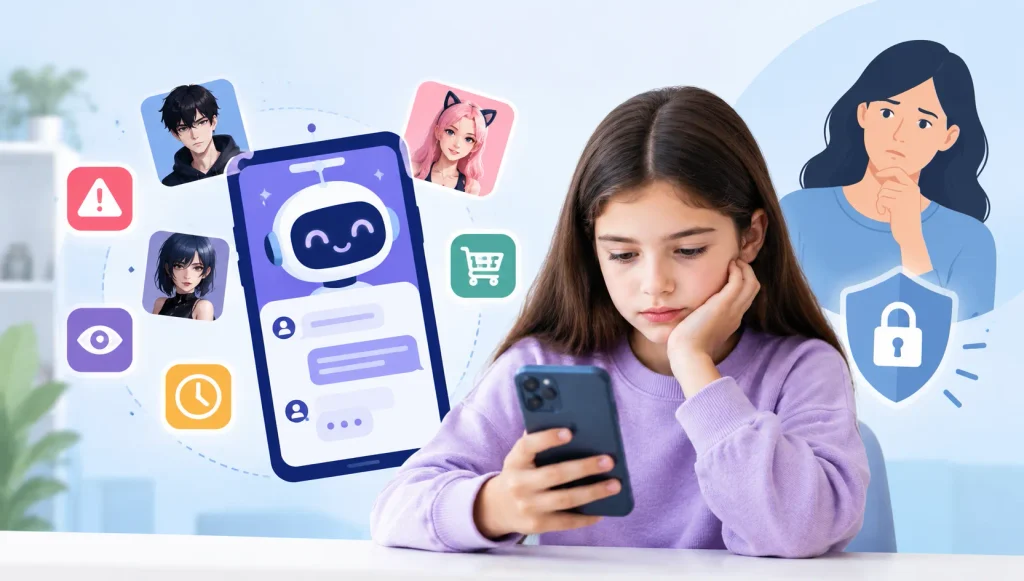
But ZEPETO is more than an avatar-creation app. Its social features raise important questions about strangers, private messages, personal information, and spending money on virtual items.
So, is ZEPETO safe for kids? It depends on the child’s age, maturity, and online habits. Although ZEPETO offers privacy settings, blocking, and reporting tools, these features cannot guarantee that every interaction or piece of content will be appropriate. Parents should understand how the app works and review its risks before deciding whether it is suitable for their child.
What Is ZEPETO?
ZEPETO is a social entertainment app where users create customizable 3D avatars and participate in virtual experiences.
Depending on the features they use, people can:
- Create avatars: Customize hairstyles, outfits, facial features, and accessories.
- Explore virtual worlds: Visit digital spaces, play games, and interact with other users.
- Share content: Publish avatar photos, videos, and posts.
- Chat with others: Communicate through supported messaging and social features.
- Watch live content: View avatar-based livestreams and community content.
- Buy virtual items: Use in-app currency to purchase clothing, accessories, and other digital items.
These features offer opportunities for creativity, but they also mean that children may encounter strangers, user-generated content, and purchase prompts within the same app. These are common risks across metaverse platforms, not only ZEPETO.
ZEPETO’s terms restrict use by children under 13 or below the applicable minimum age in their jurisdiction. Parents should check the current terms and app-store age rating in their country before allowing a child to sign up.
What Are the Main Safety Risks of ZEPETO?
1. Contact With Strangers
ZEPETO’s social features allow users to connect with people beyond their existing circle of friends. Depending on the feature and privacy settings, children may encounter unfamiliar users in virtual worlds, comments, livestreams, or private messages.
An avatar does not confirm someone’s real identity or age. A friendly profile and shared interests are not proof that another person is trustworthy.
What parents can do: Review who can message or invite your child, discuss safe online friendships, and encourage your child to tell you if someone makes them uncomfortable. If it does happen, here’s what to do when your child gets a message from a stranger.
2. Private Messages and Pressure to Move Elsewhere
Private messaging can help children keep in touch with friends, but it can also create opportunities for unwanted conversations.
Someone may offer compliments, ask personal questions, request private images, or encourage a child to continue chatting on another app. Requests for secrecy, intimate images, or an offline meeting are important warning signs.
The National Center for Missing & Exploited Children (NCMEC) identifies attempts to move conversations from one platform to another as a tactic associated with online enticement and sextortion. Moving a conversation is not proof of abuse by itself, but it deserves attention when combined with pressure, secrecy, or sexual requests. Learn more about the warning signs of online grooming and sextortion.
What parents can do: Review messaging and group-invitation settings together. Explain that your child should never feel pressured to share intimate images, passwords, contact details, or location information. Make it clear that they can ask for help without fear of being blamed.
3. User-Generated Content and Live Interactions
ZEPETO includes content created by its users, so experiences may vary between virtual worlds, posts, livestreams, and conversations.
Children could encounter offensive comments, bullying, suggestive themes, or material that is not appropriate for their age. Moderation and reporting tools can help, but parents should not assume every interaction will be reviewed before a child sees it.
What parents can do: Explore the app with your child, discuss the types of worlds and accounts they visit, and show them how to leave an uncomfortable space, block an account, and report inappropriate content.
4. Privacy and Personal Information
Using an avatar may feel more private than posting a real photograph, but it does not make every interaction anonymous.
Children can unintentionally reveal identifying details through usernames, profile descriptions, conversations, screenshots, linked social accounts, or images shared in chats.
What parents can do:
- Choose a username that does not reveal a child’s full name, birth date, or school.
- Avoid sharing a home address, phone number, school details, or regular whereabouts.
- Review profile visibility, post visibility, and messaging permissions.
- Check the app’s camera, microphone, and photo permissions on the device.
- Read the current ZEPETO Privacy Policy.
5. In-App Purchases and Spending Pressure
ZEPETO offers virtual clothing, accessories, and other items that allow users to personalize their avatars. Some purchases use in-app currency that can be obtained through activities or purchased with real money.
Limited-time items, fashion trends, and social comparisons may encourage children to want more virtual goods. Even small purchases can add up over time.
What parents can do: Explain the difference between virtual currency and real money, require permission before purchases, review transaction history, and use available Apple or Google purchase restrictions.
6. Screen Time and Social Pressure
Virtual worlds, new content, social interactions, and collectible items can make children want to return to an app frequently.
For some children, this may interfere with sleep, homework, physical activity, or family time. The impact depends on the child and how they use the app, not simply on the number of minutes spent online.
What parents can do: Agree on reasonable daily limits, establish device-free times during homework and bedtime, and watch for changes in sleep, mood, schoolwork, or other activities.
What Age Is ZEPETO For?
ZEPETO’s minimum age requirements and app-store ratings are not exactly the same.
| Source | Age guidance |
| ZEPETO Terms of Use | Restricts users under 13 or below the applicable local minimum age |
| Apple App Store (US listing) | 13+ |
| Google Play (CA/US listing) | Teen |
| Common Sense Media | Recommends ages 16+ |
App-store ratings vary by country and platform. Common Sense Media recommends ZEPETO for ages 16 and up, citing concerns such as strangers, advertising, and purchases.
What should parents do? Check the current rating in your country’s app store, read ZEPETO’s terms, and consider your child’s maturity and ability to handle online interactions. An age rating is a useful starting point, not a guarantee that every interaction will be appropriate.
How Can Parents Make ZEPETO Safer?
If you decide ZEPETO is appropriate for your teenager, these five steps can help reduce avoidable risks.
1. Review Privacy Settings Together
ZEPETO lets users manage certain interactions, including direct messages, invitations, and content visibility. Open your child’s profile and review the available privacy options together.
Look for Settings >> Privacy and Contents, or the equivalent section in your version of the app. Where available, limit access to trusted users or choose the most restrictive suitable option. Also review profile visibility, tagging, and other social permissions.
Menu labels and available settings may change with app updates. Do not assume a new account is private; check its actual settings.
2. Demonstrate Blocking and Reporting
Show your child how to block an account and report the specific message, comment, or content that concerns them.
ZEPETO recommends reporting a problem from the feature where it occurred. For example, report an inappropriate direct message from within the chat, or long-press a concerning comment and select the reporting option. This helps its moderation team review the relevant content rather than relying only on a profile-level report.
You can find instructions in ZEPETO’s official guide to reporting and blocking and our guide to financial sextortion and how to respond.
If the situation involves threats, sexual exploitation, or sextortion:
- Reassure your child that they are not to blame and that they can ask for help.
- Use the platform’s reporting tools and block the account when it is safe to do so.
- Preserve relevant messages, usernames, and other evidence where safe and lawful. Do not forward or redistribute intimate images of a child.
- In the United States, report suspected child sexual exploitation to NCMEC’s CyberTipline. In Canada, report it to Cybertip.ca.
NCMEC also advises victims of sextortion not to delete their profiles or messages, because this information may help with reporting and investigations. Read its sextortion safety guidance.
3. Set Clear Screen-Time and Spending Rules
Agree on when your child can use ZEPETO, how long they can spend on it, and whether they can make purchases.
Use available device-level parental controls to manage app access, downtime, and spending. Review these settings periodically rather than assuming they will remain unchanged.
4. Teach Your Child to Recognize Warning Signs
Explain that online contacts should not ask for intimate images, passwords, money, personal information, or secrecy from trusted adults.
Encourage your child to be cautious if someone quickly becomes overly affectionate, offers gifts in exchange for photos, threatens to expose private information, or pressures them to move to another messaging platform.
Remind them that they can stop responding and come to you for help, even if they have already shared something they regret.
5. Keep the Conversation Open
Ask your child what they enjoy about ZEPETO, which features they use, and whether anyone has made them uncomfortable.
Listen calmly if they describe a worrying interaction. A supportive response makes it easier for children to report problems early rather than hiding them out of fear that their device will be taken away.
Can Parental Controls Help Monitor ZEPETO?
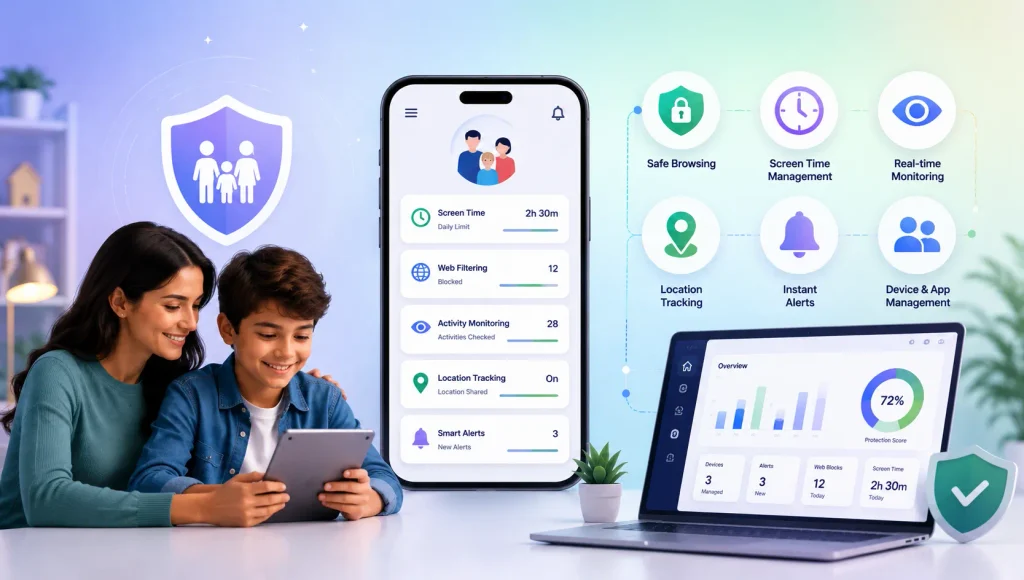
Device-level parental controls can help families manage screen time, restrict purchases, and limit access to apps. However, they do not necessarily show every conversation or identify every risky interaction inside a social platform.
Parents who want additional visibility into their child’s digital activity can explore tools designed for family digital safety. KidsNanny offers parental-control features that help parents block or limit specific apps, set daily screen time schedules, and use Screen Scanner to flag potentially harmful content on a child’s screen. Available features depend on the device, operating system, permissions, and app configuration.
No parental-control tool can replace ongoing conversations about online relationships, privacy, and asking for help.
Final Thoughts: Should You Let Your Child Use ZEPETO?
ZEPETO offers opportunities for creativity, avatar design, and social interaction. However, its open social features, user-generated content, privacy considerations, and in-app purchases may make it unsuitable for some younger children. Many of the same questions apply to other social platforms, so you may also want to read whether Roblox is safe for kids and whether Discord is safe for kids.
Before allowing access, consider whether your child understands online boundaries, can recognize manipulative behavior, and will tell you if something goes wrong. Check the current age requirements, explore the app together, and review privacy and purchase settings.
The most useful approach combines age-appropriate boundaries, sensible screen-time and spending limits, privacy settings, and regular conversations. The goal is not simply to restrict an app, but to help children build the judgment they need to navigate online spaces more safely.