


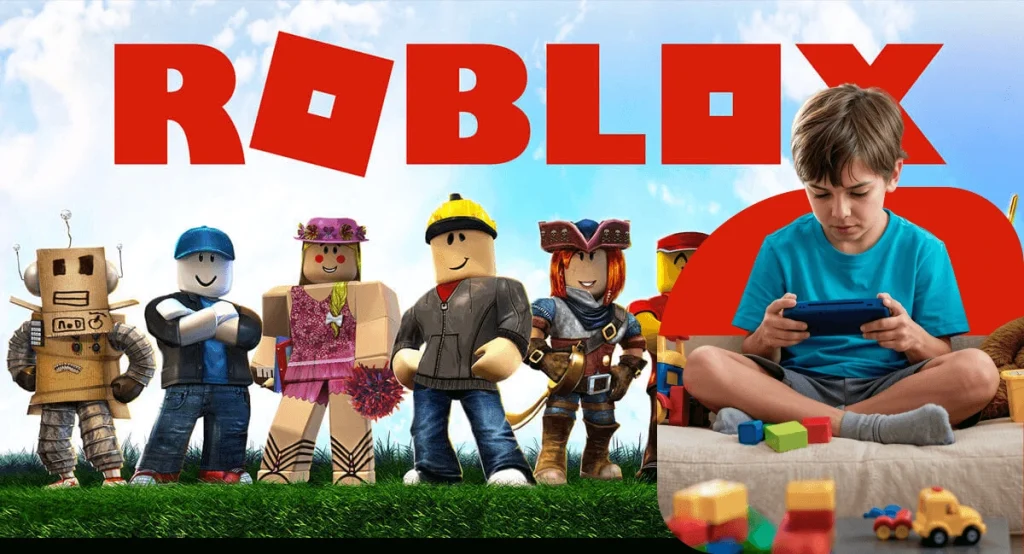
Your child probably loves Roblox. With over 140 million daily active users, it’s one of the most popular platforms among kids worldwide. Your child isn’t just playing games — they’re chatting with strangers, spending real money, and exploring millions of user-created worlds that no one has fully reviewed.
So is Roblox actually safe for kids? The short answer: Roblox has genuine risks that every parent should understand. But with the right settings and monitoring, your child can enjoy the platform more safely.
This guide covers everything parents need to know — the real dangers, how Roblox’s safety features work, what they don’t protect against, and exactly how to keep your child safe.
What Is Roblox and Why Do Kids Love It?
Roblox isn’t a single game — it’s a platform where anyone can create and share games (called “experiences”). Kids can play millions of different games, chat with friends, customize their avatar, and earn or spend a virtual currency called Robux.
Why kids are drawn to it:
- Social connection — friends play together, chat, and hang out in virtual worlds.
- Creativity — kids can build their own games and share them.
- Variety — millions of experiences from obstacle courses to role-playing games.
- Status — rare items and Robux create a social currency among peers.
The platform is free to download and play, but Robux (purchased with real money) unlock premium items, accessories, and game passes. This is where financial risks begin.
The Real Dangers of Roblox for Kids
1. In-Game Chat with Strangers
Roblox allows players to chat with anyone in the same game. While text filtering exists for accounts under 13, kids and predators routinely bypass filters using coded language, phonetic spelling, and external links.
The risk: Adults can directly message children in-game. Predators use shared gaming interests to build trust before moving conversations to private platforms like Discord or Snapchat where there is no moderation.
2. “Condo Games” — Explicit Sexual Content
“Condo games” are user-created Roblox experiences containing sexually explicit content, including simulated sex acts between avatars. As NBC’s Today show reported, experts describe it as “a game of Whack-a-Mole” — despite Roblox’s efforts to remove them, new ones are created constantly, often faster than moderators can take them down.
Creators bypass detection by using code obfuscation, uploading explicit content after the initial review, or quickly republishing under new names.
The risk: Children stumble into these games through search, friends, or recommendations. Research from the London School of Economics highlights how these controversies demand urgent attention from parents and platforms alike.
3. Robux Scams and Financial Exploitation
Children are major targets for Robux scams:
- Fake “free Robux” websites that steal login credentials.
- Phishing links shared in chat or on YouTube.
- Trading scams where kids are tricked into giving away rare items.
- Social engineering through Discord servers promising free items.
The risk: Children lose real money, expose family payment information, or have their accounts stolen. Some scams also install malware on devices.
4. Predator Grooming
Roblox has been cited in numerous child exploitation cases. The grooming pattern typically follows these steps:
- A predator joins a game popular with children.
- They befriend the child through gameplay and compliments.
- They gain trust over days or weeks.
- They ask the child to move to a private platform (Discord, Snapchat, Kik).
- Exploitation occurs off-platform where there is no moderation.
A Hindenburg Research report in October 2024 alleged that Roblox had systemic child safety failures, including inadequate moderation and children being regularly exposed to predatory behavior. The report, covered by Fortune and other major outlets, described the platform as failing to protect its youngest users.
5. Addictive Design and Excessive Spending
Roblox uses mechanics similar to gambling — limited-time items, loot box-style randomness, and social pressure to own rare items. Children can spend hundreds of dollars on Robux without understanding the real-world cost.
The risk: Kids develop unhealthy gaming habits, spend money without permission, or feel pressured to buy items to fit in socially.
6. Cyberbullying
Roblox’s social features — chat, friend lists, group membership — create opportunities for cyberbullying. Kids can be harassed in-game, excluded from groups, or targeted with abusive messages.
What Age Is Roblox Appropriate For?
Official Ratings
- ESRB: Rated T (Teen) with “Diverse Content: Discretion Advised”, “Users Interact”, and “In-Game Purchases (Includes Random Items)” labels. However, ESRB ratings cannot account for user-generated content.
- Common Sense Media: Recommends Roblox for age 13+ due to chat features, in-app purchases, and user-generated content risks.
Roblox’s Content Rating System
| Rating | Content Level |
| Ages 5+ | Suitable for everyone |
| 9+ | Mild fantasy violence |
| 13+ | Moderate violence, crude humor |
| 17+ | Restricted content (requires age verification with ID) |
The problem: Most children play experiences rated “Ages 5+” or “9+” but can still encounter inappropriate behavior through chat, friend requests, and user-generated content within those games.
Our Recommendation
- Under 10: Not recommended without direct adult supervision. Use Account Restrictions mode.
- Ages 10-12: Acceptable with strict parental controls enabled and regular check-ins about who they’re talking to.
- Ages 13+: Acceptable with monitoring tools and ongoing conversations about online safety.

Roblox’s Built-In Parental Controls
Roblox has improved its safety features, but no system is perfect. Here’s what’s available:
Account Restrictions Mode
Locks the account to a curated list of age-appropriate experiences and disables most chat features. Best for younger children.
How to enable: Go to Settings → Parental Controls → enable Account Restrictions.
PIN-Protected Settings
Set a 4-digit PIN so your child cannot change privacy or safety settings without your knowledge.
How to enable: Settings → Security → Account PIN → create a PIN.
Chat Restrictions
Roblox applies different chat filtering levels by age:
- Under 13: Stricter text filtering, more words blocked.
- 13+: Standard filtering with more freedom.
Roblox recently added a chat rephrasing feature that reduces profanity while keeping conversational flow. However, filters are not foolproof — kids bypass them regularly.
Spending Controls
Parents can set monthly Robux spending limits to prevent unexpected charges.
How to enable: Settings → Parental Controls → Monthly Spend Restrictions.
Content Maturity Labels
Restrict which age-rated experiences your child can access.
How to enable: Settings → Parental Controls → Allowed Experiences.
Age Verification
Roblox requires age verification for users who want to access 17+ content — either through government ID or AI-powered facial age estimation. This prevents younger children from accessing mature experiences — but only applies to content specifically rated 17+. As of late 2025, Roblox also requires age checks for all chat functionality.
Why Roblox’s Safety Features Aren’t Enough
Roblox’s built-in controls help, but they have significant gaps:
| Feature | What It Does | What It Doesn’t Do |
|---|---|---|
| Chat filters | Blocks obvious bad words | Doesn’t catch coded language, phonetic spelling, or grooming patterns |
| Account Restrictions | Limits games and chat | Kids often pressure parents to turn it off |
| Content ratings | Labels experiences by age | Can’t control what users say or do inside rated games |
| Spending limits | Caps Robux purchases | Doesn’t prevent scam websites from stealing credentials |
| Age verification | Blocks 17+ content | Only applies to 17+ rated experiences |
| Moderation team | Reviews reports 24/7 | Cannot monitor millions of active games simultaneously |
The core problem: Roblox is a platform of user-generated content. No moderation system can fully review millions of experiences created by millions of users in real-time. Inappropriate content, predatory behavior, and scams will always slip through.
How to Actually Keep Your Child Safe on Roblox
1. Set Up Roblox Parental Controls First
Before your child plays, enable: Account Restrictions mode (for under 12), PIN-protected settings, spending limits, age-appropriate content restrictions, and privacy settings set to “Friends only” for chat and contact.
2. Review Their Friends List Regularly
Check who your child has added as friends. Look for users with no profile picture, much older-seeming accounts, or friends your child cannot identify by real name.
3. Talk About “Condo Games”
Explain what these are in age-appropriate terms. Tell your child to leave immediately and tell you if they see anything inappropriate. Make it clear they will not get in trouble for reporting.
4. Monitor for Off-Platform Contact
The biggest danger is when conversations move off Roblox. Watch for new Discord, Snapchat, or Kik contacts, secretive behavior, an older “friend” from a game, or gifts from unknown people.
5. Set Screen Time Limits
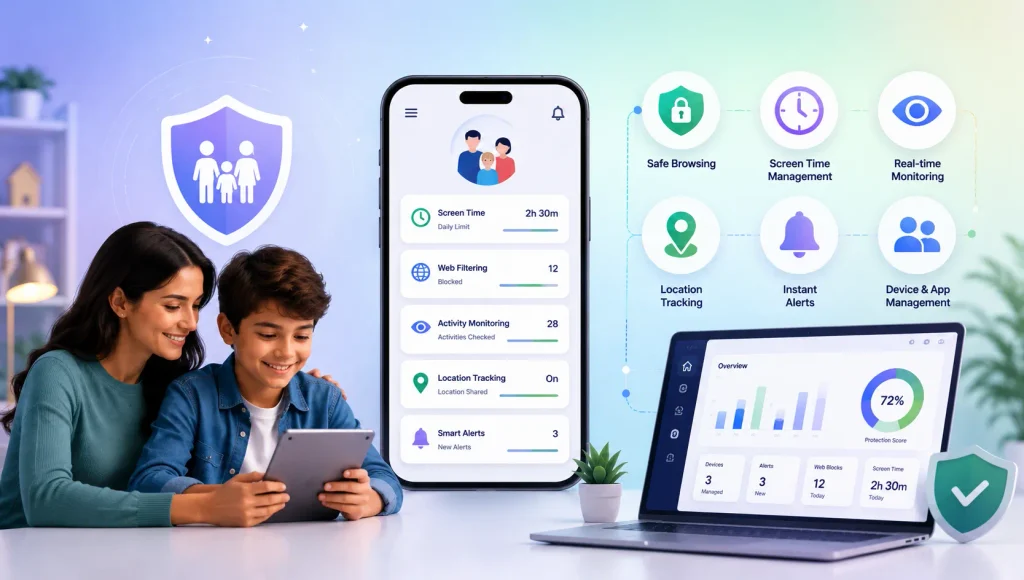
Use KidsNanny’s Screen Time to set daily limits specifically for Roblox. Schedule device bedtimes to prevent late-night gaming sessions when supervision is lowest.
6. Enable AI-Powered Monitoring
Roblox’s built-in filters miss a lot. KidsNanny’s Screen Scanner uses on-device AI to monitor what appears on your child’s screen across all apps — including Roblox. It detects explicit content, grooming language, and cyberbullying in real-time and sends alerts to parents.
7. Block Dangerous Apps
If your child is under 13, use App Blocking to restrict risky apps (Discord, Kik, anonymous chat apps) that predators use to continue conversations off-platform.
8. Monitor Web Activity
Robux scam sites are everywhere. KidsNanny’s Web History tracking lets you see if your child visits suspicious “free Robux” websites. Content Filtering can block known scam domains automatically.
9. Know Their Location
If your child is meeting people they know from Roblox in person, Live Location tracking with geofence alerts ensures you always know where they are.
10. Have Ongoing Conversations
Technology alone cannot protect your child. Regular conversations about online safety are the most effective protection:
- “Who did you play with today? Do you know them in real life?”
- “Has anyone ever asked you to chat on a different app?”
- “Has anyone made you feel uncomfortable in a game?”
- “Remember — you can always tell me anything and you won’t be in trouble.”
Red Flags That Your Child May Be at Risk on Roblox
Watch for these warning signs:
- Secrecy — hiding their screen, closing Roblox quickly when you enter the room.
- New older friends — mentioning someone they met online who is older.
- Requesting money — asking for Robux frequently or trying to use payment methods.
- Mood changes — anxiety, withdrawal, or distress after gaming sessions.
- New apps — suddenly downloading Discord, Snapchat, or other messaging apps.
- Late-night gaming — playing after bedtime when no one is watching.
- Gifts from strangers — receiving in-game items or Robux from unknown users.
If you notice multiple red flags, have a calm conversation with your child. Do not punish them — this ensures they will keep coming to you.