


Kids Online Safety & Digital Parenting Blog
Get practical advice for keeping kids safe online. The KidsNanny blog covers online safety, social media, screen time, parental controls, gaming, AI safety, and digital parenting. Learn about emerging online risks, safer technology habits, and practical ways parents can help children navigate today’s digital world.





Digital Safety Questions Parents Ask
How can I keep my child safe online?
Parents can help children stay safer online by using age-appropriate privacy settings, setting clear family rules, limiting access to inappropriate content, reviewing app and website use, and talking regularly about online risks. It is also important to teach children how to recognize cyberbullying, grooming, scams, unwanted contact, and requests for private images or personal information.
Parental controls can provide an additional layer of protection by helping parents manage screen time, block apps and websites, filter harmful content, and receive alerts about potentially risky activity. As children become more independent, parents should review these settings and adjust them to their age and maturity.
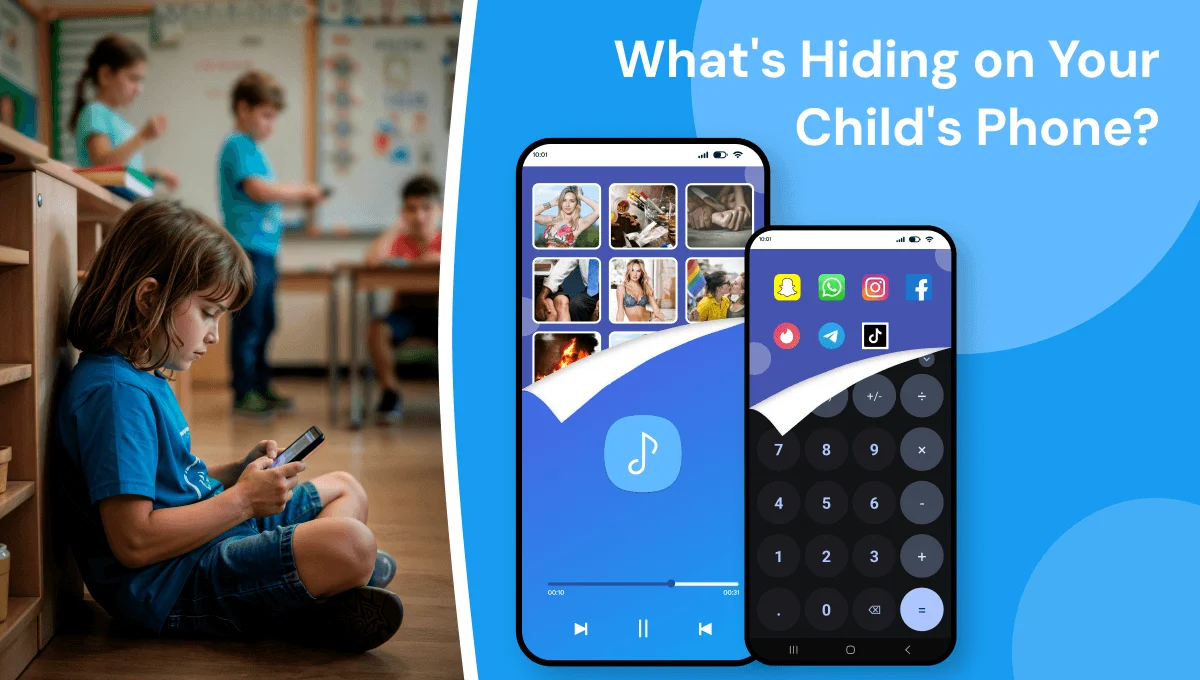
How to block inappropriate websites on my child's phone?
Parents can block inappropriate websites by using the device’s built-in parental controls, a family-safe DNS service, browser restrictions, or a parental control app. Website filters can usually block categories such as adult content, gambling, violence, and other inappropriate material, while custom blocklists can restrict specific websites.
For broader protection, parents should also consider safe-search settings, app restrictions, and monitoring the websites a child visits. A parental control app such as KidsNanny can combine website filtering with Safe Browsing and Web History tools to help parents manage and review a child’s online activity.
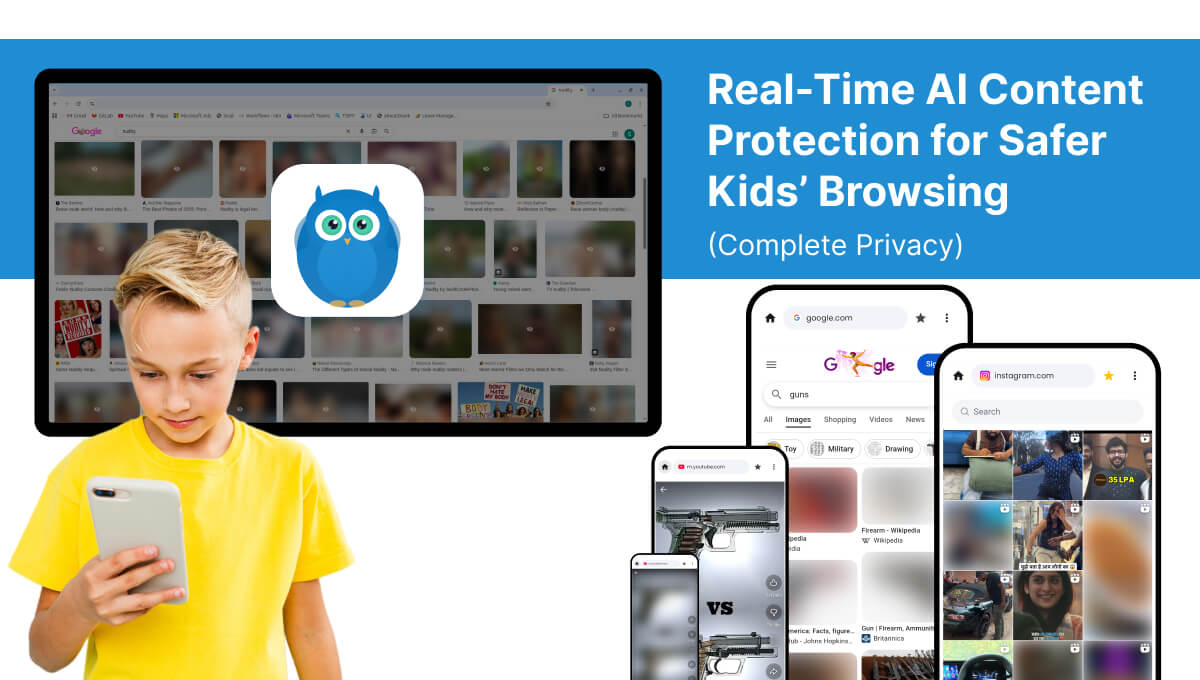
How to block porn on my child's phone?
Use a parental control app like KidsNanny to block adult websites using Content Filter, enforce Safe Browsing across all browsers, and enable AI-powered Screen Scanner to detect explicit images and videos in real-time — even inside apps and chats.
What is online grooming and how can I protect my child?
Online grooming occurs when someone builds trust with a child or teenager online with the intention of manipulating, exploiting, or sexually abusing them. Grooming can happen through social media, messaging apps, gaming platforms, chat rooms, and other online services.
Parents can reduce the risk by talking with children about unsafe contact, keeping accounts private, teaching them not to share private images or personal information, and encouraging them to tell a trusted adult when something feels wrong. Parents should also watch for sudden secrecy around online conversations, contact with unknown adults, requests for private images, or pressure to move conversations to another app.
For additional protection, parental controls and safety tools can help parents identify potentially risky online activity and respond earlier.
What are the signs of cyberbullying in children?
Signs of cyberbullying can include sudden changes in mood, avoiding a phone or social media, withdrawing from friends or family, changes in sleep, declining school performance, or becoming unusually anxious or upset after using a device.
Parents should avoid assuming that every behavior change means cyberbullying. Instead, create a safe environment where children can talk about what is happening online without fear of immediately losing access to their devices. If bullying is confirmed, save relevant evidence, use the platform’s reporting and blocking tools, and involve the school or another trusted adult when appropriate.
Parental safety tools can also help parents identify potentially harmful online activity and respond when there are signs of a problem.
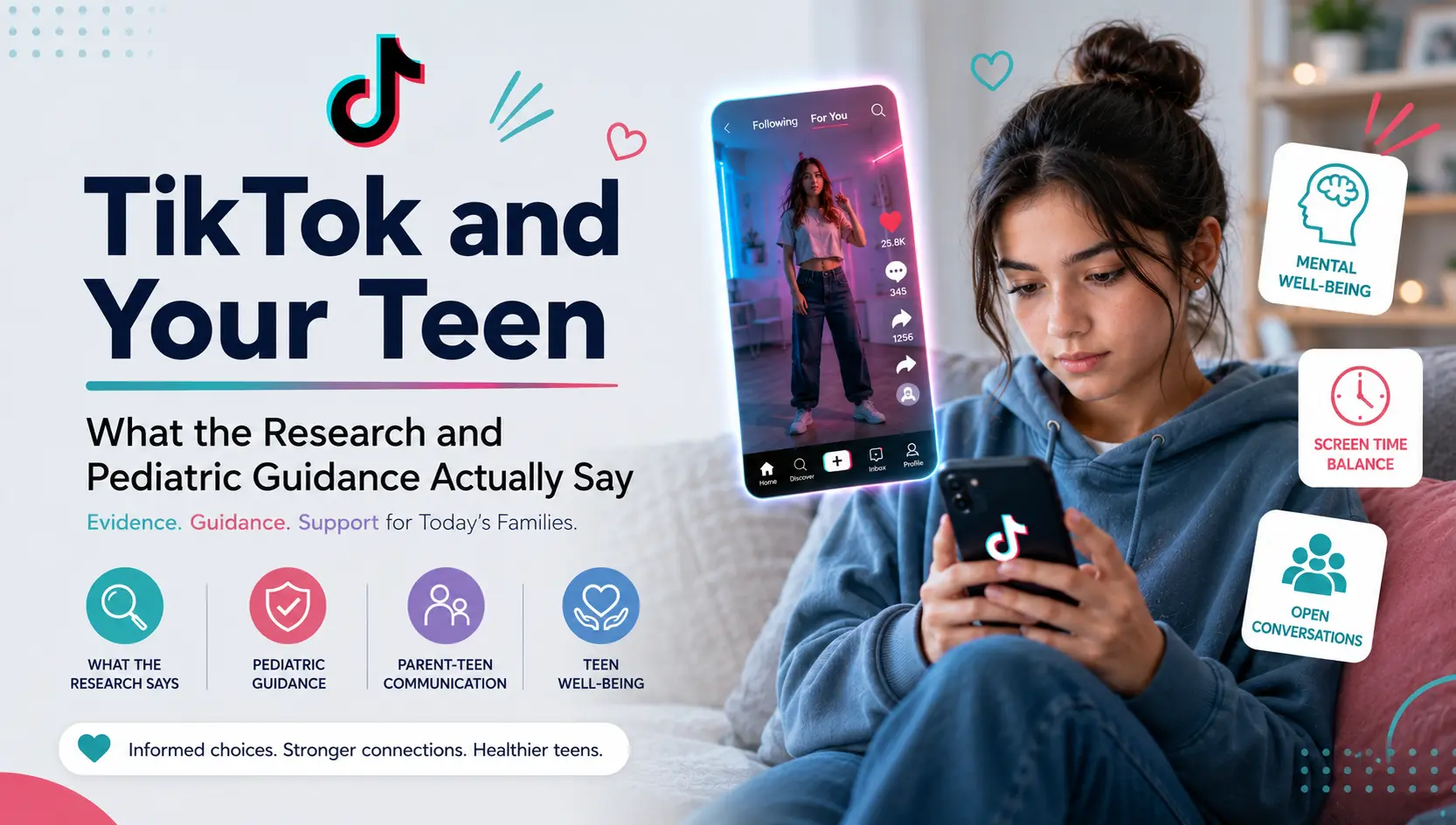
Is TikTok safe for kids?
TikTok can expose children and teens to content, interactions, and features that may not be appropriate for their age. Potential concerns include unwanted contact from strangers, inappropriate or mature content, cyberbullying, privacy issues, and excessive screen time.
Parents should check TikTok’s available safety and privacy settings, use age-appropriate restrictions, discuss what children should do if they encounter harmful content or unwanted contact, and set reasonable screen-time boundaries.
Parents can also use parental control tools to manage screen time, restrict access to apps or websites, and help identify potentially risky activity.
How can parents monitor their child's phone safely?
Parents can monitor a child’s phone in a safer and more responsible way by being transparent about the rules, choosing age-appropriate controls, and focusing on safety rather than constant surveillance.
Useful parental controls can include screen-time limits, app and website restrictions, activity reports, location sharing, and alerts for potentially harmful content. Parents should explain what is being monitored and why, and gradually give children more privacy as they become older and more responsible.
The goal should be to combine technology with open communication so children learn how to make safer decisions online.
How do I track my child's location?
Parents can use location-sharing features on a child’s phone or a family safety app to check their child’s location. Depending on the service, parents may also be able to view location history, create safe zones, receive alerts when a child enters or leaves an area, or request a check-in.
Location tracking should be used responsibly and explained to children in an age-appropriate way. Families should also review location permissions and privacy settings regularly.
KidsNanny includes live location, location history, geofence alerts, and Check-In features to help families stay connected.
How much screen time should kids have?
There is no single screen-time limit that works for every child. Parents should consider a child’s age, sleep, schoolwork, physical activity, family routines, and the type of content being viewed.
Instead of focusing only on the number of minutes, parents can create consistent family rules around when and where devices can be used. Screen-free meals, homework periods, bedtime routines, and regular breaks can help children develop healthier digital habits.
Parental controls can help families enforce agreed limits by setting app limits, scheduling downtime, restricting certain apps, or temporarily locking a child’s device when needed.
What should parents know about AI and kids?
Children and teenagers are increasingly interacting with AI chatbots, AI companions, image-generation tools, and other AI-powered services. Depending on the platform, risks can include inappropriate conversations, sexual or harmful content, privacy concerns, manipulation, scams, and misleading information.
Parents should know which AI tools their children use, review the age requirements and safety settings, discuss what information should never be shared with an AI system, and encourage children to talk to a trusted adult when an AI interaction makes them uncomfortable.
As AI technology changes quickly, parents should regularly review the tools and services their children use rather than relying on one set of rules indefinitely.
What should parents look for in a parental control app?
Parents should choose a parental control app based on their child’s age, devices, online activities, and the types of risks they are most concerned about. Useful features can include screen-time management, app and website blocking, content filtering, activity reports, location sharing, and alerts for potentially harmful activity.
Privacy and transparency are also important. Parents should understand what information the app collects, how it is used, what the child can access, and how the controls can be adjusted as the child becomes more independent.
Families should choose a tool that supports their parenting approach rather than relying on technology alone.
At what age should parents start monitoring their child's phone?
There is no single right age. Many parents start using parental controls when a child gets their first tablet, phone, or online account. Younger children usually need stricter filters and closer supervision, while older children and teens can be given more independence as they show they can make safe choices. With KidsNanny, parents can adjust content filters, app limits, and screen-time rules as their child grows.