


Losing a phone or tablet can be stressful. Whether it’s accidentally misplaced, stolen, or left behind, modern devices contain personal information—from photos and messages to banking and work files. Thankfully, there are reliable ways to locate your iPhone, Android device, or tablet, protect your data, and recover your device safely.
In this guide, we’ll walk you through step-by-step methods, both native and third-party, to track your lost device.
Part 1: How to Track a Lost iPhone
Apple’s ecosystem provides multiple tools to locate lost devices, whether it’s an iPhone or iPad.
1. Enable “Find My iPhone” (Do this BEFORE losing the device)
- Open Settings.
- Tap your Name/Apple ID at the top.
- Tap Find My.
- Tap Find My iPhone and toggle it ON. (Recommended: Also turn on “Find My network” and “Send Last Location”.)
2. Locate Your iPhone
- App: Open the Find My app on another Apple device → Tap Devices → Select your iPhone.
Web: Go to iCloud.com/find >> Sign in >> Select your device from the “All Devices” menu.
Part 2: How to Track a Lost Android Device
Android devices can be tracked using Google’s Find My Device or KidsNanny for advanced tracking.
1. Use Google’s “Find My Device”
Google’s Find My Device works on most Android phones:
Steps:
- Open android.com/find in any browser.
- Sign in with your Google account linked to the lost phone.
- Options:
- Play Sound: Rings for 5 minutes, even if on silent.
- Secure Device: Locks the phone and signs you out of Google.
- Erase Device: Permanently deletes all data (you will no longer be able to track it after this).
2. Track Any Device With KidsNanny
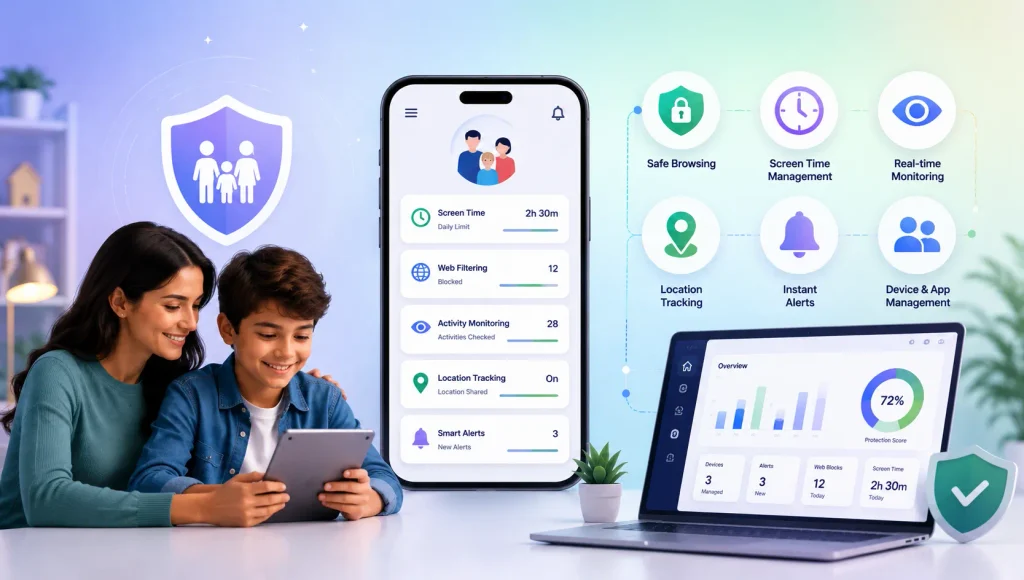
KidsNanny is a comprehensive device tracking app designed for parents, but it works perfectly to locate lost devices safely.
Key Features:
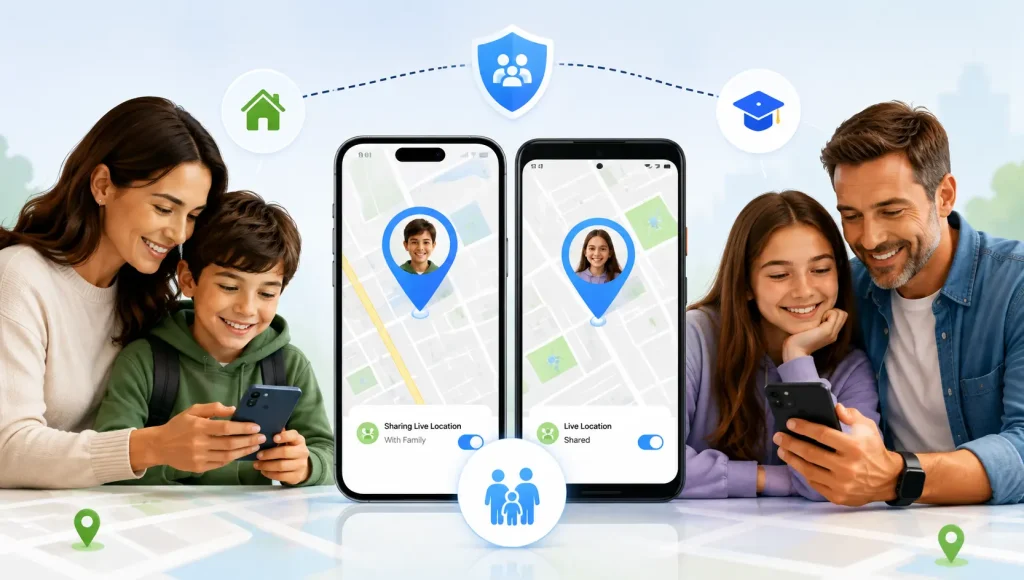
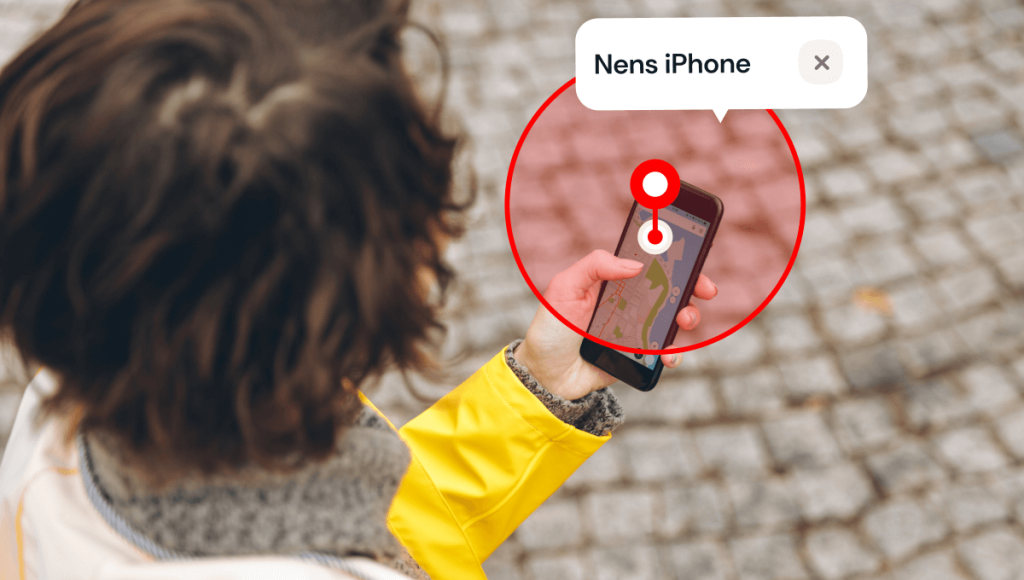
- Real-time location tracking for phones and tablets.
- Geo-fencing alerts when the device leaves or enters specific areas.
- Alerts for suspicious activity or unsafe apps.
- Works across iOS, Android, and tablets.
How to Track a Device With KidsNanny:
- Install KidsNanny on your device and the device you want to track.
- Create a KidsNanny account.
- Log in on both devices.
- Monitor your device location in real-time and receive alerts if it goes missing.
✅ KidsNanny not only helps you locate lost iPhones, Android phones, and tablets in real-time but also protects your data with instant device lock, app blocking, and activity alerts.
Part 3: Track Tablets (iPad or Android Tablet)
Tablets are less likely to be lost than phones but still vulnerable.
- iPad: Use Find My iPad or KidsNanny for real-time tracking.
- Android Tablet: Use Google Find My Device or KidsNanny for location tracking.
Tip: Always enable tracking apps and passcodes on tablets to protect sensitive data.
Part 4: Protecting Your Data
Even if your device is lost, you can secure your personal information:
- Strong Passwords: Use complex passcodes, Face ID, or Touch ID.
- Two-Factor Authentication (2FA): Add extra protection for Apple ID or Google account.
- Remote Lock & Erase: Enable options to lock or wipe your device remotely.
Backup Data: Regularly backup your devices to iCloud or Google Drive.
Part 5: Tips to Prevent Future Loss
- Always enable device tracking features (Find My iPhone, Find My Device).
- Set up family sharing or device sharing options to track devices.
- Keep your device secure with passcodes.
- Use reminder apps to alert you if you leave without your device.
Install reliable tracking app like KidsNanny for extra protection.
Conclusion
Losing a device is stressful, but with KidsNanny and built-in tracking tools, it doesn’t have to be disastrous. KidsNanny allows you to track iPhones, Android phones, and tablets in real-time, keep your data safe, and receive alerts if your device moves unexpectedly.
By combining proactive security measures with KidsNanny’s advanced tracking, you can recover lost devices safely and protect your personal information from misuse.