
What is a Safe Browsing App?
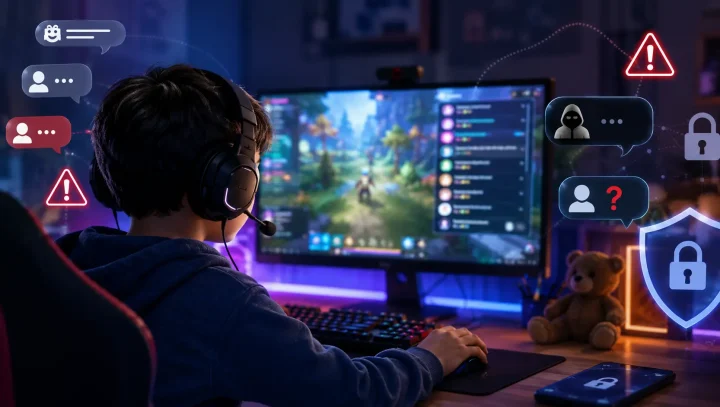
The internet is a great source of help for the young and old alike. In fact, school-going kids use it to source information on their homework and other assignments. But come to think of it, not many kids use the internet for study. Some may wander around and get into sites with adult content and inappropriate information. That is why it is vital to consider a safe browsing app for your kids.
Looking for a free option? Browsely, our free kids’ browser for Android and iPhone, blurs unsafe images and videos before your child sees them. No account needed.
Safe browsing comes loaded with tons of good deeds for your child. And because children are vulnerable by nature, they may not be able to handle some cases of cyberbullying and related issues. Giving them a conducive environment for browsing is the number one safety for building their lives holistically.
We have compiled a list of 7 safe browsing apps that will drive away any fears even with your child behind the computer all by themselves.
Why Need a Safe Browsing App?
With the emergence of various risks online, it is vital to help your children stay safe because of these reasons. Otherwise, when not properly tackled, children may lose their sense and fall into serious conditions like depression.
Cyber Predators
Since predators can stalk your child on the internet, being on the watch out is the first thing to do. And if such are not arrested, predators may lure kids into dangerous individual encounters. The result being the exploitation of kids’ innocence.
Posting Private Information
The other reason for controlling your kid’s browser is to keep their personal information safe from unscrupulous individuals. Any child will not understand social boundaries and may end up posting stuff that is not meant for public limelight.
Cyberbullying
Research has shown from internetsafety101.org that close to 90% of teens are actively involved in social media activities. A third of this number has experienced bullying at one point in time. Cyberbullying may lead to underlying issues like anxiety and depression. So, act by exposing your kid to a safe kid’s browser.
Phishing
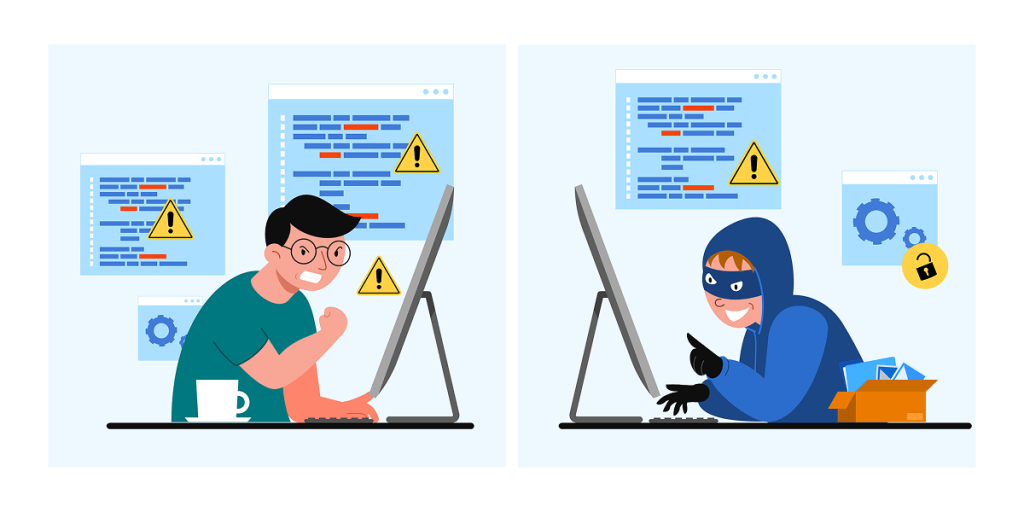
Cybercrime is also on the rise. And for innocent kids, phishing may lead them to unwanted places. Criminals use malicious links or texts that pop up every often. The aim of such is to gather vital information which they use as scams.
Sexting
This is another concern, especially for your teen kids. You need a safe browser to prevent sexting from unscrupulous individuals who may take advantage of the innocence of your kids.

Top 7 Safe Browsing Apps for Kids
1. Browsely Safe Web Browser
Browsely is a modern safe web browser designed to protect children from harmful online content on Android and iPhone. Unlike traditional blocklist browsers, Browsely uses on-device AI to detect inappropriate images and videos in real time — before your child sees them. Parents remain in full control while their child enjoys safe, unrestricted learning and browsing.
Features:
- Real-Time AI Protection: Detects and blurs harmful images and videos instantly.
- Privacy-First: All scanning happens locally; no data is sent to the cloud.
- Parental Dashboard: Monitor activity, adjust AI sensitivity, and customize safe sites.
- Customizable Controls: Set safe site shortcuts, enable monitoring mode, and password-protect settings.
Browsely combines safety, privacy, and smart AI to make children’s browsing safer and stress-free for parents. Download Browsely free for Android and iPhone.
2. KidSplorer Web Browser
KidSplorer is a dedicated web browser designed specifically for children’s safety on Windows computers. It operates using a whitelist approach, meaning kids can only visit sites that you have pre-approved. As a parent, you have full control to edit, remove, or add URLs based on your child’s needs. Furthermore, KidSplorer acts as a gatekeeper by blocking general internet access and allowing only the programs you specify.
Features:
- Whitelist Navigation: Restricts browsing to parent-selected sites only.
- Password Protected: Ensures parental controls cannot be bypassed.
- Parental Mode: Allows for quick and easy configuration of settings.
- Time Management: Built-in tools to regulate daily computer usage.
3. Kiddle – Visual Safe Search Engine
Kiddle is ideally suitable for kids of all ages. For one, it comes with a colorful interface that attracts kids of all walks. Kids can fully explore this search engine to look for images, videos, and other useful information without going to inappropriate sites. Kiddle uses Google Safe Search with additional filtering, and displays the first few results as editor-reviewed, kid-friendly content.
Features:
- Visual Design: Large thumbnails and bold fonts for easy navigation.
- Kid-Oriented Results: Prioritizes educational and simple-to-read content.
- Strict Filtering: Automatically blocks inappropriate keywords and imagery.
- Privacy-Minded: Does not collect personally identifiable information.
4. Kidoz – Kid-Safe Launcher App
Kidoz is more than just a browser; it is a safe launcher environment that transforms a tablet or smartphone into a secure zone. It allows kids to discover handpicked videos, games, and apps without the risk of encountering adult content or unwanted ads. It is an excellent tool for parents who want to give their children “digital independence” within a controlled space.
Features:
- Child Lock: Prevents kids from exiting the app or accessing phone settings.
- Ad-Blocker: Ensures a clean experience without predatory marketing.
- Curated Content: Includes a library of pre-screened, age-appropriate videos.
- Usage Limits: Set daily time caps for each child profile.
5. DuckDuckGo – Privacy-Focused Search
DuckDuckGo is a leading privacy-focused search engine that protects your family from being tracked online. While it is a general search tool, it is safer for kids because it blocks hidden trackers and doesn’t build advertising profiles on users. To make it truly “kid-safe,” parents should enable the Strict SafeSearch setting to filter out mature content.
Features:
- Anti-Tracking: Prevents data brokers from profiling your child’s interests.
- Privacy Grade: Displays a rating for every website visited.
- One-Tap Clear: Easily delete all tabs and browsing data instantly.
- Encrypted Connections: Forces sites to use encrypted versions whenever possible.
6. KidzSearch – Educational Safe Search
KidzSearch is a leading safe search tool used by thousands of schools worldwide. It utilizes Strict Google SafeSearch algorithms combined with its own proprietary filtering to ensure no “borderline” content slips through. Beyond searching, it provides a safe social and educational environment with news and learning materials tailored for students.
Features:
- Always-On Safety: Filtering is hard-coded and cannot be turned off by the user.
- Educational Focus: Features kid-friendly news, games, and an encyclopedia.
- Keyword Blocking: Proactively blocks terms that lead to inappropriate content.
- Teacher-Approved: Designed for both home and classroom integration.
7. KidsNanny – Advanced Parental Control App
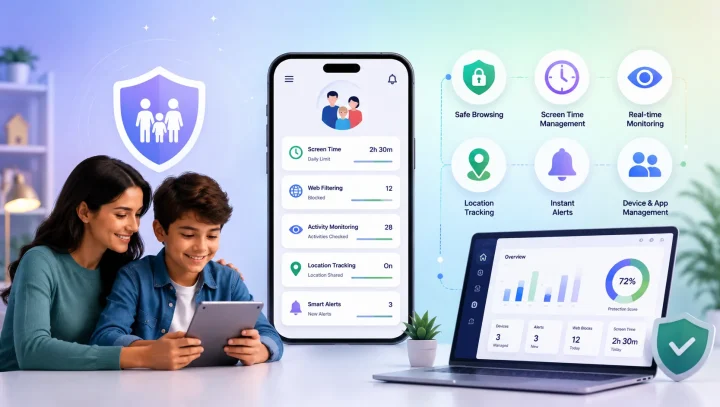
KidsNanny is a full parental control app for comprehensive child online safety. This advanced parental control app goes beyond basic browsing protection to offer a complete suite of features that ensure your child’s digital wellbeing. As a parent, you get full control over what your child can access, when they can use their device, and how they interact online.
Features:
- Safe Browsing Protection: The safe browsing feature in KidsNanny provides real-time protection that actively monitors and blocks access to potentially harmful websites or dangerous files before they’re accessed or downloaded. This proactive approach ensures your child never encounters malicious content, phishing attempts, or inappropriate websites.
- Advanced Content Filter: This powerful feature lets you keep your child away from harmful areas online. The content filter manages to block unwanted websites that may lead to the pollution of your child’s mind. Such inappropriate content includes violence, gambling, adult material, phishing, and much more.
- Screen Scanner: KidsNanny’s Screen Scanner provides an additional layer of protection by monitoring what appears on your child’s screen in real-time. This helps detect cyberbullying conversations, inappropriate images, and concerning content even within apps and platforms.
- Screen Time Tracking and Control: This feature helps you control your child’s activities for better wellbeing. It shows you how frequently your child uses their device. To ensure healthy habits, organize your kid’s daily activities with screen time limits. Set time limits for when they study, play, or go to sleep and for how long.
- App Blocking & Limits: Your kid may install some apps that are not fit for them, depending on their age. The app blocker is a powerful feature that you can use to control your child’s activities. Use it to block certain apps during sleep or study time. If your kid’s device usage is not controlled, you may end up with serious issues like poor performance in schoolwork or inadequate sleep. This feature also allows you to set limits on browser app usage specifically.
- Password Protection: All settings are secured with password protection to prevent unauthorized changes.
KidsNanny stands out with its comprehensive approach to child safety. Unlike simple browsers that only filter websites, KidsNanny checks what appears on your child’s screen across apps with its Screen Scanner, controls app usage, and gives parents a clearer view of their child’s digital activity, helping keep your child safe from online predators and cyberbullying. Try it free for 7 days.
How to Make Browsing Kid-Friendly?
When it comes to protecting your children online, you will do everything within your reach to get the best safe browsing solution. Various apps in the market can help, but since parenting is not easy, some apps make it easier than others.
KidsNanny comes with preventative mechanisms to safeguard your child. It is a comprehensive parental control app that is capable of safe browsing protection, content filtering, screen scanning, app blocking, screen time management, and more.
Conclusion
It is the best idea to implement safe browsing solutions for your kids. It is now clear that internet browsing is not only beneficial but can also be harmful to the minds of children. The above safe apps are the starting point in ensuring your child stays safe while on the internet.
While kid-safe browsers and search engines provide basic protection, you can go a notch higher and enforce comprehensive safety measures with a full parental control app like KidsNanny, which is packed with advanced features to help you keep your child safe from online predators, cyberbullying, and inappropriate content. Furthermore, it has easy-to-follow steps, workable for even beginners.