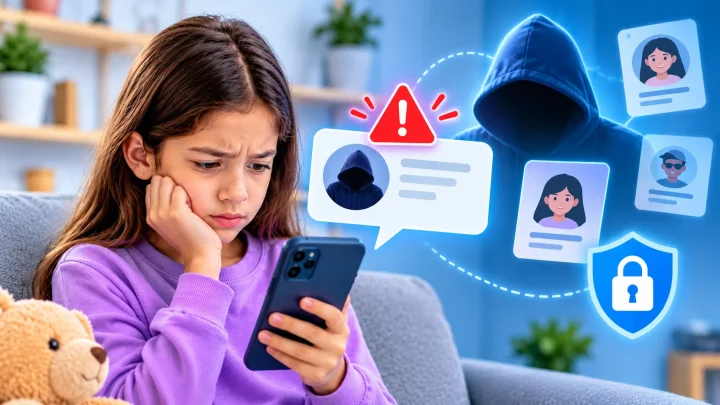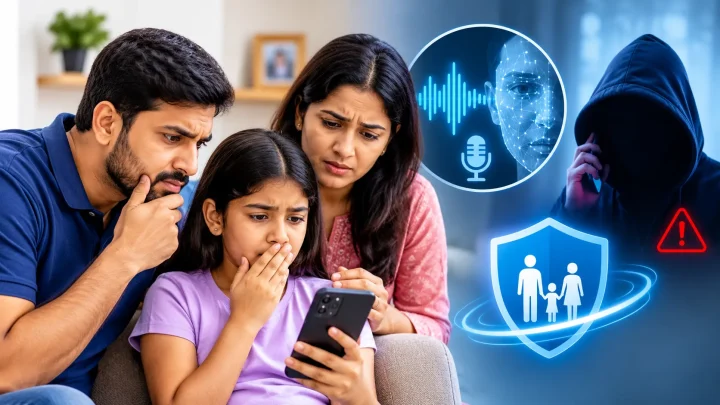

Giving children access to smartphones and the internet comes with new parenting challenges. From inappropriate content to online strangers and excessive screen time, parents have understandable reasons to monitor their children’s digital activities. In its 2026 policy statement on digital ecosystems, the American Academy of Pediatrics encourages families to look at a child’s whole digital environment, not just screen time.
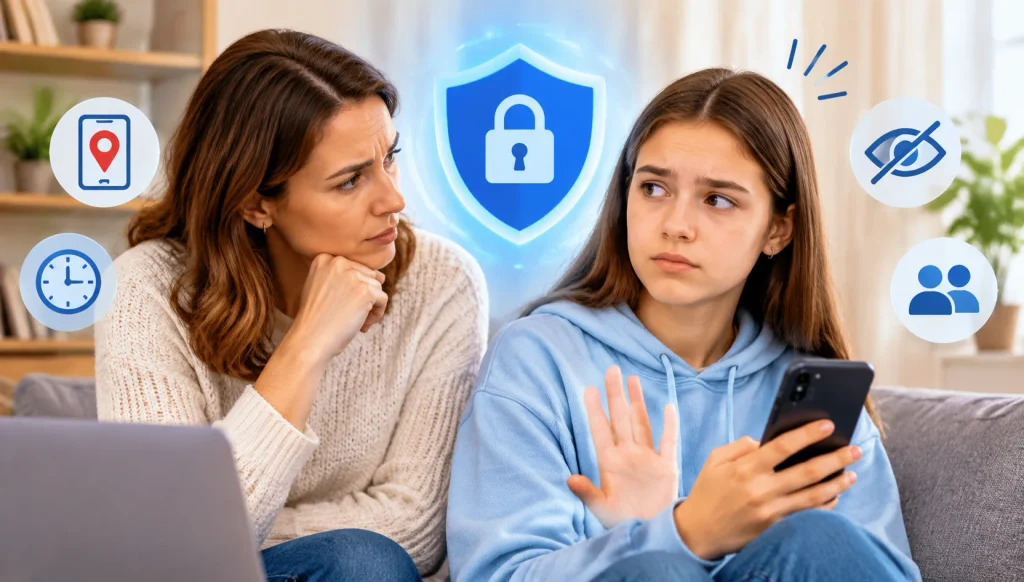
But what happens when children start feeling that their parents are watching everything they do?
A child might ask, “Why do you need to know everything?” or “Don’t you trust me?”
These reactions can make parents question whether their monitoring approach is helping or creating unnecessary tension.
The answer isn’t that parental control apps are inherently harmful or that parents should stop monitoring. What matters is how these tools are used, whether children understand the rules, and whether their privacy needs are respected as they grow.
Let’s look at how parents can balance online safety, privacy, and trust without making children feel constantly monitored.
Quick answer: it depends on how you use them
They can, depending on how parents use them.
Parental control apps can help families manage screen time, restrict inappropriate content, and understand children’s online activities. However, monitoring without clear communication or reasonable boundaries may make children feel that they have little personal privacy.
This is particularly important during adolescence, when children increasingly seek independence and greater control over their personal lives.
The American Psychological Association (APA) recommends adult monitoring of social media use for most early adolescents (typically ages 10–14), while gradually increasing autonomy as children develop digital literacy. It also emphasizes respecting their appropriate privacy needs.
The goal should be to protect children while helping them develop the skills to make safer decisions independently.
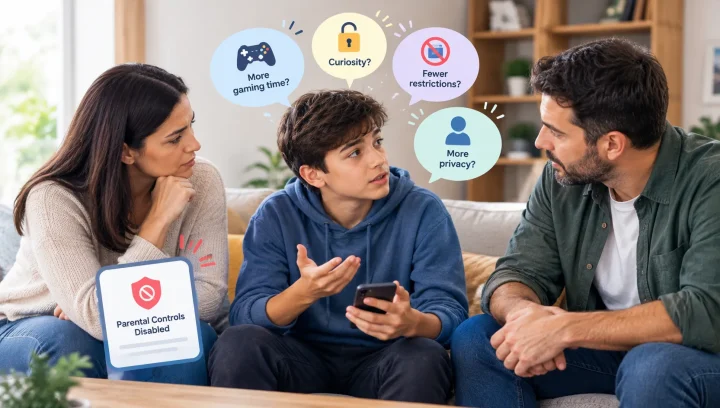
Why might children feel uncomfortable with parental monitoring?
Not every child views parental controls in the same way. Their reactions often depend on their age, family relationships, and the type of monitoring involved.
Here are four common reasons:
1. Feeling that their privacy is limited
Older children and teenagers may want private conversations with friends, personal browsing time, and space to explore their interests. Knowing that parents can access certain activities may make them uncomfortable. Some may even create secret accounts.
2. Feeling that parents don’t trust them
When every online activity is checked or questioned, children may interpret monitoring as a sign that their parents expect them to make poor decisions.
3. Having little control over their devices
Constant restrictions, blocked apps, and unexpected device lockouts can make children feel that they have no say in their own digital routines, which can push them to try to get around the rules.
4. Not understanding what is being monitored
Children may become frustrated when they don’t know which activities parents can see, why certain alerts appear, or what happens to the information collected.
Explaining monitoring rules can help prevent misunderstandings before they become bigger disagreements.
Research backs up these feelings. A 2026 study in Developmental Psychology followed 142 parent–teen pairs for four weeks. It found that teens felt more privacy invasion the day after parents used monitoring technology, but there was little effect on their day-to-day sense of independence.
Which parental control features can feel intrusive?
Not all parental control features involve the same level of access. Understanding the differences can help parents choose controls that address actual concerns without collecting unnecessary information.
Here are some examples:
- Location tracking: Frequent location checks may feel uncomfortable, particularly for older teenagers who are becoming more independent.
- Message monitoring: Access to private conversations can raise concerns about personal boundaries. Consider less intrusive safety measures first, unless a serious concern justifies closer review.
- Browsing history: Reviewing every website a child visits may feel excessive if parents don’t explain what they are looking for or why.
- App blocking: Blocking every app without discussing the reasons can create frustration, especially when children don’t understand the restrictions.
This doesn’t mean parents should avoid these features altogether. A genuine safety concern may require additional supervision.
The important question is whether each feature serves a clear purpose.
How can parents balance online safety and children’s privacy?
Finding the right balance starts with understanding that safety and privacy are not competing goals. Children need appropriate protection as well as opportunities to develop independence.
Here are five practical ways to achieve that balance.
1. Explain why monitoring is necessary
Don’t introduce parental control apps without explaining their purpose. Tell children that the goal is to help them navigate online risks, not to assume they are doing something wrong.
2. Choose only the controls you need
If your main concern is late-night phone use, a bedtime schedule may be sufficient. You may not need extensive activity monitoring for that particular issue.
Match each feature to a specific family concern.
3. Be open about what you can access
Explain whether you can see app usage, location information, browsing activity, or safety alerts. Children should understand what is visible to parents and how that information is used.
4. Give children a voice in family rules
Ask which restrictions feel reasonable and which ones they find difficult. Their opinions don’t have to determine every decision, but listening helps make family rules more collaborative.
5. Review restrictions as children mature
A younger child may need more structured guidance than an older teenager. As children demonstrate responsible online behavior, consider gradually adjusting restrictions and giving them more independence.
The APA’s advisory also supports gradually increasing autonomy as young people develop digital literacy skills.
How can parents build trust while using parental control apps?
Trust doesn’t come from removing every restriction. It develops through honest communication, consistent expectations, and mutual respect.
Try these simple approaches:
- Start conversations without accusations: Ask about your child’s online experiences instead of immediately questioning their activity.
- Listen before reacting: If your child disagrees with a restriction, understand their concern before explaining your decision.
- Avoid unnecessary punishment: A safety alert should be an opportunity to understand what happened, not automatically a reason for punishment.
- Recognize responsible behavior: Acknowledge when your child follows agreed digital boundaries and makes sensible online choices.
- Make rules adjustable: Agree to review family rules regularly rather than treating every restriction as permanent.
For example, instead of saying, “I need to check everything you do,” try:
“I want you to feel comfortable using your phone, but I also want to help you stay safe. Let’s discuss which rules make sense for both of us.”
Small changes in communication can make digital safety discussions more constructive.
When should parents reconsider their parental control settings?
Parental controls should not remain unchanged as children grow.
Consider reviewing your settings when:
- Your child consistently follows agreed screen-time routines.
- They demonstrate responsible behavior online.
- Restrictions interfere with reasonable schoolwork or everyday activities.
- Some monitoring features no longer address a specific safety concern.
- Your child regularly raises concerns about privacy or fairness.
This doesn’t mean every restriction needs to be removed. Instead, review what is still necessary and where your child can safely take on more responsibility.
A useful approach is to schedule a family discussion every few months to review device rules, discuss online experiences, and make adjustments together.
Final thoughts
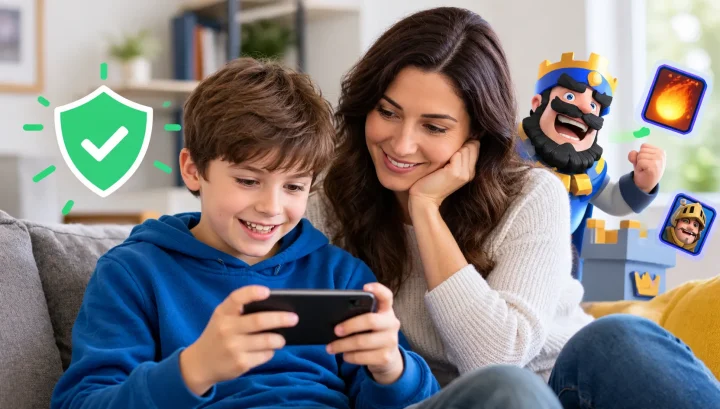
Parental control apps can be useful tools for helping families manage children’s digital safety. However, using more monitoring features doesn’t automatically mean better protection.
Children also need privacy, trust, and opportunities to make their own decisions as they mature.
Start with clear safety goals, explain your monitoring approach, listen to your child’s concerns, and adjust restrictions as their responsibilities change.
Ultimately, the purpose of parental controls should be to help children become safer and more confident digital users, not to make them feel that every part of their online lives is being watched.