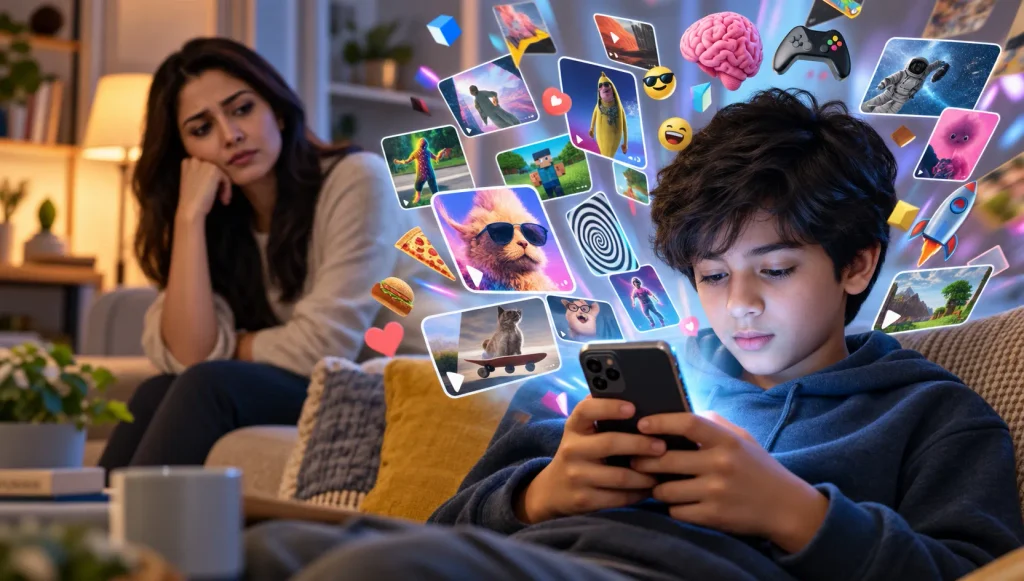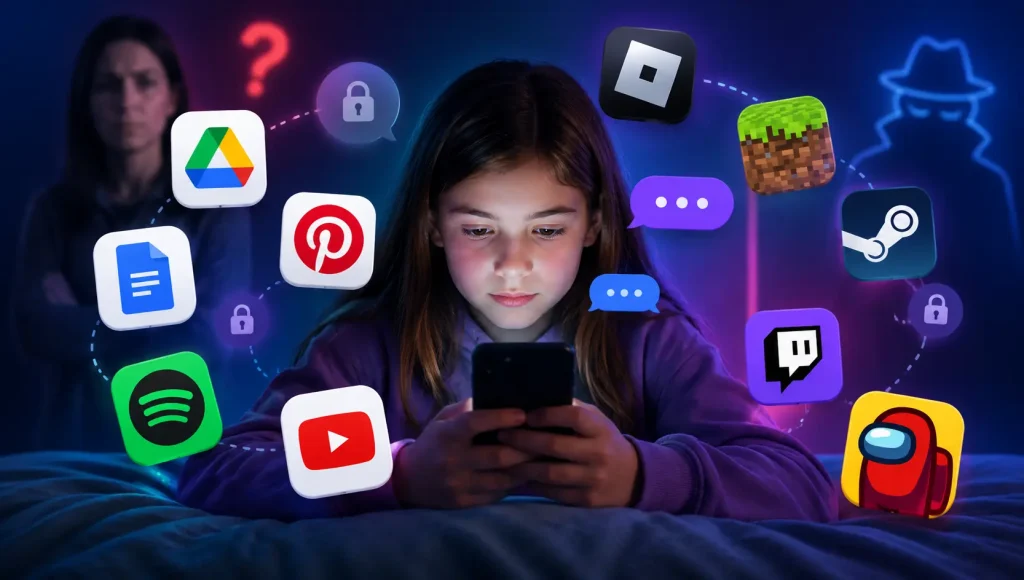



A 2024 study published in JAMA Network Open by researchers at the University of Michigan examined what YouTube actually recommends to children. They analysed nearly 3,000 video thumbnails that appeared after kids searched common topics like Minecraft, Fortnite, and memes on their devices.
What they found was alarming:
- 44.6% of recommended thumbnails contained creepy, bizarre, or disturbing imagery.
- 40.6% included violence, peril, and pranks.
- Videos used popular cartoon characters to lure children — then showed crude, violent, or sexual scenes.
Lead researcher Dr. Jenny Radesky put it bluntly: “Platforms with billions of hours of content can’t perform human review of everything suggested to children and use algorithms that are imperfect.“
And this isn’t just YouTube. The same problem exists across the entire web.
According to a Pew Research Center survey, 46% of parents with children aged 11 or younger say their child has encountered videos that were inappropriate for their age. And a Common Sense Media study found that 58% of teens who have seen pornography encountered it accidentally — not by searching for it.
This isn’t a rare story. It’s a daily reality for millions of families around the world.
Filters check website addresses. Keywords get flagged. Blocklists get updated. But none of these tools actually see the images and videos loading on your child’s screen — and that’s where the real harm happens. Browsely was built to solve exactly this problem.
What Is Browsely?
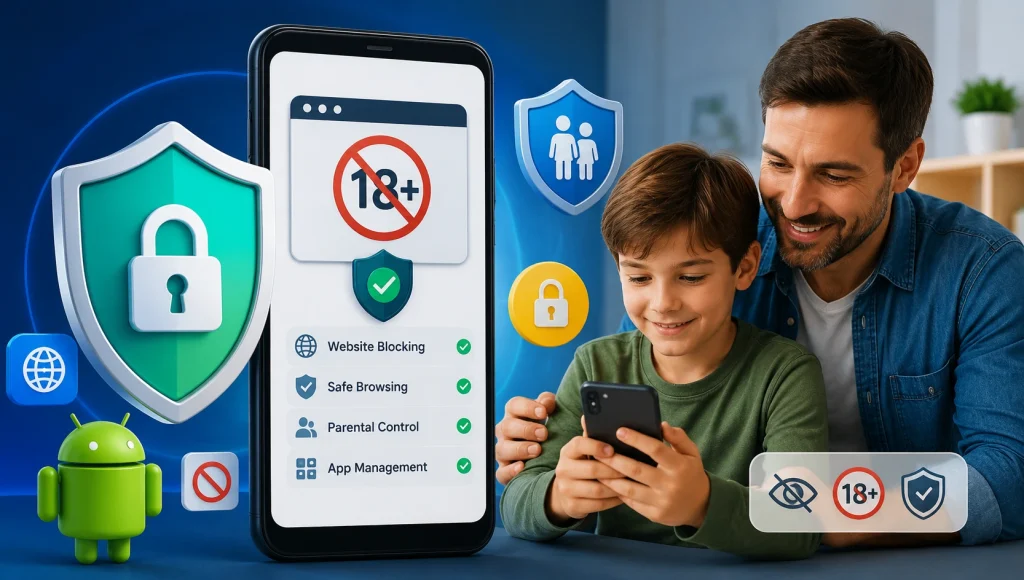
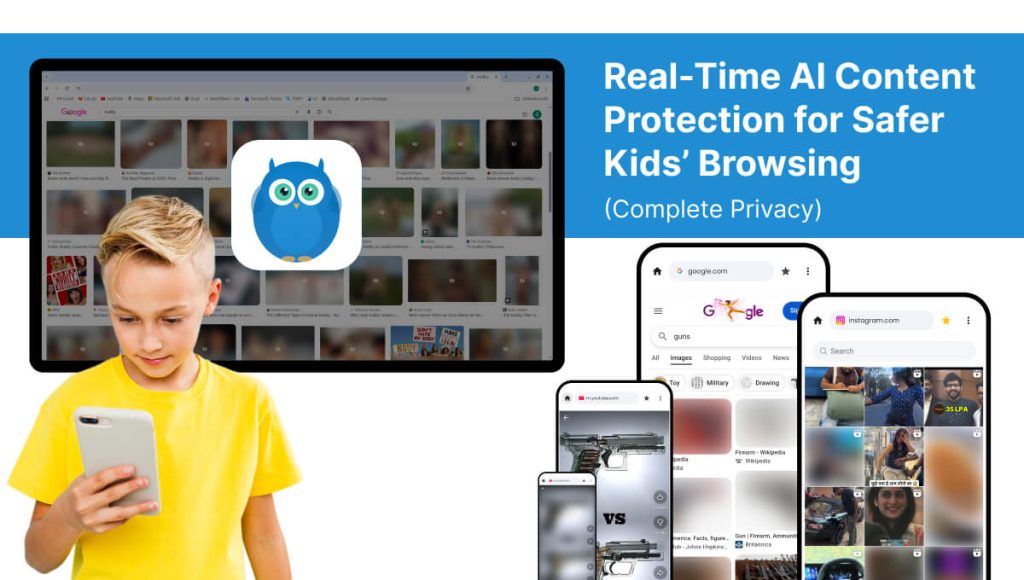
Browsely is an AI-powered safe browser that detects and blocks inappropriate content in real time — before your child sees it.
Unlike traditional parental control browsers that rely on outdated URL blocklists, Browsely scans images and videos directly on your device using advanced machine learning.
✔ No cloud uploads
✔ No data tracking
✔ No subscriptions
✔ No ads
✔ 100% on-device AI, It works instantly.
Why Traditional Website Blockers Are No Longer Enough
Most safe browsers and filters rely on:
- Website blocklists
- Keyword filtering
- Manual URL databases
The problem?
New websites appear every day. Harmful content spreads through social media feeds, image search results, and video platforms that aren’t flagged yet.
That means inappropriate content can easily slip through.
Browsely solves this by analyzing what’s actually on the screen — not just the website URL.
How Browsely’s On-Device AI Protection Works
Browsely uses advanced AI image detection technology that runs entirely on your device.
It identifies:
- Adult imagery
- Nudity / Semi-nudity
- Violent scenes
- Weapons
- Dangerous objects
- Unsafe visual content
When harmful content is detected: Browsely instantly applies a protective blur — faster than your child can process the image.
Parents can choose:
- Gaussian Blur
- Pixelate Mode
- Full Blackout
All protection happens locally. No screenshots. No uploads. No servers.
Smart Video Scanning: Real-Time Frame-by-Frame Protection
One of Browsely’s most powerful features is real-time video scanning.
Unlike traditional filters that only block websites, Browsely scans video content frame-by-frame — even inside streaming players and social media feeds.
This ensures protection across:
- Image search results
- Social media feeds
- Lazy-loaded content
- Single-page applications
- Video platforms
Your child stays protected everywhere — not just on “blocked” websites.
Complete Privacy: No Cloud, No Tracking, No Accounts
Digital safety should not come at the cost of your child’s privacy.
Browsely is built with a strict privacy-first architecture:
- Runs entirely on-device
- No cloud processing
- No account required
- No ads or trackers
- No data mining
- Zero data sent to servers
Your child’s browsing activity never leaves the device.
This makes Browsely one of the most privacy-focused safe browsers available today.

Parental Dashboard & Customizable Controls
Parents remain in control with a powerful but simple dashboard.
You can:
- View detection statistics
- Adjust AI sensitivity (strict to relaxed)
- Choose content categories to filter
- Enable monitoring-only mode (detect without blur)
- Set safe site shortcuts
- Password-protect all settings
This flexibility makes Browsely ideal for children and teens.
Monthly Insights & Exposure Reports
Understanding your child’s digital exposure is critical.
Browsely provides:
- Monthly detection reports
- Category breakdown of flagged content
- Visual charts
This helps parents identify patterns and guide healthy conversations about online safety.
Why Parents Choose Browsely Over Other Safe Browsers
| Traditional Safe Browsers | Browsely |
| Use URL blocklists | Uses real-time AI image / Video detection |
| Cloud-based scanning | 100% on-device processing |
| Subscription required | No subscription |
| Data tracking concerns | Zero data upload |
| Limited to blocked sites | Works on all modern web content |
Browsely doesn’t just block websites. It protects what your child actually sees.
Perfect For
- Parents of children and teens
- Schools & educational institutions
- Families sharing devices
- Privacy-conscious households
- Anyone wanting cleaner web browsing
Why Browsely Is the Future of Parental Control
The internet is evolving. AI-generated content is increasing. Social media feeds change every second.
Blocklists can’t keep up.
AI-powered, on-device detection is the next generation of child online safety — and Browsely is leading that shift.
With no subscriptions, no cloud processing, and no privacy risks, it provides intelligent protection without compromise.
Download Browsely today and experience the future of safe browsing.