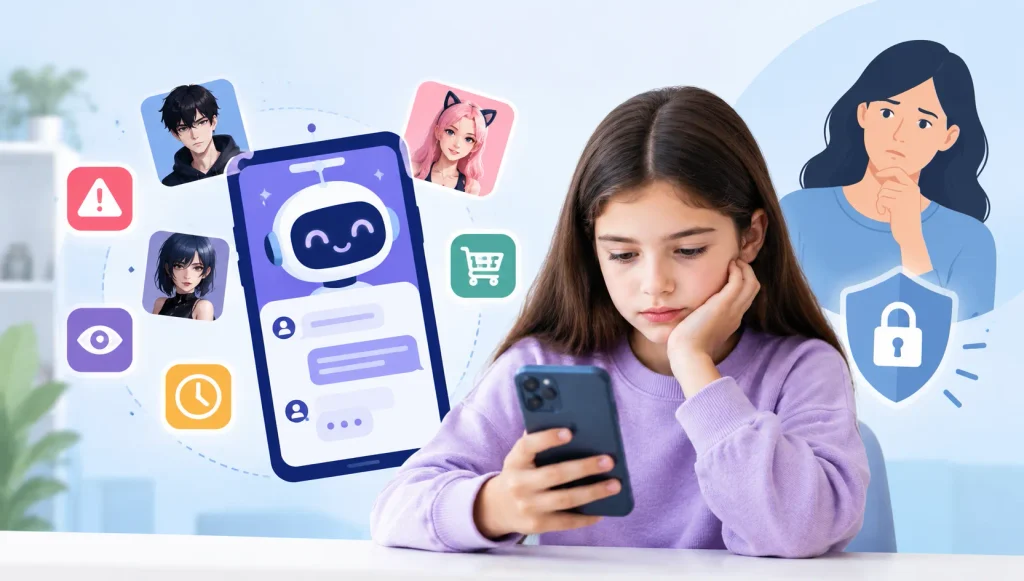




Giving children access to smartphones and social media often feels unavoidable. Parents want kids to stay connected, learn new things, and socialize — but they also worry about what their children might see, who they might interact with, and how online experiences affect their mental health.
Recently, many parents have started hearing about Blue Sky, a newer social media platform often described as an alternative to X (Twitter). While it isn’t yet as popular as TikTok or Instagram, its open and decentralized nature raises important questions parents should understand before dismissing it as “not a big deal.”
This guide is created purely for parents, to help you:
- Understand what Blue Sky is and why some teens are curious about it
- Learn the real, less-discussed risks children may face
- Discover practical ways parents can protect kids without constant conflict
There’s no fear-mongering here — just honest, research-backed insights every parent deserves to know.
Are Kids and Teens Really Using Blue Sky?
Blue Sky is not yet as mainstream among teens as platforms like TikTok, Instagram, or Snapchat — and that’s an important detail parents should understand.
However, what makes Blue Sky worth attention is how and why younger users are starting to explore it.
Why Some Teens Are Moving Toward Blue Sky
Blue Sky is gaining traction among:
- Older teens curious about alternatives to X (Twitter)
- Teens who want more control over their feeds
- Young users attracted to niche communities and open discussions
- Kids who follow tech trends or influencers experimenting with new platforms
Unlike heavily moderated apps, Blue Sky promotes a more decentralized and customizable experience. For teens, this can feel empowering — but for parents, it introduces new safety challenges.
Why Parents Should Care — Even If Usage Is Still Growing
New or “less popular” apps often:
- Have fewer safety guardrails
- Lack strong child-protection systems
- Allow content to spread before moderation catches up
Many online risks don’t come from the biggest platforms — they come from emerging ones where rules are still evolving.
That’s why parents shouldn’t ignore Blue Sky just because it’s not yet dominant. Early awareness helps parents stay ahead, not react after harm occurs.
Hidden Risks of Blue Sky for Children
Many parents assume newer platforms are safer — but that’s not always true.
1. Exposure to NSFW Content
Blue Sky allows open posting, which can lead to:
- Adult images or videos
- Sexual language and explicit posts
- Inappropriate memes and links
Kids may encounter NSFW content accidentally or through trending feeds.
2. Cyberbullying and Online Harassment
- Public replies and reposts can turn into bullying
- Teens may face body shaming, hate speech, or threats
- Emotional harm often goes unnoticed by parents
3. Online Predators and Unsafe Chats
- Strangers can easily interact with minors
- Grooming attempts may start as friendly chats
- Kids often hesitate to tell parents
4. Excessive Screen Time
- Endless scrolling affects sleep and focus
- Social media addiction impacts mental health
What Parents Can Do to Keep Kids Safe on Blue Sky
There’s no single switch that makes social media completely safe — but parents do have meaningful ways to reduce risks and stay involved without hovering.
The goal isn’t to control every move. It’s to notice problems early, guide healthier habits, and step in only when something feels wrong.
– Understanding What Kids Are Exposed To
Many parents are surprised to learn that:
- NSFW content often appears without kids actively searching for it
- Risky conversations may look harmless at first
- Emotional harm from online interactions builds quietly over time
Having visibility into patterns — not every detail — helps parents respond calmly instead of reactively.
– Staying Informed Without Breaking Trust
Modern parental tools are most effective when they:
- Focus on safety signals rather than constant surveillance
- Alert parents only when content or behavior crosses risk thresholds
- Support conversations instead of punishment
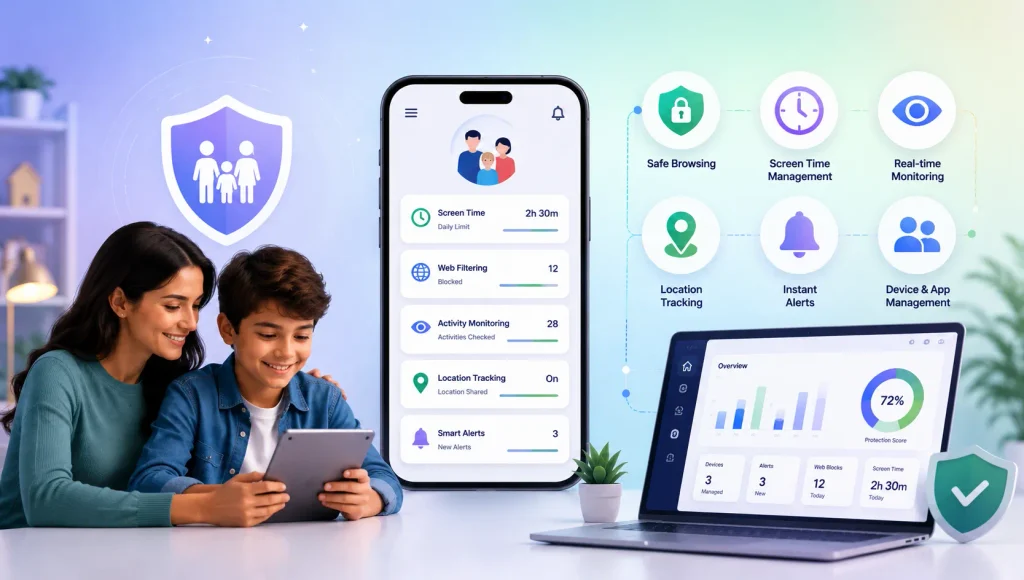
This is where tools like KidsNanny are often used by parents — not as a spying solution, but as a digital safety net that works quietly in the background.
KidsNanny can help parents by:
- Flagging sexual, explicit, or harmful content early
- Sending alerts so parents can decide if and how to respond
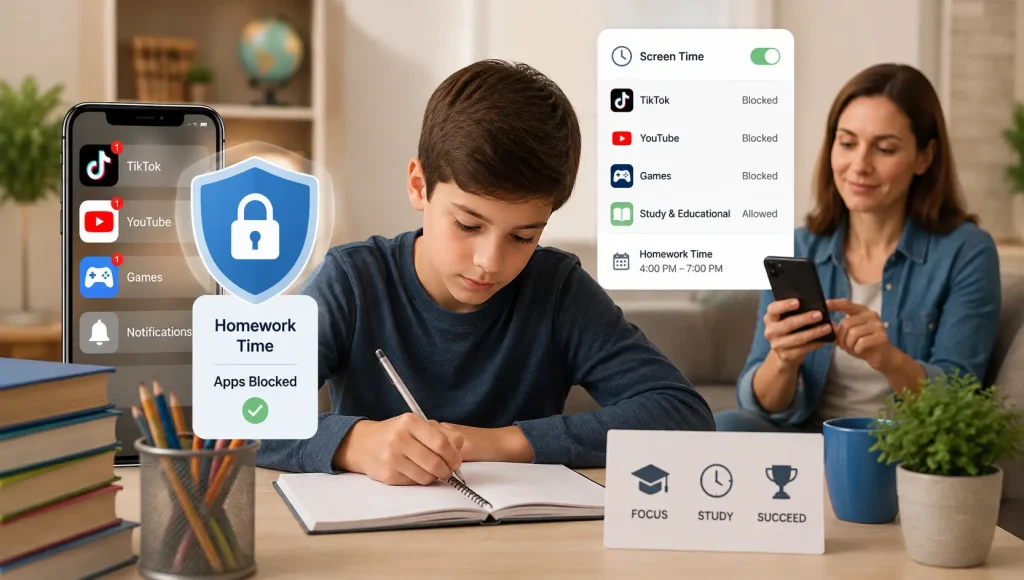
- Supporting balanced screen-time routines
The emphasis stays on parental judgment, not automated control.
– Encouraging Healthier Digital Habits
Beyond content risks, parents often worry about:
- Late-night scrolling
- Mood changes linked to social media
- Loss of focus at school
Setting gentle boundaries around app usage and screen time helps kids develop self-regulation — especially when rules are explained and consistent.
Used thoughtfully, parental control tools support families rather than replace parenting.
How Parents Can Talk to Kids About Blue Sky Safety
Parental control works best when combined with open communication.
Tips for parents:
- Explain why safety rules exist
- Talk about NSFW content honestly (age-appropriate)
- Encourage kids to report uncomfortable interactions
- Use KidsNanny as a safety tool, not a punishment
Choosing the Right Safety Support for Your Family
Every family approaches digital safety differently. What matters most is choosing tools and strategies that:
- Respect a child’s age and maturity level
- Adapt as kids grow and platforms change
- Support communication rather than secrecy
For many parents, the biggest concern isn’t screen time alone — it’s what kind of content can appear without warning on open platforms like Blue Sky.
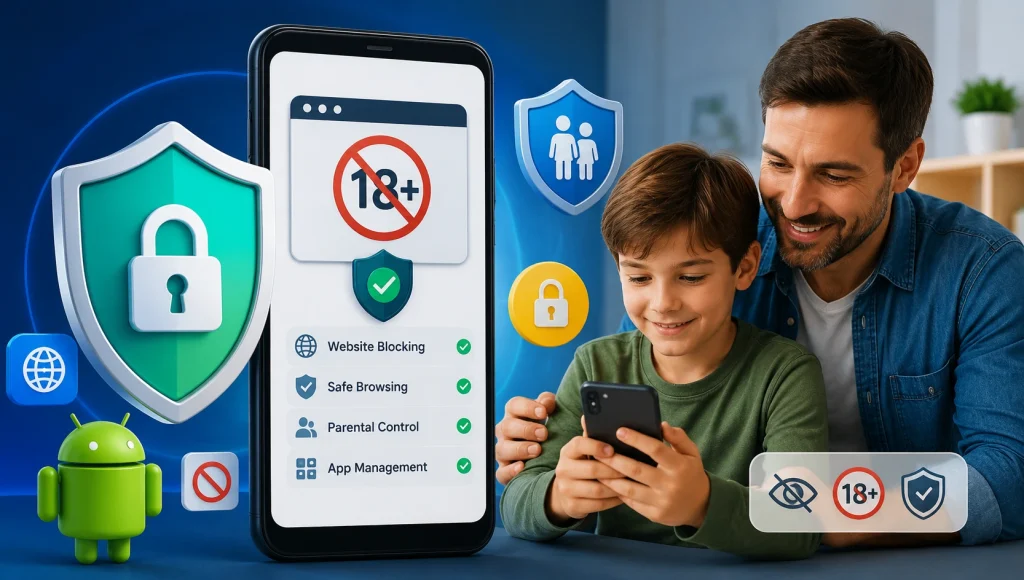
This is where some families rely on KidsNanny, particularly for its AI-based detection of NSFW and other objectionable content. Instead of requiring parents to constantly check devices, KidsNanny works in real time:
- AI instantly detects explicit or unsafe content
- Risky content can be removed immediately (where supported)
- Parents receive real-time alerts, so they’re informed the moment something serious happens
The value here isn’t control — it’s speed and awareness. Parents can step in early, talk calmly, and protect their child before exposure turns into harm.
Rather than replacing conversations, KidsNanny supports them by giving parents timely, relevant signals — helping families stay proactive, not reactive.

Final Thoughts: Keep the Digital Sky Blue & Safe
Apps like Blue Sky aren’t going away — but risks don’t have to define your child’s experience.
With KidsNanny Parental Control App, parents can:
- Protect children from NSFW content
- Prevent online dangers
- Build healthy digital habits
- Stay involved without being intrusive
When parents stay informed and kids feel supported, social media becomes far less overwhelming. The right mix of awareness, conversation, and safety tools can make a real difference.