
In today’s connected world, children are constantly exposed to digital content. From social media posts and online videos to school assignments and games, they are interacting with information created both by humans and artificial intelligence (AI). In fact, studies suggest that a majority of children have already encountered AI-generated content — and many even use AI tools themselves without fully understanding the risks.
As AI technology becomes more sophisticated, distinguishing between real and AI-generated content can be tricky. This makes it crucial for parents to guide their children in recognizing the signs of AI content and understanding the potential risks.
Why Children Need AI Awareness
AI-generated content isn’t just an advanced form of storytelling. It can also be a source of misinformation, scams, or manipulative content. While some AI content is harmless, other instances can mislead or confuse children, potentially exposing them to unsafe digital experiences. Teaching kids to identify AI content helps them think critically about what they see online and reduces the risk of falling prey to false or harmful information.
Key Signs of AI Content
Recognizing AI-generated content can be easier if you know what to look for. Here are some common indicators:
Written AI Content
- Repetitive or unnatural phrasing
- Robotic or overly formal tone
- Facts that are outdated or incorrect
- Lack of personal insight or nuanced perspective
- Overuse of punctuation, like em dashes
AI-Generated Images and Videos
- Odd details in images, such as extra fingers or missing objects
- Unnatural facial expressions or features
- Lip-sync or audio mismatches in videos
- Unusual lighting or flickering shadows
How to Teach Your Child to Spot AI
The best way for children to learn is by practice. Take a few examples of AI content and analyze them together. Ask your child questions like, “Does this look real to you?” or “What seems unusual here?” Comparing AI-generated images or texts with authentic content can make the differences clear.
You can also turn everyday browsing into learning opportunities. When scrolling social media, show them examples of AI content and explain the subtle signs. This not only improves their observation skills but also encourages critical thinking.
Popular AI Tools to Know
Being aware of common AI apps helps parents and children understand the digital landscape. Some widely used AI tools include:
While these tools can be educational or entertaining, they also come with risks. Encourage children to fact-check content they see and talk to you about anything that seems suspicious or uncomfortable.
Tools to Help Detect AI Content
Several online tools can assist in identifying AI-generated content:
- Google’s “About this image” feature
- Deepware Scanner
- Hive Moderation
- TinEye
- ZeroGPT
These tools are valuable for teaching kids to verify content themselves while keeping parents informed.
How KidsNanny Digital Safety Can Keep Your Child Safe
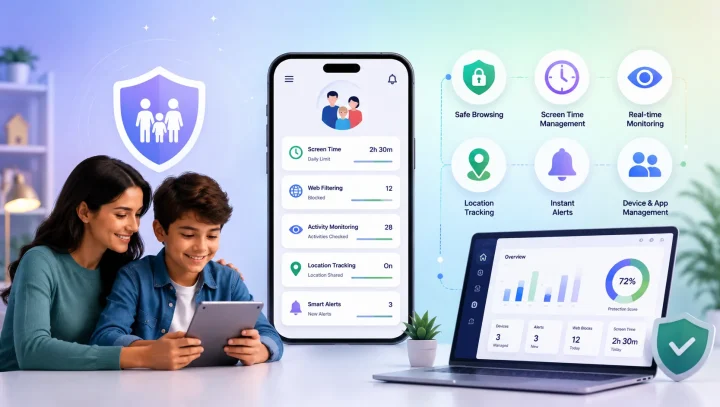
KidsNanny parental control app is designed to protect children from harmful digital experiences, including AI-generated content. Our parental control app offers:
- Real-time content monitoring
- AI app blocking and Screen time limits
- Screen scanner
- Site blocking and Web filtering
With KidsNanny, parents can ensure a safer, smarter, and more controlled digital environment for their children. Explore our features today and give your child the digital safety they deserve.