







Skip to content

The all-in-one Parental Control App
and Digital Safety

KidsNanny Parental Monitoring App

FEATURED ON

Explore Powerful Digital Safety Features

Why Do You Need KidsNanny ?

Every day, millions of children face real dangers online. Parents worry about their child’s online safety — but most parental control tools don’t offer complete protection. Until now.

Mental health issues icon - protect kids online

Mental health issues

Research reveals 32.7% of college students suffer from depression, with many linked to excessive smartphone use and digital addiction. KidsNanny helps parents limit your child’s screen time.

Online predators icon - child safety threat

Online predators

50% of online exploitation victims are between the ages of 12 and 15. KidsNanny tips empower parents to educate kids on identifying and avoiding online risks like scammers, predators, and suspicious contacts.

Cyberbullying icon - digital safety for kids

Cyberbullying

Nearly 42% of kids have been bullied online and almost one in four have had it happen more than once.Use KidsNanny to monitor texts, images, and screens, helping you detect and block online bullies quickly.
All the Parental Control Tool You need to protect your kid's online

App usage report feature icon

App Usage Report

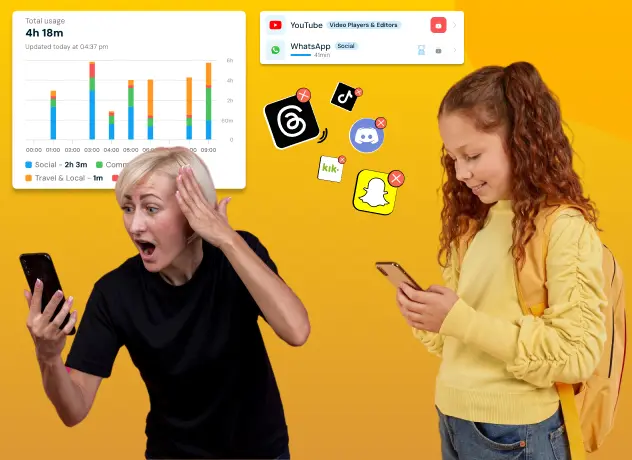
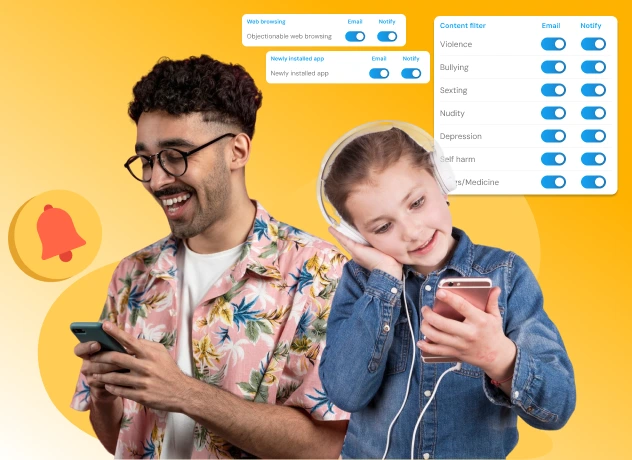
Gain insights into your child’s app usage patterns with comprehensive reports available on a daily and weekly basis. Monitor their digital habits and make informed decisions for their well-being.

Web browsing history monitoring icon

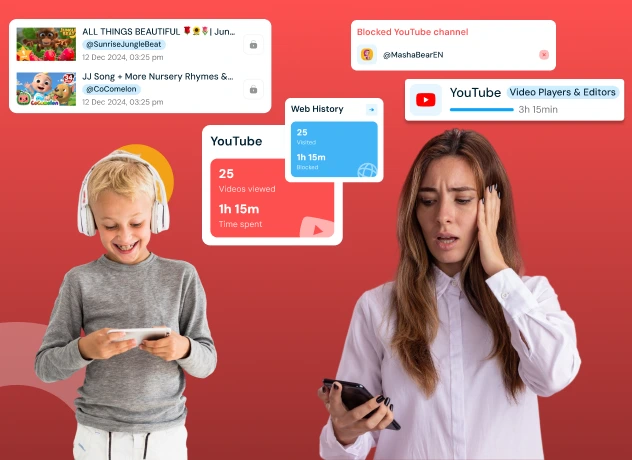
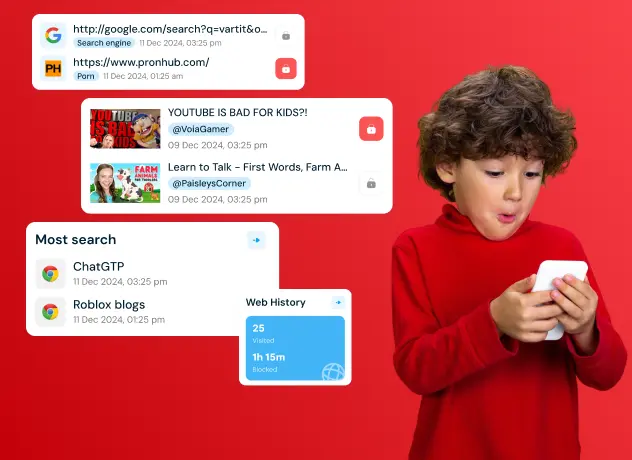
Web History

KidsNanny allows you to view the list of visited websites, ensuring they engage in safe and responsible online behavior.
App blocking feature icon

App Blocking

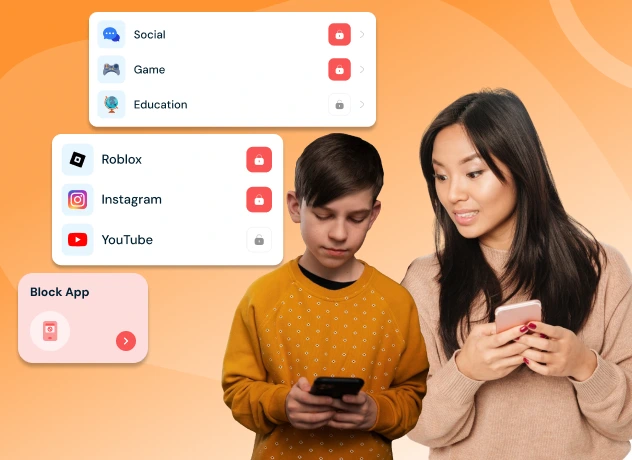
Take control of your kid’s phone by blocking or unblocking any installed application. Maintain a healthy balance of entertainment and productivity on their device.

Screen time limits feature icon

Screen Time Management

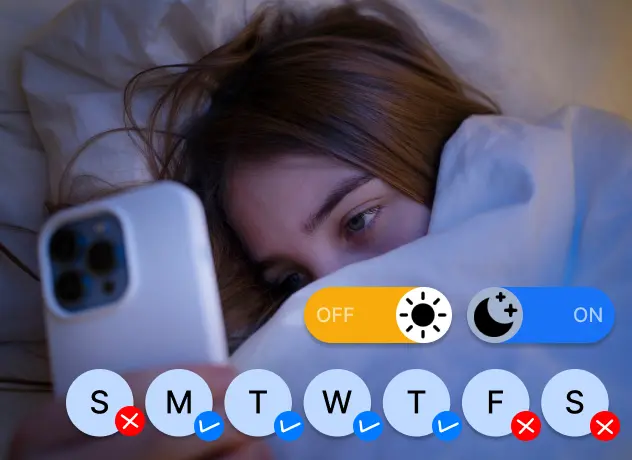
Set limits using downtime and control phone utilization by defining daily app or category usage duration. Customize these settings based on specific weekdays to foster healthy device habits.
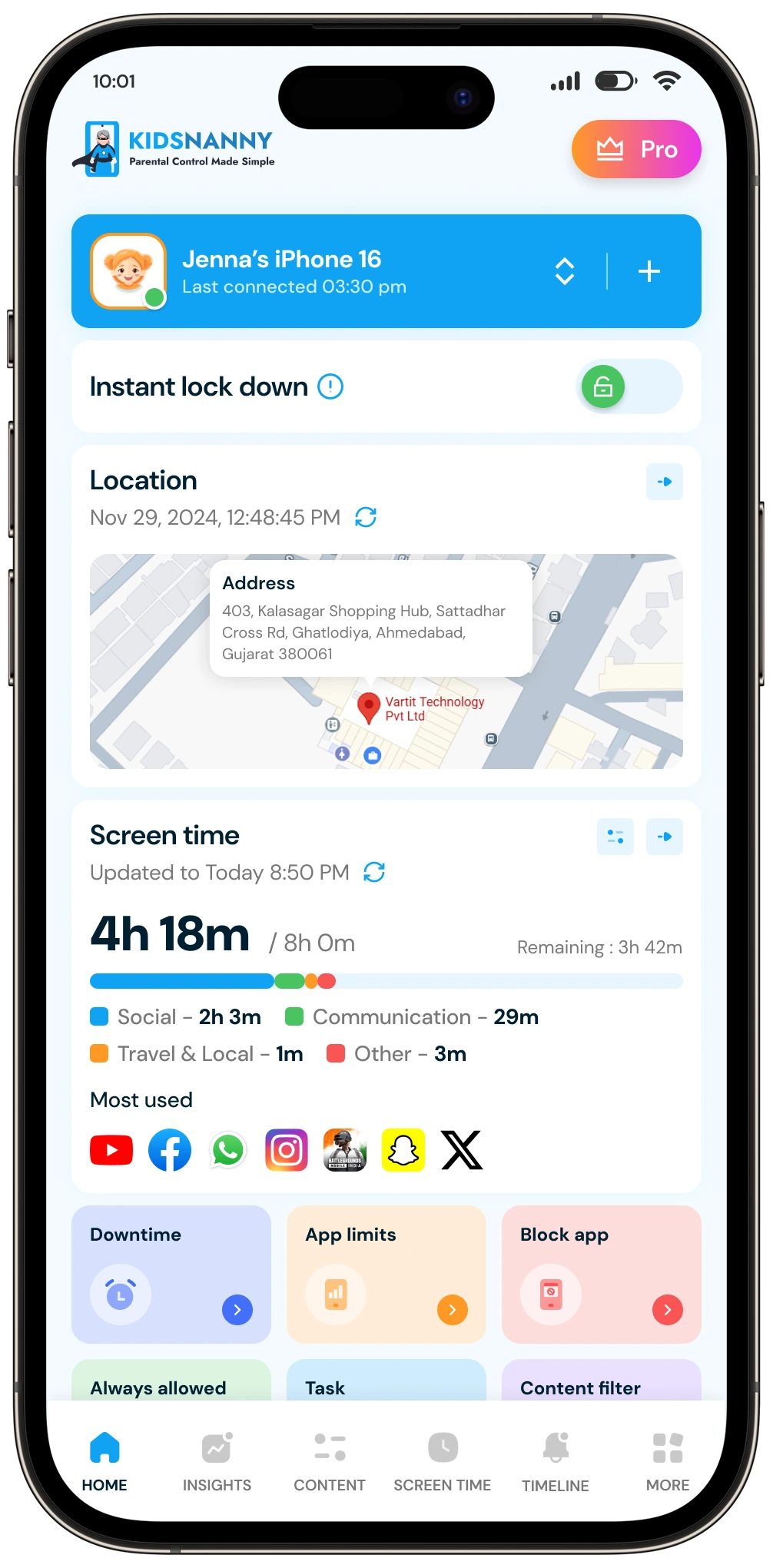
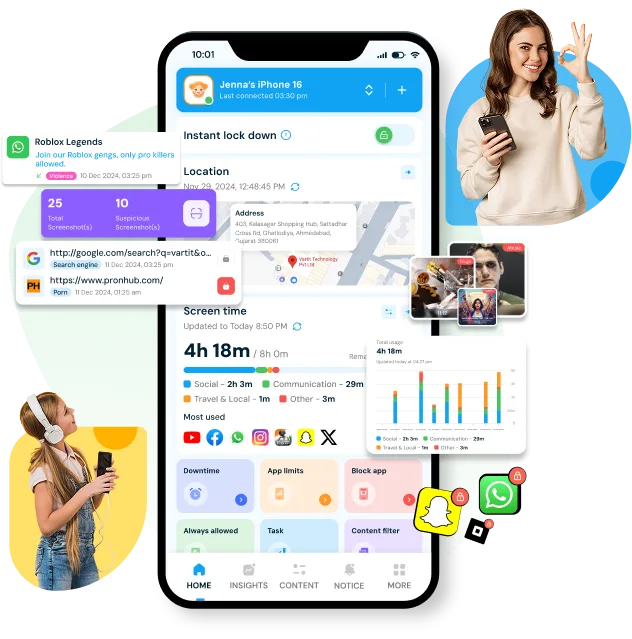
New KidsNanny parent dashboard
AI screen scanner feature icon

Screen Scanner

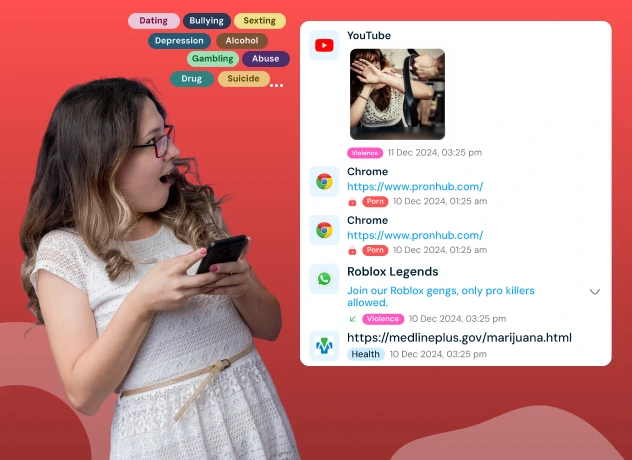
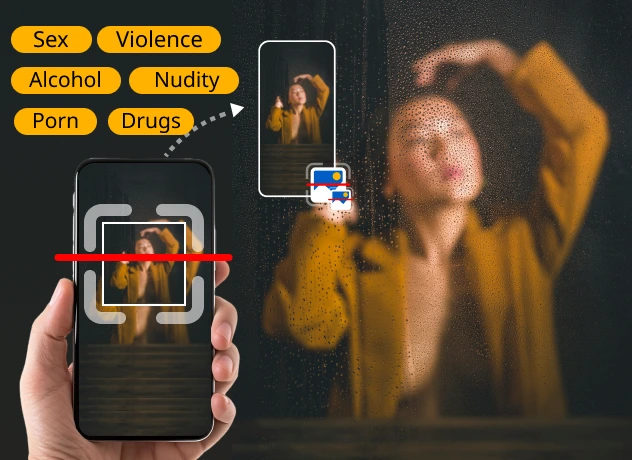
This feature allows you to monitor and analyze your child's screen activity at specific intervals. This tool periodically scans the screen for inappropriate or potentially harmful content, ensuring a safer online environment for your kids

Geofence location alerts feature icon

Geo-fence

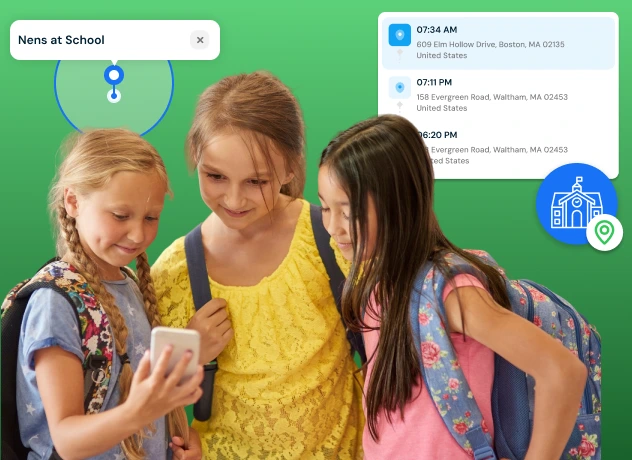
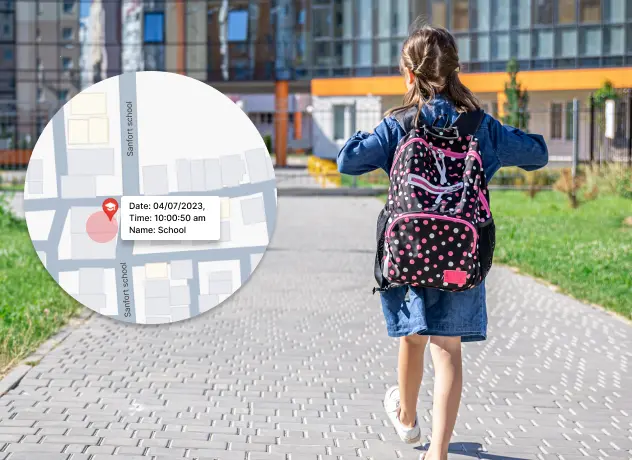
Create virtual boundaries and receive real-time notifications when your kids enters or exits specific geo locations.

Check-in location sharing feature icon

Check-In

Stay connected with your kids whereabouts through our Check-In feature. Allow them to send their current location, providing you with peace of mind and enhancing their safety.

Website blocking and content filter icon

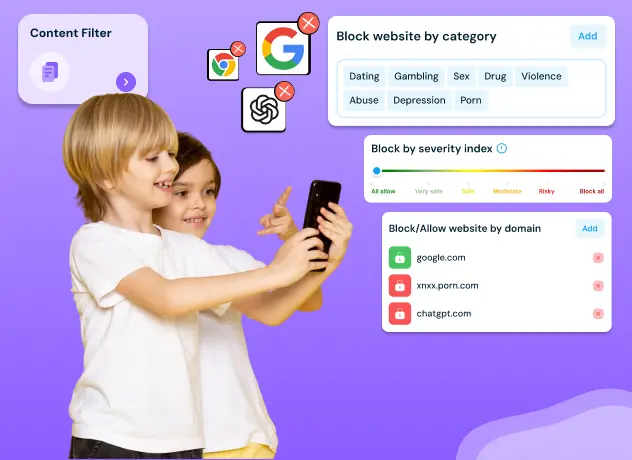
Web Blocking

Safeguard your child’s browsing experience by blocking websites based on domain name. Enable safe browsing for their device, ensuring they are protected from inappropriate content.
How to Use KidsNanny for Kids?

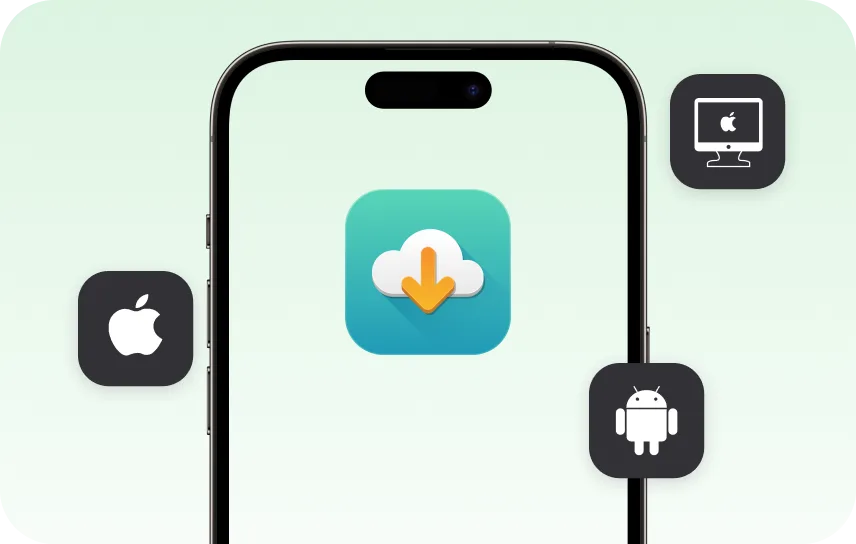
Step 1 Install KidsNanny

Download KidsNanny App from Google Play Store or App Store on the parent’s phone

Step 1 - Install KidsNanny app on your phone

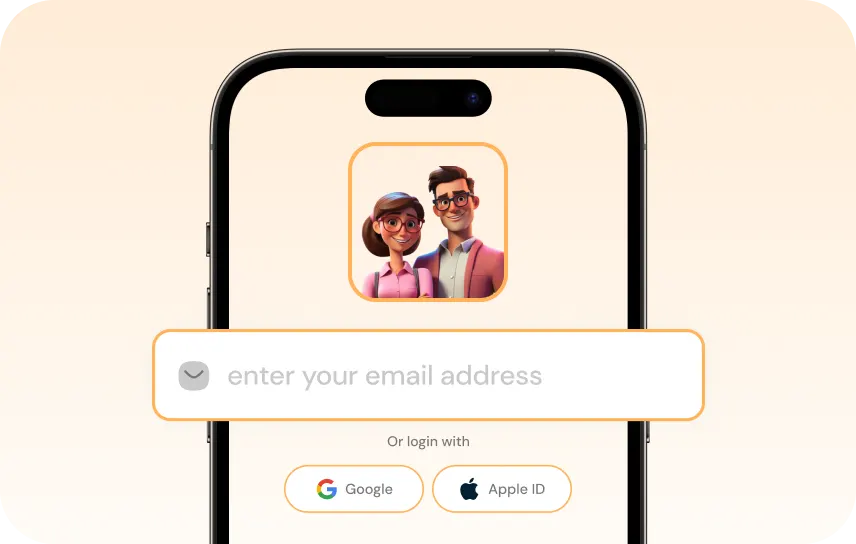
Step 2 Create your Account

Create account for KidsNanny or login with an Google, Apple and Email id.

Step 2 - Sign up and create your KidsNanny account

Step 3 Connect Kid's Device

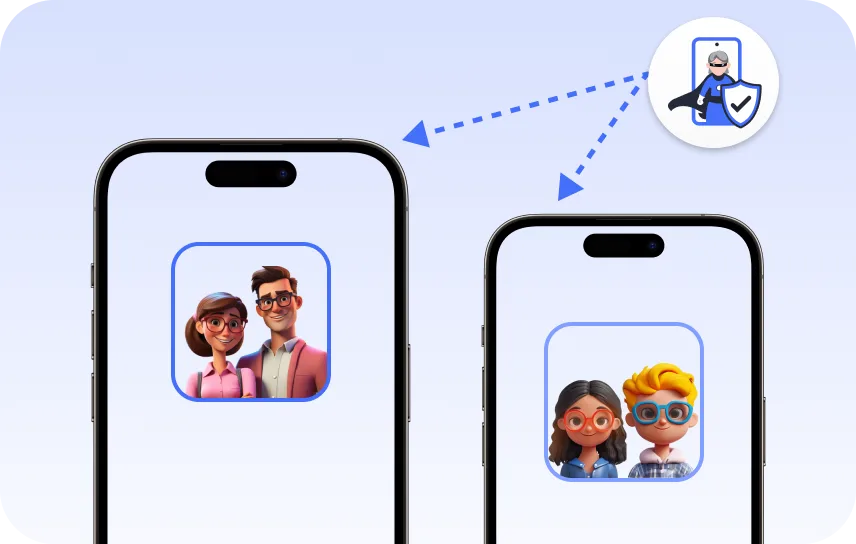
Install KidsNanny App on your kid’s device. Then, enter the paring code to connect device.

Step 3 - Connect parent and child devices

Trusted by Parents Worldwide

Kim Parker

This app helps me track my kid’s location with geofencing and location tracking. I can monitor web history and block unsafe sites—definitely a must-have for parents!

Rik Matthews

KidsNanny helps monitor screen time, block apps, track web activity, and follow location with geofencing. It's user-friendly, though charts need slight improvement.

Ashley Brown

Our family finds KidsNanny an incredible asset. Its powerful features and intuitive interface make managing screen time easy. The check-in feature gives us peace of mind by tracking our child’s movements.

Michael Johnson

KidsNanny features an intuitive and user-friendly interface, making it easy for parents to navigate and access essential features. With simple setup and configuration, you can start monitoring your child's digital activities in minutes.

David Singh

This app is incredibly helpful in keeping track of my kid's whereabouts, thanks to features like geofencing and location tracking. Additionally, I can easily monitor their web history which has been super beneficial. Definitely a must-have for any parent.!!

Maria Hernández

The screen time management feature helps me set healthy limits for my child's device use. The app's check-in and live location features provide a safe environment. A must-download for every concerned parent.

Emily Smith

I like to have the opportunity to see anything happening on my kid's phone - when the phone was used, sites visited, web searches, videos watched! Really amazing!

Hiroshi Tanaka

The best parental control apps, which allow for a good level of control and flexibility,can help you monitor your children's activity across social media. And still giving your family the freedom to explore the digital world, give the benefits of added safety nets.

Jean Dupont

Excellent app to monitor Kids mobile usage. Have control on screen time usage and their effective usage of device for their development.. Caring parents should definitely try it.

Sarah Thompson

Thank you for this amazing product. It is very crucial for the security and privacy of us as children and also for parents. It has enhanced our child's protection by productive tracking system. The overall experience is great to have.

Kim Parker

This app helps me track my kid’s location with geofencing and location tracking. I can monitor web history and block unsafe sites—definitely a must-have for parents!

Rik Matthews

KidsNanny helps monitor screen time, block apps, track web activity, and follow location with geofencing. It's user-friendly, though charts need slight improvement.

Ashley Brown

Our family finds KidsNanny an incredible asset. Its powerful features and intuitive interface make managing screen time easy. The check-in feature gives us peace of mind by tracking our child’s movements.

Michael Johnson

KidsNanny features an intuitive and user-friendly interface, making it easy for parents to navigate and access essential features. With simple setup and configuration, you can start monitoring your child's digital activities in minutes.

David Singh

This app is incredibly helpful in keeping track of my kid's whereabouts, thanks to features like geofencing and location tracking. Additionally, I can easily monitor their web history which has been super beneficial. Definitely a must-have for any parent.!!

Maria Hernández

The screen time management feature helps me set healthy limits for my child's device use. The app's check-in and live location features provide a safe environment. A must-download for every concerned parent.

Emily Smith

I like to have the opportunity to see anything happening on my kid's phone - when the phone was used, sites visited, web searches, videos watched! Really amazing!

Hiroshi Tanaka

The best parental control apps, which allow for a good level of control and flexibility,can help you monitor your children's activity across social media. And still giving your family the freedom to explore the digital world, give the benefits of added safety nets.

Jean Dupont

Excellent app to monitor Kids mobile usage. Have control on screen time usage and their effective usage of device for their development.. Caring parents should definitely try it.

Sarah Thompson

Thank you for this amazing product. It is very crucial for the security and privacy of us as children and also for parents. It has enhanced our child's protection by productive tracking system. The overall experience is great to have.

KidsNanny Pricing Plan

Choose the right plan, Which suits your family

FREE

$0 /7days

You will be billed at: $00.00

YEARLY

$4.08 /month
$2.92 /month

You will be billed at: $35.00

MONTHLY

$9.00 /month
$5 /month

You will be billed at: $5.0

FAQs

KidsNanny is a comprehensive parental control app available on both Android and iPhone that combines AI-powered monitoring with practical safety tools. Unlike basic built-in controls like Google Family Link or Apple Screen Time, KidsNanny offers advanced features including real-time screen scanning that detects inappropriate content, WhatsApp message monitoring, AI camera shield that blocks nudity during video calls, and live GPS location tracking with geofencing alerts. The app protects up to all your family devices under one subscription starting at just $2.92 per month, making it one of the most affordable full-featured parental control solutions available.

Experts recommend setting up parental controls as soon as your child gets their first internet-connected device, which is typically between ages 5 and 8. However, the level of monitoring should evolve with your child’s age. For children aged 5 to 9, strict content filtering and app blocking are essential since they may accidentally access harmful material. For ages 10 to 13, screen time management and social media monitoring become more important as kids start exploring online independently. For teens aged 14 and above, focus shifts to real-time alerts for cyberbullying, grooming, and sextortion rather than total restriction. KidsNanny allows parents to customize protection levels for each child based on their age and maturity.

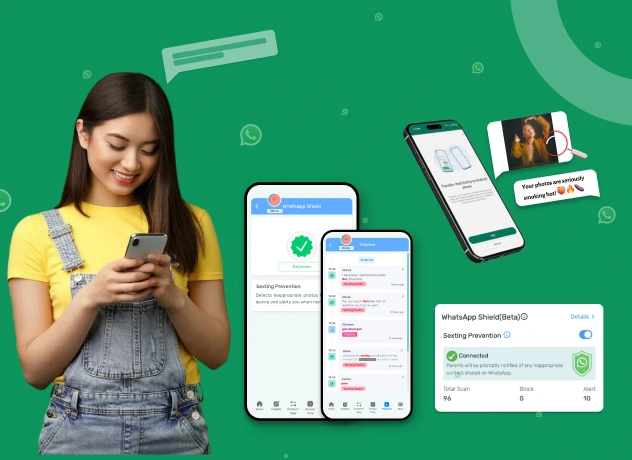
Most parental control apps can block social media apps or limit their usage time, but few can actually monitor what happens inside these apps. KidsNanny’s Screen Scanner periodically captures and analyzes screen activity using on-device AI, allowing it to detect inappropriate content, cyberbullying, and suspicious conversations across WhatsApp, Instagram, TikTok, Snapchat, and any other app your child uses. The WhatsApp Shield feature specifically monitors messaging patterns for signs of grooming or harmful contact. All processing happens directly on the device, meaning your child’s private data is never uploaded to external servers.

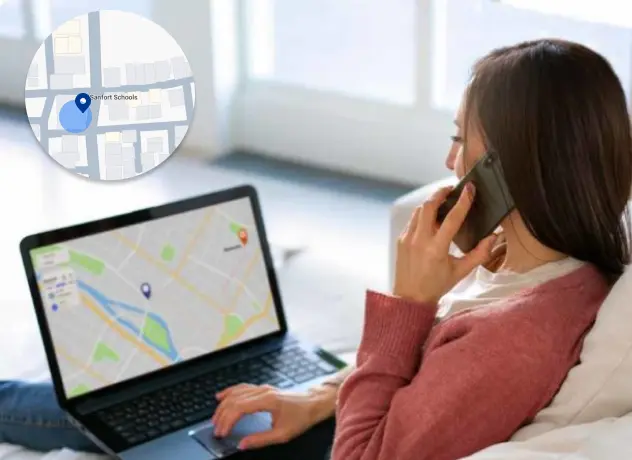
KidsNanny provides real-time GPS location tracking that runs quietly in the background on your child’s device. You can view their current location at any time from your parent dashboard, see their location history throughout the day, and set up geofence alerts that notify you instantly when your child enters or leaves specific areas like school, home, or a friend’s house. The Check-In feature also allows your child to send their location to you with a single tap when they arrive somewhere safely. While the app does run in the background, we encourage open communication with your child about why location sharing helps keep them safe.

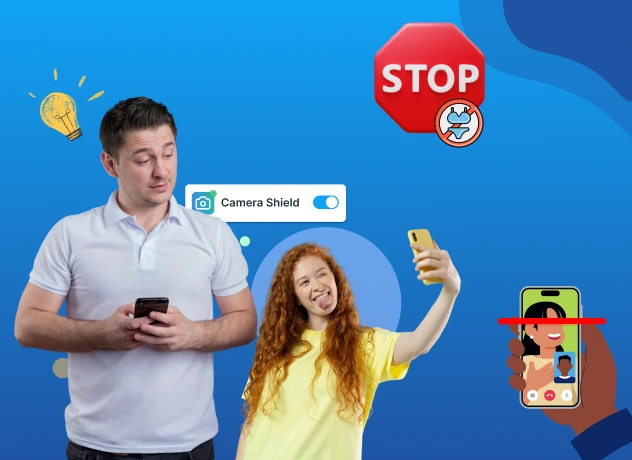
Yes, when equipped with the right technology. Traditional parental controls that only block websites are not enough to stop online predators who operate through messaging apps, gaming platforms, and social media direct messages. KidsNanny uses AI-powered detection that analyzes screen activity and messaging patterns for warning signs of grooming, sextortion, and manipulation. The Camera Shield feature adds another layer of protection by detecting nudity during video calls and instantly blocking the connection. Parents receive real-time alerts when suspicious activity is detected, allowing them to intervene before a situation escalates. According to the National Center for Missing and Exploited Children, early detection through monitoring tools is one of the most effective ways to prevent online exploitation.

The American Academy of Pediatrics recommends no more than 1 hour of screen time per day for children aged 2 to 5, and consistent limits for children aged 6 and older that ensure screen time does not interfere with sleep, physical activity, and face-to-face interaction. For school-age children, 1.5 to 2 hours of recreational screen time is generally considered reasonable, while teens may need slightly more for schoolwork and socializing. KidsNanny’s Screen Time Management feature lets you set daily usage limits, schedule device-free periods like homework time and bedtime, and view detailed usage reports showing exactly which apps your child spends the most time on. You can also set different limits for weekdays and weekends.

Yes. In most countries including the United States, Canada, the United Kingdom, and Australia, parents have the legal right to monitor their minor child’s device activity and online communications. This is considered part of a parent’s responsibility to protect their child’s safety and wellbeing. However, it is generally recommended to have an open conversation with your child about monitoring rather than doing it secretly, especially with teenagers. KidsNanny is designed to support responsible parenting by providing monitoring tools that prioritize safety while respecting privacy. All data stays on the device through our privacy-first edge AI processing, and parents can choose which features to enable based on their family’s needs.

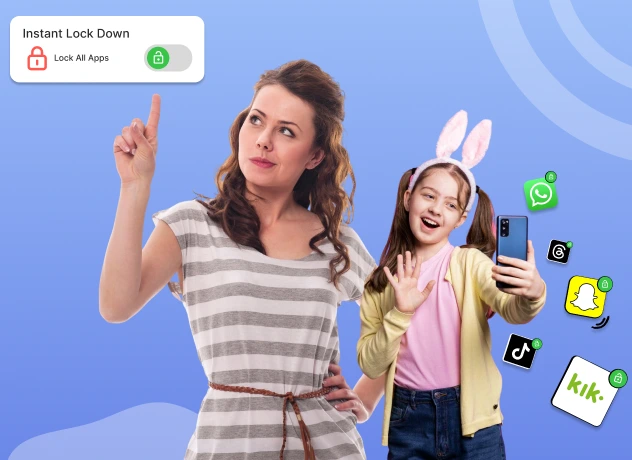
Google Family Link and Apple Screen Time are free built-in tools that offer basic parental controls like app blocking and screen time limits. However, they have significant limitations. Neither can monitor what your child does inside apps, detect inappropriate content, scan for cyberbullying or grooming attempts, or protect against predators during video calls. KidsNanny goes beyond basic controls with AI-powered Screen Scanner that analyzes screen activity in real time, Camera Shield that blocks nudity during video calls, WhatsApp monitoring, advanced web content filtering with 30 plus categories, live location tracking with geofencing, and instant lockdown capability. Additionally, KidsNanny works across Android, iOS, and macOS from a single parent dashboard, while Google Family Link only works with Android children’s devices and Apple Screen Time only works within the Apple ecosystem.

Ready to Take Control of Your Child’s Digital Safety?

Download KidsNanny and protect your child at home, at school, and everywhere in between.

Choose your device - Android, iPhone or Mac