












Monthly
Every premium tool, month to month
Billed $5 every month
- 7-day free trial
- Screen scanner & web history
- WhatsApp, camera & app/web shields
- YouTube control & usage reports
- Tasks, rewards & custom alerts
Auto-renews monthly. Cancel anytime.

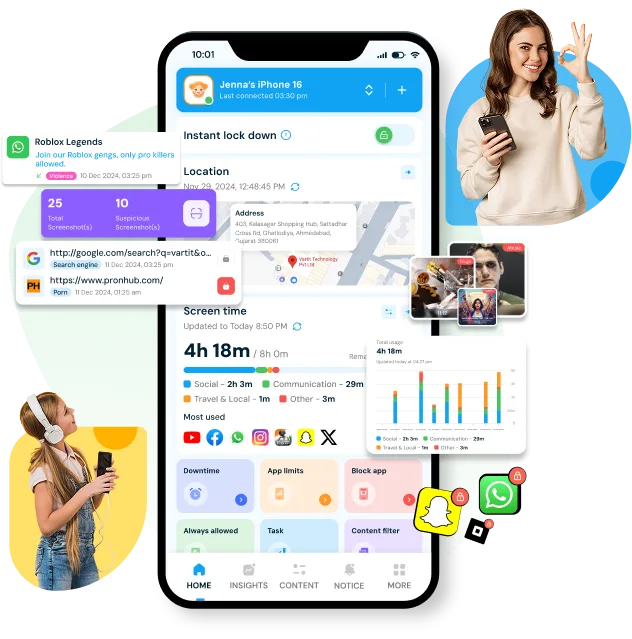
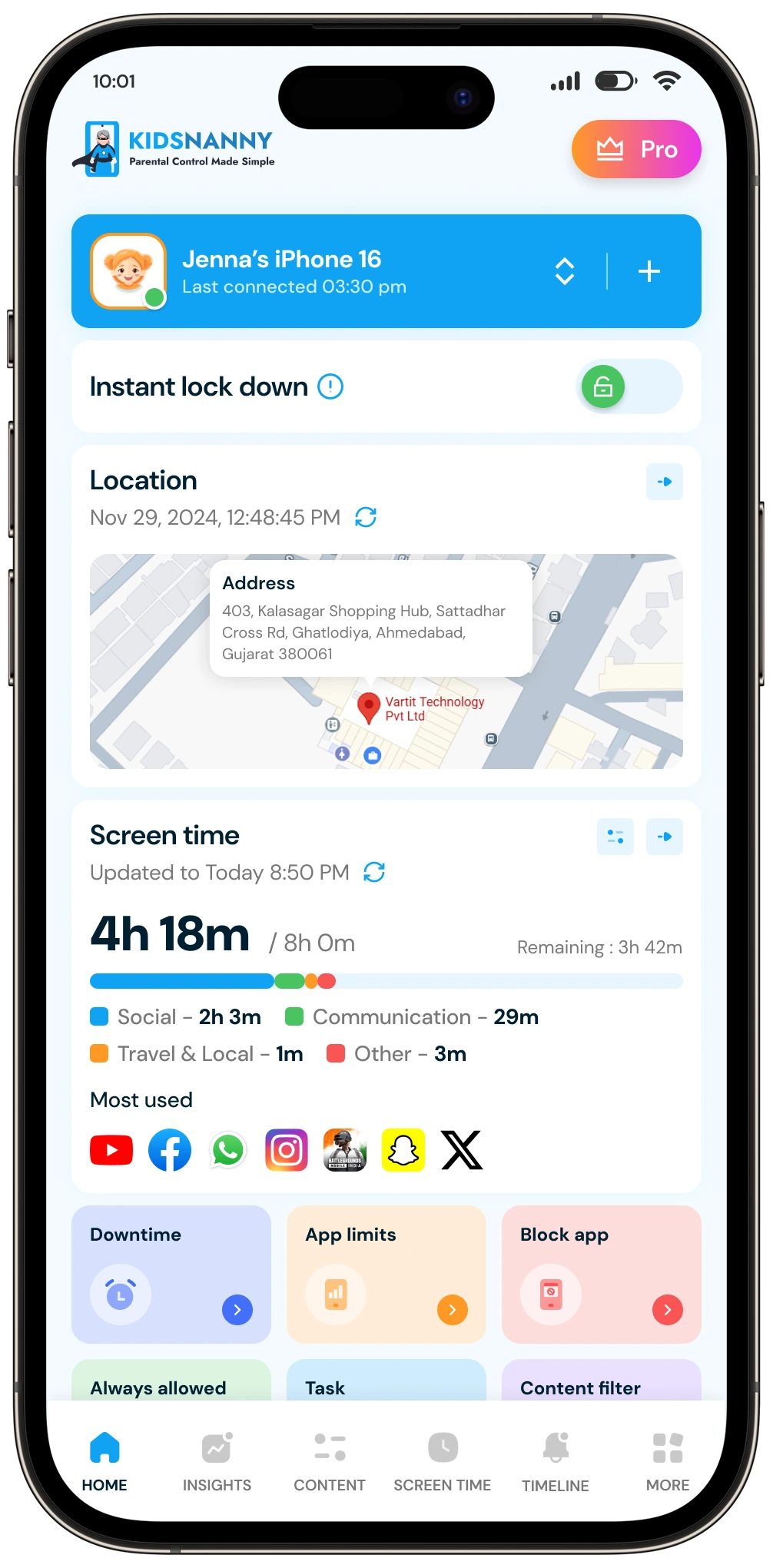
KidsNanny helps parents manage screen time, apps, websites, YouTube, location, and digital safety with powerful parental controls and AI-powered protection.
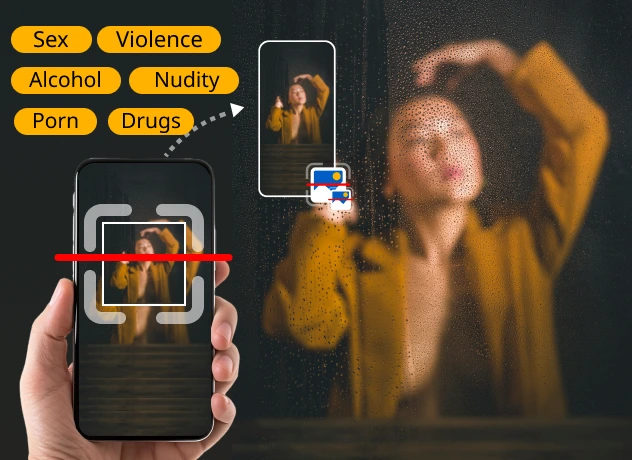
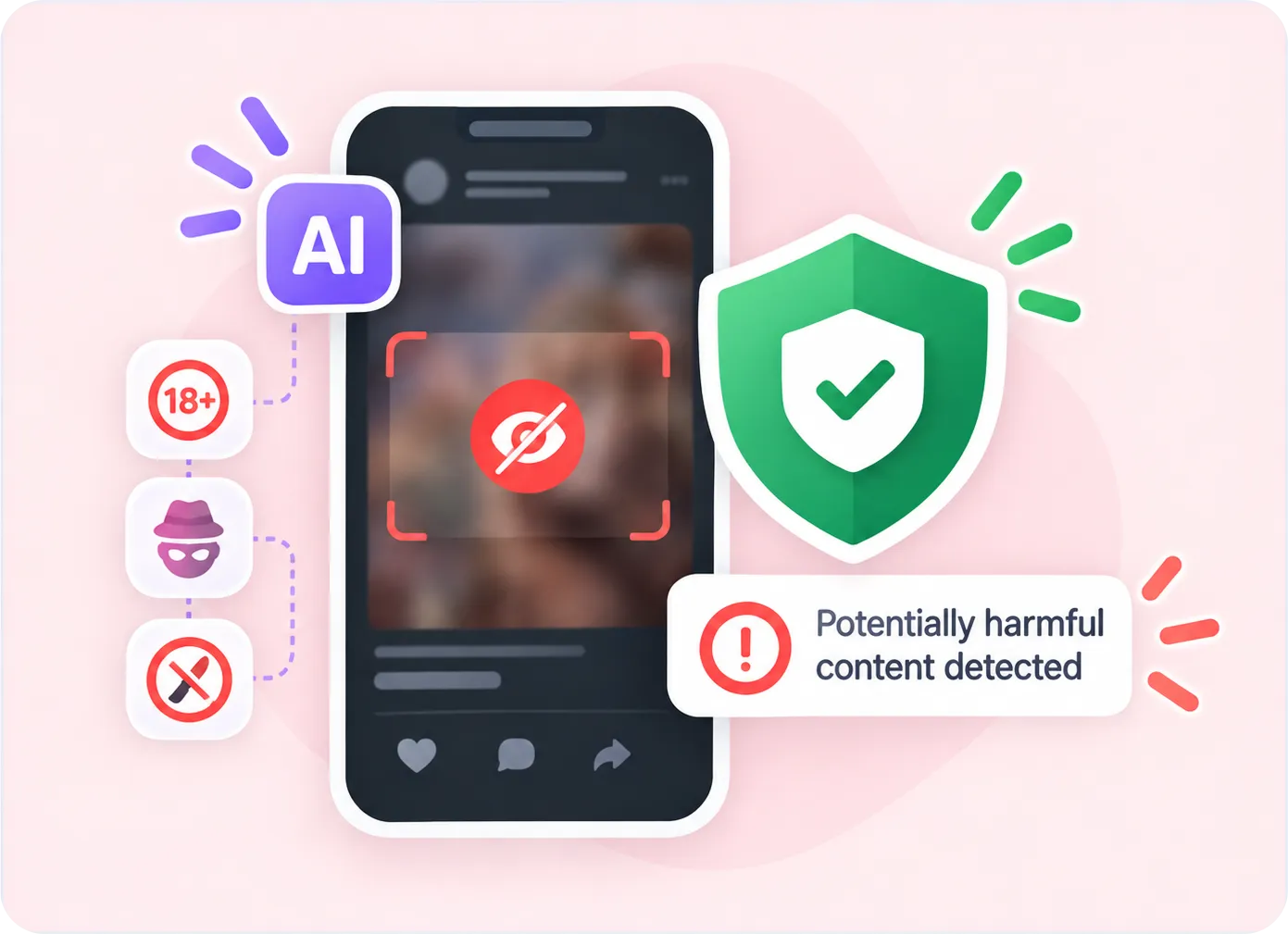
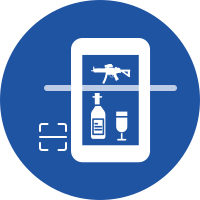
The Screen Scanner feature allows you to monitor and analyze your child's screen activity at specific intervals. It periodically scans the screen for potentially harmful or inappropriate content and can alert you when a configured safety risk is detected.
KidsNanny Parental Control App
Scan Screens Safely Try Now
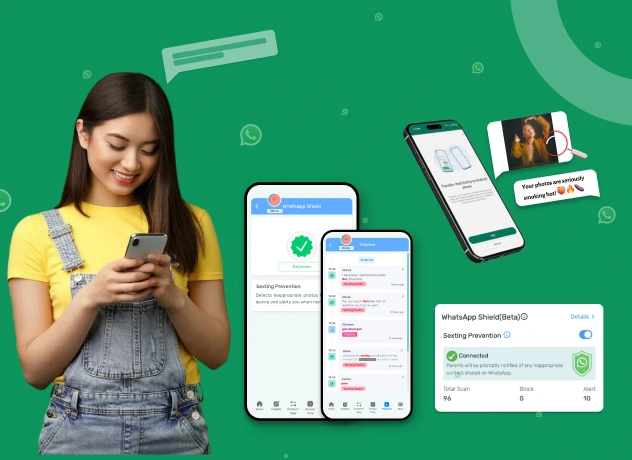
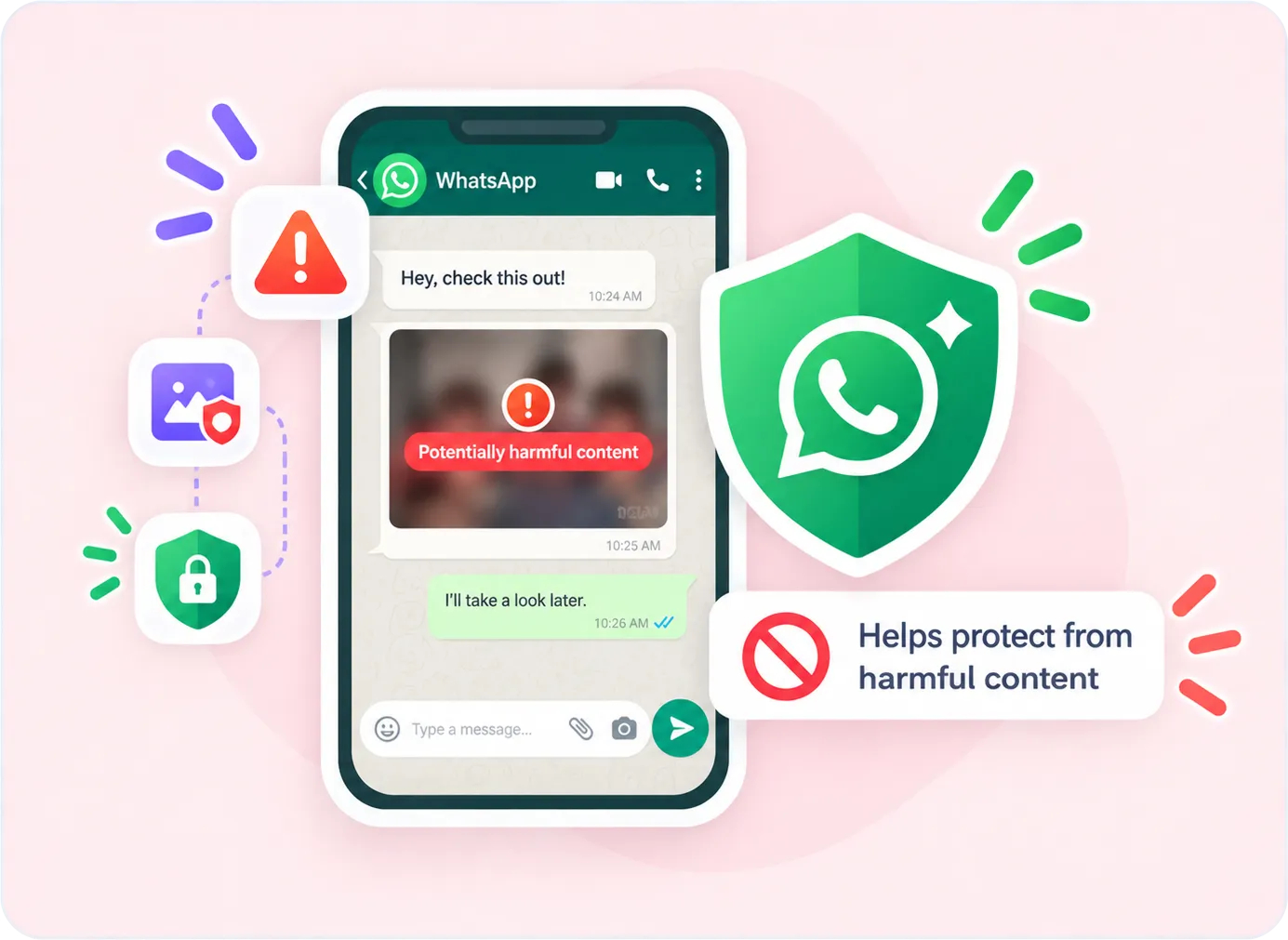
Monitor your child's WhatsApp activity and help protect them from inappropriate content and online threats. WhatsApp Shield can provide alerts for risky messages or media and automatically delete or remove configured harmful content.
KidsNanny Parental Control App
Monitor Chats Securely Try Now
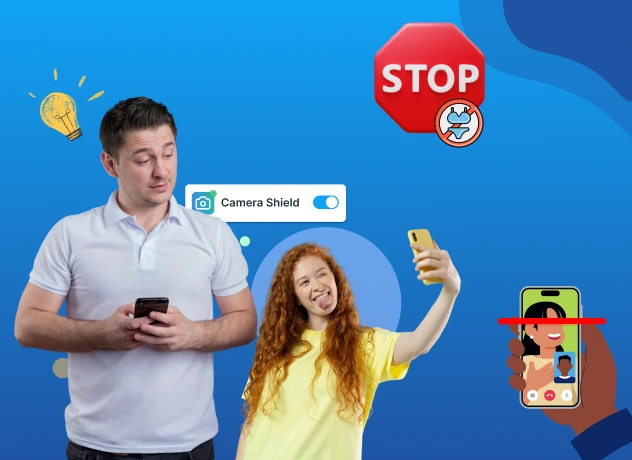
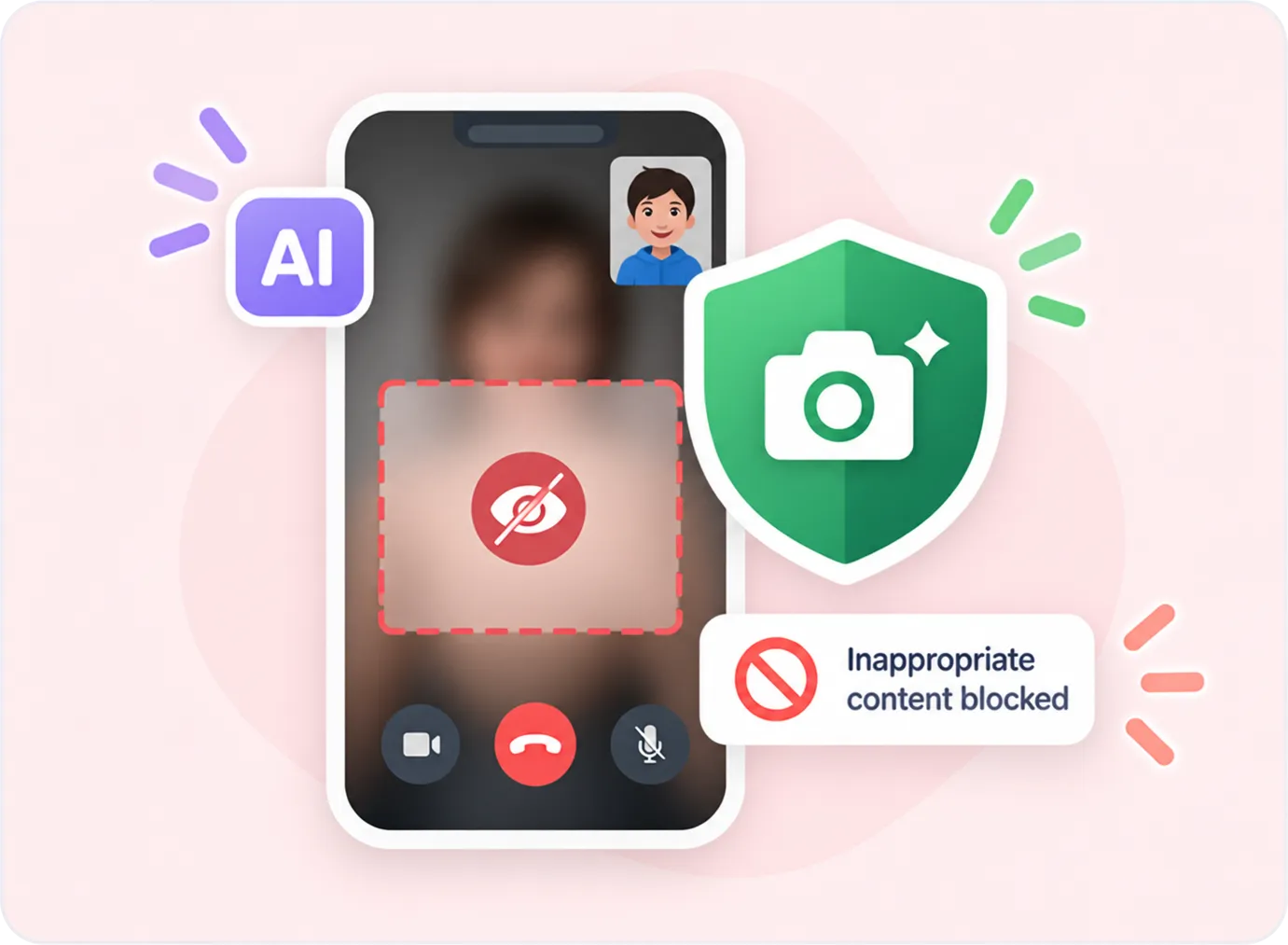
AI Camera Shield helps protect children during supported camera and video-call activity by detecting potentially inappropriate visual content and taking protective action when a risk is detected.
KidsNanny Parental Control App
Stop Nudes Sharing Try Now
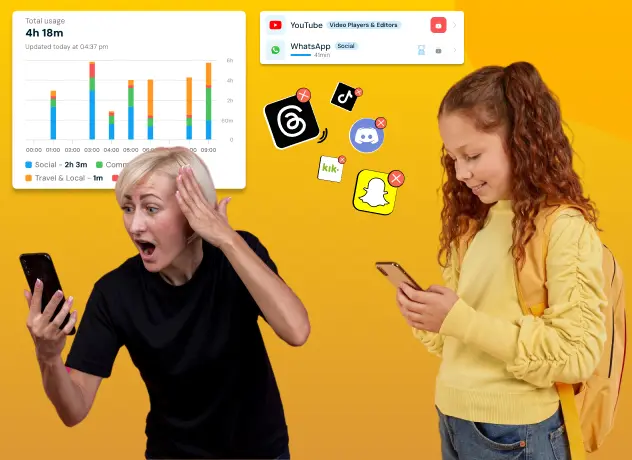
Gain insights into your child’s app usage patterns with comprehensive reports available on a daily and weekly basis. Monitor their digital habits and make informed decisions for their well-being.
KidsNanny Parental Control App
View App Activity Try Now
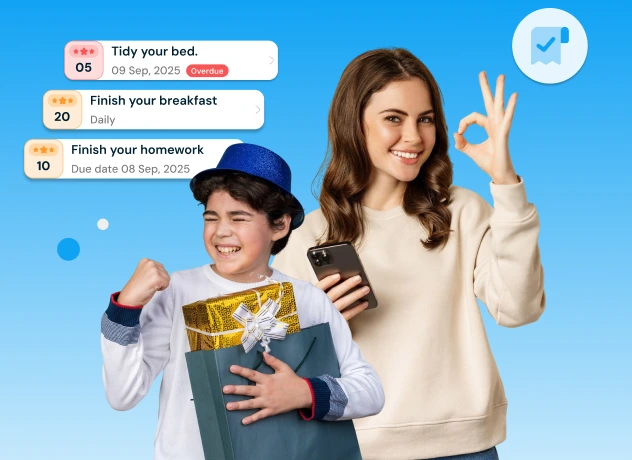
With KidsNanny Task feature, parents can set meaningful goals for their children, monitor progress, and approve completed tasks. Kids earn points for every task completed, which can be redeemed for extra screen time.
KidsNanny Parental Control App
Set Tasks & Earn Rewards Try Now
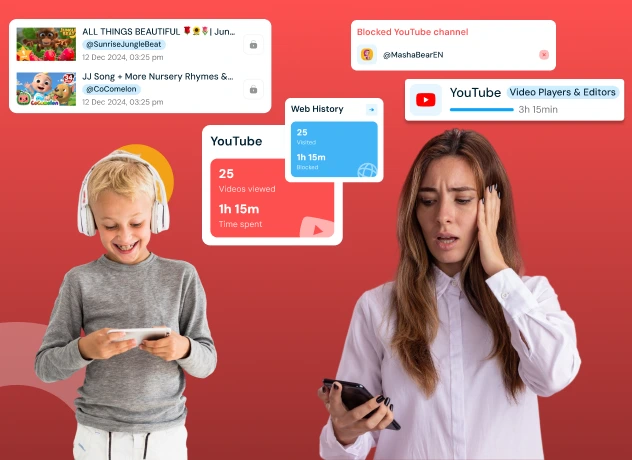
Manage your child's YouTube activity across YouTube, YouTube Kids, and supported browsers. Review watched videos and control access by blocking or allowing specific channels.
KidsNanny Parental Control App
Control Video Access Try Now
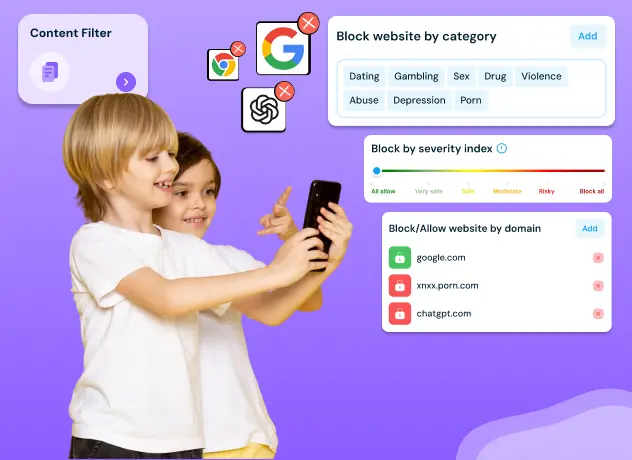
Block websites by domain or content category and enable Safe Browsing to help protect your child from inappropriate or harmful websites.
KidsNanny Parental Control App
Block Harmful Sites Try Now
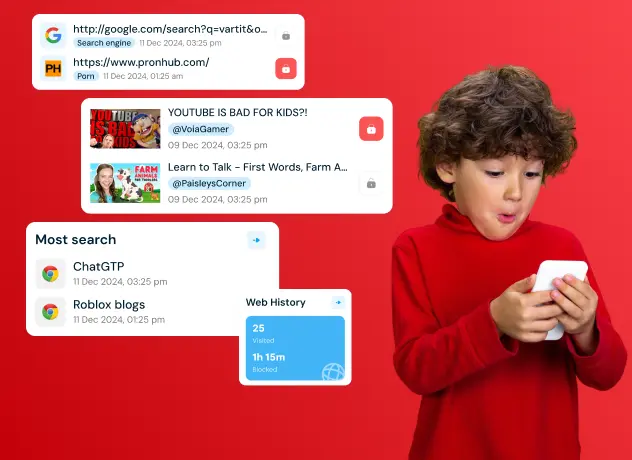
KidsNanny allows you to view the list of visited websites, ensuring they engage in safe and responsible online behavior.
KidsNanny Parental Control App
View Browsing History Try Now
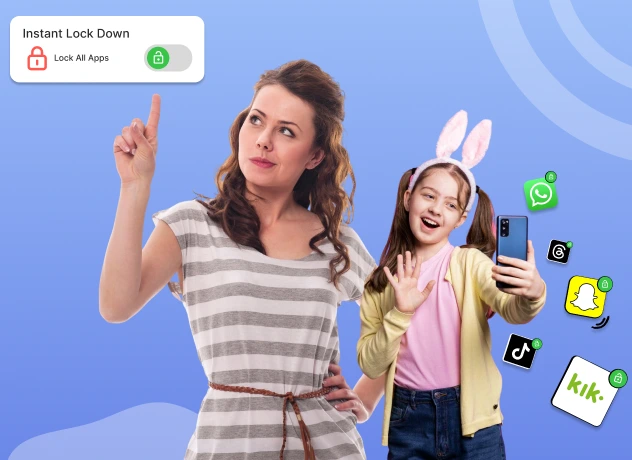
Take control instantly with KidsNanny’s Instant Lock Down feature. With a single tap, block access to all apps on your child’s device, perfect for moments when immediate attention is needed or to enforce a screen time break. Easily manage this feature right from the Home screen.
KidsNanny Parental Control App
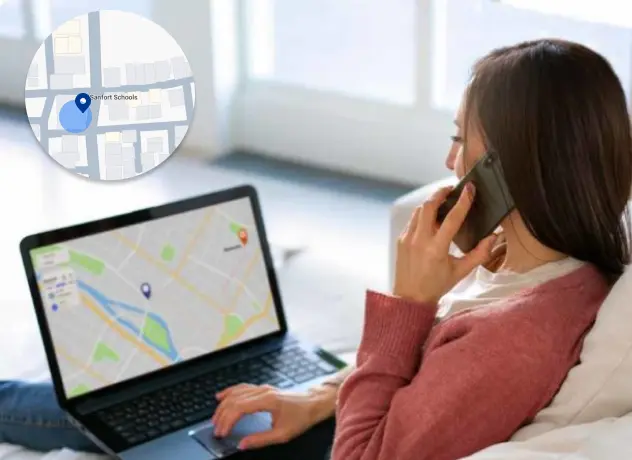
Lock Device Instantly Try NowStay informed and protect your child with KidsNanny’s real-time location tracking. View location history, set geofences, and receive instant alerts whenever your child enters or leaves designated areas. Keep your kids safe, no matter where they go.
KidsNanny Parental Control App
Real-time Location Try Now
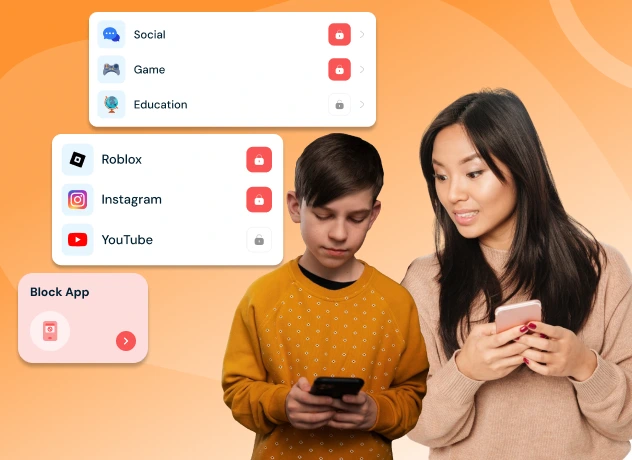
Take control of your child’s phone by blocking or unblocking social media, games, or any installed app—helping them stay focused on learning, safety, and building healthy digital habits every day.
KidsNanny Parental Control App
Block Unwanted Apps Try Now
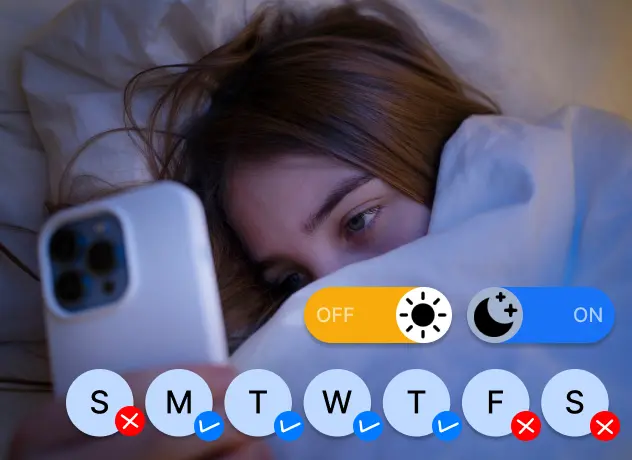
Set daily screen time limits, app schedules, and downtime controls to reduce overuse, help limit blue light exposure that disrupts sleep, and promote healthy digital habits tailored to your child’s daily routine and screen usage.
KidsNanny Parental Control App
Set Daily Time Limits Try Now
Stay connected with your child through Check-In. Allow them to send their current location, providing you with peace of mind and enhancing their safety.Geo-fence
KidsNanny Parental Control App
See Location Check-Ins Try Now
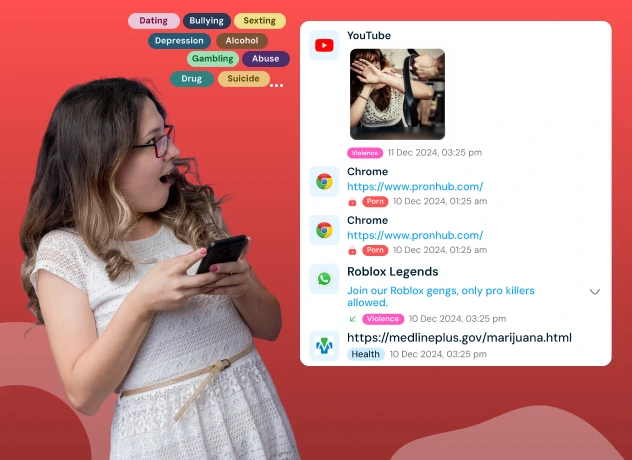
Receive instant alerts for risky content, new app installs, YouTube videos, and browser history—complete with screenshots of flagged activity for quick and effective review on your child’s device.
KidsNanny Parental Control App
Get Instant Alerts Try Now
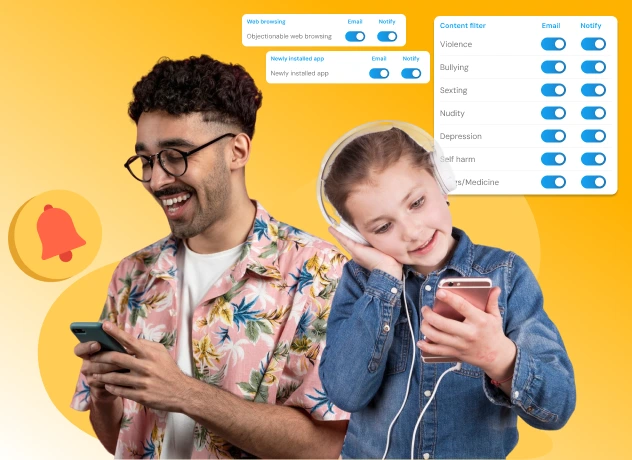
Your child’s online safety matters more than ever. With KidsNanny’s AI-powered monitoring, get real-time notifications and email alerts for nudity, sexting, violence, bullying, depression, self-harm, and unsafe apps or websites — all with just a few quick settings.
KidsNanny Parental Control App
Get Instant Alerts Try Now
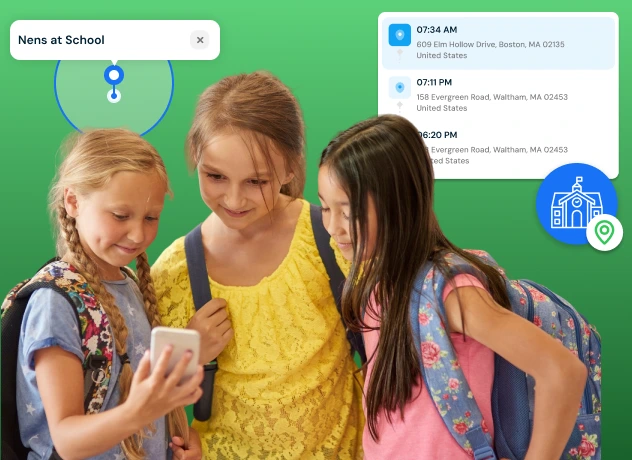
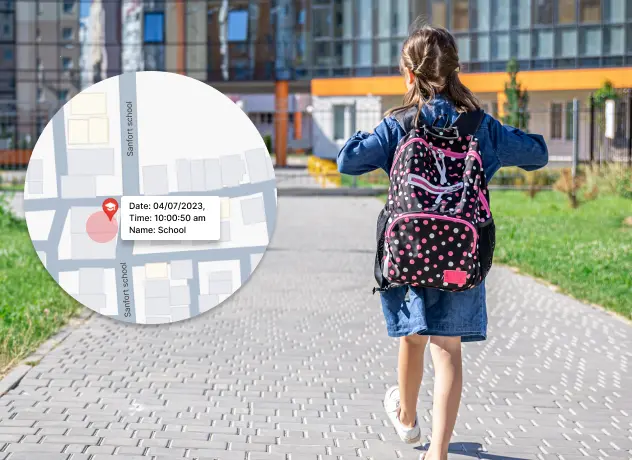
Set virtual boundaries like home or school and get instant alerts when your child enters or leaves those areas—such as arriving at school or exiting before time.
KidsNanny Parental Control App
Set Safe Zones Try NowKidsNanny goes beyond basic screen-time limits and app blocking. Its AI-powered safety tools help parents respond to real digital risks, including harmful screen content, private-image risks, unsafe camera activity, and messaging threats.
KidsNanny’s AI-powered safety tools can periodically analyze supported screen activity and identify potentially harmful or inappropriate content, helping parents know when something may need attention.
WhatsApp Shield helps parents respond to messaging risks with alerts for potentially harmful content, automatic protection for risky messages or images, and controls designed to reduce exposure to inappropriate media.
Children can face risks from inappropriate photos, nude or partially nude images, and unsafe video interactions. AI-powered Camera Shield detects nudity and harmful visual content during photos, video calls, and live streams, with instant connection blocking when a risk is detected.
Gain insights into your child’s app usage patterns with comprehensive reports available on a daily and weekly basis. Monitor their digital habits and make informed decisions for their well-being.
KidsNanny allows you to view the list of visited websites, ensuring they engage in safe and responsible online behavior.
Take control of your kid’s phone by blocking or unblocking any installed application. Maintain a healthy balance of entertainment and productivity on their device.
Set limits using downtime and control phone utilization by defining daily app or category usage duration. Customize these settings based on specific weekdays to foster healthy device habits.
This feature allows you to monitor and analyze your child's screen activity at specific intervals. This tool periodically scans the screen for inappropriate or potentially harmful content, ensuring a safer online environment for your kids
Create virtual boundaries and receive real-time notifications when your child enters or exits specific geo locations.
Stay connected with your kids whereabouts through our Check-In feature. Allow them to send their current location, providing you with peace of mind and enhancing their safety.
Safeguard your child’s browsing experience by blocking websites based on domain name. Enable safe browsing for their device, ensuring they are protected from inappropriate content.
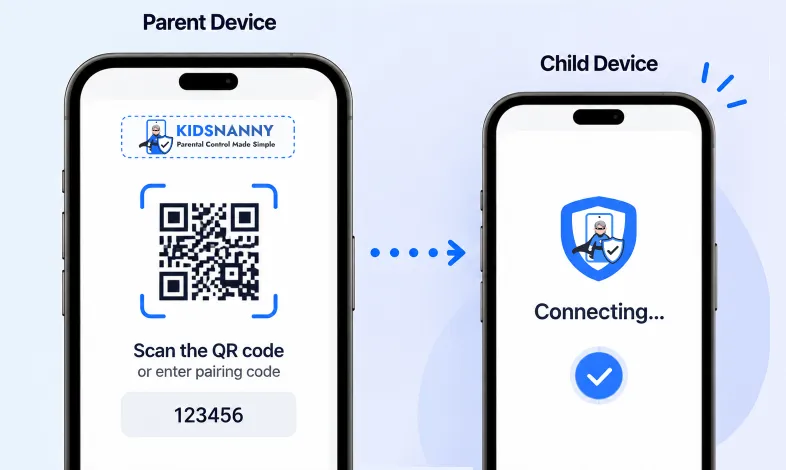
Set up KidsNanny on your child’s device in just a few simple steps. Install the app, scan the QR code or enter the pairing code, and complete the setup in minutes. No complicated installation or technical skills required.
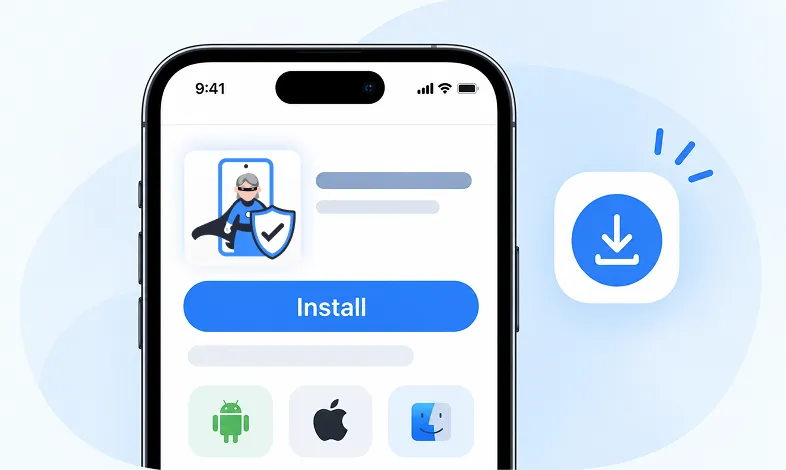
Step 1 Install KidsNanny
Download KidsNanny App from Google Play Store or App Store on the parent’s phone
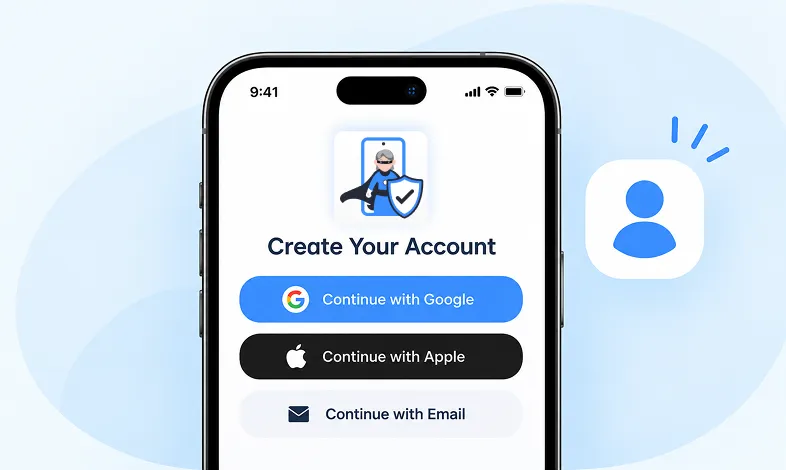
Step 2 Create your Account
Create a KidsNanny account or log in with Google, Apple, or email.
Step 3 Scan & Connect
Scan the QR code or enter the pairing code to easily and securely connect your child’s device.
This app helps me track my kid’s location with geofencing and location tracking. I can monitor web history and block unsafe sites—definitely a must-have for parents!
KidsNanny helps monitor screen time, block apps, track web activity, and follow location with geofencing. It's user-friendly, though charts need slight improvement.
Our family finds KidsNanny an incredible asset. Its powerful features and intuitive interface make managing screen time easy. The check-in feature gives us peace of mind by tracking our child’s movements.
KidsNanny features an intuitive and user-friendly interface, making it easy for parents to navigate and access essential features. With simple setup and configuration, you can start monitoring your child's digital activities in minutes.
This app is incredibly helpful in keeping track of my kid's whereabouts, thanks to features like geofencing and location tracking. Additionally, I can easily monitor their web history which has been super beneficial. Definitely a must-have for any parent.!!
The screen time management feature helps me set healthy limits for my child's device use. The app's check-in and live location features provide a safe environment. A must-download for every concerned parent.
I like to have the opportunity to see anything happening on my kid's phone - when the phone was used, sites visited, web searches, videos watched! Really amazing!
The best parental control apps, which allow for a good level of control and flexibility,can help you monitor your children's activity across social media. And still giving your family the freedom to explore the digital world, give the benefits of added safety nets.
Excellent app to monitor Kids mobile usage. Have control on screen time usage and their effective usage of device for their development.. Caring parents should definitely try it.
Thank you for this amazing product. It is very crucial for the security and privacy of us as children and also for parents. It has enhanced our child's protection by productive tracking system. The overall experience is great to have.
This app helps me track my kid’s location with geofencing and location tracking. I can monitor web history and block unsafe sites—definitely a must-have for parents!
KidsNanny helps monitor screen time, block apps, track web activity, and follow location with geofencing. It's user-friendly, though charts need slight improvement.
Our family finds KidsNanny an incredible asset. Its powerful features and intuitive interface make managing screen time easy. The check-in feature gives us peace of mind by tracking our child’s movements.
KidsNanny features an intuitive and user-friendly interface, making it easy for parents to navigate and access essential features. With simple setup and configuration, you can start monitoring your child's digital activities in minutes.
This app is incredibly helpful in keeping track of my kid's whereabouts, thanks to features like geofencing and location tracking. Additionally, I can easily monitor their web history which has been super beneficial. Definitely a must-have for any parent.!!
The screen time management feature helps me set healthy limits for my child's device use. The app's check-in and live location features provide a safe environment. A must-download for every concerned parent.
I like to have the opportunity to see anything happening on my kid's phone - when the phone was used, sites visited, web searches, videos watched! Really amazing!
The best parental control apps, which allow for a good level of control and flexibility,can help you monitor your children's activity across social media. And still giving your family the freedom to explore the digital world, give the benefits of added safety nets.
Excellent app to monitor Kids mobile usage. Have control on screen time usage and their effective usage of device for their development.. Caring parents should definitely try it.
Thank you for this amazing product. It is very crucial for the security and privacy of us as children and also for parents. It has enhanced our child's protection by productive tracking system. The overall experience is great to have.
Keep children safer online with advanced AI protection against grooming, cyberbullying, inappropriate and under-18 content, combined with screen time, app, website, location, and other parental controls.
Every premium tool, month to month
Billed $5 every month
Auto-renews monthly. Cancel anytime.
Every premium tool at the lowest rate
Billed $35 once a year Save 42%
Auto-renews yearly. Cancel anytime.
A parental control app helps parents manage and guide how their children use connected devices. Depending on the app and device, parental controls can include screen-time limits, app blocking, website filtering, activity reports, location features, and alerts. KidsNanny combines these traditional controls with additional digital-safety tools designed to help parents respond to online risks.
KidsNanny provides tools for managing screen time, setting downtime schedules, blocking apps and websites, controlling YouTube access, viewing supported activity history, managing location features, and receiving safety alerts. It also includes additional digital-safety features such as AI Screen Scanner, Camera Shield, and WhatsApp Shield.
KidsNanny supports parental controls and digital safety features across Android, iPhone, iPad, and Mac, with feature availability varying by platform. Parents can manage supported features from their KidsNanny parent account or web dashboard.
Yes. KidsNanny lets parents set screen-time limits, create downtime schedules, manage app limits, choose Always Allowed apps, and use Instant Lock Down when they need to restrict device access immediately.
Yes. Parents can block individual apps or app categories and use web controls to restrict websites or content categories. KidsNanny also provides web-history and activity features on supported devices so parents can better understand their child’s online activity.
Screen Scanner is an AI-powered safety feature that periodically analyzes your child’s screen for potentially harmful or inappropriate content. When a configured safety risk is detected, KidsNanny can alert the parent and provide relevant information to help them review the incident and decide what action to take.
Camera Shield is designed to help protect children when they use camera-based features such as video calls and other camera-enabled apps. It uses AI-powered detection to identify potentially inappropriate visual content and can take protective actions according to the feature and device configuration.
KidsNanny provides YouTube controls and supported activity insights, including viewing watched videos and managing YouTube channels. Parents can block specific channels or configure an allow-only approach for selected channels, depending on the supported device and setup.
Yes. KidsNanny includes location features that can help parents view a child’s location, review supported location history, create geofences, and receive alerts when a child enters or leaves a defined area. Children can also use Check-In to share their current location with a parent.
KidsNanny uses a layered AI approach. On-device processing can be used as a first layer for supported safety features, helping reduce unnecessary data sharing. However, KidsNanny does not rely exclusively on on-device AI for every feature or platform. Processing can vary depending on the feature and device.
Install KidsNanny on the supported child device, create or sign in to your parent account, and connect the child device using the available setup process. Depending on the platform, this may involve a QR code, pairing code, configuration profile, or desktop tool. After connection, follow the required permission and setup steps before configuring your parental controls.
Yes. KidsNanny offers a 7-day free trial so parents can try the available parental-control and digital-safety features before choosing a paid plan. Check the current pricing page for the latest subscription options and billing details.
Google Family Link and Apple Screen Time provide built-in parental controls such as screen-time management, app controls, and device restrictions. KidsNanny adds additional digital-safety tools, including AI Screen Scanner, Camera Shield, WhatsApp Shield, web filtering, YouTube controls, location features, alerts, and other monitoring tools. Feature availability can vary by operating system.
Parents may use parental controls to help manage and protect a child’s device use, but privacy and monitoring rules can vary depending on the child’s age, location, device, and the type of activity being monitored. We recommend being transparent with your child about age-appropriate monitoring and reviewing the laws that apply in your location. KidsNanny provides parental-control and digital-safety tools that parents can configure based on their family’s needs.
Start your 7-day free trial and manage screen time, apps, websites, YouTube, and AI-powered digital safety from one place.