





Skip to content

Screen Scanner

Detect Cyberbullying and Predators on Your Child’s Screen

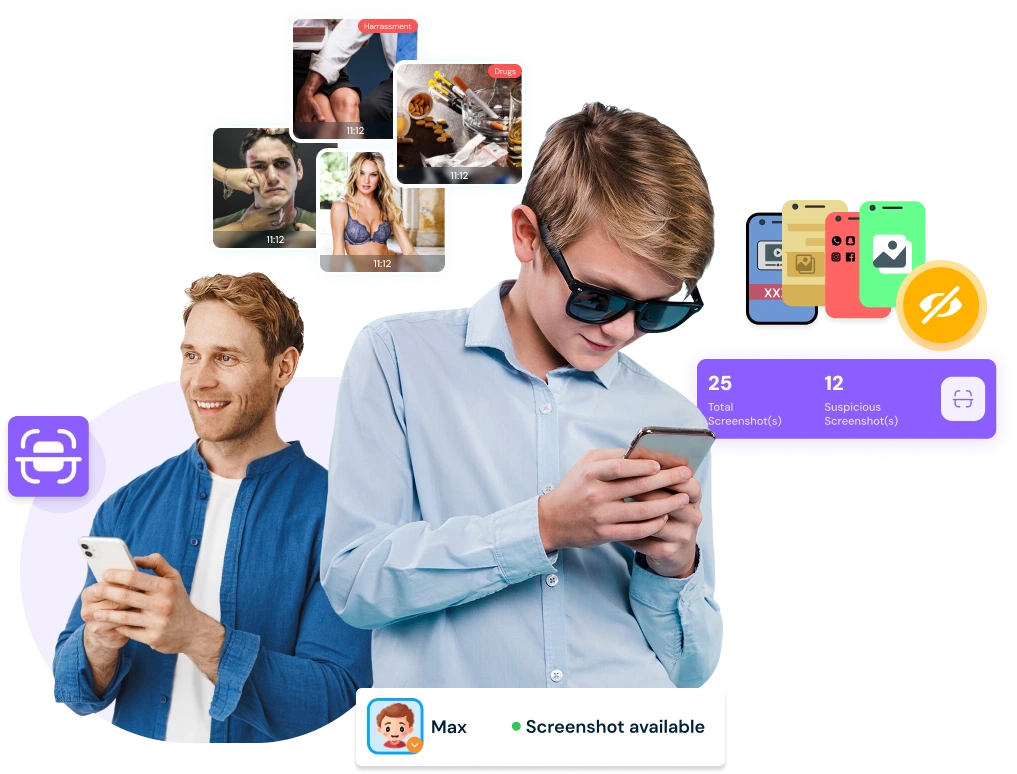
Monitor your child’s screen activity automatically with periodic screenshots. AI-powered analysis detects inappropriate content and sends alerts to parents, keeping your child safe from harmful online exposure.

Monitor your child's screen using screen scanner
Suppoted platfrom

Automatic Screen Monitoring

Capture your child’s device screen activity periodically to ensure online safety without constant supervision.
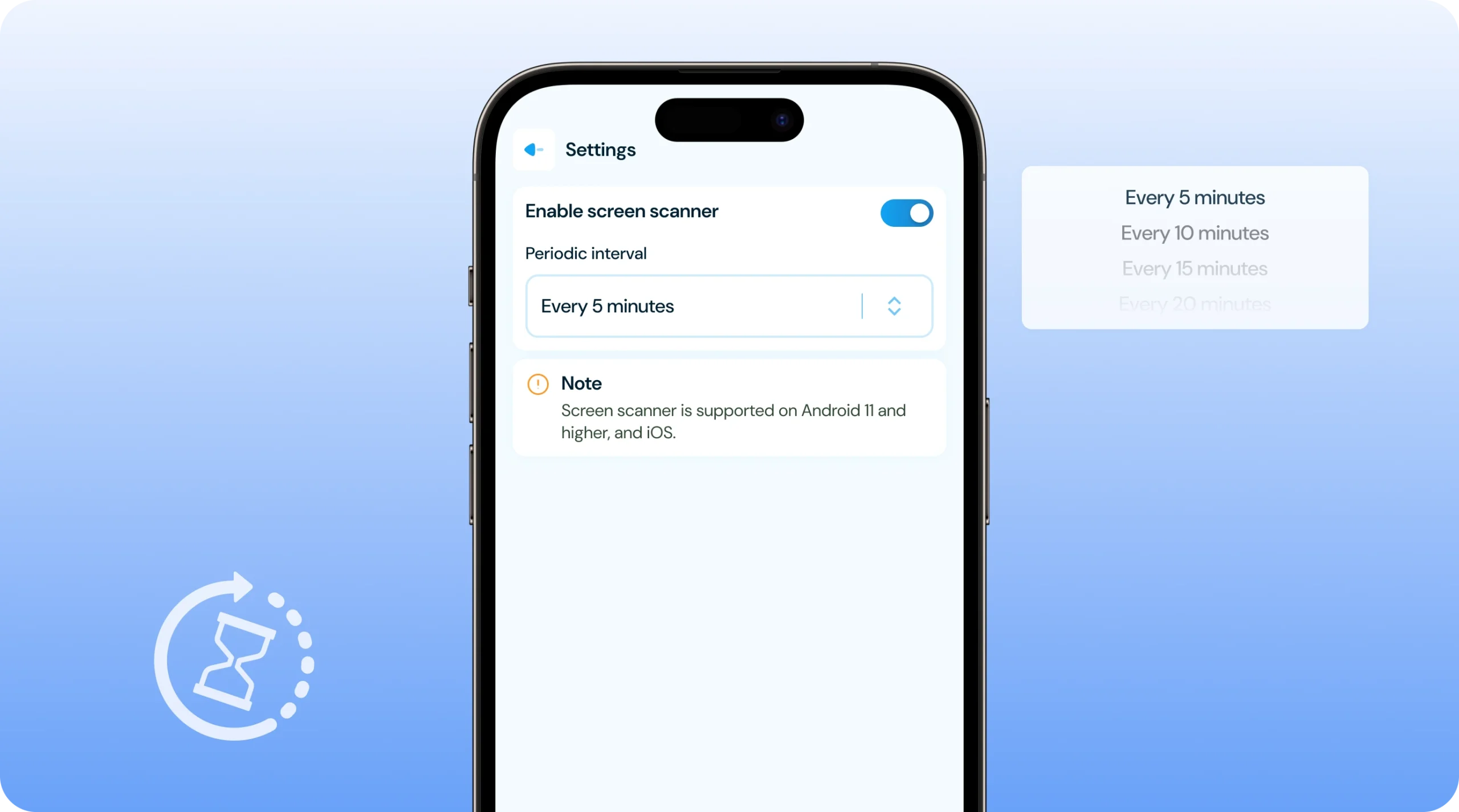
✓ Periodic screenshot capture every 5 minutes allowing parents to monitor their child’s device activity automatically without manual checking or constant oversight.
✓ Automatic AI-powered content analysis examining every screenshot for inappropriate content, harmful material, or concerning online activity using advanced detection technology.
✓ Smart filtering system ensuring parents only receive screenshots with detected inappropriate content, reducing unnecessary interruptions while maintaining safety awareness.
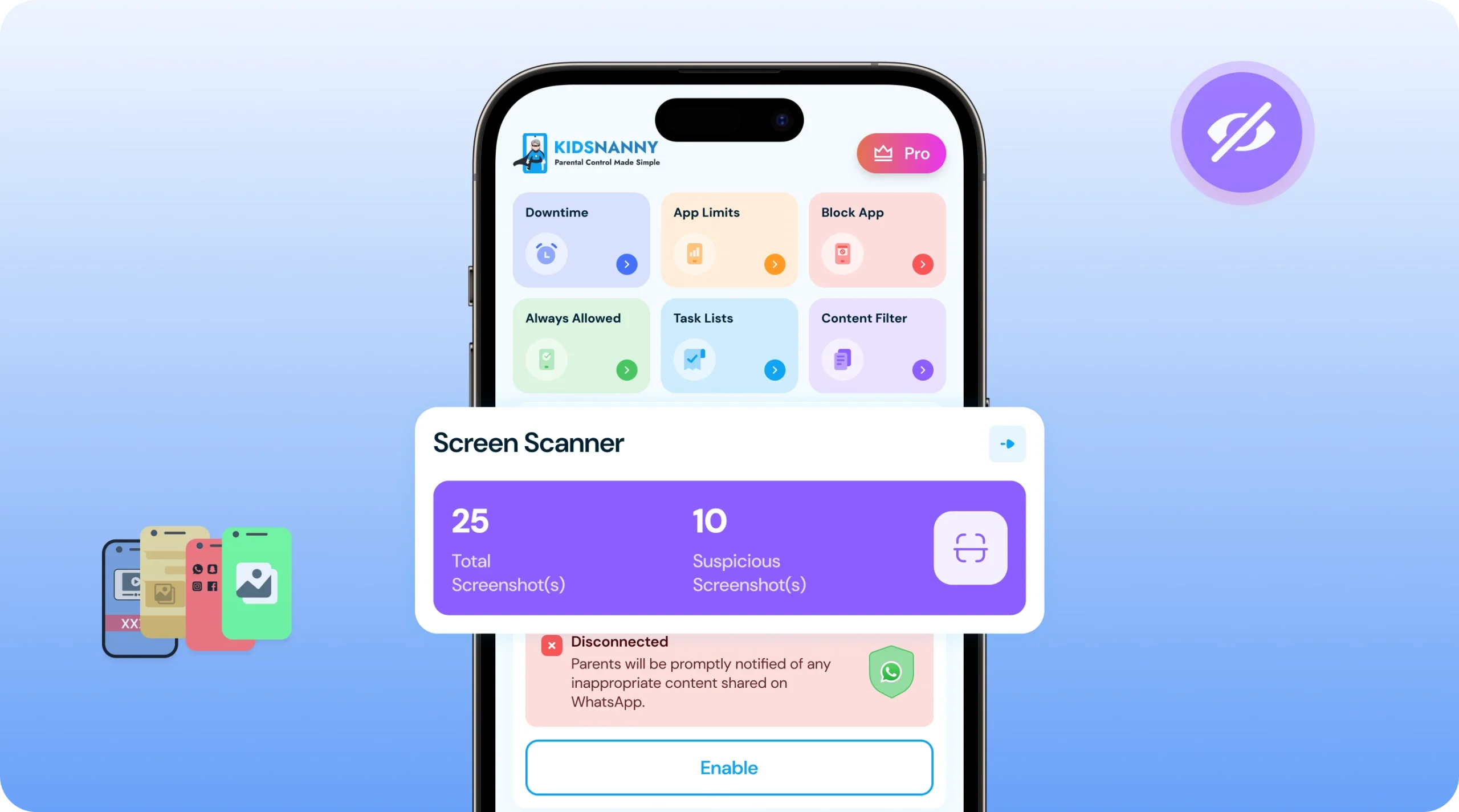
✓ Complete activity visibility providing parents awareness of monitoring through screenshot counts, even when no inappropriate content is found during the scanning period.

KidsNanny Screen Scanner
AI-Powered Inappropriate & Harmful Content Detection

AI-Powered Inappropriate Content Detection

Advanced technology analyzes screenshots to identify and flag harmful content automatically.
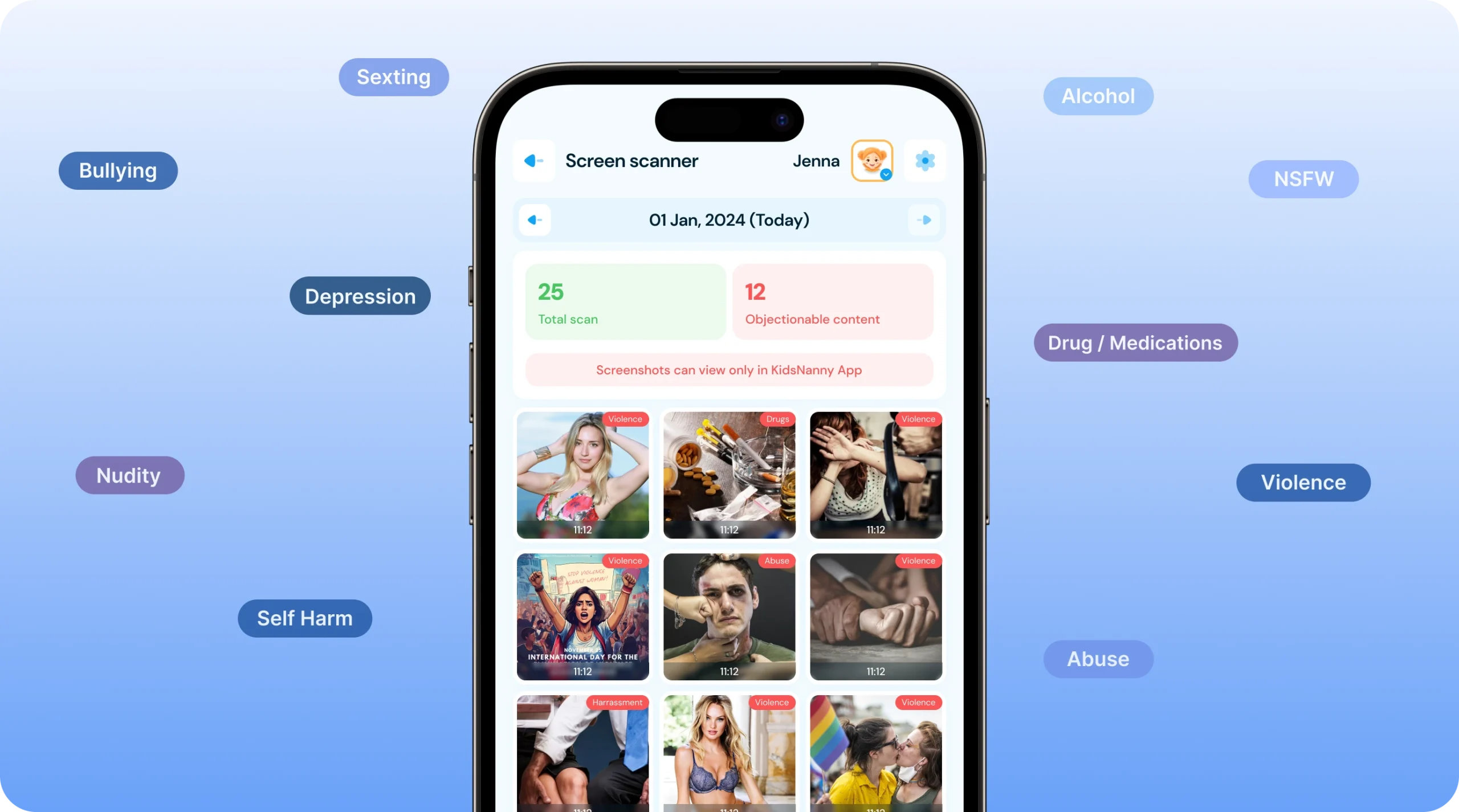
✓ Detect explicit visual content instantly identifying sexual material, violence, or other age-inappropriate images that appear on your child’s screen.
✓ Flag concerning online activity recognizing cyberbullying conversations, suspicious interactions, or dangerous apps that could threaten your child’s safety.
✓ Spot harmful content in real-time enabling immediate parent intervention before prolonged exposure to inappropriate material.
✓ Review thousands of screenshots automatically without requiring parents to manually examine each image daily.

Instant Parent Alerts

Get notified immediately when inappropriate content is detected on your child’s screen.
✓ Receive flagged screenshots instantly viewing only images containing inappropriate content sent directly to your parent dashboard for immediate review.
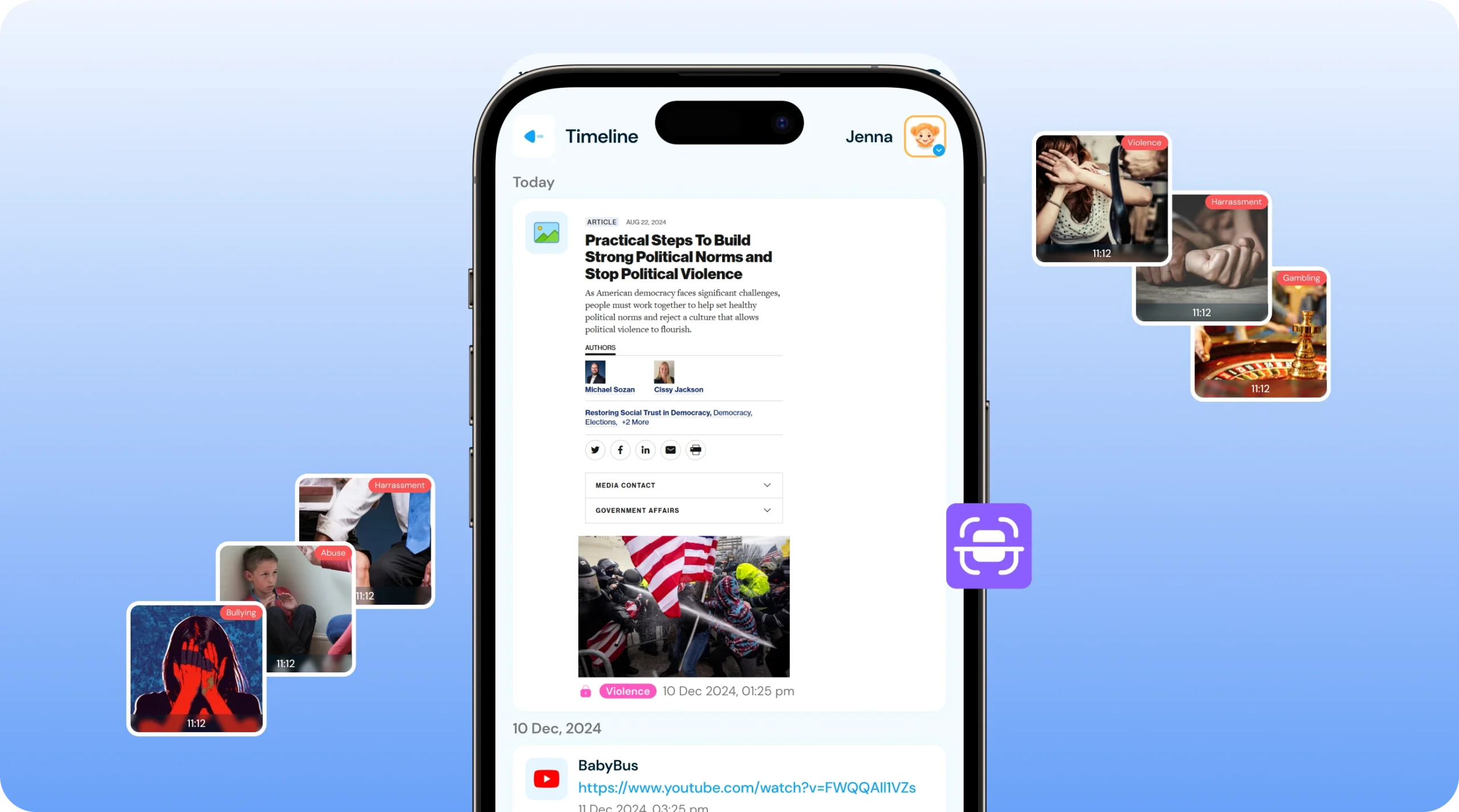
✓ Detailed alerts with context showing exactly what harmful material was detected, when it appeared, and which app or website displayed the concerning content.
✓ Privacy-focused monitoring ensuring parents only see screenshots with detected issues, respecting children’s appropriate privacy boundaries for normal activities.
✓ Screenshot count visibility tracking total screenshots taken so parents remain aware of monitoring activity without reviewing unnecessary safe content.

Intent alert on parents
Flexible Screen monitoring Intervals

Flexible Screenshot Intervals

Customize monitoring frequency based on your child’s age, needs, and your comfort level.
✓ Set custom screenshot intervals choosing capture frequency from every 5 minutes to longer periods, balancing thorough monitoring with device performance.
✓ Adjust monitoring intensity increasing frequency during high-risk times like late evenings or decreasing during supervised family time for flexible control.
✓ Age-appropriate monitoring levels setting more frequent screenshots for younger children and less frequent monitoring for responsible teenagers.
✓ Easy interval configuration modifying screenshot timing anytime from your parent dashboard as your child’s needs and digital habits evolve.

How to Use Screen Scanner ?

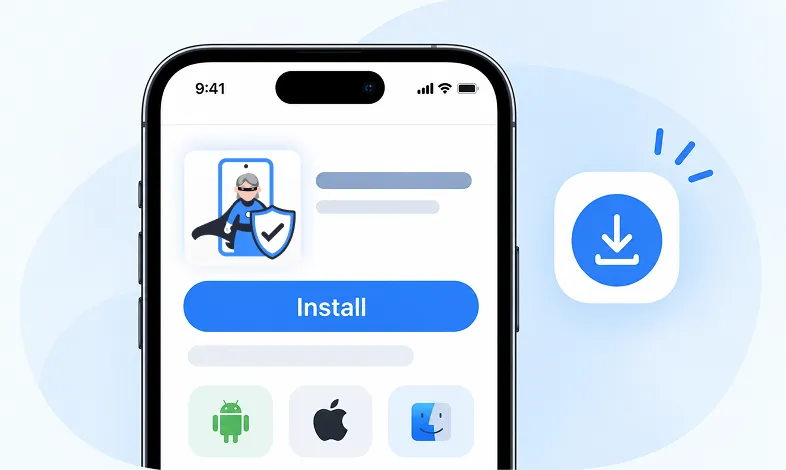
Step 1 Install KidsNanny

Download KidsNanny App from Google Play Store or App Store on the parent’s phone

Step 1 - Install KidsNanny app on your phone

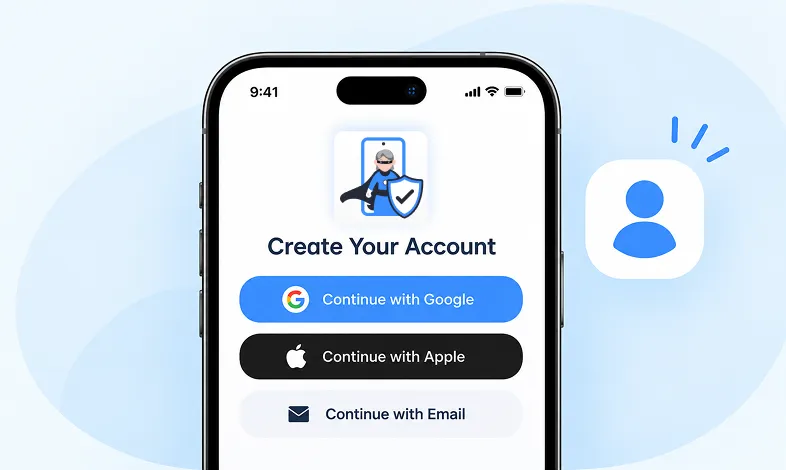
Step 2 Create your Account

Create account for KidsNanny or login with an Google, Apple and Email id.

Step 2 - Sign up and create your KidsNanny account

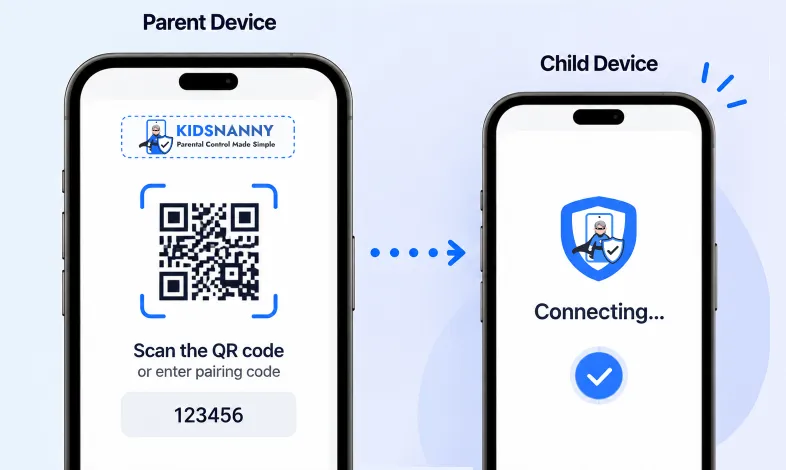
Step 3 Connect Kid's Device

Install KidsNanny App on your kid’s device. Then, enter the paring code to connect device.

Step 3 - Connect parent and child devices

Screen Scanner vs Traditional Monitoring

Screen Scanner (Smart Detection):

  • Captures screenshots periodically (every 5 minutes).
  • AI analyzes every screenshot automatically.
  • Parents only see flagged inappropriate content.
  • Works across all apps and websites.
  • Privacy-focused monitoring approach.
  • Minimal parent time investment.

Traditional App Monitoring:

  • Requires monitoring each app separately.
  • No visual content verification.
  • Parents must review all activity manually.
  • Limited to specific supported apps.
  • Time-consuming daily reviews.
  • Can miss content in unsupported apps

More Parental Control Features

Real time Alerts

Real time Alerts

Receive instant alerts for harmful content detection, location activity, and child safety events.

View Alerts

Location Tracker

Location Tracker

Real-time GPS tracking to know where your child is at all times with geofencing alerts.

Enable Location Tracker

Camera Shield

Camera Shield

Control camera access and monitor photo activities to ensure your child's privacy and safety.

Enable Camera Shield

Screen Scanner

Screen Scanner

Capture screenshots of your child's device activity to review what they're viewing.

Enable Screen Scanner

WhatsApp Shield

WhatsApp Shield

Monitor WhatsApp messages and protect your child from inappropriate conversations and strangers.

Enable WhatsApp Tracker

YouTube Control

YouTube Control

Monitor watch history, block inappropriate channels, and set viewing limits on YouTube.

Try YouTube Control

Content Filter

Content Filter

Block harmful websites and inappropriate content across all apps and browsers.

Enable Content Filter

Screen Time Limit

Screen Time Limit

Set daily usage limits and schedule screen-free times for healthier device habits.

Set Screen Time
App Blocking

App Blocking

Block or restrict access to specific apps and games based on age-appropriateness.

Block Harmful Apps

Instant Lock Down

Instant Lock Down

Remotely lock your child's device instantly when needed for immediate control.

Enable Instant Lock Down

Web History

Web History & Blocking

Track browsing history and block dangerous or inappropriate websites in real-time.

View Web History

Insights & Statistics

Insights & Statistics

View detailed analytics and reports on your child's digital behavior and app usage patterns.

View Usage & Monitor

Task & Rewards

Task & Rewards

Create tasks and chores with reward systems to encourage positive behavior and responsibility.

Create Task

What parents say about KidsNanny

Kim Parker

This app helps me track my kid’s location with geofencing and location tracking. I can monitor web history and block unsafe sites—definitely a must-have for parents!

Rik Matthews

KidsNanny helps monitor screen time, block apps, track web activity, and follow location with geofencing. It's user-friendly, though charts need slight improvement.

Ashley Brown

Our family finds KidsNanny an incredible asset. Its powerful features and intuitive interface make managing screen time easy. The check-in feature gives us peace of mind by tracking our child’s movements.

Michael Johnson

KidsNanny features an intuitive and user-friendly interface, making it easy for parents to navigate and access essential features. With simple setup and configuration, you can start monitoring your child's digital activities in minutes.

David Singh

This app is incredibly helpful in keeping track of my kid's whereabouts, thanks to features like geofencing and location tracking. Additionally, I can easily monitor their web history which has been super beneficial. Definitely a must-have for any parent.!!

Maria Hernández

The screen time management feature helps me set healthy limits for my child's device use. The app's check-in and live location features provide a safe environment. A must-download for every concerned parent.

Emily Smith

I like to have the opportunity to see anything happening on my kid's phone - when the phone was used, sites visited, web searches, videos watched! Really amazing!

Hiroshi Tanaka

The best parental control apps, which allow for a good level of control and flexibility,can help you monitor your children's activity across social media. And still giving your family the freedom to explore the digital world, give the benefits of added safety nets.

Jean Dupont

Excellent app to monitor Kids mobile usage. Have control on screen time usage and their effective usage of device for their development.. Caring parents should definitely try it.

Sarah Thompson

Thank you for this amazing product. It is very crucial for the security and privacy of us as children and also for parents. It has enhanced our child's protection by productive tracking system. The overall experience is great to have.

Kim Parker

This app helps me track my kid’s location with geofencing and location tracking. I can monitor web history and block unsafe sites—definitely a must-have for parents!

Rik Matthews

KidsNanny helps monitor screen time, block apps, track web activity, and follow location with geofencing. It's user-friendly, though charts need slight improvement.

Ashley Brown

Our family finds KidsNanny an incredible asset. Its powerful features and intuitive interface make managing screen time easy. The check-in feature gives us peace of mind by tracking our child’s movements.

Michael Johnson

KidsNanny features an intuitive and user-friendly interface, making it easy for parents to navigate and access essential features. With simple setup and configuration, you can start monitoring your child's digital activities in minutes.

David Singh

This app is incredibly helpful in keeping track of my kid's whereabouts, thanks to features like geofencing and location tracking. Additionally, I can easily monitor their web history which has been super beneficial. Definitely a must-have for any parent.!!

Maria Hernández

The screen time management feature helps me set healthy limits for my child's device use. The app's check-in and live location features provide a safe environment. A must-download for every concerned parent.

Emily Smith

I like to have the opportunity to see anything happening on my kid's phone - when the phone was used, sites visited, web searches, videos watched! Really amazing!

Hiroshi Tanaka

The best parental control apps, which allow for a good level of control and flexibility,can help you monitor your children's activity across social media. And still giving your family the freedom to explore the digital world, give the benefits of added safety nets.

Jean Dupont

Excellent app to monitor Kids mobile usage. Have control on screen time usage and their effective usage of device for their development.. Caring parents should definitely try it.

Sarah Thompson

Thank you for this amazing product. It is very crucial for the security and privacy of us as children and also for parents. It has enhanced our child's protection by productive tracking system. The overall experience is great to have.

Screen Scanner FAQs

The Screen Scanner is a feature that allows parents to periodically capture screenshots of their child’s device. For example, it can take a screenshot every five minutes. These screenshots are sent to the parent, and any inappropriate images are flagged for review.

  • Log in as a parent.
  • On the Home screen, go to “Screen Scanner.”
  • In the screenshot section, click “Enable,” or go to the settings to enable the switch and set the desired interval for screenshots.
  • Log in to the KidsNanny Application as a parent.
  • On the Home screen, go to “Screen Scanner.”
  • The detected inappropriate images will be listed there.

Ensure the accessibility setting is enabled.

You can set the screenshot interval to your preference, with common settings being every 5 minutes, 10 minutes, or custom intervals based on your monitoring needs.

Screen Scanner captures what’s currently visible on the device screen, so it monitors active apps and content your child is viewing in real-time.

Screen Scanner operates discreetly in the background. You can choose to discuss monitoring with your child to promote digital safety awareness and build trust.

The AI detects explicit sexual content, violent imagery, cyberbullying conversations, dangerous websites, and other age-inappropriate material appearing on screen.

Screenshot storage depends on your monitoring interval and retention settings. Only flagged inappropriate content is typically stored long-term for parent review.

Screen Scanner is optimized for minimal performance impact, though more frequent screenshot intervals may use slightly more battery and storage.

Yes, you can disable Screen Scanner anytime from your parent dashboard settings and re-enable it when needed for flexible monitoring control.