




Instant Lock Down
Lock Child’s Device with One Tap
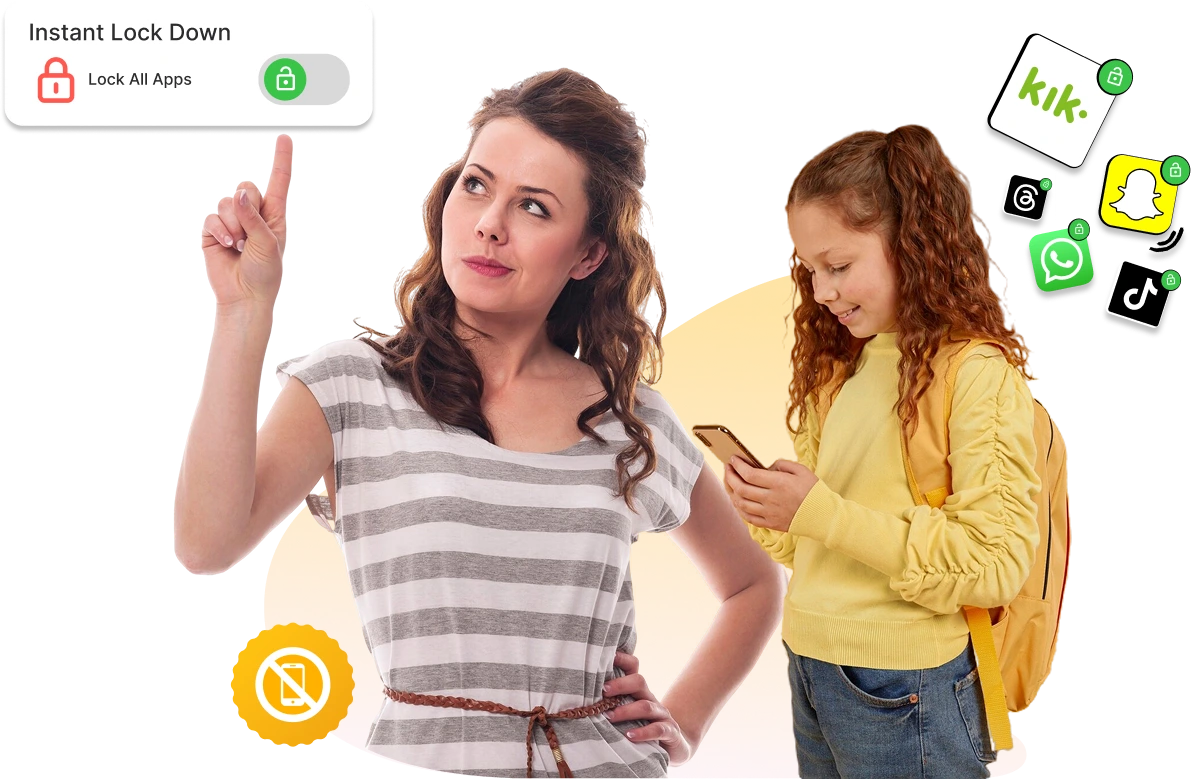
Block access to all apps on your child’s device instantly with a single tap. Perfect for emergency situations, immediate attention, bedtime, or enforcing screen time breaks remotely.
One-Tap Device Lock
Lock your child’s entire device instantly from your phone when immediate action is needed.
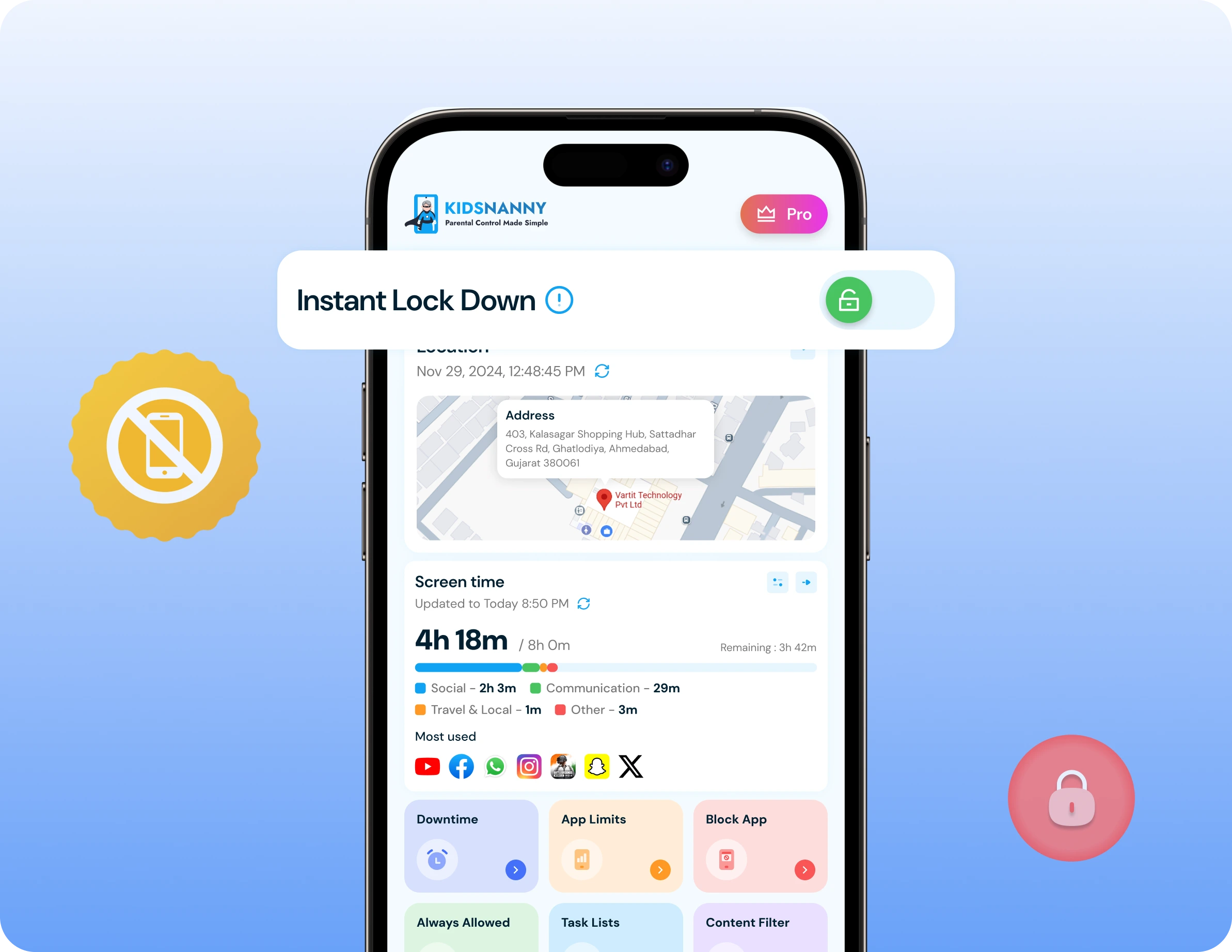
✓ Lock device with one tap from home screen blocking access to all apps instantly—no menus, no settings, just one simple tap for immediate control.
✓ Perfect for emergency situations when you need your child’s attention immediately, during family emergencies, or when quick response is required without delay.
✓ Enforce instant screen time breaks stopping device use immediately for dinner time, homework, bedtime, or when your child needs to focus on important tasks.
✓ Works remotely from anywhere locking your child’s device even when you’re not physically present—control from work, errands, or any location.
✓ Block all apps instantly preventing access to games, social media, messaging, videos, and all applications on the device until you unlock it.
How to Use Instant Lock Down ?
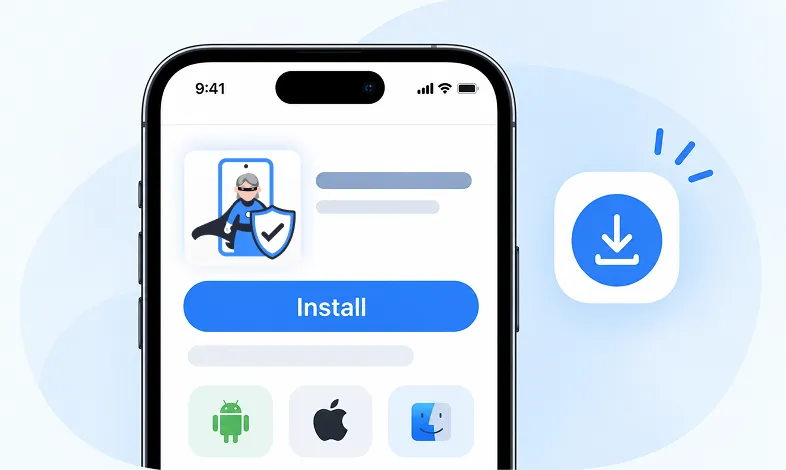
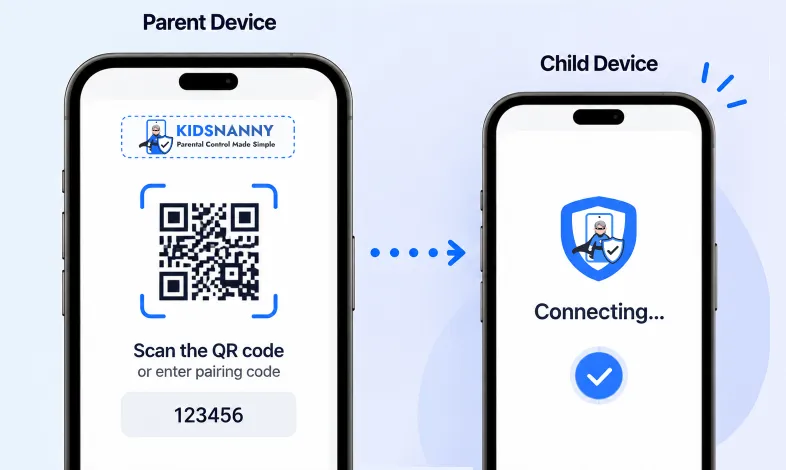
Step 1 Install KidsNanny
Download KidsNanny App from Google Play Store or App Store on the parent’s phone
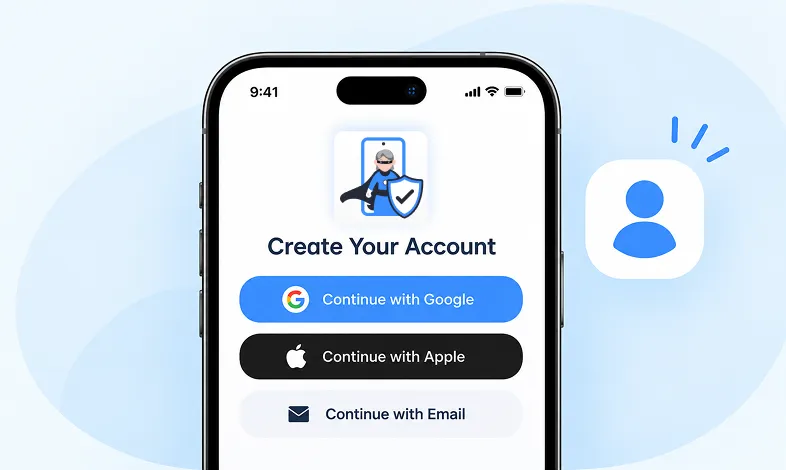
Step 2 Create your Account
Create account for KidsNanny or login with an Google, Apple and Email id.
Step 3 Connect Kid's Device
Install KidsNanny App on your kid’s device. Then, enter the paring code to connect device.
Instant Lock Down Use Cases
- Emergency Attention Needed – Lock the device instantly when you need your child’s immediate attention—medical situations, urgent family matters, or safety concerns that require their focus right away.
- Bedtime Enforcement – One tap locks all apps at bedtime, ensuring your child puts the device down and goes to sleep without arguments, distractions, or sneaking device use after hours.
- Homework & Study Time – Instantly block access to distracting apps during homework or study sessions, helping your child focus on schoolwork without digital interruptions or temptations.
- Family Time & Dinner – Lock devices with one tap when it’s time for family dinner, conversations, or activities together—bringing everyone back to real-world connection without screens.
- Discipline & Consequences – Enforce immediate consequences for misbehavior, rule-breaking, or excessive screen time by locking the device until privileges are restored through good behavior.
Instant Lock Down vs Screen Time Limits
Instant Lock Down (Emergency Control):
- One-tap immediate device lock.
- Works instantly from anywhere.
- Blocks all apps right now.
- Perfect for emergencies and urgent situations.
- Parent decides when to unlock.
- No schedule needed—on-demand control
Screen Time Limits (Scheduled Control):
- Pre-scheduled time restrictions.
- Activates at specific times automatically.
- Gradual enforcement with warnings.
- Perfect for daily routines
- Unlocks automatically at scheduled time.
- Requires advance planning.
More Parental Control Features
Real time Alerts
Receive instant alerts for harmful content detection, location activity, and child safety events.
View AlertsLocation Tracker

Real-time GPS tracking to know where your child is at all times with geofencing alerts.
Enable Location Tracker

Camera Shield
Control camera access and monitor photo activities to ensure your child's privacy and safety.
Enable Camera Shield

Screen Scanner
Capture screenshots of your child's device activity to review what they're viewing.
Enable Screen Scanner

WhatsApp Shield
Monitor WhatsApp messages and protect your child from inappropriate conversations and strangers.
Enable WhatsApp Tracker

YouTube Control
Monitor watch history, block inappropriate channels, and set viewing limits on YouTube.
Try YouTube Control

Content Filter
Block harmful websites and inappropriate content across all apps and browsers.
Enable Content Filter

Screen Time Limit
Set daily usage limits and schedule screen-free times for healthier device habits.
Set Screen Time
App Blocking
Block or restrict access to specific apps and games based on age-appropriateness.
Block Harmful Apps
Instant Lock Down
Remotely lock your child's device instantly when needed for immediate control.
Enable Instant Lock Down

Web History & Blocking
Track browsing history and block dangerous or inappropriate websites in real-time.
View Web History

Insights & Statistics
View detailed analytics and reports on your child's digital behavior and app usage patterns.
View Usage & Monitor

Task & Rewards
Create tasks and chores with reward systems to encourage positive behavior and responsibility.
Create TaskWhat parents say about
KidsNanny
Kim Parker
This app helps me track my kid’s location with geofencing and location tracking. I can monitor web history and block unsafe sites—definitely a must-have for parents!
Rik Matthews
KidsNanny helps monitor screen time, block apps, track web activity, and follow location with geofencing. It's user-friendly, though charts need slight improvement.
Ashley Brown
Our family finds KidsNanny an incredible asset. Its powerful features and intuitive interface make managing screen time easy. The check-in feature gives us peace of mind by tracking our child’s movements.
Michael Johnson
KidsNanny features an intuitive and user-friendly interface, making it easy for parents to navigate and access essential features. With simple setup and configuration, you can start monitoring your child's digital activities in minutes.
David Singh
This app is incredibly helpful in keeping track of my kid's whereabouts, thanks to features like geofencing and location tracking. Additionally, I can easily monitor their web history which has been super beneficial. Definitely a must-have for any parent.!!
Maria Hernández
The screen time management feature helps me set healthy limits for my child's device use. The app's check-in and live location features provide a safe environment. A must-download for every concerned parent.
Emily Smith
I like to have the opportunity to see anything happening on my kid's phone - when the phone was used, sites visited, web searches, videos watched! Really amazing!
Hiroshi Tanaka
The best parental control apps, which allow for a good level of control and flexibility,can help you monitor your children's activity across social media. And still giving your family the freedom to explore the digital world, give the benefits of added safety nets.
Jean Dupont
Excellent app to monitor Kids mobile usage. Have control on screen time usage and their effective usage of device for their development.. Caring parents should definitely try it.
Sarah Thompson
Thank you for this amazing product. It is very crucial for the security and privacy of us as children and also for parents. It has enhanced our child's protection by productive tracking system. The overall experience is great to have.
Kim Parker
This app helps me track my kid’s location with geofencing and location tracking. I can monitor web history and block unsafe sites—definitely a must-have for parents!
Rik Matthews
KidsNanny helps monitor screen time, block apps, track web activity, and follow location with geofencing. It's user-friendly, though charts need slight improvement.
Ashley Brown
Our family finds KidsNanny an incredible asset. Its powerful features and intuitive interface make managing screen time easy. The check-in feature gives us peace of mind by tracking our child’s movements.
Michael Johnson
KidsNanny features an intuitive and user-friendly interface, making it easy for parents to navigate and access essential features. With simple setup and configuration, you can start monitoring your child's digital activities in minutes.
David Singh
This app is incredibly helpful in keeping track of my kid's whereabouts, thanks to features like geofencing and location tracking. Additionally, I can easily monitor their web history which has been super beneficial. Definitely a must-have for any parent.!!
Maria Hernández
The screen time management feature helps me set healthy limits for my child's device use. The app's check-in and live location features provide a safe environment. A must-download for every concerned parent.
Emily Smith
I like to have the opportunity to see anything happening on my kid's phone - when the phone was used, sites visited, web searches, videos watched! Really amazing!
Hiroshi Tanaka
The best parental control apps, which allow for a good level of control and flexibility,can help you monitor your children's activity across social media. And still giving your family the freedom to explore the digital world, give the benefits of added safety nets.
Jean Dupont
Excellent app to monitor Kids mobile usage. Have control on screen time usage and their effective usage of device for their development.. Caring parents should definitely try it.
Sarah Thompson
Thank you for this amazing product. It is very crucial for the security and privacy of us as children and also for parents. It has enhanced our child's protection by productive tracking system. The overall experience is great to have.
Instant Lock Down FAQs
What is Instant Lock Down?
Instant Lock Down swiftly restricts your child from using all apps instantly.
How do I lock my child's device instantly?
Open your KidsNanny app >> Login as Parent >> find the Instant Lock Down button on your Home screen, and tap it once to block all apps immediately.
How to enable Instant Lockdown?
On the parent device home screen, activate the “Instant Lockdown” switch for an immediate app lockdown.
How to disable Instant Lockdown?
On the parent device home screen, deactivate the “Instant Lockdown” switch to lift the immediate app lockdown.
Why is Instant Lockdown not working?
- Ensure the Instant Lockdown switch is enabled.
- Check if the “Display over other apps” setting is enabled.
- Ensure the app is not in the list of always allowed apps.
What happens when the device is locked?
When locked, your child cannot access any apps on their device—games, social media, videos, or other applications are all blocked until you unlock it.
Can my child still make emergency calls?
Yes, emergency calling functionality remains accessible even when the device is locked for safety reasons.
Is there a limit to how many times I can lock/unlock?
No, you can use Instant Lock Down as many times as needed throughout the day without any restrictions.