





Skip to content

Track Your Child's Location in Real-Time

Block Unwanted Apps Instantly & Protect Your Kids

Know where your child is at any moment with live GPS tracking, instant check-ins, geofence alerts, and location history. Stay connected and ensure their safety wherever they go.

Suppoted platfrom

Live Location Tracking

See your child’s current location instantly with accurate real-time GPS tracking.

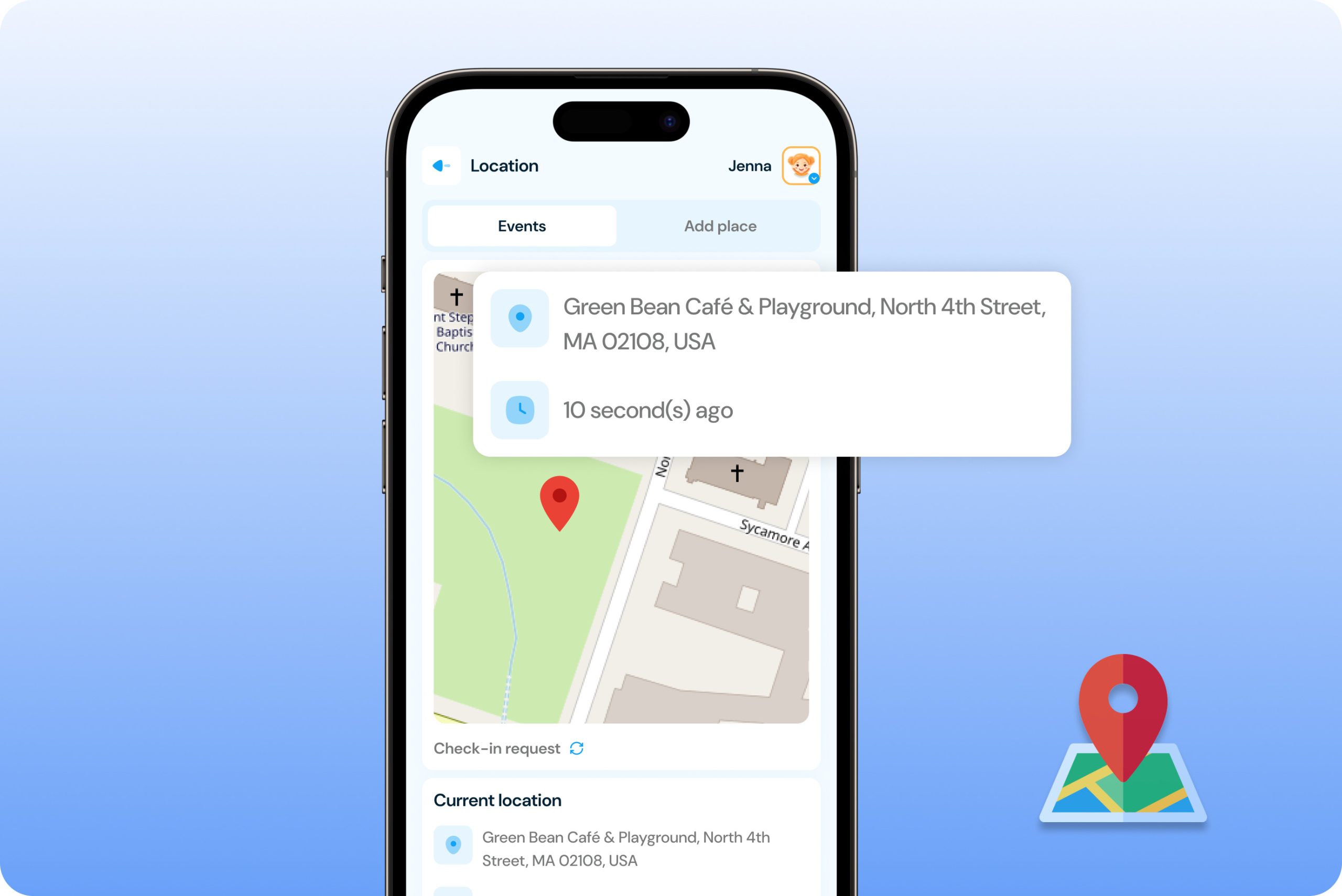
✓ View current location on demand by refreshing from your dashboard to see exactly where your child is right now on an interactive map.

✓ Automatic location updates every 30 minutes ensuring you have continuous visibility without constant manual checking or draining device battery.

✓ Accurate GPS positioning using device location services to pinpoint your child’s whereabouts with precise coordinates and address information.

✓ Quick access from home screen with one-tap location refresh whenever you want to check where your child is during the day.


Live Location
Location History

Location History

Review past locations to understand your child’s routines and verify their whereabouts.

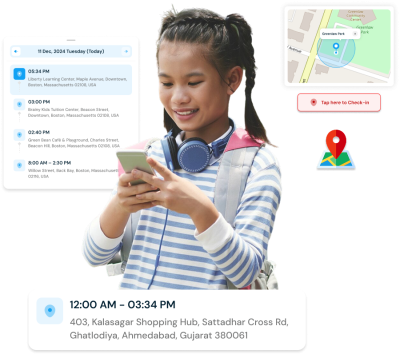
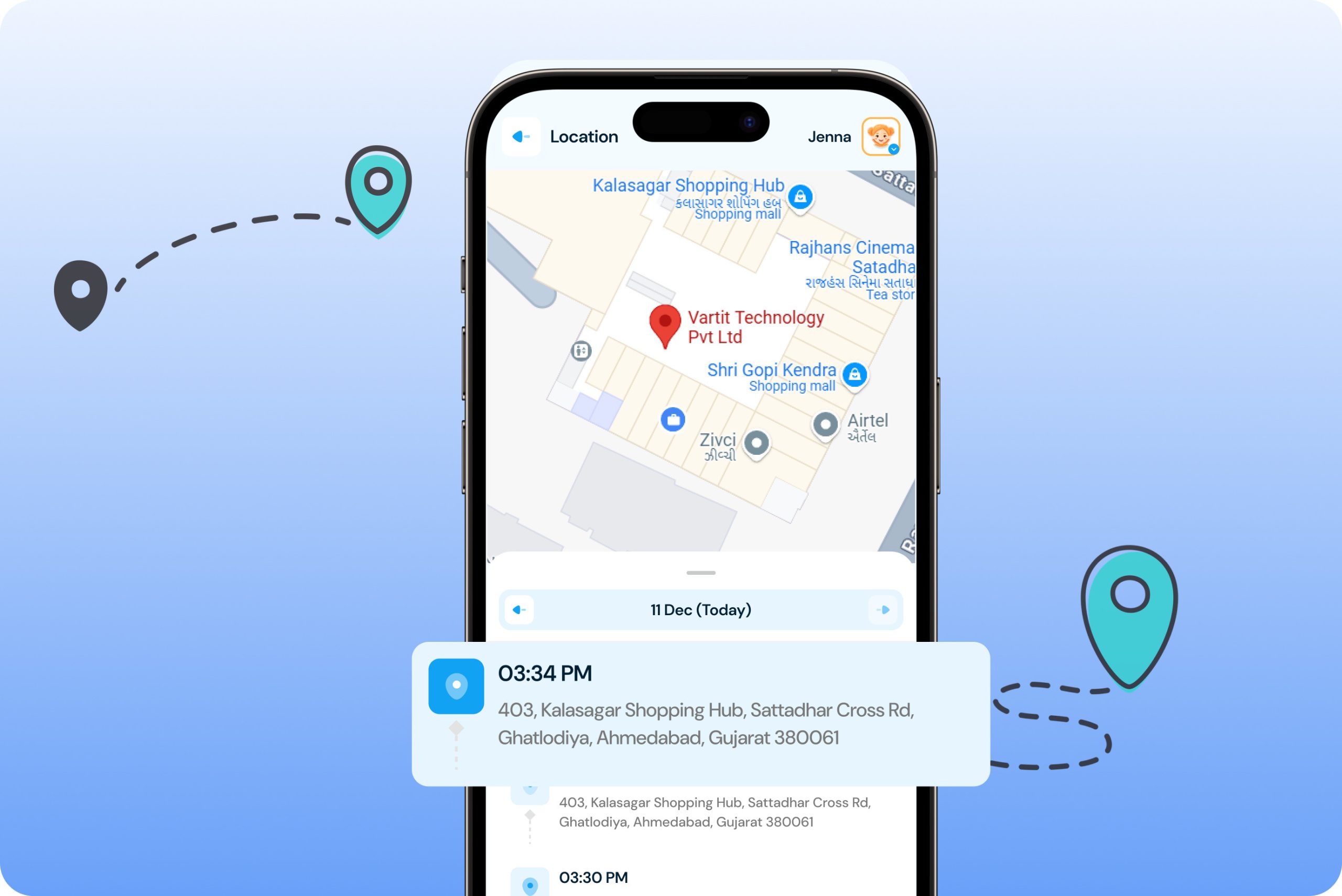
✓ Access previously visited locations viewing a complete timeline of where your child has been throughout the day or week.

✓ Detailed location logs with timestamps showing exact arrival and departure times for each location your child visited.

✓ Verify their stories confirming your child was where they said they were, building accountability and honest communication.

✓ Identify patterns and routines understanding your child’s regular movements to spot any unusual or concerning changes in behavior.

Geo-fence Alerts

Create safe zones and receive automatic alerts when your child arrives or leaves important locations.

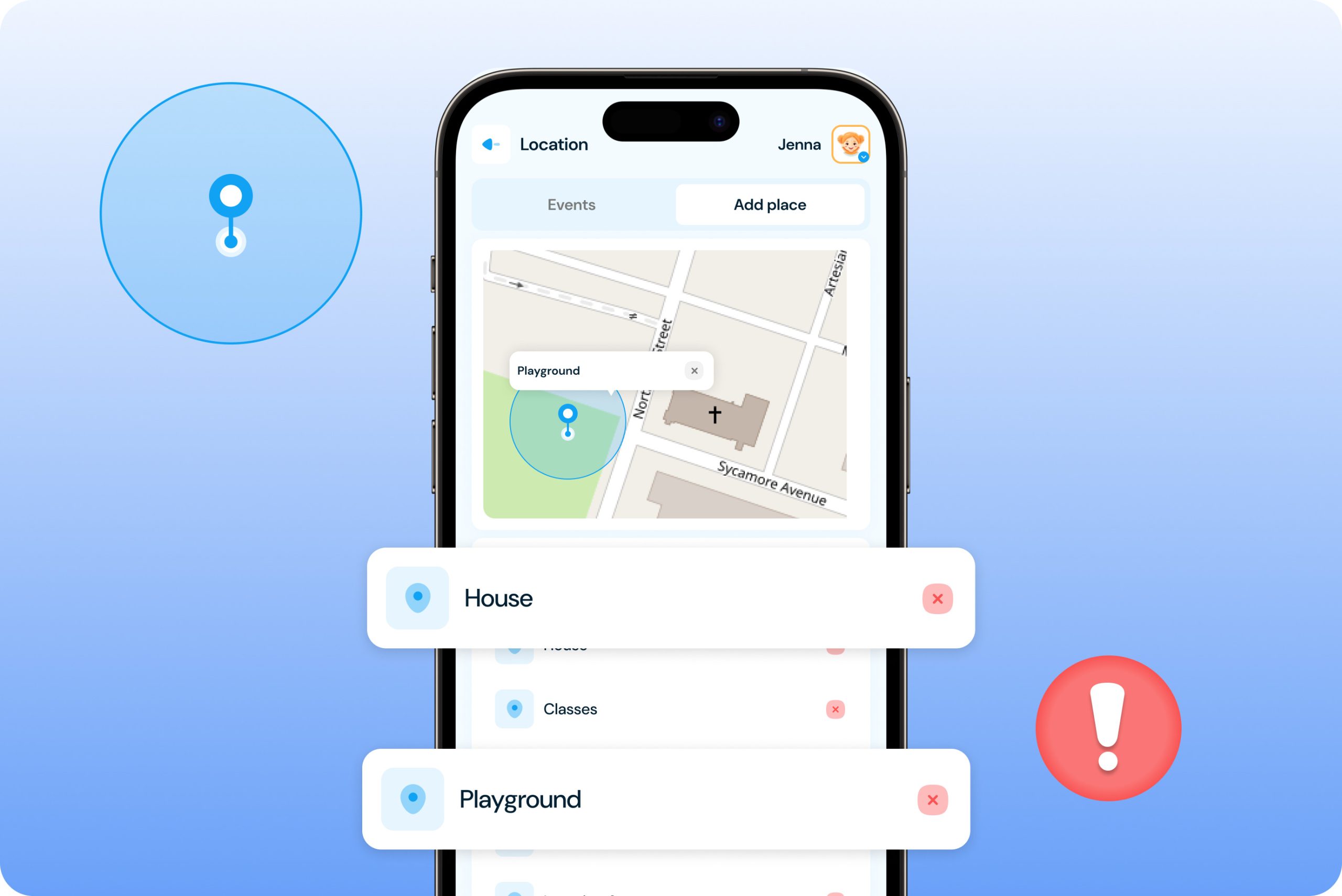
✓ Set virtual boundaries around key locations like home, school, friends’ houses, or activity centers with customizable radius zones.

✓ Automatic entry and exit notifications alerting you immediately when your child enters or leaves designated safe zones without manual checking.

✓ Multiple geofence zones allowing you to create unlimited safe areas and monitor movements between different important locations throughout the day.

✓ Peace of mind automation knowing you’ll be notified if your child goes somewhere unexpected or fails to arrive at their intended destination.

Set Geo Fence
Check in and alerts

Check-In System

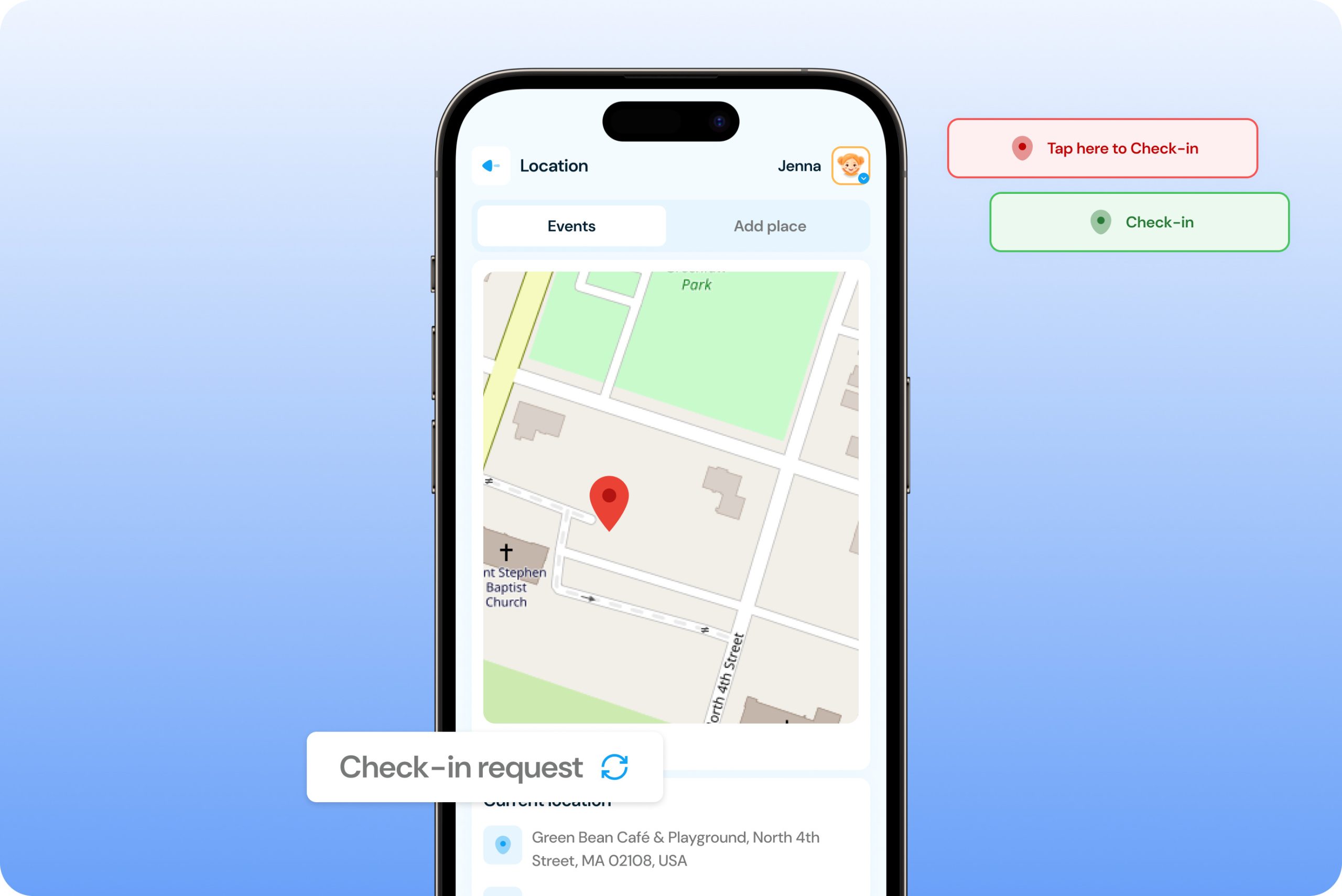
Stay informed with two-way check-in communication between parent and child.

✓ Child-initiated check-ins allowing your child to send their current location instantly by tapping the check-in button when they arrive safely.

✓ Parent check-in requests enabling you to ask your child to share their location immediately when you need to know where they are.

✓ Instant location notifications delivering your child’s coordinates directly to your dashboard the moment they check in or respond to your request.

✓ Build trust through communication encouraging responsibility as children learn to proactively share their whereabouts with parents.

How to Track Kid's Live Location and Activities?

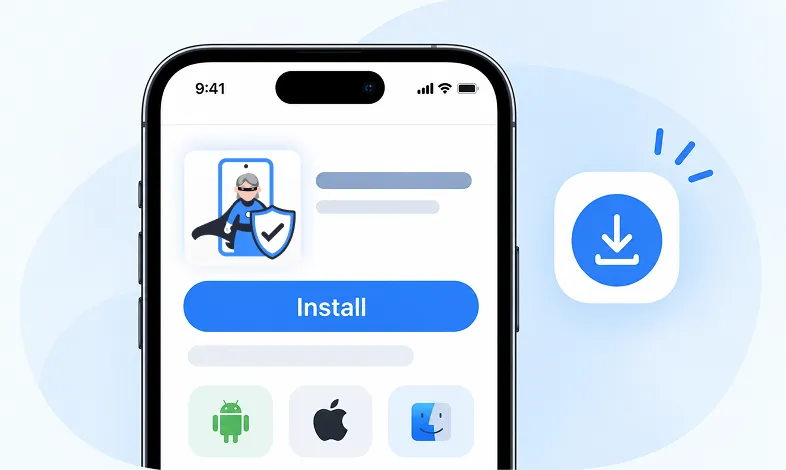
Step 1 Install KidsNanny

Download KidsNanny App from Google Play Store or App Store on the parent’s phone

Step 1 - Install KidsNanny app on your phone

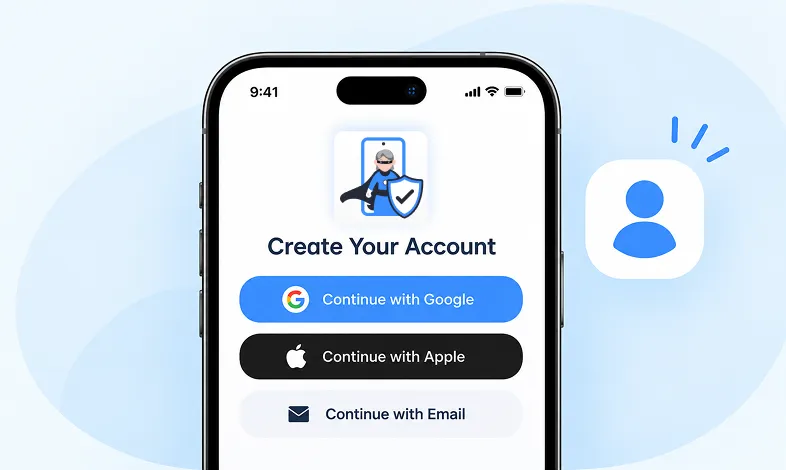
Step 2 Create your Account

Create account for KidsNanny or login with an Google, Apple and Email id.

Step 2 - Sign up and create your KidsNanny account

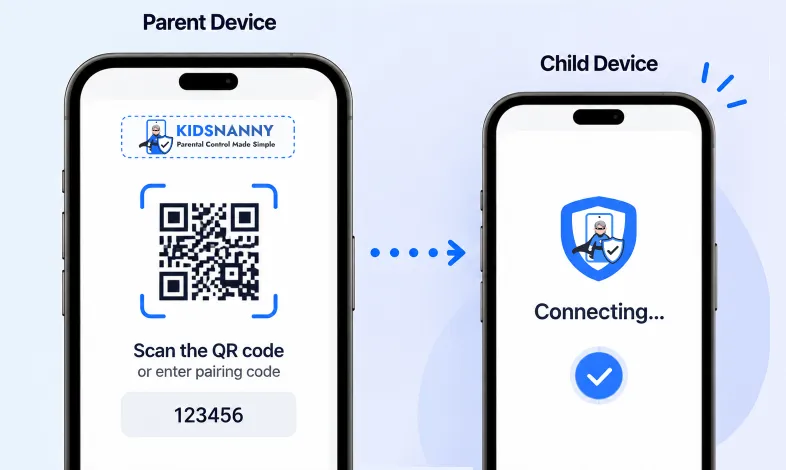
Step 3 Connect Kid's Device

Install KidsNanny App on your kid’s device. Then, enter the paring code to connect device.

Step 3 - Connect parent and child devices

More Parental Control Features

Real time Alerts

Real time Alerts

Receive instant alerts for harmful content detection, location activity, and child safety events.

View Alerts
Location Tracker

Location Tracker

Real-time GPS tracking to know where your child is at all times with geofencing alerts.

Enable Location Tracker

Camera Shield

Camera Shield

Control camera access and monitor photo activities to ensure your child's privacy and safety.

Enable Camera Shield

Screen Scanner

Screen Scanner

Capture screenshots of your child's device activity to review what they're viewing.

Enable Screen Scanner

WhatsApp Shield

WhatsApp Shield

Monitor WhatsApp messages and protect your child from inappropriate conversations and strangers.

Enable WhatsApp Tracker

YouTube Control

YouTube Control

Monitor watch history, block inappropriate channels, and set viewing limits on YouTube.

Try YouTube Control

Content Filter

Content Filter

Block harmful websites and inappropriate content across all apps and browsers.

Enable Content Filter

Screen Time Limit

Screen Time Limit

Set daily usage limits and schedule screen-free times for healthier device habits.

Set Screen Time
App Blocking

App Blocking

Block or restrict access to specific apps and games based on age-appropriateness.

Block Harmful Apps
Instant Lock Down

Instant Lock Down

Remotely lock your child's device instantly when needed for immediate control.

Enable Instant Lock Down

Web History

Web History & Blocking

Track browsing history and block dangerous or inappropriate websites in real-time.

View Web History

Insights & Statistics

Insights & Statistics

View detailed analytics and reports on your child's digital behavior and app usage patterns.

View Usage & Monitor

Task & Rewards

Task & Rewards

Create tasks and chores with reward systems to encourage positive behavior and responsibility.

Create Task

What parents say about KidsNanny

Kim Parker

This app helps me track my kid’s location with geofencing and location tracking. I can monitor web history and block unsafe sites—definitely a must-have for parents!

Rik Matthews

KidsNanny helps monitor screen time, block apps, track web activity, and follow location with geofencing. It's user-friendly, though charts need slight improvement.

Ashley Brown

Our family finds KidsNanny an incredible asset. Its powerful features and intuitive interface make managing screen time easy. The check-in feature gives us peace of mind by tracking our child’s movements.

Michael Johnson

KidsNanny features an intuitive and user-friendly interface, making it easy for parents to navigate and access essential features. With simple setup and configuration, you can start monitoring your child's digital activities in minutes.

David Singh

This app is incredibly helpful in keeping track of my kid's whereabouts, thanks to features like geofencing and location tracking. Additionally, I can easily monitor their web history which has been super beneficial. Definitely a must-have for any parent.!!

Maria Hernández

The screen time management feature helps me set healthy limits for my child's device use. The app's check-in and live location features provide a safe environment. A must-download for every concerned parent.

Emily Smith

I like to have the opportunity to see anything happening on my kid's phone - when the phone was used, sites visited, web searches, videos watched! Really amazing!

Hiroshi Tanaka

The best parental control apps, which allow for a good level of control and flexibility,can help you monitor your children's activity across social media. And still giving your family the freedom to explore the digital world, give the benefits of added safety nets.

Jean Dupont

Excellent app to monitor Kids mobile usage. Have control on screen time usage and their effective usage of device for their development.. Caring parents should definitely try it.

Sarah Thompson

Thank you for this amazing product. It is very crucial for the security and privacy of us as children and also for parents. It has enhanced our child's protection by productive tracking system. The overall experience is great to have.

Kim Parker

This app helps me track my kid’s location with geofencing and location tracking. I can monitor web history and block unsafe sites—definitely a must-have for parents!

Rik Matthews

KidsNanny helps monitor screen time, block apps, track web activity, and follow location with geofencing. It's user-friendly, though charts need slight improvement.

Ashley Brown

Our family finds KidsNanny an incredible asset. Its powerful features and intuitive interface make managing screen time easy. The check-in feature gives us peace of mind by tracking our child’s movements.

Michael Johnson

KidsNanny features an intuitive and user-friendly interface, making it easy for parents to navigate and access essential features. With simple setup and configuration, you can start monitoring your child's digital activities in minutes.

David Singh

This app is incredibly helpful in keeping track of my kid's whereabouts, thanks to features like geofencing and location tracking. Additionally, I can easily monitor their web history which has been super beneficial. Definitely a must-have for any parent.!!

Maria Hernández

The screen time management feature helps me set healthy limits for my child's device use. The app's check-in and live location features provide a safe environment. A must-download for every concerned parent.

Emily Smith

I like to have the opportunity to see anything happening on my kid's phone - when the phone was used, sites visited, web searches, videos watched! Really amazing!

Hiroshi Tanaka

The best parental control apps, which allow for a good level of control and flexibility,can help you monitor your children's activity across social media. And still giving your family the freedom to explore the digital world, give the benefits of added safety nets.

Jean Dupont

Excellent app to monitor Kids mobile usage. Have control on screen time usage and their effective usage of device for their development.. Caring parents should definitely try it.

Sarah Thompson

Thank you for this amazing product. It is very crucial for the security and privacy of us as children and also for parents. It has enhanced our child's protection by productive tracking system. The overall experience is great to have.

Location Tracker FAQs

Live location uses GPS technology to provide accurate positioning within 10-30 meters, depending on device settings and environmental factors like buildings or weather.

The location automatically refreshes every 30 minutes to balance accuracy with battery life. You can manually refresh anytime for instant updates.

A check-in is when your child voluntarily shares their current location by tapping a button, or when they respond to your check-in request notification.

Open the Location section in your parent dashboard, tap “Add Geofence,” select the location on the map, set the radius, and name the zone.

Location services are protected by parental controls. Your child cannot disable tracking without your permission and authentication.

Verify location permissions are enabled, the device has GPS signal, and the app isn’t restricted by battery optimization settings on the child’s device.

Yes, access the Location Details section to view a complete timeline of previously visited locations with timestamps and addresses.

You can create unlimited geofence zones for all the important locations in your child’s routine—school, home, activities, and friends’ houses.

If you’ve set geofence zones for safe areas, you’ll receive alerts when they leave. Consider discussing unexpected locations with your child.